What Comes in the Box
The FlexiShield Screen Protector for Galaxy S23+ includes everything you need for a clean installation: a wet cleaning cloth, a dust removal sticker, a microfiber cloth, and an installation tool with a slip-free mat. These supplies are designed to remove dust and fingerprints before the protector touches the screen, reducing the chance of bubbles or misalignment.
Step-by-Step Installation
Follow these steps using the included tools to apply the FlexiShield Screen Protector on your Galaxy S23+.
- Clean the screen: Use the wet cleaning cloth to wipe the Galaxy S23+ screen thoroughly, then dry it with the microfiber cloth. This removes oils and smudges.
- Remove remaining dust: Press the dust removal sticker onto the screen and peel it off to lift any tiny particles that could cause bubbles.
- Align the protector: Peel the backing from the FlexiShield film. Use the installation tool with the slip-free mat to hold the protector steady while you align it with the screen's edges and cutouts.
- Press and smooth: Gently press from the center outward to push any air toward the edges. The slip-free mat helps keep the protector flat during this step.
Tips for a Bubble-Free Result
Work in a well-lit, dust-free area. The dust removal sticker is your best tool for catching particles before they become trapped. If a small bubble appears after pressing, lift the nearest edge slightly and re-smooth. The included microfiber cloth can be used for final gentle pressure.
Product Specifications
-
FlexiShield Screen Protector - Galaxy S23+: The FlexiShield Screen Protector for Galaxy S23+ is designed for high-clarity protection against scratches. High clarity means the protector should not distort screen colors or touch sensitivity, which is important for daily use and gaming.
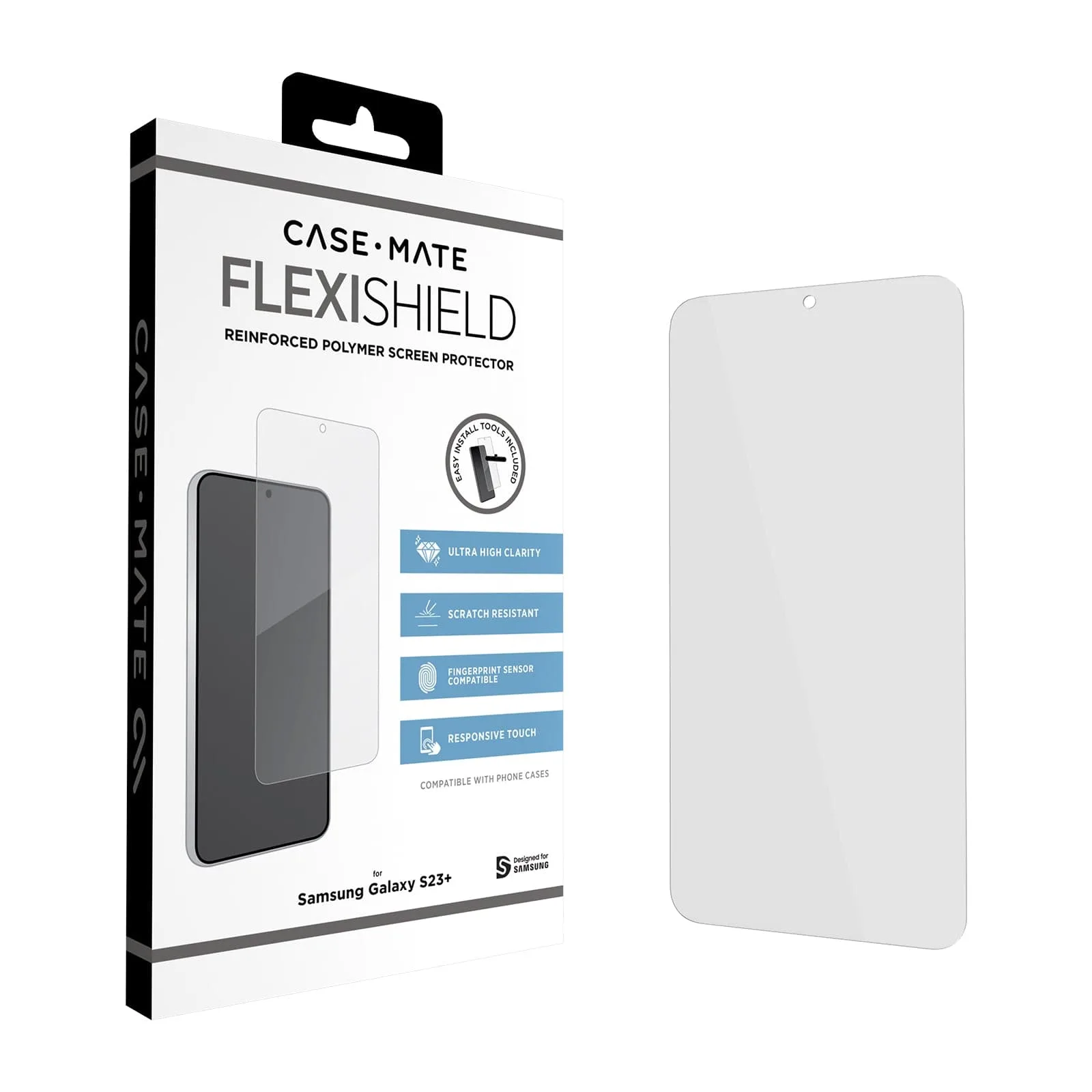
FlexiShield Screen Protector - Galaxy S23+
-
FlexiShield Screen Protector - Galaxy S23+: The kit includes a wet cleaning cloth, dust removal sticker, microfiber cloth, and an installation tool with a slip-free mat. These tools are specifically chosen to help you achieve a bubble-free install without needing extra supplies.
What the Instructions Don't Cover
The supplied information does not specify a recommended drying time after using the wet cloth, nor does it give guidance on removing and reapplying the protector if you misalign it. For best results, work carefully during the first placement. If you need to reposition, lift the film gently and reapply the dust sticker to the screen before trying again.