Quick Answer
Install the SimXPro XRS Frontwing by first preparing your rig, then aligning the wing to your pedal plate, and finally securing all bolts with even torque. Check alignment before tightening fully to avoid misalignment.
Why the Frontwing Matters
The SimXPro XRS Frontwing is designed for sim racing cockpit builds, helping you create a clean, practical, and reliable racing simulator setup. It provides a stable mounting point for your pedal plate and adds structural rigidity to the front of your rig.
A properly installed frontwing improves pedal stability and reduces flex, which can enhance braking consistency. It also gives your rig a more finished, professional look.
Check Compatibility Before You Start
Before beginning installation, confirm that your rig's profile and pedal plate are compatible with the XRS Frontwing. The wing is designed for cockpit and rig builds, but not all pedal plates have the same bolt pattern.
Measure the distance between the mounting holes on your pedal plate and compare it to the slots on the frontwing. If the holes do not align, you may need adapter brackets or a different mounting solution.
Installation Steps
- Prepare Your Rig and Tools: Clear the front area of your rig and gather a metric Allen key set, a torque wrench, and the bolts that came with your pedal plate or frontwing. Loosen any existing pedal plate bolts but do not remove them yet. Check that you have the correct size Allen key before starting; using the wrong size can strip bolt heads.
- Align the Frontwing to the Pedal Plate: Position the SimXPro XRS Frontwing so its mounting slots line up with the pedal plate holes. Keep the wing level and centered relative to the rig's frame. Insert the bolts finger-tight to hold it in place. Use a spirit level to confirm the wing is horizontal; a tilted wing can cause uneven pedal wear.
- Tighten All Bolts Evenly: Working in a crisscross pattern, tighten each bolt gradually with a torque wrench to the recommended setting for your rig's profile (typically 20-25 Nm, but check your rig's manual). Avoid over-tightening, which can strip threads or deform the profile. After tightening, re-check the alignment and torque after a few hours of use, as vibrations can loosen bolts.
- Test Pedal Stability and Adjust: Mount your pedals onto the plate and press the brake firmly. If you notice any flex or movement, loosen the frontwing bolts slightly, readjust the position, and retighten. Ensure the pedal plate does not shift under heavy braking. If flex persists, consider adding a support bracket or additional bracing to the frontwing area.
Product Facts
-
SimXPro XRS Frontwing: Made for sim racing cockpit builds, this product helps you create a clean, practical and reliable racing simulator setup. This means the frontwing is engineered to integrate smoothly with typical sim rig profiles, reducing the guesswork during installation.
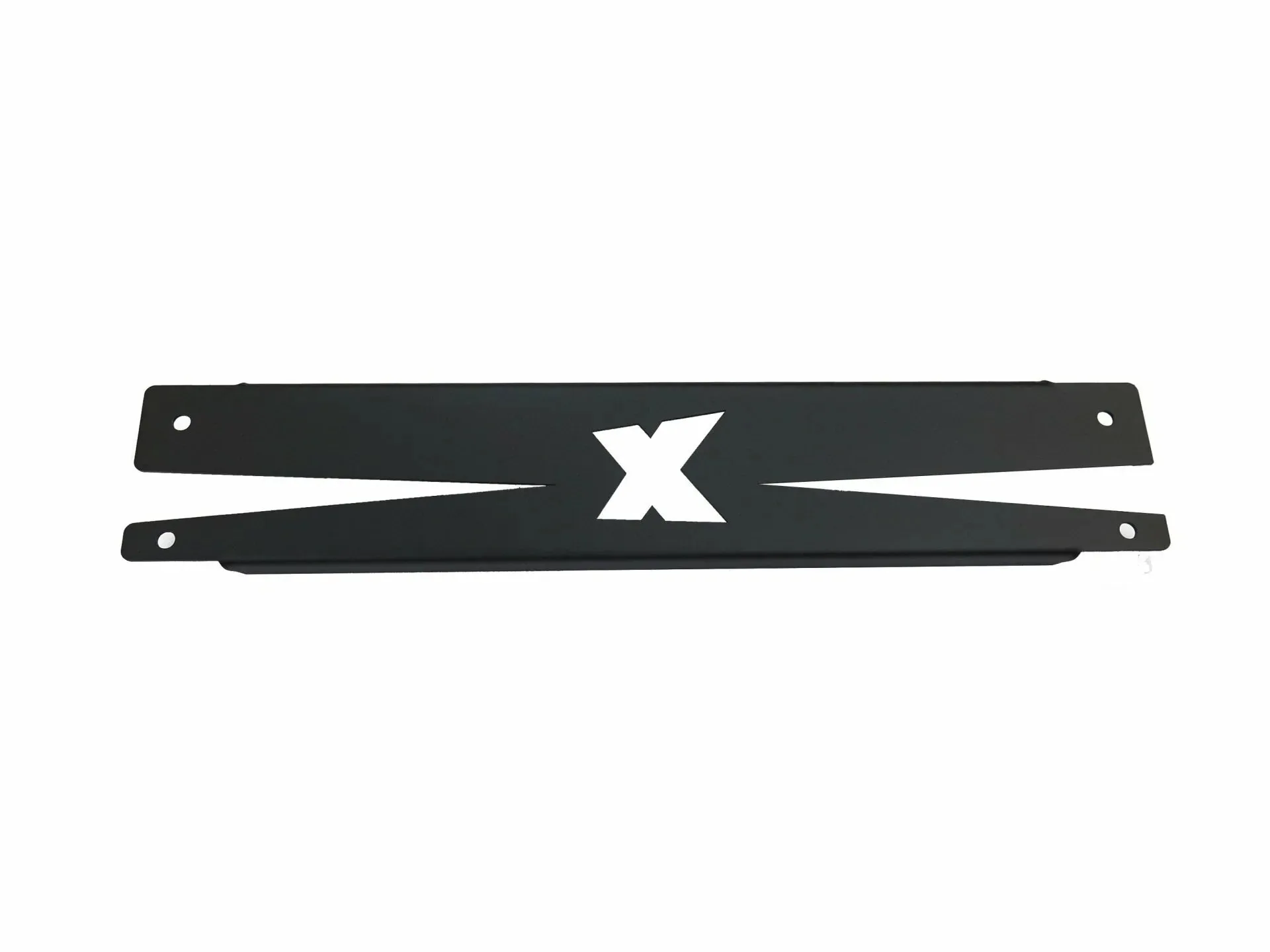
SimXPro XRS Frontwing