Quick answer
To install ULTRA RCA Interconnect cables, first ensure your components are off, then connect the cable from source to preamp or integrated amp, and finally to the amplifier. Avoid sharp bends and secure connections without over-tightening.
Understanding ULTRA RCA Interconnect Design
ULTRA RCA Interconnects feature advanced shielding and precision connectors to preserve signal integrity. Their robust construction demands careful handling to avoid damaging the dielectric or connectors during installation.
Common Installation Mistakes to Avoid
A frequent error is forcing a connector onto an RCA jack at an angle, which can bend the center pin or crack the outer shell. Another is routing cables too close to power cords, introducing hum or noise.
Step-by-step installation guide
- Power off all components: Turn off your source, preamplifier, and amplifier. This prevents any chance of a loud pop or damage if a connector briefly shorts against the chassis. Double-check that no component is in standby mode.
- Inspect the ULTRA RCA connectors: Examine the RCA plugs for debris or bent pins. Gently wipe the outer barrel with a dry lint-free cloth. Never use alcohol on the center pin. A bent pin can damage the jack; replace the cable if you see damage.
- Connect source to preamp or integrated amp: Align the RCA plug with the jack, push straight in, and rotate slightly to seat the locking mechanism (if present). Do not force. Listen for a positive click. If the connector feels loose, the jack may be worn; try another input.
- Route cables with gentle curves: Avoid sharp bends within 6 inches of the connector. Use cable ties loosely to keep the cable off the floor and away from power cords. Leave slack at each end. Tight bends can degrade the dielectric and alter the cable's electrical properties.
- Connect from preamp to amplifier: Repeat the same straight-in insertion for the amplifier end. Verify that left and right channels are not swapped. Power on components source-first, then preamp, then amp. Powering on in the wrong order can cause a loud transient through your speakers.
- Test and listen: Play a familiar track at low volume. Check for hum, buzz, or channel imbalance. If the sound is clean, gradually increase volume. Allow 20–40 hours of playback for the cable to reach its full sonic character. If you hear noise, re-check cable routing and connector seating before swapping components.
Product facts
-
ULTRA RCA Interconnect: ULTRA RCA Interconnects work well with other LIFELIKE Transparent System Companions to provide fuller tonality, limitless dynamics, and 3-dimensional space. Proper installation ensures you actually hear these benefits; a loose or damaged connection can mask the cable's full potential.
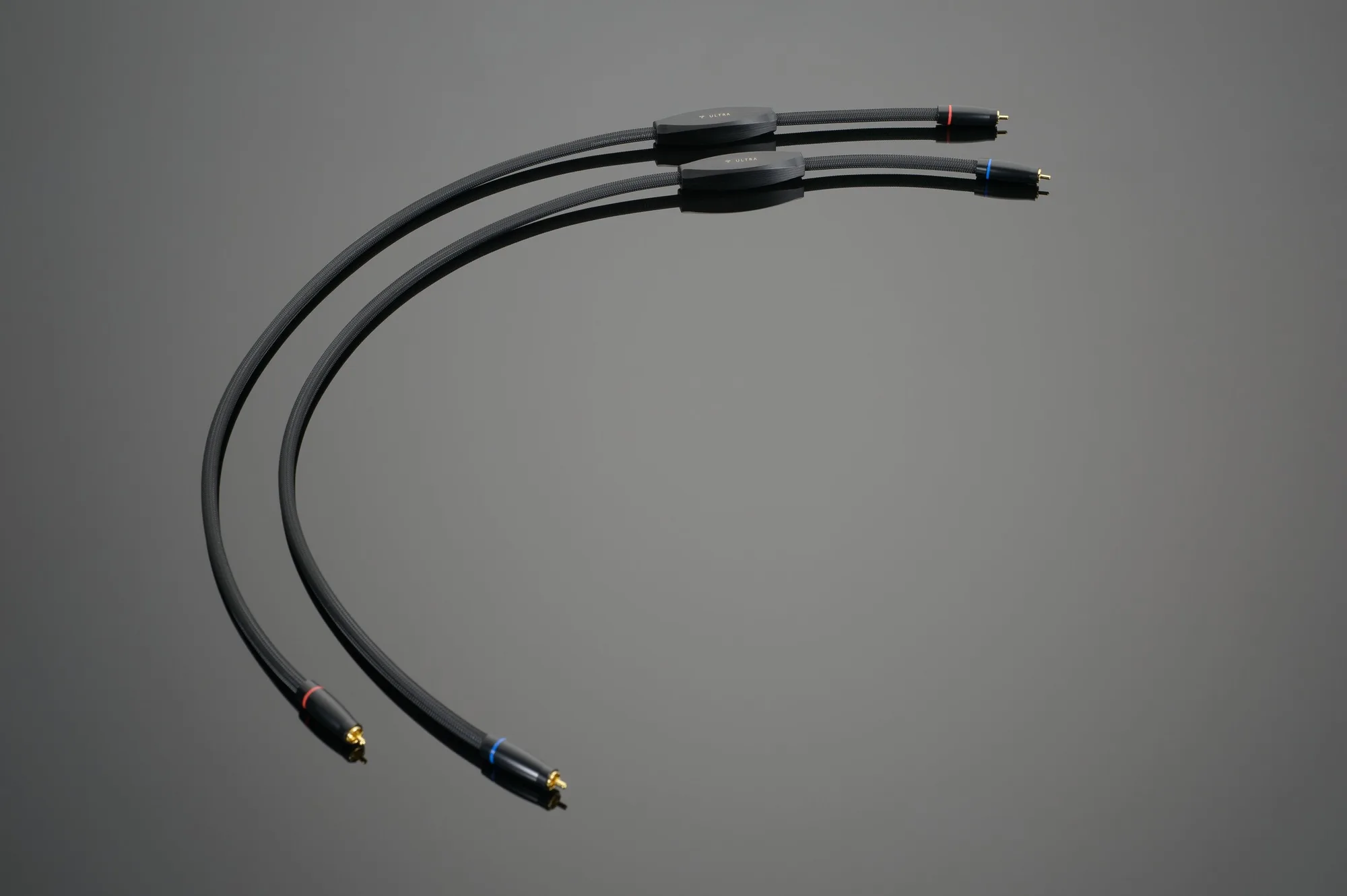
ULTRA RCA Interconnect