Quick Answer
You can install a universal phone holder on your ebike in about five minutes using the included clamp and a hex key. The key is to position it within thumb reach, then tighten the clamp evenly so the mount stays put on rough roads.
Why a handlebar phone mount beats a pocket or frame bag
Riding with your phone in your pocket means you have to stop to check maps or messages, which breaks your rhythm and can be unsafe in traffic. A handlebar mount keeps your screen visible without taking your hands off the grips, so you can glance at directions or track your ride at a glance.
A universal phone holder uses a hard plastic clamp and four grip points, so it works with most phone sizes and handlebar diameters. The tradeoff is that the clamp needs to be snug but not over-tightened—too much force can crack the clamp or damage your phone frame.
Step-by-step installation guide
- Gather tools and locate the mounting spot: You'll need the phone holder, a hex key (usually 3mm or 4mm), and your phone. Slide the clamp over the handlebar where you want the mount—ideally between the stem and the grip, within easy thumb reach. Avoid placing it over a cable or brake line. Check that the clamp doesn't pinch any cables before tightening.
- Tighten the clamp evenly: Use the hex key to tighten the clamp bolts in a star pattern (alternating sides) until the mount is snug. Avoid over-tightening—the clamp should not flex or deform. If the mount wiggles, tighten a little more, but if you feel resistance, stop. The mount should not rotate when you push on it, but the clamp should still look straight.
- Place your phone in the holder: Open the four grip arms and slide your phone in. Make sure each corner is caught by a grip. Adjust the angle so the screen faces you and is easy to read without tilting your head down. Test that all four grips hold the phone; if one is loose, reposition the phone before riding.
- Adjust the viewing angle and test: Loosen the ball joint slightly, tilt the holder to your preferred angle (usually slightly upward), then re-tighten. Take a short test ride on a flat road to confirm the phone stays put and the mount doesn't interfere with your hands or controls. If the phone vibrates excessively, tighten the ball joint a bit more.
What you need to know about the Jasion Universal Phone Holder
-
Universal Phone Holder: The Jasion Universal Phone Holder features a premium hard plastic clamp and four points of grip to secure your device. Four-point grip spreads pressure evenly, so your phone stays stable even on bumpy trails, and the hard plastic clamp fits standard handlebars without scratching them.
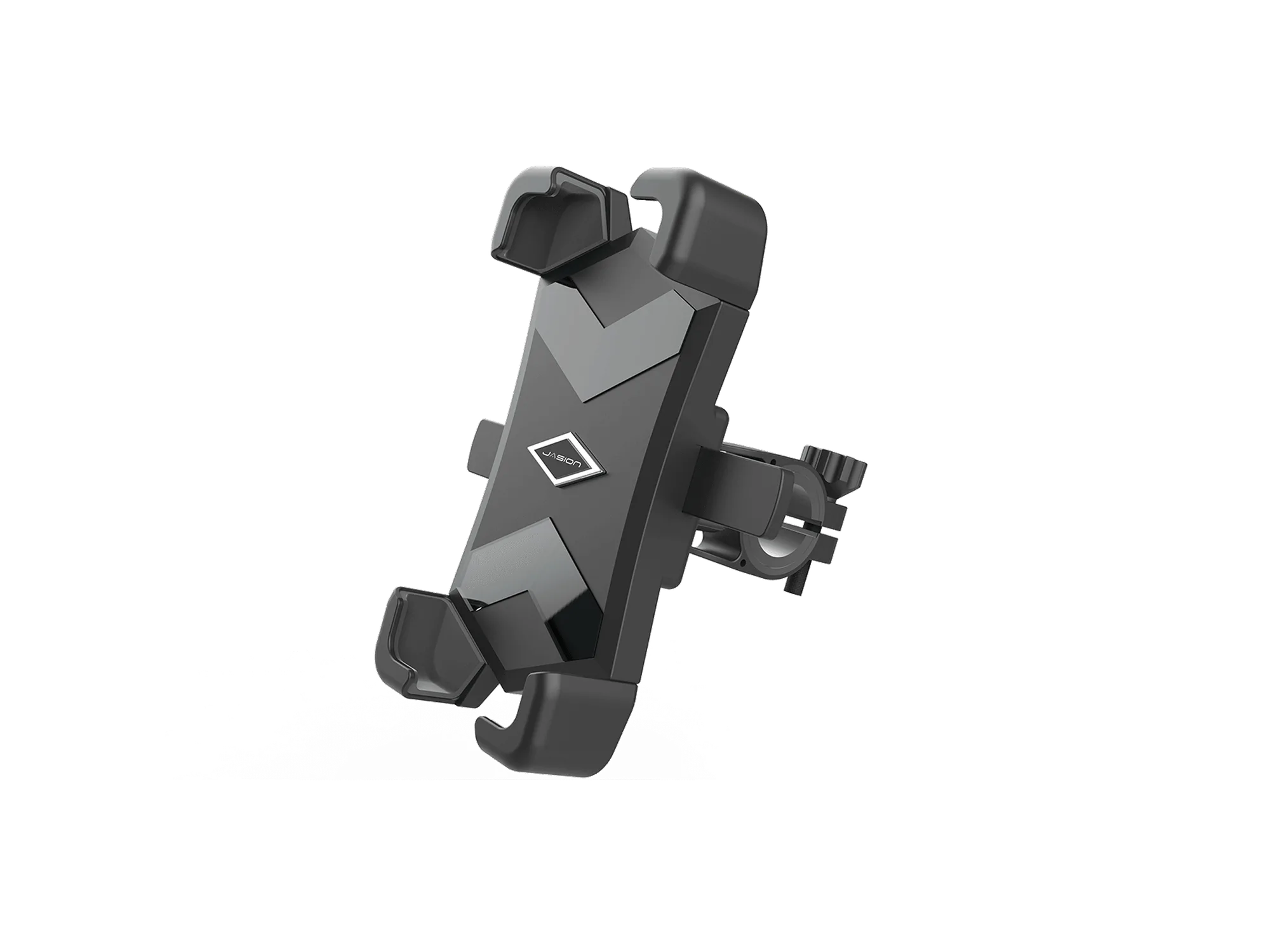
Universal Phone Holder
Once your phone holder is installed, take a moment to verify that the mount doesn't block your view of the road or access to your brakes. If you plan to ride in wet weather, check that your phone's touchscreen still responds through the grips—some riders prefer a waterproof case for heavy rain.