Quick answer
Installing wheel spacers on a Tesla is a four-wheel-off job you can do at home with a floor jack, jack stands, a torque wrench, and a wire brush. Buy hub-centric spacers sized for your exact Model 3 or Model Y, clean the hub face until it is bare metal, and tighten lug nuts in a star pattern to the torque figure in your owner's manual. Re-check torque after roughly 25 to 50 miles, because loose spacers show up as a steering wheel shimmy, not a warning light.
Wheel spacers are one of the few Tesla mods that change the car's stance and its track width at the same time. Done correctly, they push the wheels out to sit flush with the fenders, which most owners find looks better and feels slightly more planted. Done carelessly, they introduce a vibration you will feel through the steering wheel at highway speed.
The difference between those two outcomes is almost never the spacer itself. It is whether the hub face was clean, whether the spacer was hub-centric for your car, and whether the lug nuts were torqued properly and then re-checked. This guide walks through the whole job in order, with the checkpoints that matter.
Before you start: what to confirm
Confirm three things first: your Tesla's model and year, the spacer thickness you want, and whether the spacer is hub-centric. A hub-centric spacer has a machined lip that centers the wheel on the hub, which is what keeps the assembly true at speed. A generic lug-centric spacer relies on the studs alone to center the wheel and is far more likely to vibrate.
Thickness drives everything else. A thin spacer may still let the factory studs pass through the wheel with enough thread for the lug nuts. A thicker one usually requires longer studs or a bolt-on adapter that carries its own studs. If you are unsure which your car needs, check with the seller before ordering rather than guessing after the wheels are off.
- Measure your current fender-to-tire gap before ordering so you know how much poke you actually want.
- Some owners pair spacers with aftermarket wheels such as the EVANNEX 19" Turbine Wheels, which are flow-formed for light weight; check clearance with your chosen spacer thickness before committing.
Tools and parts to gather
You need a floor jack, two jack stands, a lug nut socket, a breaker bar, a torque wrench that covers your car's spec, a wire brush or abrasive pad, brake cleaner, and a small amount of anti-seize for the hub lip, not the studs. A lug nut socket sized for Tesla's factory nuts saves rounding the corners, which is easy to do with a generic 12-point socket.
If you are also refreshing worn hardware while the wheels are off, this is the moment. Rotors and brake parts are far easier to reach with the wheel removed, and a set of Brembo Rear Brake Rotors for Tesla Model 3 2017-2021 is an OE-style replacement that keeps the factory braking feel.
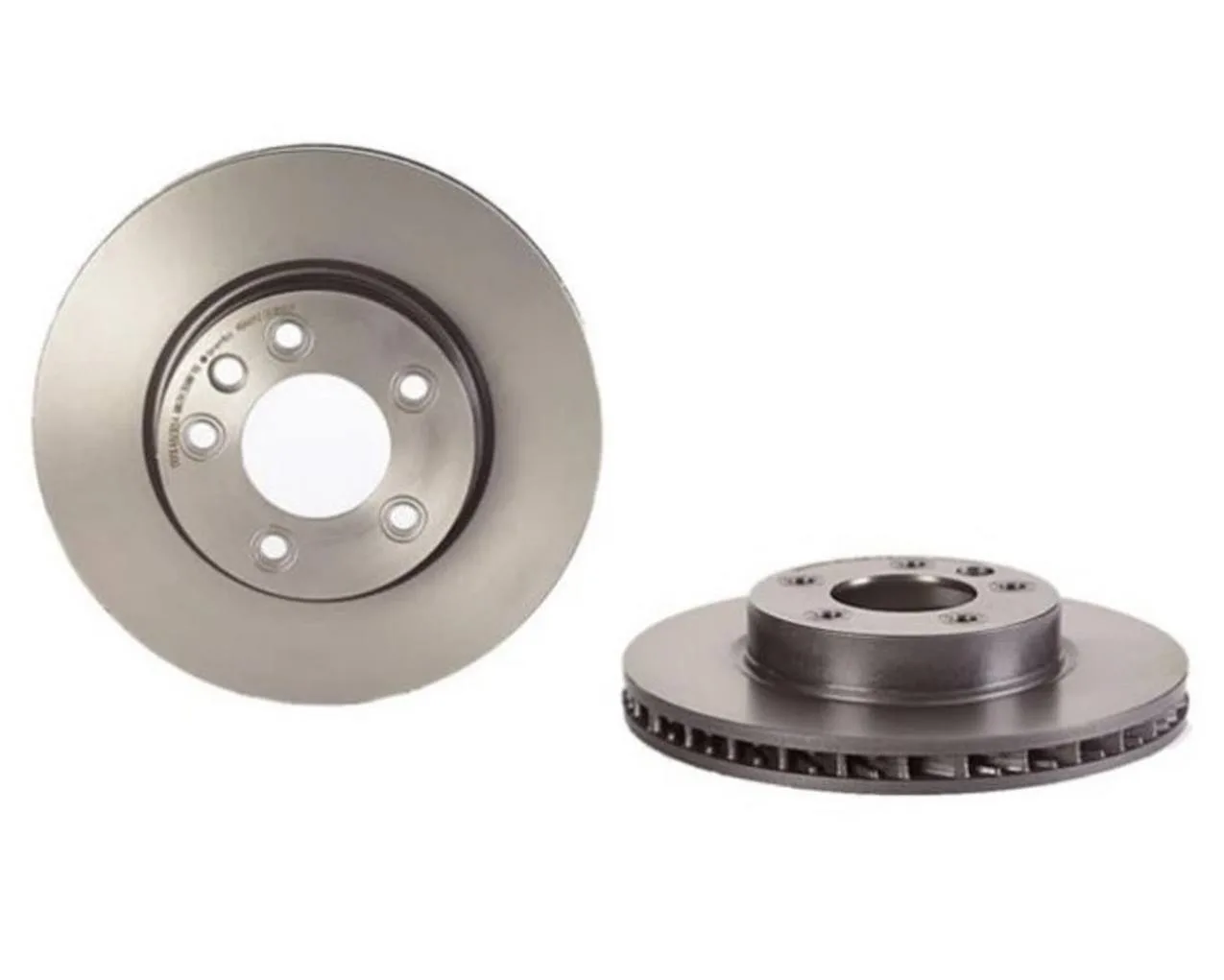
Brembo Rear Brake Rotors for Tesla Model 3 2017-2021
- Work on a flat, hard surface. Asphalt in summer heat can let a jack stand sink.
- Never work under a car supported only by a jack.
Step 1: Loosen lug nuts on the ground
With the car still on the ground and the parking brake set, break each lug nut loose about a quarter turn. Tesla lug nuts are tightened firmly, and trying to crack them loose with the wheel in the air will simply spin the wheel or, worse, tip the car off a stand.
Common mistake: loosening only the nuts you can reach easily and leaving the rest for later. Break all of them loose now, while the tire is still planted and you can lean into the breaker bar safely.
- Checkpoint: every lug nut should move a quarter turn without the wheel turning.
Step 2: Lift and support the car
Jack at the manufacturer's lift points, raise the car, and set jack stands under the proper reinforced locations. Lower the jack slowly until the car rests fully on the stands, then give the body a firm nudge to confirm it is stable before you put a hand anywhere near the wheel well.
Common mistake: lifting one corner and installing one spacer at a time. Doing one axle at a time keeps the car level and makes it easier to compare left and right side fitment once both wheels are back on.
- Checkpoint: the car does not rock when pushed.
Step 3: Remove the wheel and clean the hub
Take the lug nuts off, pull the wheel straight toward you, and set it face-up so you do not scratch the finish. Now look at the hub face. You will usually see a ring of rust, brake dust, and old thread locker residue where the wheel mated.
Scrub that surface with a wire brush or abrasive pad until it is bare, dry metal, then wipe it with brake cleaner. This step takes two minutes and is the single biggest factor in whether your install ends up vibration-free. Any grit trapped between the hub and the spacer becomes runout at speed.
Common mistake: skipping the hub clean because the surface 'looks fine.' It rarely is.
- Checkpoint: a clean rag wiped across the hub face comes away without rust-colored residue.
Step 4: Fit the spacer and check centering
Slide the spacer onto the hub. On a hub-centric spacer, it should seat with light hand pressure and no wobble. If it rocks or hangs up, stop and find out why before forcing it. A thin film of anti-seize on the hub lip, not on the studs, makes removal easier next time.
If your spacer uses extended studs, confirm the studs seat fully in the hub and that the wheel has adequate thread engagement with the lug nuts. As a working rule, you want roughly the same number of full turns of thread engagement as the factory setup gave you. If you cannot get that, the spacer is too thick for your current studs.
Common mistake: assuming a spacer that fits the bolt pattern also centers correctly. Bolt pattern and center bore are two different measurements.
- Checkpoint: the spacer sits flush with no gap you can catch a fingernail in.
Step 5: Mount the wheel and torque in a star pattern
Lift the wheel onto the hub, aligning the lug holes with the studs, and start all lug nuts by hand. Snug them in a star, or crisscross, pattern rather than going around in a circle. This pulls the wheel down evenly instead of cocking it against one side of the hub.
Lower the car until the tire just touches the ground, then torque to your Tesla's specification with the wheels bearing weight. Torque specs vary by model and wheel, so use the figure in your owner's manual rather than a number from a forum post. Do the final torque pass in the same star pattern.
Common mistake: hitting each nut once with an impact gun and calling it done. Impact guns are for removal, not for final torque.
- Checkpoint: the torque wrench clicks at the same setting on every nut, in sequence.
Step 6: Re-check torque after the first drive
Drive gently for roughly 25 to 50 miles, then re-torque every lug nut to spec. New hardware, fresh threads, and paint or coating on new studs all settle slightly under heat cycling. This re-check is the step most owners skip, and it is the one that catches a spacer that was never fully seated.
While you are at it, look at the tire-to-fender gap on both sides. If one side sits noticeably further out, something is off with the install, not the spacer. If you feel a shimmy through the steering wheel at highway speed, stop driving and re-check hub cleanliness, centering, and torque in that order.
- Checkpoint: no vibration through the steering wheel at highway speed, and even gaps left to right.
The install at a glance
- 1. Loosen lug nuts on the ground: Break every lug nut loose a quarter turn with the car parked, brake set, and tires still planted. Checkpoint: all nuts move before the car goes in the air.
- 2. Lift and support on jack stands: Use the proper lift points and lower the car onto stands on a flat, hard surface. Checkpoint: the car does not rock when pushed.
- 3. Remove the wheel and clean the hub: Brush the hub face to bare metal and wipe it with brake cleaner before anything goes back on. Checkpoint: no rust residue on a clean rag.
- 4. Fit the hub-centric spacer: The spacer should seat by hand with no wobble and sit flush against the hub. Checkpoint: confirm thread engagement if you are reusing factory studs.
- 5. Mount the wheel and torque in a star pattern: Hand-start the lug nuts, snug them in a crisscross sequence, then torque to your owner's manual spec with the car on the ground. Checkpoint: the wrench clicks at the same setting on every nut.
- 6. Re-torque after 25 to 50 miles: Drive gently, then re-check every lug nut and compare left-to-right fender gaps. Checkpoint: no steering wheel shimmy at highway speed.
Parts worth knowing about for this job
- EVANNEX 19" Turbine Wheels - Satin Black For Tesla Model 3/Y Owners (Set of 4): Manufactured using rotary forging, these 19-inch wheels are designed as a lightweight upgrade for the Tesla Model 3 and Model Y. If you are changing wheels and spacers together, confirm clearance and offset with the new wheel first, since a wider or differently offset wheel changes how much spacer you actually need.
- Brembo Rear Brake Rotors for Tesla Model 3 2017-2021: OE-style rear rotors sold as a pair, intended to restore factory-fresh braking performance, and recommended for replacement when rotors are worn or rusty. With the wheels already off for a spacer install, worn rear rotors are far easier to swap at the same time than to revisit later.
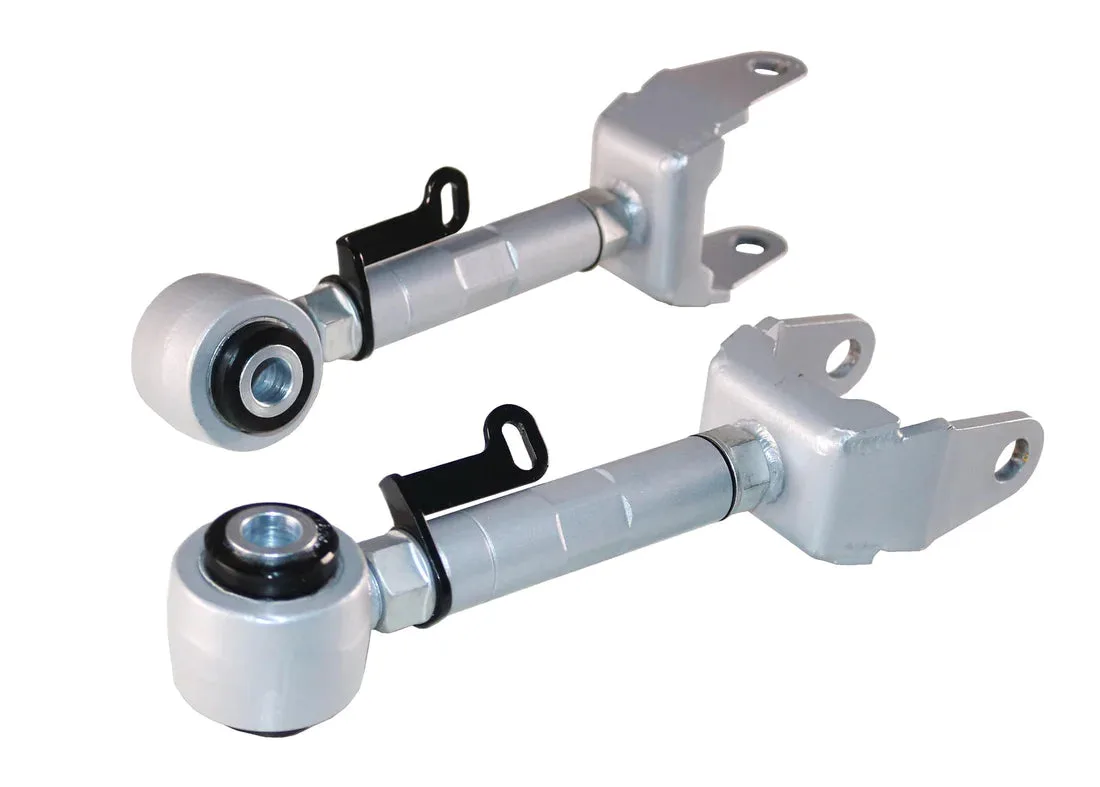
- Whiteline Rear Upper Camber Arm for Tesla Model 3 and Y: A heavy-duty rear upper control arm that provides on-car camber adjustment, which the catalog notes can improve traction, cornering grip, and tire life. It fits Tesla Model 3 2017-2023 and Model Y 2020-2023. Changing track width with spacers is a good moment to have your alignment checked, and adjustable camber arms give an alignment shop the range to set rear camber properly.
Spacers are a simple bolt-on, but they reward patience more than speed. Clean the hub, center the spacer, torque in a star pattern to your manual's figure, and re-check after the first drive. Do those four things and the install is genuinely a driveway job; skip them and you will spend a weekend chasing a vibration you created yourself.