Quick Answer
Mount the XP2PF panel in a dry, accessible spot, connect the positive and negative wires to your battery, and test each output before securing the panel.
Why Choose the XP2PF Panel?
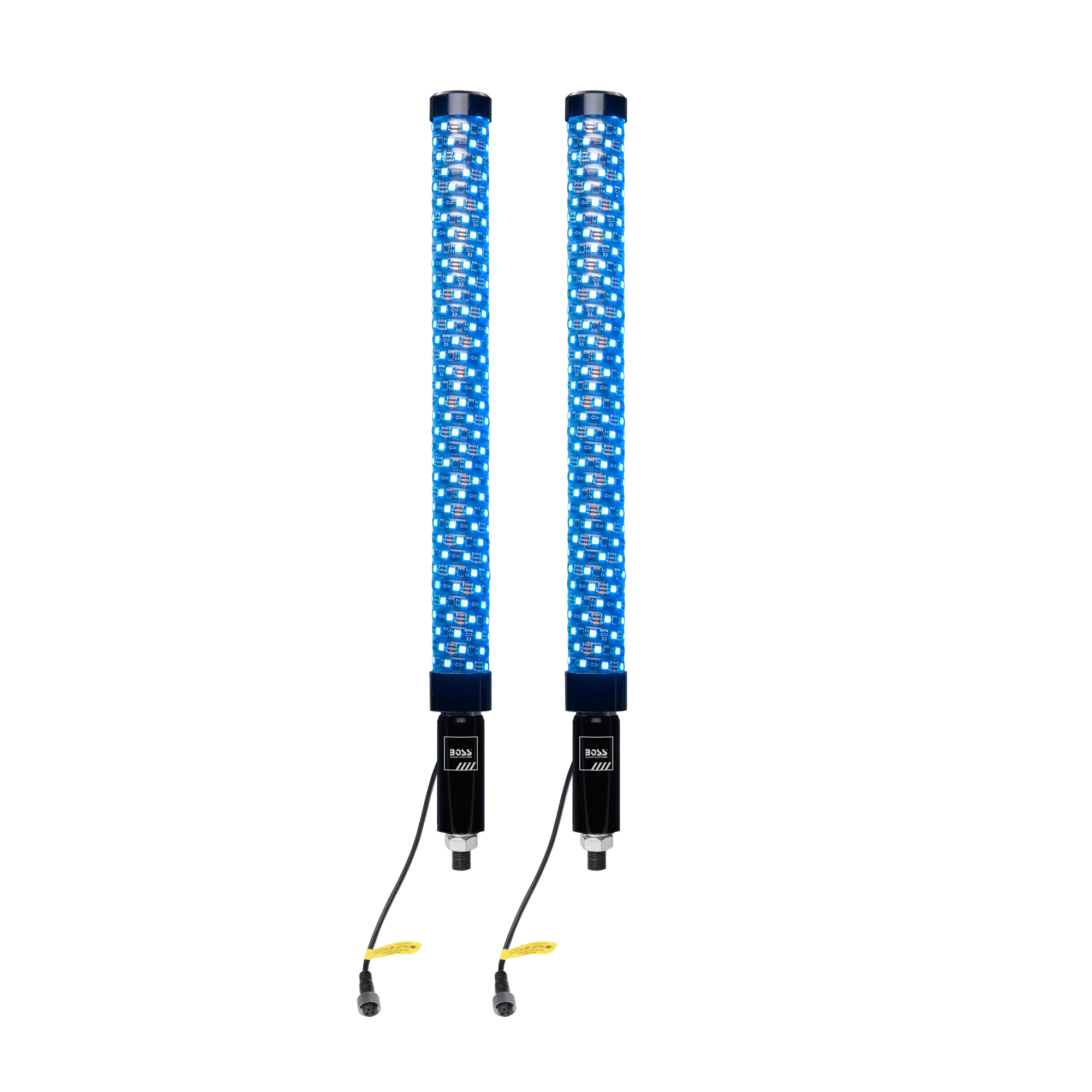
The BOSS Audio XP2PF is a 24-inch RGB whip-style power distribution panel designed for marine use. It features 570 superbright RGB LEDs and an IP67 weatherproof rating, making it ideal for boats exposed to spray, rain, and vibration. The aircraft-grade billet aluminum mount allows quick disconnect, and the panel can be controlled via Bluetooth app or remote.
What You’ll Need
Gather a drill, screwdriver, wire strippers, marine-grade wire (10–14 AWG), ring terminals, heat shrink tubing, a multimeter, and zip ties. The XP2PF panel is sold with mounting bolts and a wiring harness. Optional: a Bluetooth-enabled phone for app control.
Installation Steps
- Choose a Mounting Location: Select a flat, dry surface near your battery or fuse block. The panel must be accessible for wiring and remote use. Use the included mount as a template to mark bolt holes. Drill pilot holes if needed. Do not mount the panel where it will be submerged or exposed to direct spray from a high-pressure hose.
- Connect the Power Wires: Strip ¼ inch of insulation from the red (positive) and black (negative) wires. Attach ring terminals and connect to the corresponding battery terminals or a distribution block. Use the supplied bolts to secure the wires. Tighten firmly. Double-check polarity before tightening. Reversed polarity can damage the panel's electronics.
- Mount the Panel: Align the mount with your drilled holes and secure it with the provided bolts. Slide the panel onto the mount until it clicks into place. The quick-disconnect feature allows easy removal for maintenance. Ensure the mount is level and the panel is fully seated. A loose mount can cause vibration and LED flicker.
- Connect Accessories: Each output wire is labeled. Connect your lights, pumps, or other 12V accessories using the included connectors. Use heat shrink tubing on each connection to prevent corrosion. Leave a small service loop in each wire so you can disconnect the panel without straining the connections.
- Test the System: Turn on the battery switch. Use the Bluetooth app or remote to cycle through the RGB modes and verify each output. Check for voltage at each accessory connection with a multimeter. If an output doesn't light, check the wire connection and fuse. The panel has internal overload protection, but a loose wire can mimic a fault.
- Secure and Route Wires: Bundle excess wire with zip ties and route them away from moving parts and sharp edges. Tuck the wires neatly behind the panel or along a cable tray. Do not run wires near antenna cables or high-current alternator leads to avoid electrical noise.
Product Facts
-
XP2PF: IP67 Weatherproof rated to protect from sand, dust, dirt, rain, oxidation, and -4°F to 212°F This means the panel can be installed in exposed locations without fear of water damage, but you should still avoid submerging the connections.
XP2PF