Quick answer
To make a memorial collage poster print at CameraMall, select a collage layout, gather your photos, upload them, and choose a size like 24x36 for a lasting tribute.
Why a collage print works for memorials
A memorial collage print brings many photos into one cohesive piece, making it easier to display and share memories. Instead of juggling multiple frames, you get a single poster that tells a story.
The 24x36 size is a popular choice because it offers enough space for a meaningful collection of images without overwhelming a wall. It's large enough to see details from across a room, yet still fits standard poster frames.
Choosing between collage designs
CameraMall offers different collage layouts, such as the Memorial Collage-1 and Memorial-4 designs. Each layout arranges photos differently, so pick one that suits the number and orientation of your images.
If you have a mix of portrait and landscape photos, a flexible collage layout will accommodate them better. If you're unsure, consider how many photos you want to include—some layouts are better for larger sets.
Steps to create your memorial collage poster
- Choose your photos: Select the photos you want to include. Aim for a mix of close-ups and wider shots to add variety. Avoid extremely low-resolution images, as they may appear blurry when enlarged. Check that each photo is at least 1 MB or 1500 pixels on the longest side for best quality.
- Pick a collage design: Decide between the Memorial Collage-1 and Memorial-4 designs. Consider how many photos you have and how you want them arranged. If you're unsure, start with a layout that matches the number of photos you've selected. If you have more photos than the layout allows, you may need to narrow down your selection or choose a different design.
- Upload your photos: Upload your chosen photos to CameraMall's order page. Make sure they are in a common format like JPEG or PNG. Review the thumbnails to confirm each photo appears correctly before proceeding. Double-check that no photo is upside down or duplicated.
- Select the size and finish: Choose the 24x36 size for a large poster. If you plan to frame it, confirm that the print dimensions match a standard frame size. Consider a matte finish to reduce glare, especially if the poster will be in a bright room. Measure your wall space to ensure the 24x36 poster fits where you intend to hang it.
- Review and order: Before placing your order, review the entire collage on screen. Check for any cropping issues or missing photos. Once satisfied, proceed to checkout and provide the correct shipping address. Save a copy of your order confirmation for reference.
Product facts
-
24x36 (Memorial Collage-1) Collage Print: The 24x36 (Memorial Collage-1) Collage Print is a lab-printed poster in a 24x36 size, designed to bring multiple photos together in a single piece. This layout works well when you have a larger collection of photos and want a balanced, grid-like arrangement for your memorial.

24x36 (Memorial Collage-1) Collage Print
-
24x36 (Memorial-4) Collage Print: The 24x36 (Memorial-4) Collage Print is a lab-printed poster in a 24x36 format, available in a Standard option. If you prefer a different visual flow for your photos, this design offers another way to arrange your memories on the same large format.
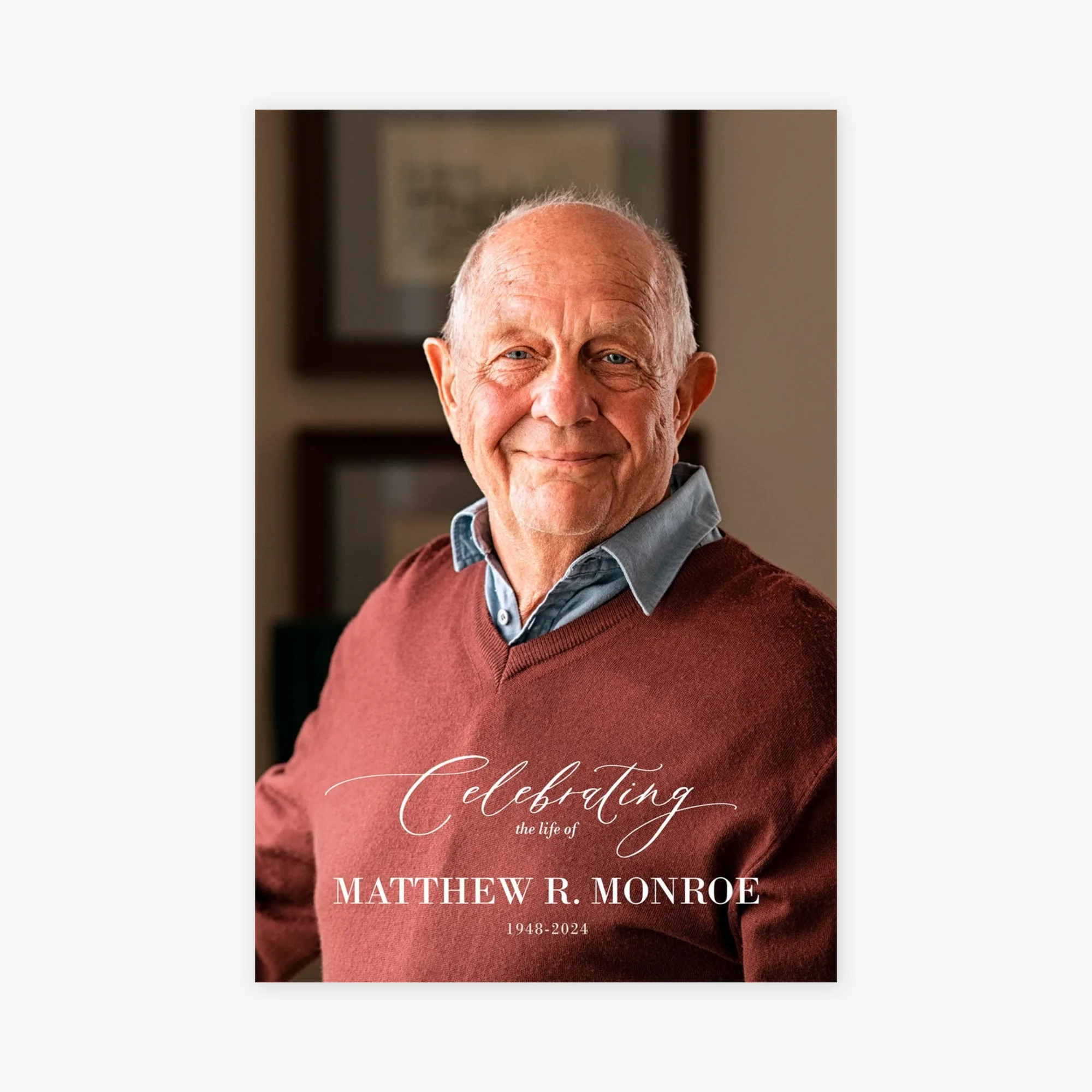
24x36 (Memorial-4) Collage Print