Quick Answer
To match a charging cable with your device, first check the port on your device, then choose a cable with the matching connector—like Lightning for iPhones, Micro USB for older Android and many accessories, or USB-C for newer devices.
Why Matching the Connector Matters
Using the wrong cable can mean no charge at all, or in some cases, damage to the port. Each device is designed for a specific connector type, and forcing a mismatch can bend pins or cause short circuits.
Even if a cable looks similar, the internal wiring and certification can differ. A cheap, uncertified cable might charge slowly or stop working after a few weeks, so it's worth choosing a cable that meets the device's specifications.
Trade-offs Between Cable Length and Durability
Longer cables offer more reach, but they can be bulkier and may have a higher voltage drop, which can affect charging speed. A 1.5m cable is a good balance for most home and office setups.
Durability also matters. Look for cables with reinforced connectors and quality insulation, especially if you often bend or pull the cable. A well-built cable can last longer and maintain a stable connection.
Steps to Match a Charging Cable to Your Device
- Identify your device's charging port: Look at the port where you plug in the cable. Common types are Lightning (iPhones), Micro USB (older Android, many accessories), and USB-C (newer phones, tablets, laptops). If you're unsure, check the device manual or manufacturer's website. Check the port shape and count the pins to confirm the type.
- Match the connector to the port: Choose a cable with the exact connector type. For example, a Lightning cable only fits Lightning ports, and a Micro USB cable only fits Micro USB ports. Do not force a cable into a port; it should slide in easily. If it doesn't fit, it's the wrong cable—stop and find the correct type.
- Consider the cable length and quality: Pick a length that suits your usage, like 1.5m for general use. Ensure the cable is well-built and, if possible, from a reputable brand to ensure safe and reliable charging. Check for certifications if you're buying third-party cables. A longer cable may be more convenient, but a shorter one can be more durable and efficient.
- Test the cable with your device: Plug the cable into your device and a power source. If it charges and syncs without issues, you've matched it correctly. If not, double-check the connector type and try another cable. If charging is slow or intermittent, the cable may be faulty or not fully compatible.
Product Facts
-
Juice Micro USB Charging Cable 1.5m: The Juice Micro USB Charge and Sync Cable is 1.5m long and supports charging, syncing, and data transfer. This cable is a reliable choice for devices that use Micro USB, such as older Android phones, cameras, and game controllers, offering both charging and data transfer in one cable.
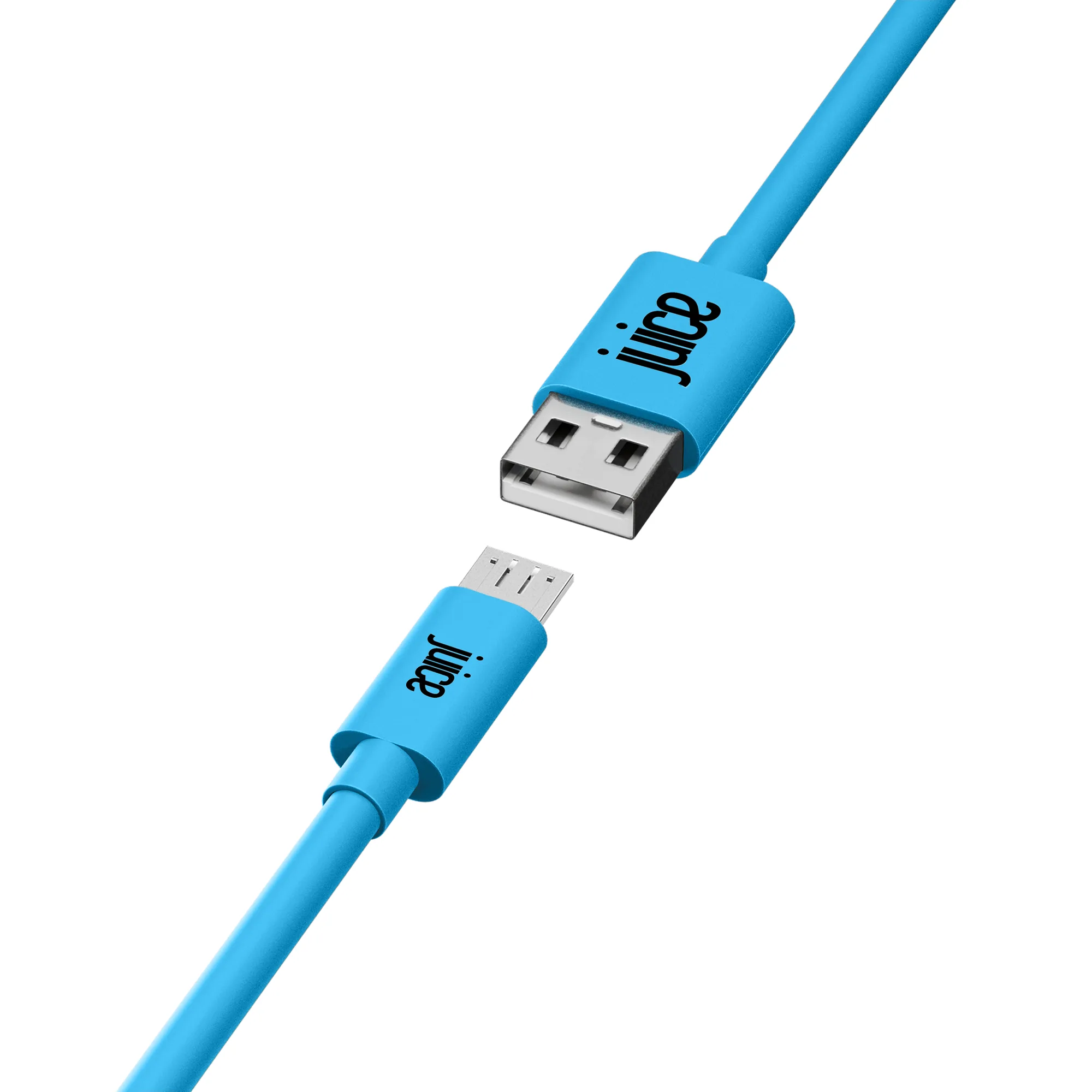
Juice Micro USB Charging Cable 1.5m