Quick Answer
To mount a 43" 4K monitor on a freestanding triple stand, first verify the monitor's VESA pattern and weight, then attach the VESA brackets to the monitor, slide the monitor onto the stand's mounting plate, and tighten all hardware securely before adjusting angle and height.
Why a Freestanding Triple Stand Works for Large Monitors
A freestanding triple monitor stand, like the Trak Racer Large Freestanding Triple Monitor Stand, supports displays up to 45 inches, making it a solid choice for a 43" 4K monitor. Unlike cockpit-mounted stands, a freestanding design isolates monitor weight from your rig, reducing vibration and allowing independent positioning for sim racing or flight sim setups.
Key Considerations Before You Start
Check that your 43" 4K monitor uses a standard VESA pattern (typically 200x200 or 100x100) and that the stand's mounting plate is compatible. Also verify the monitor's weight does not exceed the stand's per-display limit; the Trak Racer stand is built for heavy displays, but always confirm specifications. If your monitor is especially thick or has a curved back, you may need longer mounting screws.
Step-by-Step Mounting Process
- 1. Verify Monitor Compatibility: Check the monitor's VESA pattern (e.g., 200x200mm) and weight against the stand's specifications. The Trak Racer freestanding triple stand supports up to 45" displays and heavy monitors, but confirm your model's weight is within limits. Common mistake: assuming all monitors use the same VESA pattern; measure before buying brackets.
- 2. Attach VESA Brackets to Monitor: Lay the monitor face-down on a soft, clean surface. Align the VESA brackets (included with the stand) with the mounting holes on the back of the monitor. Use the provided screws and tighten them evenly—do not overtighten. Checkpoint: ensure the bracket is centered; an offset bracket will cause the monitor to tilt sideways.
- 3. Mount Monitor onto Stand Arm: With the stand already assembled and stable, lift the monitor and hook the VESA bracket onto the stand's mounting plate. Most freestanding triple stands use a sliding or locking mechanism. Secure the monitor with the locking screws or pins provided. Common mistake: not having a helper for large 43" monitors—they are heavy and awkward to lift alone.
- 4. Tighten All Hardware and Adjust: Once the monitor is mounted, tighten all bolts, knobs, and locking mechanisms on the stand arm. Then adjust the monitor's tilt, swivel, and height to match your eye level and seating position. For triple setups, align the side monitors at the correct angle for a seamless view. Checkpoint: re-tighten after a few hours of use; vibration from sim racing can loosen hardware.
Products Mentioned
-
Freestanding Triple (3) Monitor Stand – Up to 45" Displays for Sim Racing, Flight Simulation & Truck Simulators: Large Freestanding Triple Monitor Stand - up to 45" displays This stand accommodates 43" monitors without overhang, giving you room to adjust each screen angle for an immersive sim racing or flight sim field of view.
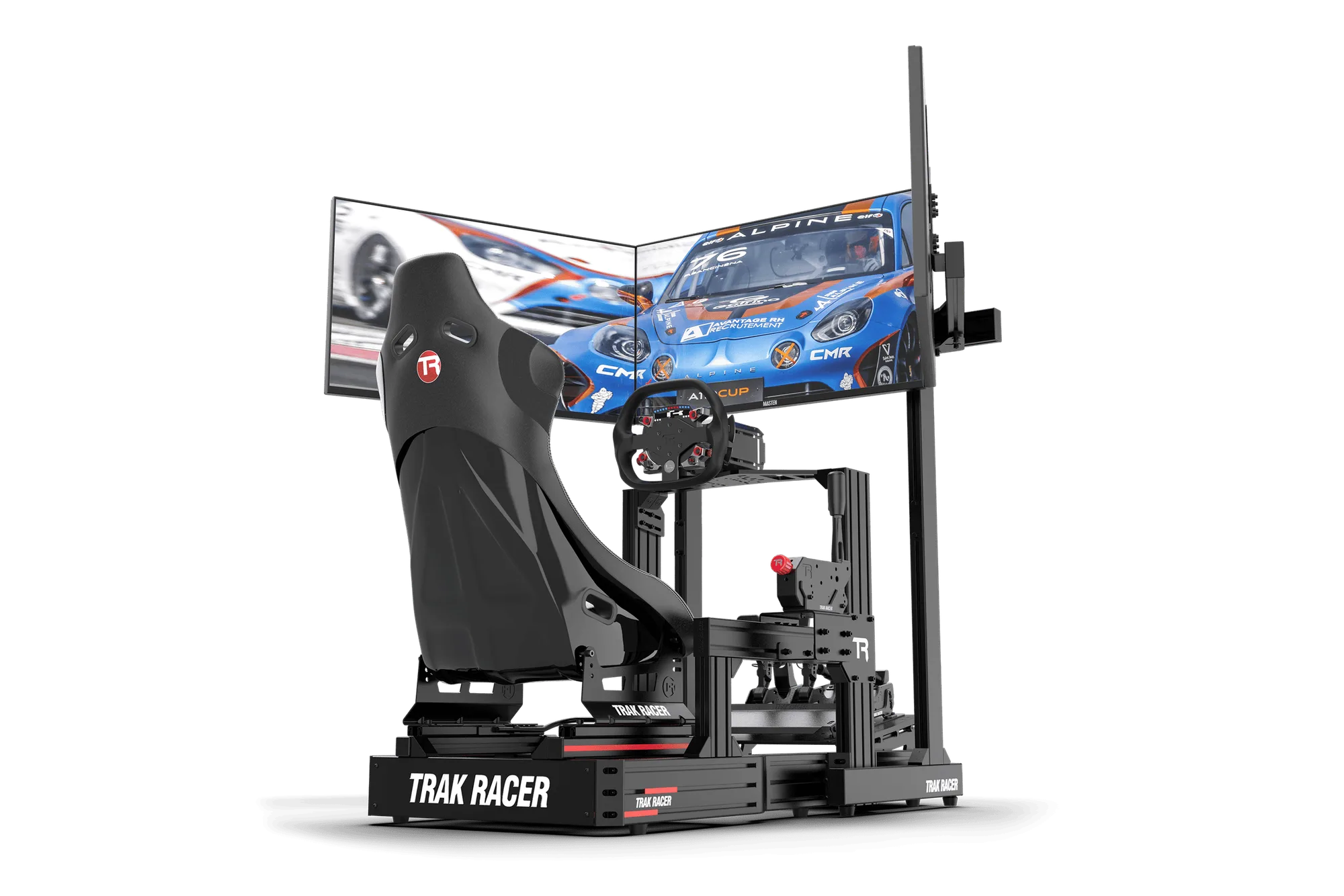
Freestanding Triple (3) Monitor Stand – Up to 45" Displays for Sim Racing, Flight Simulation & Truck Simulators
-
43" 4K UHD 120Hz IPS Gaming Monitor | Sim Racing & Flight Sim Display: Trak Racer TR-M43A Elite Simulation Monitor | 43" 4K UHD IPS 120Hz Gaming Display Its 4K resolution and 120Hz refresh rate deliver sharp, smooth visuals for sim racing and flight sim, and the IPS panel ensures consistent color from wide viewing angles.
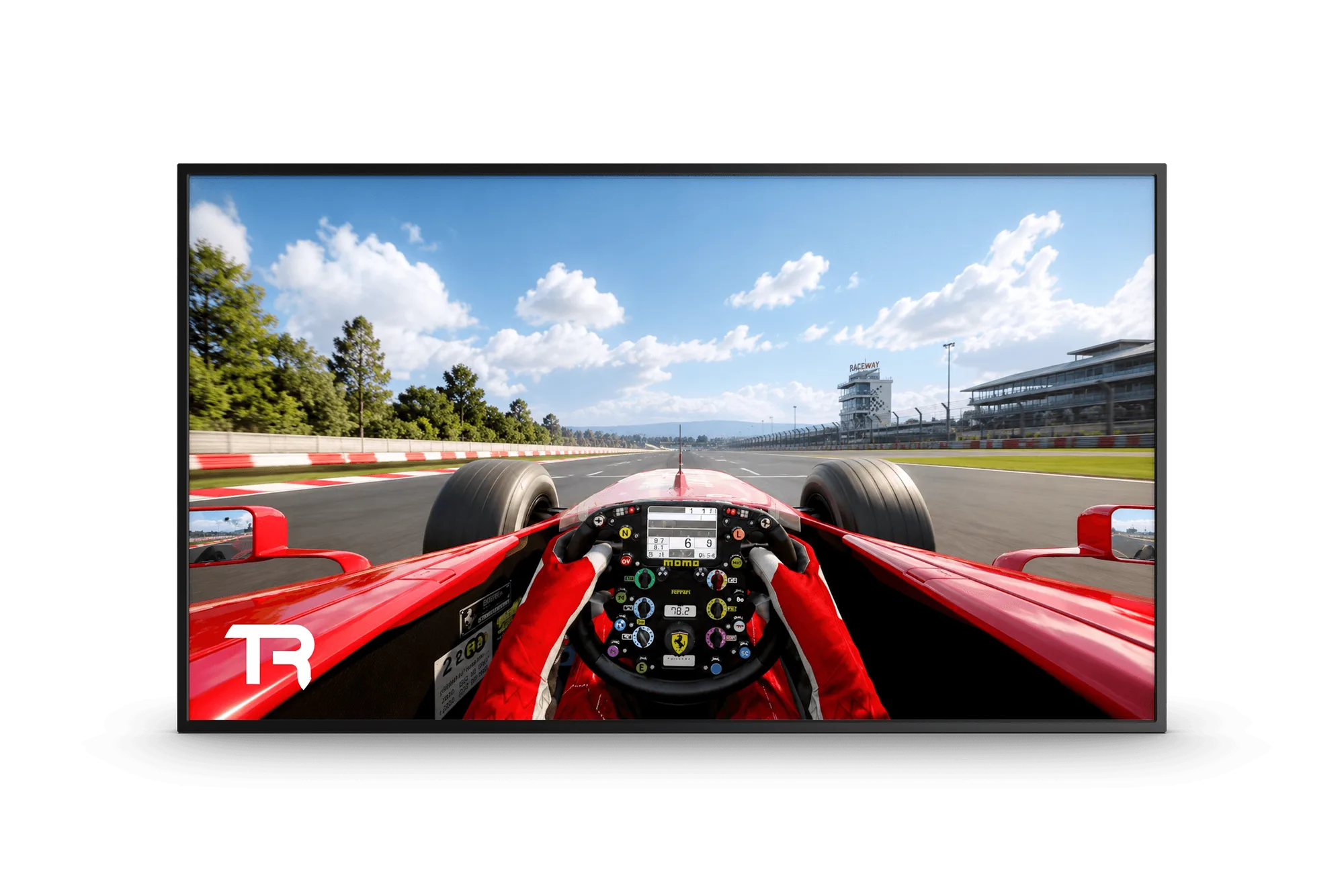
43" 4K UHD 120Hz IPS Gaming Monitor | Sim Racing & Flight Sim Display