Quick Answer
Start by choosing a 2027 weekly planner and a matching set of planning icon stickers. Then apply stickers in a consistent system for priorities, habits, and appointments to keep your week clear and actionable.
Why stickers work for planner organisation
Stickers add visual cues that help you scan your week at a glance. Instead of reading every line, you see a star for a priority, a checkmark for a completed habit, or a clock for an appointment. This reduces mental load and makes your planner a tool you actually want to open.
The key is consistency. Use the same sticker for the same type of task every week. That way your brain learns the system and you stop second-guessing what each symbol means.
Choosing the right sticker sheet for your system
A sticker sheet with planning icons, like the Planning Icons Sticker Sheet, gives you a ready-made visual language. Look for a mix of symbols: arrows for action items, stars for priorities, hearts for personal goals, and clocks for time-sensitive events.
Avoid sticker sheets that are too decorative without functional icons. You want stickers that communicate meaning, not just add colour. Gold foil accents can add elegance without sacrificing clarity.
Step-by-Step: Organise Your 2027 Planner with Stickers
- Set up your weekly spread: Open your 2027 weekly planner to the first week. Write in your fixed appointments and deadlines in pen. Leave space in the margins or dedicated sections for stickers. Don't overcrowd the page. Leave blank areas where stickers will go so they remain readable.
- Assign a sticker meaning for each category: Decide which planning icon represents each category: a star for top priorities, a checkmark for habits, a clock for appointments, and a heart for personal goals. Write this key on the first page of your planner. Stick to no more than five categories. More than that and the system becomes hard to remember.
- Apply stickers after your weekly review: Each Sunday or Monday, review the coming week and place stickers in the corresponding sections. For example, put a star sticker next to your top three priorities in the dedicated area. Peel stickers from the edge to avoid fingerprints on the adhesive. Use tweezers for small icons if needed.
- Use stickers as trackers, not just decoration: Place a habit tracker sticker in the habit section and mark it daily. Use an action list sticker for tasks and check them off as you go. This turns stickers into active planning tools. If a sticker falls off, apply a small piece of washi tape over it to secure it. Clear stickers adhere best to smooth, non-coated paper.
Product Facts
-
Planning Icons Sticker Sheet: Each pack contains 1 page of clear transparent stickers with gold foil accents, printed on heavyweight adhesive stock. The clear background blends into planner pages so the icons look like part of the layout, and the gold foil adds a premium touch without overwhelming the content.
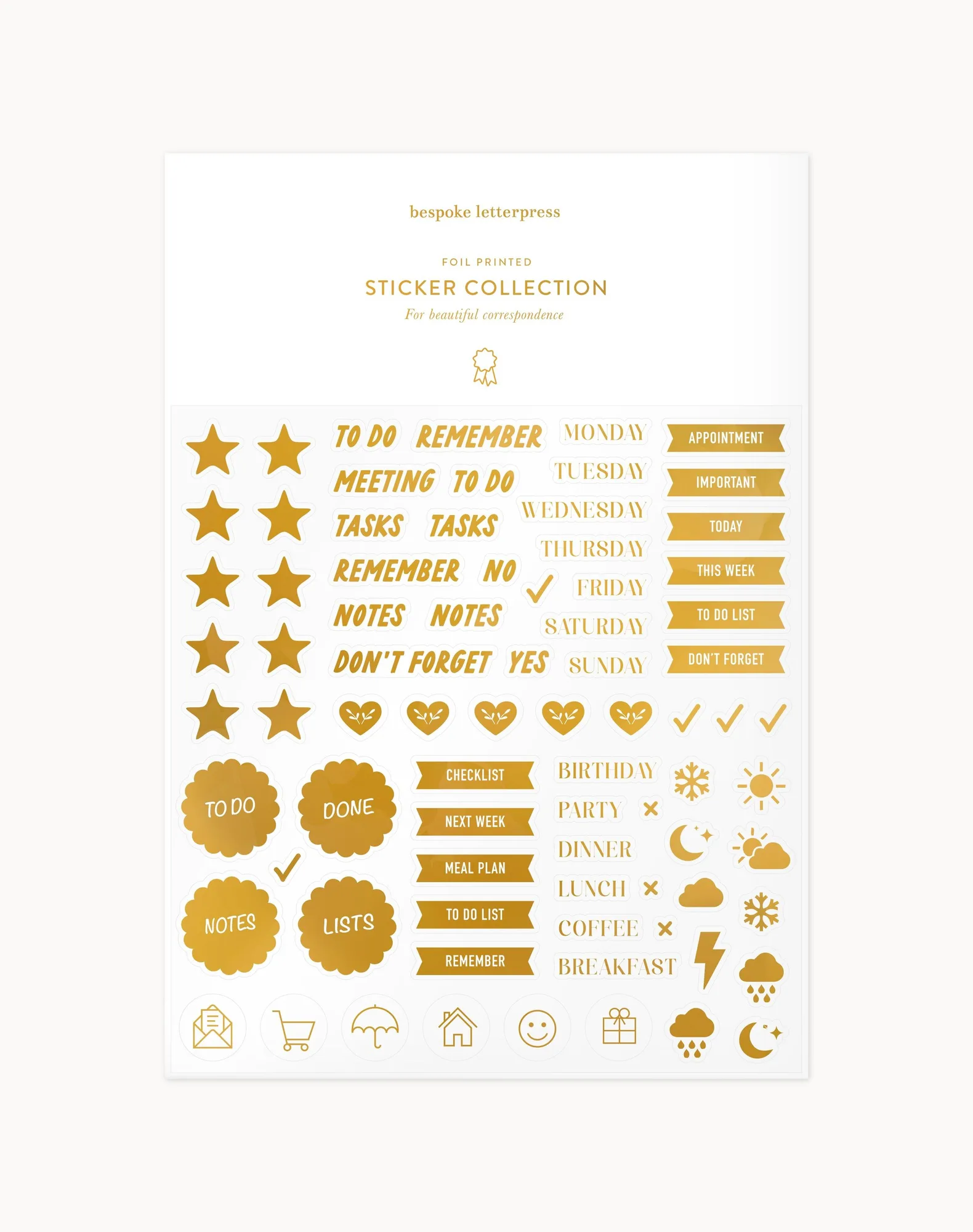
Planning Icons Sticker Sheet
-
2027 Weekly Productivity Planner - Forget Me Not: This A5 weekly productivity planner includes sections for top three priorities, goals, action list, habit tracker, and a reflection space. The built-in sections give you natural spots to place stickers for each category, making it easy to build a consistent visual system from day one.
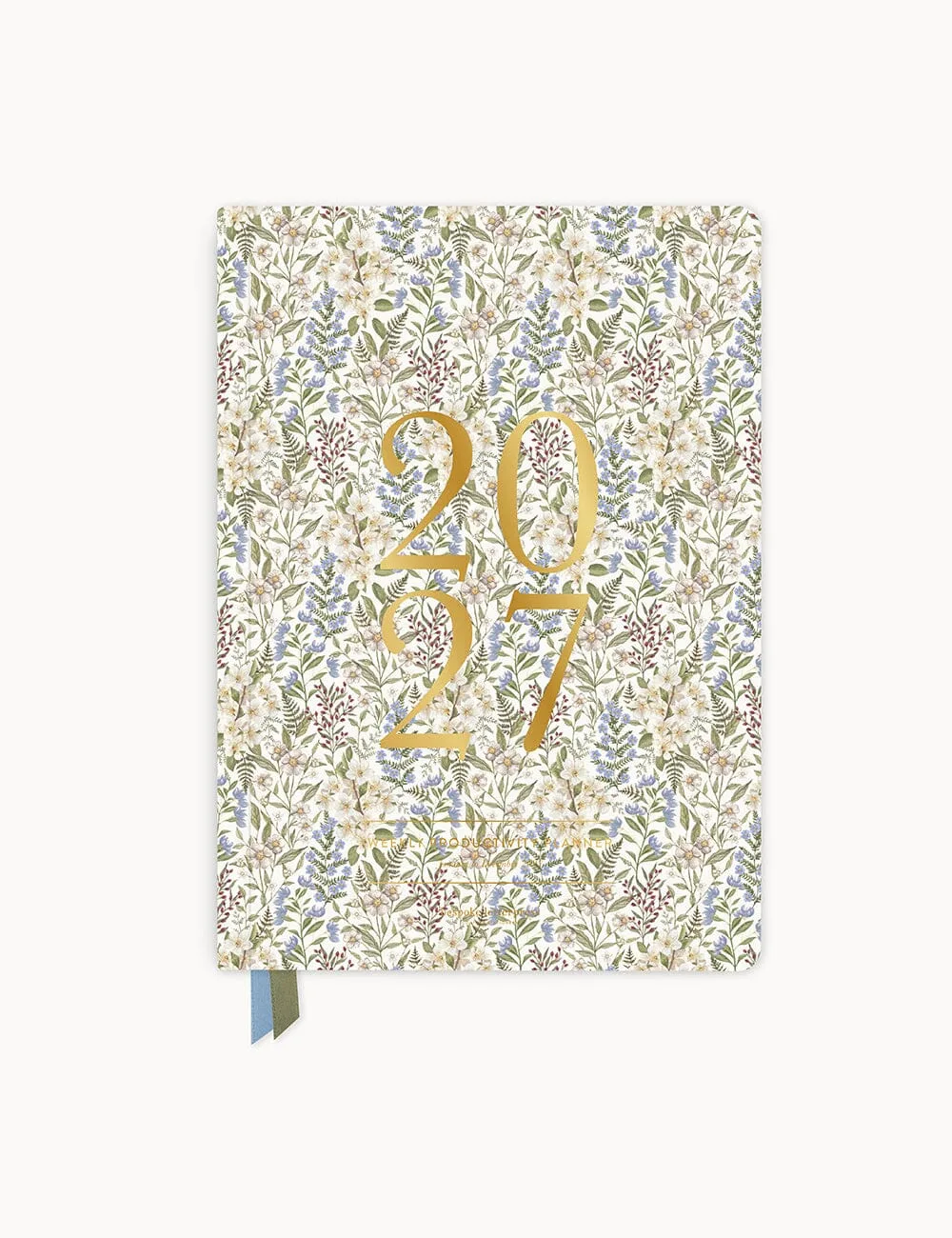
2027 Weekly Productivity Planner - Forget Me Not