If you carry a laptop, tablet, or gaming console daily, you know the struggle: a tangled mess of charging cables, earbuds, and adapters lurking at the bottom of your bag. Cable organization isn’t just about aesthetics—it saves time, prevents damage, and makes your commute or travel far less frustrating. Whether you’re a digital nomad, a student, or a professional on the go, mastering cord management is a game-changer.
At WaterField Designs, we design tech bags that prioritize smart storage and accessibility. In this guide, we’ll share practical strategies to organize cables and cords in your bag, from choosing the right accessories to packing techniques that keep everything in its place. Let’s untangle your life.
Why Cable Organization Matters for Your Tech Bag
A well-organized bag does more than look neat. When cables are loose, they can scratch your laptop, fray against zippers, or become a frustrating knot you have to undo every time you need to charge your phone. Proper cord management extends the life of your accessories and reduces daily stress. Plus, when you’re rushing for a meeting or a flight, you want to grab exactly what you need without digging through a black hole of wires.
Investing in a bag with dedicated cable compartments or using separate pouches is the first step. But even the best backpack benefits from a system. By grouping cords by type (charging, data transfer, audio) and using small organizers, you can transform your carry into a streamlined workstation.
- Use small pouches or cases to separate cables by function.
- Wrap cables neatly with velcro ties or cable organizers before storing.
- Keep frequently used cords (phone charger, earbuds) in an easily accessible pocket.
Essential Tools for Cord Management
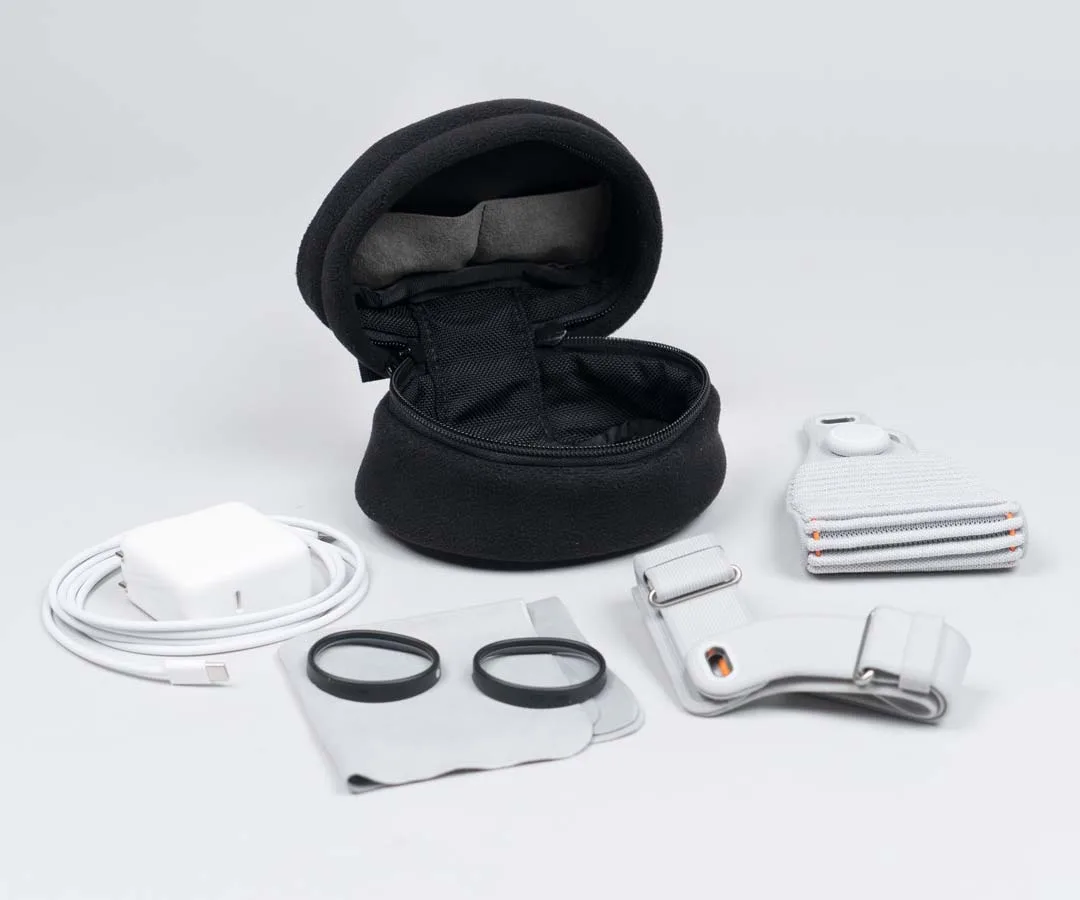
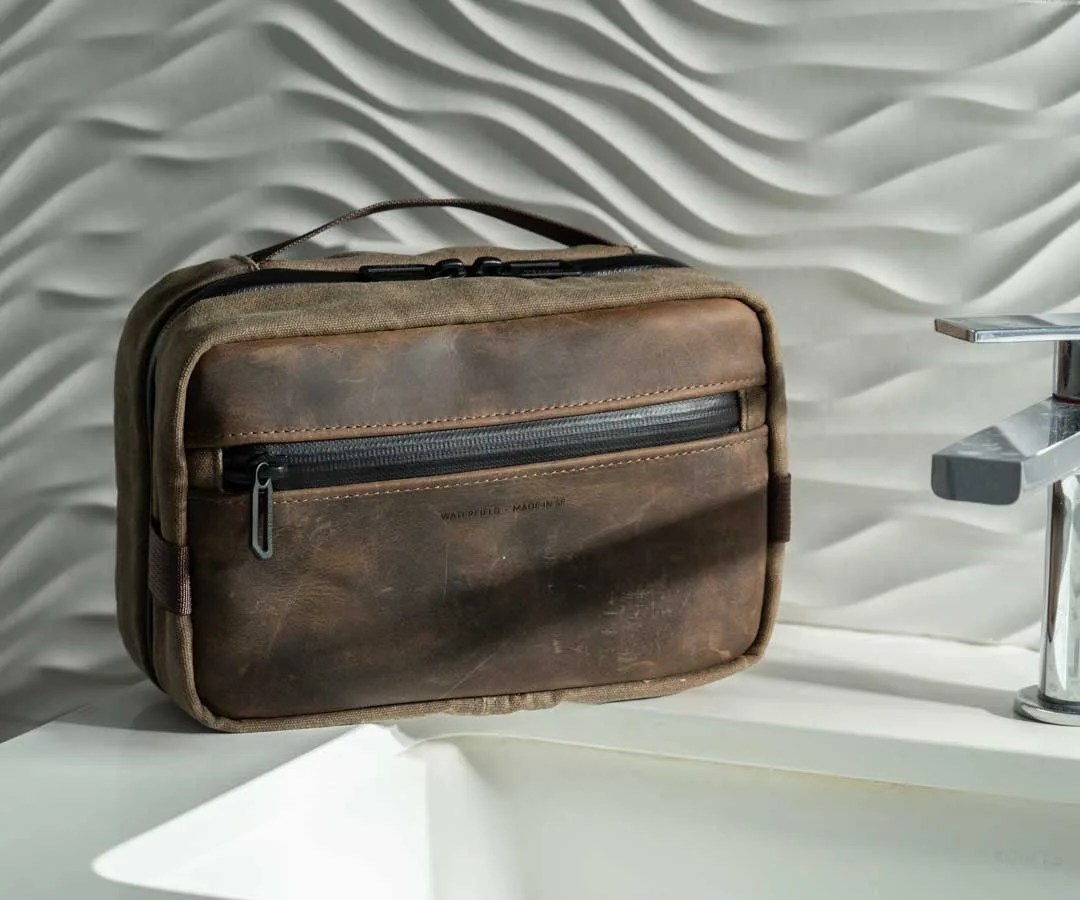
The right accessories make all the difference. A dedicated cable pouch or small sling can hold multiple chargers, adapters, and earbuds without adding bulk. For example, the Travel Light Dopp Kit is perfect for stashing all your charging essentials in one compact, organized bundle. Its multiple compartments let you separate USB-C cables from Lightning cords and wall adapters, so you never have to untangle again.
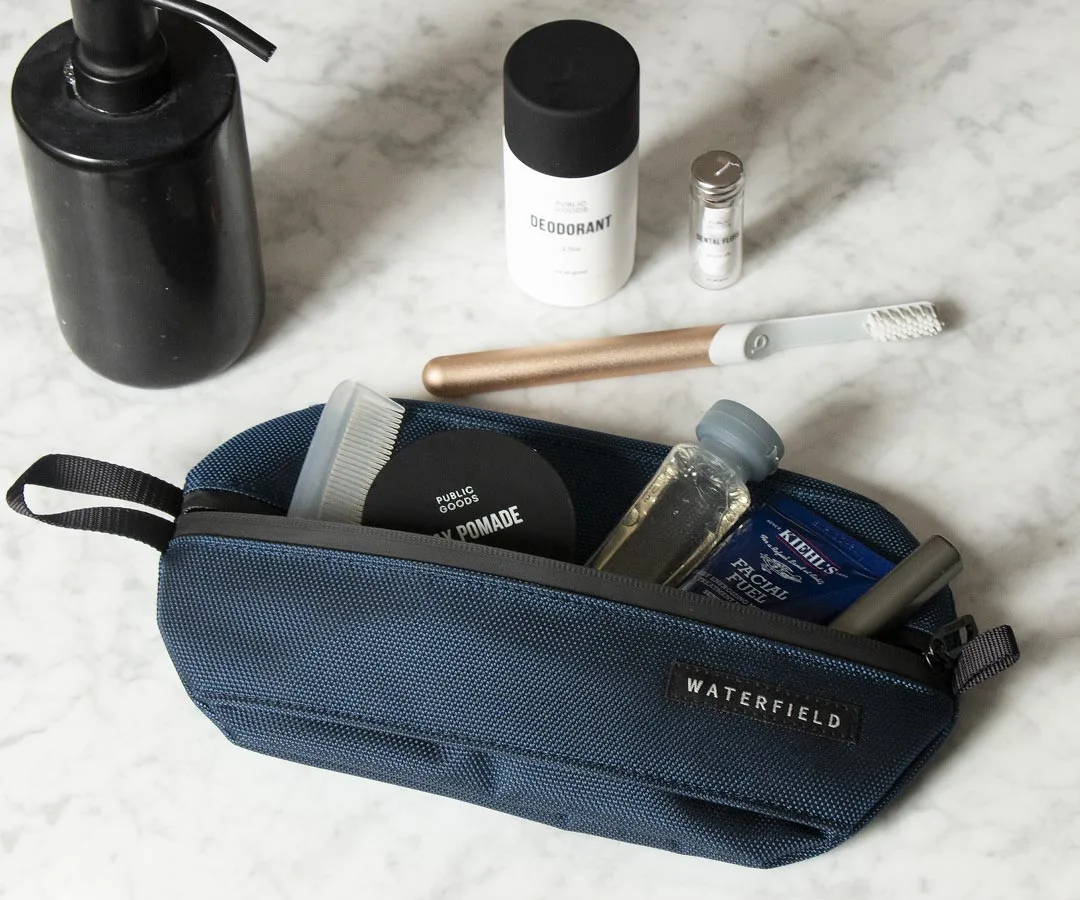
Travel Light Dopp Kit
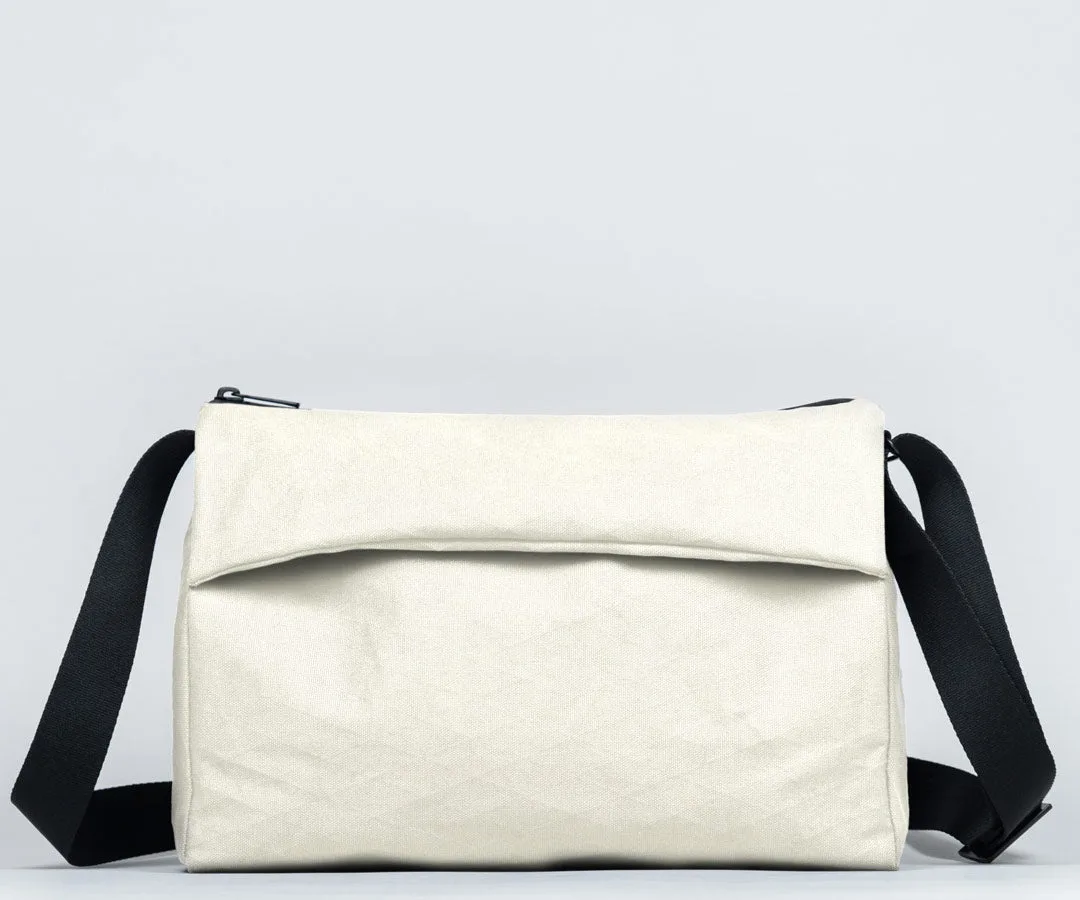
Another versatile option is the Shinjuku Sling, which doubles as a crossbody bag and a tech organizer. It features padded pockets for a tablet or e-reader alongside dedicated slots for cables and a power bank. This is ideal for minimalist carry where you want quick access to your cords without opening your main bag. For those who prefer a wallet-style solution, the Finn Wallet can hold a few cables and a card, perfect for a quick charge on the go.
- The Travel Light Dopp Kit offers dedicated cable pockets and a water-resistant exterior.
- The Shinjuku Sling provides quick-access cable storage with a sleek, urban design.
- Wrap cables in small loops and secure with a velcro strap before placing them in a pouch.
Packing Strategies for Different Bag Types
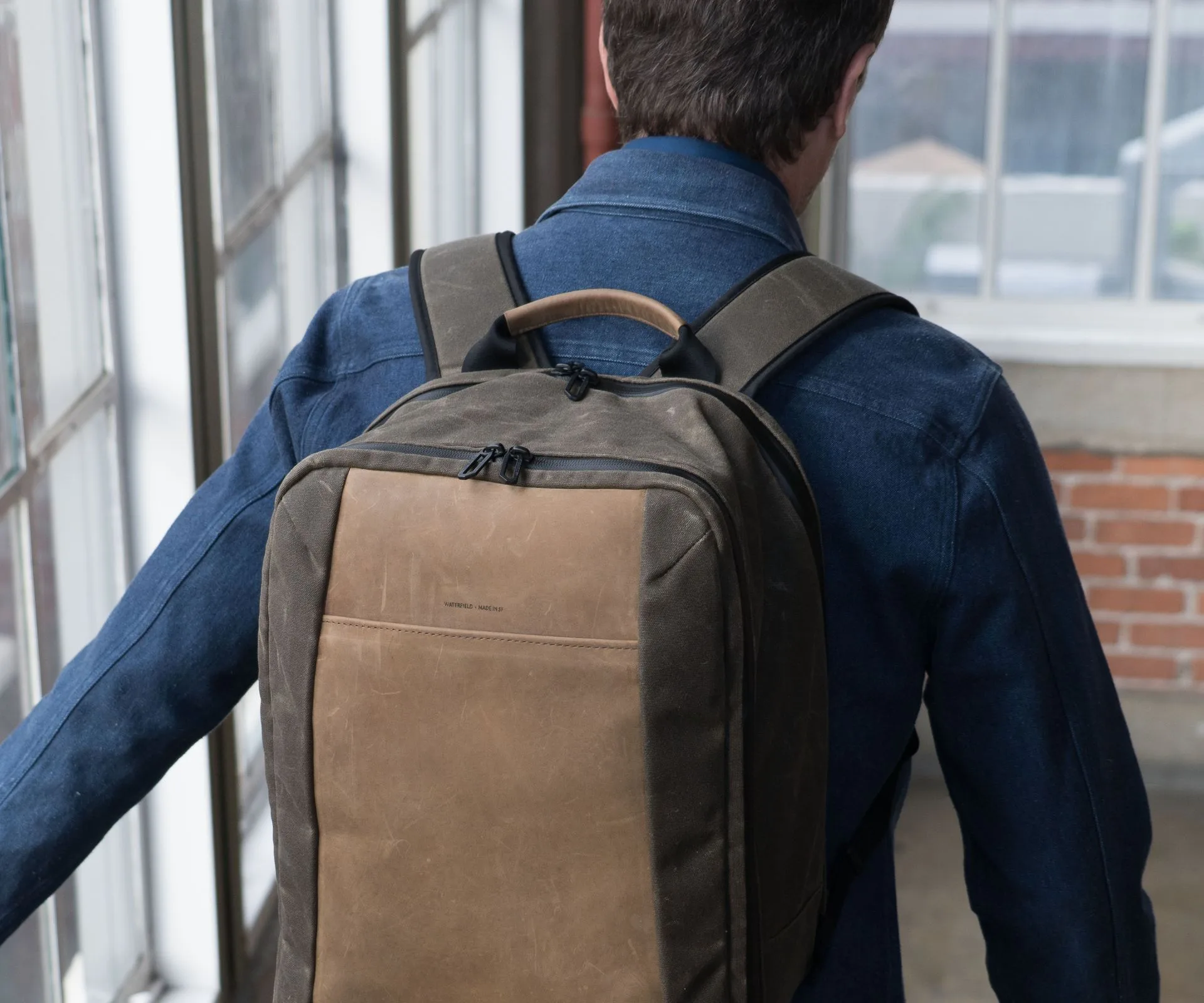
Your packing method should match your bag’s layout. For backpacks like the Trigo Laptop Backpack, use the front compartment for cables and small accessories. Place a cable pouch in the bottom, then layer your laptop and tablet in the main section. This keeps weight balanced and prevents cords from pressing against your devices.
For messenger bags or slings, use the external quick-access pockets for frequently used cables—like your phone charger or earbuds. The Sutter Tech Sling features a front zip pocket perfect for a small cable case. Inside, use a padded divider to separate your laptop from your cord pouch. For duffel bags or travel packs, the Packable Duffel is lightweight and can hold a separate cable organizer in its main compartment, making airport security checks a breeze.
- In backpacks: store cables in the front compartment, not with your laptop.
- In slings: use external pockets for quick access to phone chargers.
- In duffels: pack a dedicated cable pouch to keep everything tidy.
Pro Tips for Tangled Cords
Even with the best bag, cables can still tangle if you don’t pack them correctly. Always wrap cables in a figure-eight pattern or use a cable tie to keep them coiled. Avoid wrapping tightly around a charger brick, as this puts stress on the wire. Instead, loop the cable loosely and secure it with a velcro strap.
Label your cables with small tags or colored tape so you can identify them at a glance. This is especially helpful if you carry multiple USB-C cables for different devices. Finally, consider using a carabiner to clip your earbuds or a small cable pouch to the outside of your bag for easy access. The Black Aluminum Carabiner is a durable, sleek option that adds a touch of style while keeping your most-used cords within reach.
- Use the figure-eight wrap to prevent kinks and tangles.
- Label cables with colored tape or small tags for quick identification.
- Clip a small pouch or earbuds to your bag with a carabiner.
Cable organization doesn’t have to be a chore. With the right tools and a few smart packing habits, you can keep your tech bag tidy, your cords tangle-free, and your daily routine stress-free. Ready to upgrade your carry? Explore the Travel Light Dopp Kit for a dedicated cable solution that fits seamlessly into your existing bag.