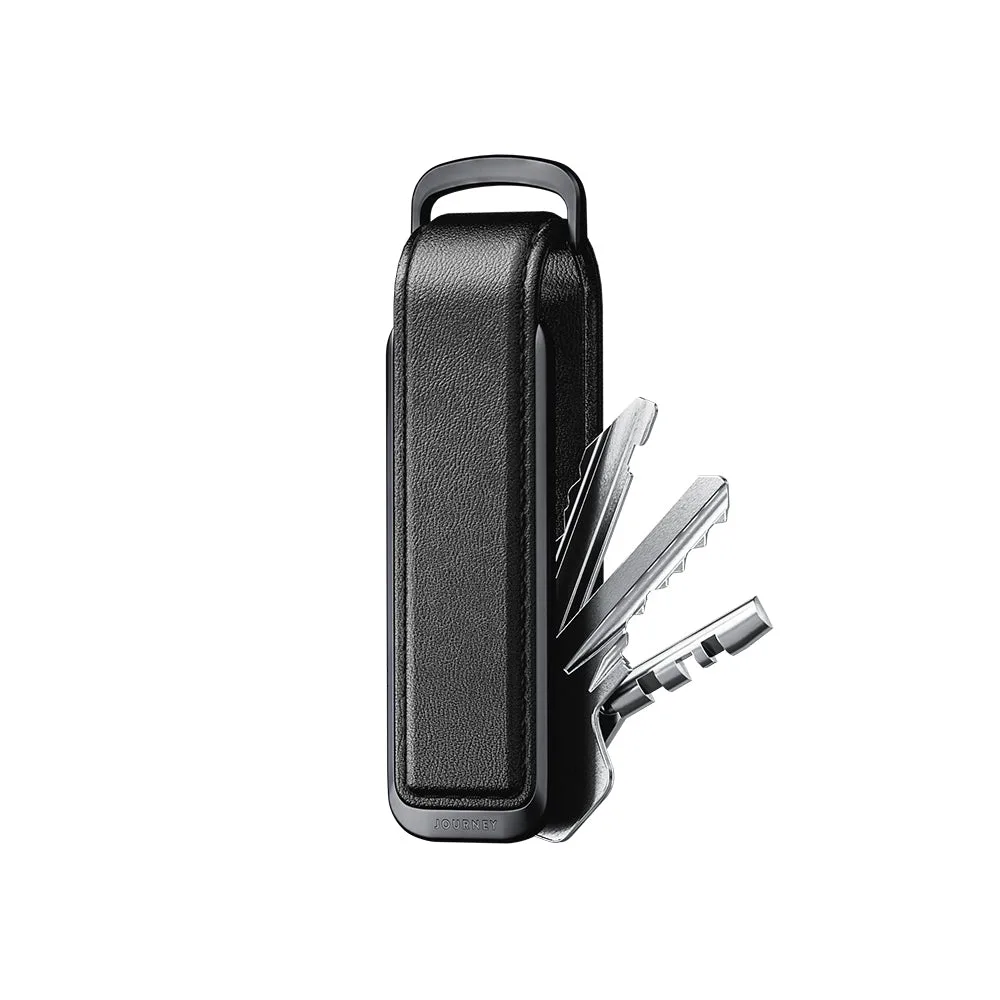
What the VERSA Key Organizer Does
The VERSA Key Organizer is designed to keep your keys and a few cards together in a slim metal frame. It replaces the loose jangle of a traditional keyring with a compact, pocket-friendly shape. The organizer uses a central screw and post system that lets you stack keys and cards in a specific order, then flip them out one at a time.
This guide walks through the setup steps that the catalog confirms, including how to use the included washers to adjust key tension. You will also see how the organizer can hold cards alongside keys, making it a practical everyday carry (EDC) tool.
Setting Up Your VERSA Key Organizer
The catalog provides the essential steps for loading keys and adjusting tension. Follow these steps to get a smooth flip action.
- Gather your keys and cards: Collect the keys you want to carry and up to two or three flat cards (credit card, ID, or transit card). The organizer can hold a small stack, but the exact capacity depends on key thickness.
- Remove the screw and post: Unscrew the central fastener and pull out the post. The post runs through the key holes and keeps everything aligned.
- Stack keys and cards on the post: Place each key onto the post in the order you want them to flip out. Cards can be placed between keys or at the ends. The catalog notes that without washers, keys may feel too loose or too tight.
- Add washers to adjust tension: The included washers help you adjust the tension for smoother key flipping. Add a washer between keys that feel too tight, or remove one if the stack feels loose. This step is key to getting a comfortable flip action.
- Tighten the screw: Once the stack feels right, screw the fastener back onto the post. Do not overtighten — the goal is a snug fit that still allows keys to swing freely.
What the VERSA Key Organizer Catalog Confirms
-
VERSA Key Organizer: Without washers, keys may feel too loose or too tight. Washers help you adjust the tension for smoother key flipping. This tells you that the washers are not optional — they are the main way to fine-tune how the organizer feels in your pocket.
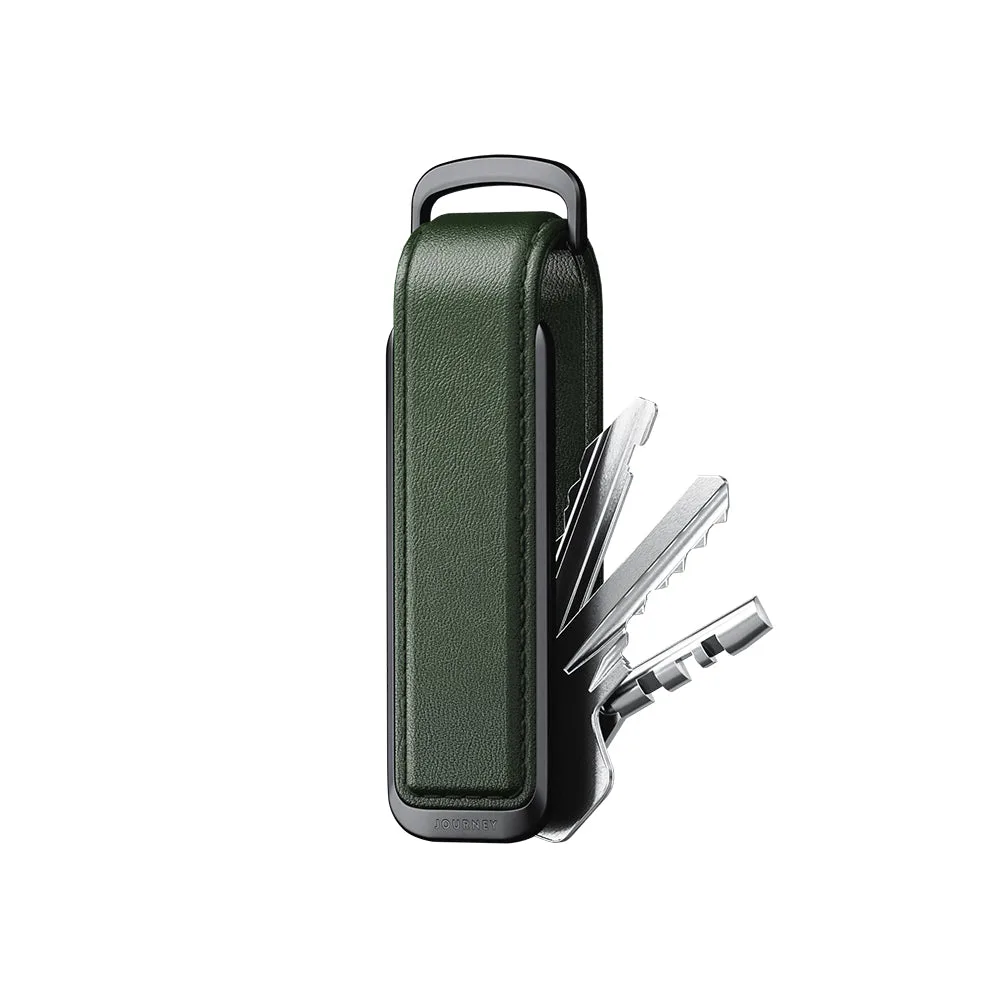
VERSA Key Organizer
Carrying Cards Alongside Keys
The VERSA Key Organizer can hold a few flat cards, which makes it a useful alternative to a separate wallet for quick errands. Place cards between keys or at the top of the stack. The metal frame protects card edges from bending, but the organizer does not have a dedicated card slot — cards are held by the same central post as the keys.
Because the tension adjustment affects the whole stack, adding cards may change how tightly the keys flip. You may need to add or remove washers after adding cards to restore a smooth action.
Everyday Use and Practical Tips
Once loaded, the VERSA Key Organizer fits easily into a front pocket or a small bag. To access a key, simply flip the stack until the key you need extends outward. The screw stays secure during normal use but can be loosened to rearrange the stack.
The catalog does not specify a maximum number of keys or cards, so start with a small load and test the flip action. If the stack feels too tight or too loose, adjust the washers rather than forcing the screw. This keeps the mechanism working smoothly over time.