If you’ve ever opened your bag to find a nest of charging cables, earbuds, and adapters tangled together, you know the struggle is real. Tech cable organization is one of the most overlooked aspects of travel packing — yet it can make or break your productivity and peace of mind on the road. Whether you’re a digital nomad hopping between co-working spaces or a weekend traveler juggling multiple devices, a little planning goes a long way.
In this guide, we’ll walk you through a practical, step-by-step system for travel cable management. From choosing the right charger organizer to wrapping cables like a pro, you’ll learn how to keep your tech accessories neat, accessible, and protected — no matter where your journey takes you.
Step 1: Audit Your Devices and Cables
Before you pack anything, take a moment to assess what you actually need. Lay out every device you plan to bring: laptop, tablet, smartphone, e-reader, wireless earbuds, portable battery, camera, and any other gadget. For each device, note the type of cable and charger it requires — USB-C, Lightning, Micro-USB, or proprietary connectors.
A common mistake is packing every cable you own out of fear of being unprepared. In reality, most travelers can get by with two or three cables if they choose multi-use options. For example, a single USB-C to USB-C cable can charge a modern laptop, tablet, and phone. By auditing first, you reduce clutter and make your cable pouch packing far more efficient.
- Tip: Use a small label maker or colored tape to mark which cable belongs to which device — it saves time at airport security and hotel desks.
Step 2: Choose the Right Cable Organizer or Pouch
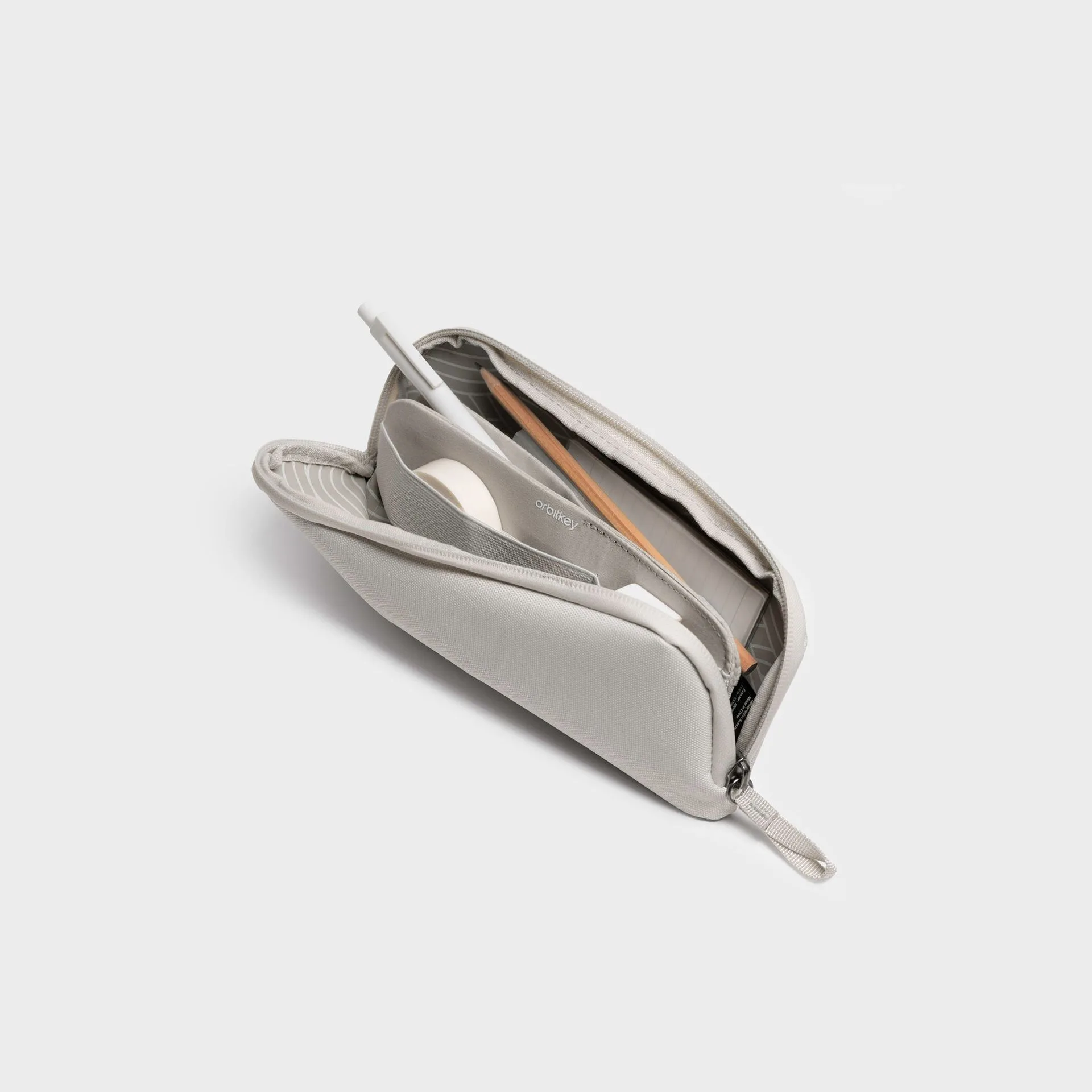
Once you know what you’re carrying, it’s time to select a dedicated home for your tech accessories. A good charger organizer should be compact, padded, and compartmentalized. Look for a pouch with multiple internal pockets or elastic loops so each cable has its own spot — no more digging through a dark bag to find the right one.
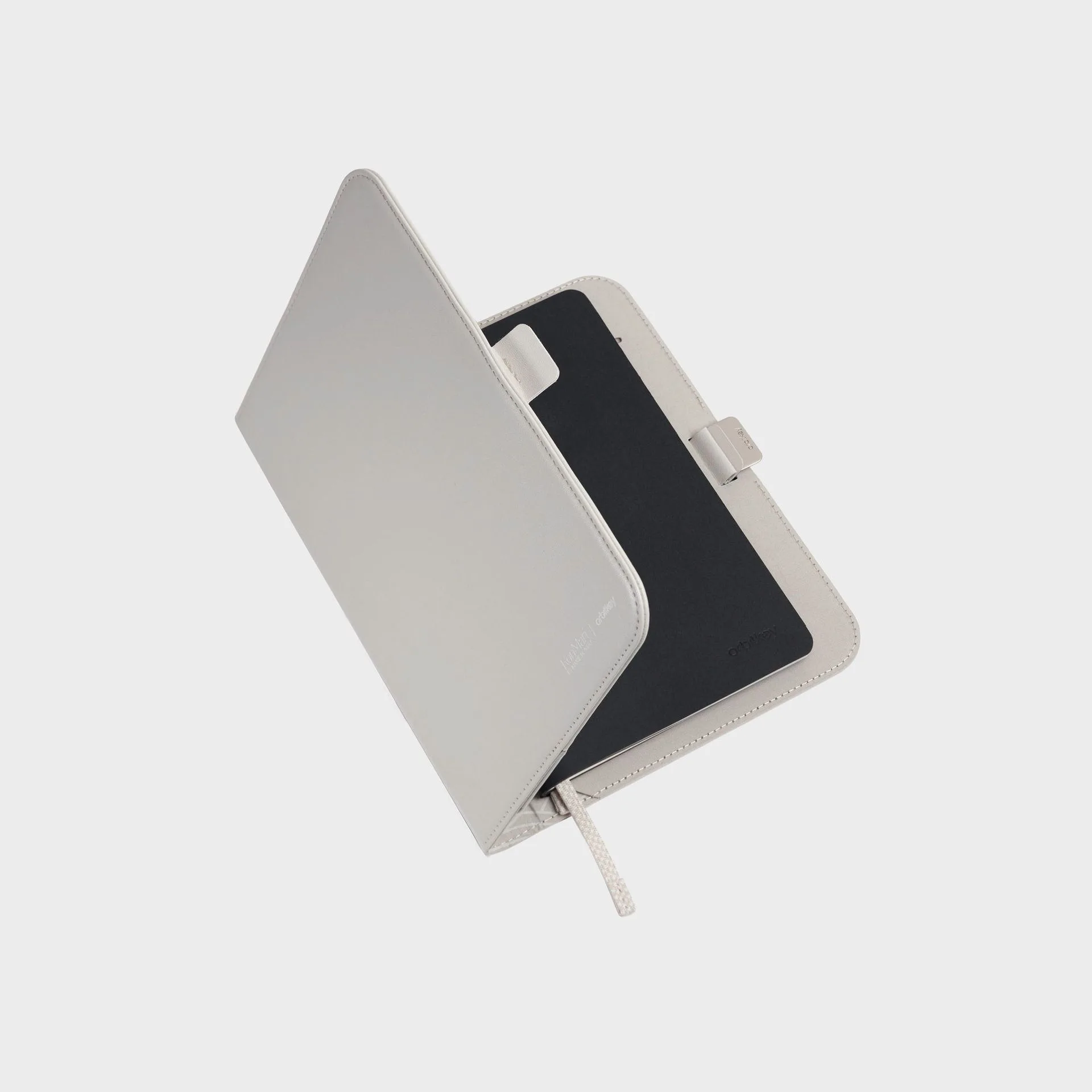
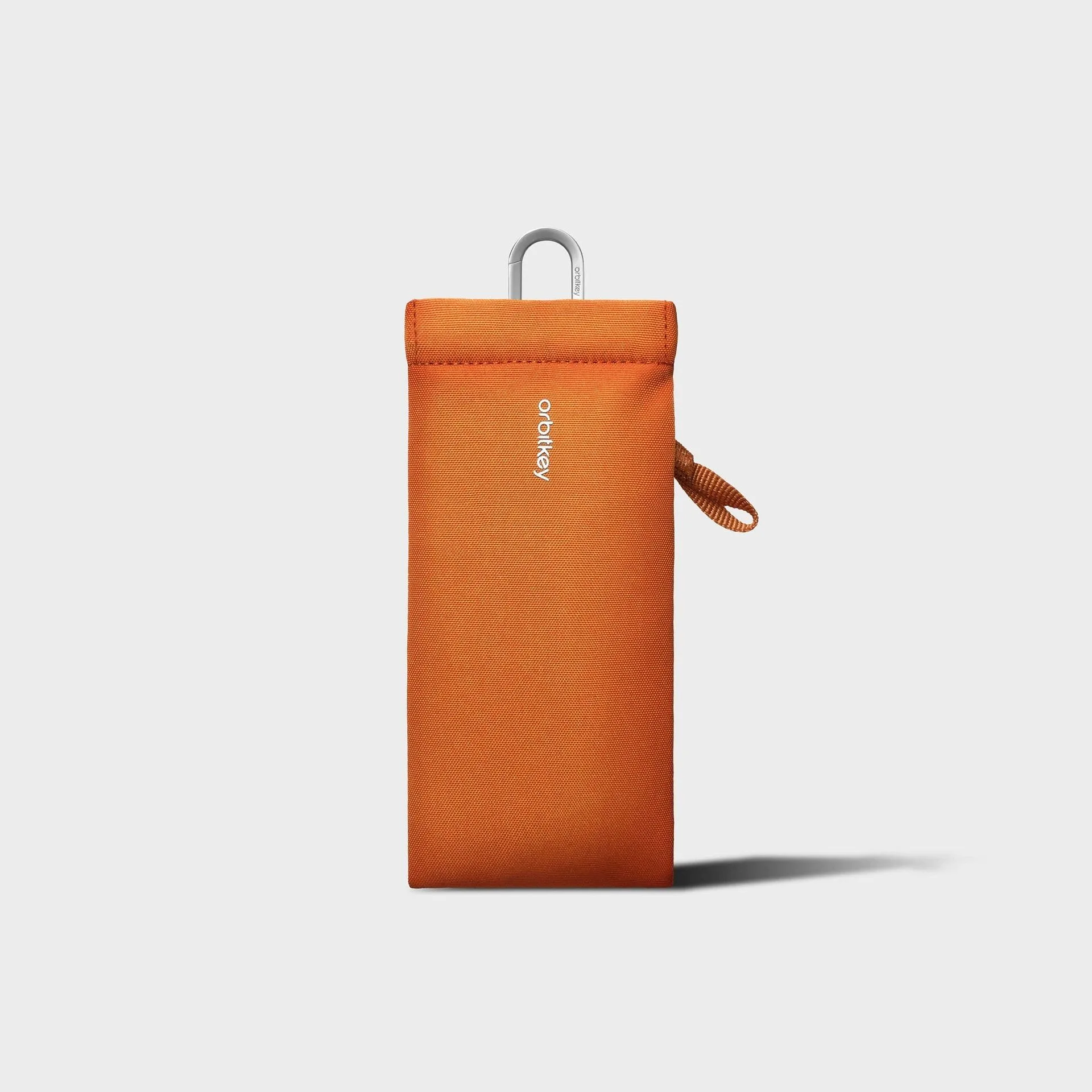
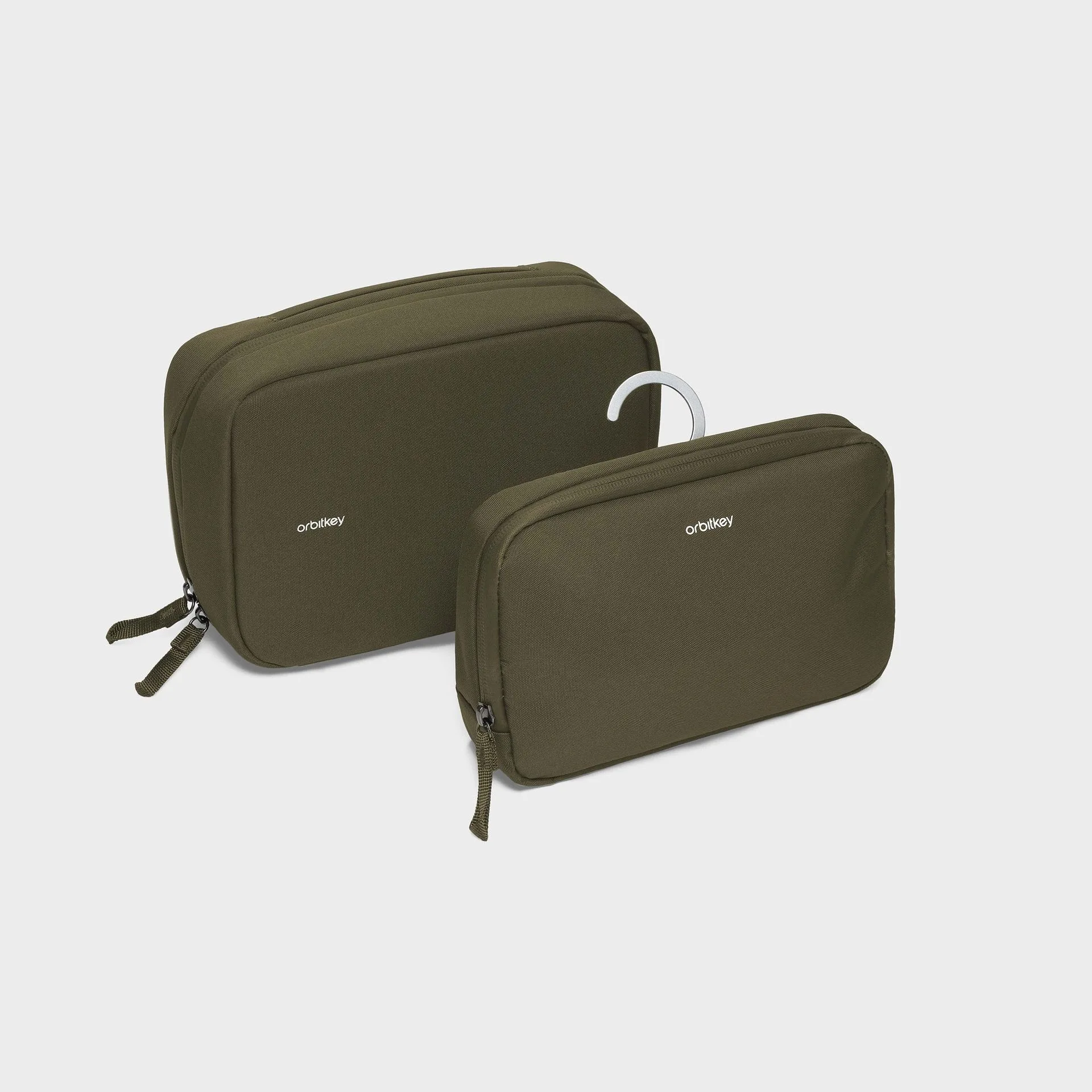
For travelers who want a sleek, all-in-one solution, the KonMari Orbitkey https://vervestore.shop/products/2-in-1-tech-accessory-pouch-461432-in-1 Tech Accessory Pouch is an excellent choice. It features thoughtfully designed compartments that keep cables, adapters, and small gadgets separated and easy to access. The pouch’s flat profile slides effortlessly into a carry-on or daypack, and its minimalist aesthetic fits any travel style.
- Pro tip: If you carry a lot of small items like SD cards or USB drives, look for a pouch with zippered mesh pockets — they prevent tiny objects from getting lost in the bottom of your bag.
Step 3: Master the Wrap-and-Secure Technique
How you wrap each cable matters more than you think. The classic over-under wrap (used by audio engineers) prevents internal wire stress and keeps cables tangle-free. To do it: hold one end of the cable, loop it into a circle, then twist each loop in opposite directions as you coil. Finish by securing the coil with a reusable Velcro strap or a silicone cable tie.
Avoid wrapping cables tightly around a charger brick — this can damage the connector over time. Instead, coil each cable loosely and store it separately. For very short cables (like a Lightning-to-USB-C), simply fold them in thirds and tuck them into a small pocket. This simple habit extends the life of your gear and makes cable pouch packing a breeze.
- Quick fix: If you don’t have cable ties, use a binder clip or a hair tie as a temporary solution.
Step 4: Use Charging Blocks and Multi-Port Adapters Wisely
One of the biggest space-saving moves you can make is to replace multiple single-port chargers with a single multi-port GaN charger. GaN (gallium nitride) technology allows for smaller, lighter chargers that can power a laptop, phone, and tablet simultaneously. This reduces the number of bricks you carry from three to one.
Pair your multi-port charger with a short, high-quality cable for each device. Shorter cables (0.5m or 1m) are far less likely to tangle and take up less space in your cable organizer. For international travel, bring a universal adapter that fits multiple plug types — but check that it supports the wattage your devices need. A well-chosen charging setup can cut your cable pouch volume in half.
- Check compatibility: Make sure your multi-port charger supports Power Delivery (PD) for laptops and Quick Charge (QC) for Android phones.
Step 5: Pack Strategically in Your Carry-On or Daypack
Where you place your cable organizer in your bag matters for both security and convenience. For air travel, keep your cable pouch near the top of your carry-on or in an external pocket so you can easily pull it out for TSA screening. If you’re on a train or bus, having quick access to your charger means you can top up your devices without unpacking everything.
Consider using a bag with dedicated tech compartments, like the Daily Tote, which features padded sections for a laptop and tablet plus internal pockets for smaller accessories. Slip your cable organizer into one of those pockets, and you’ll have a complete mobile office that’s ready to deploy in seconds. This layered approach — pouch inside bag — keeps everything organized and protected.
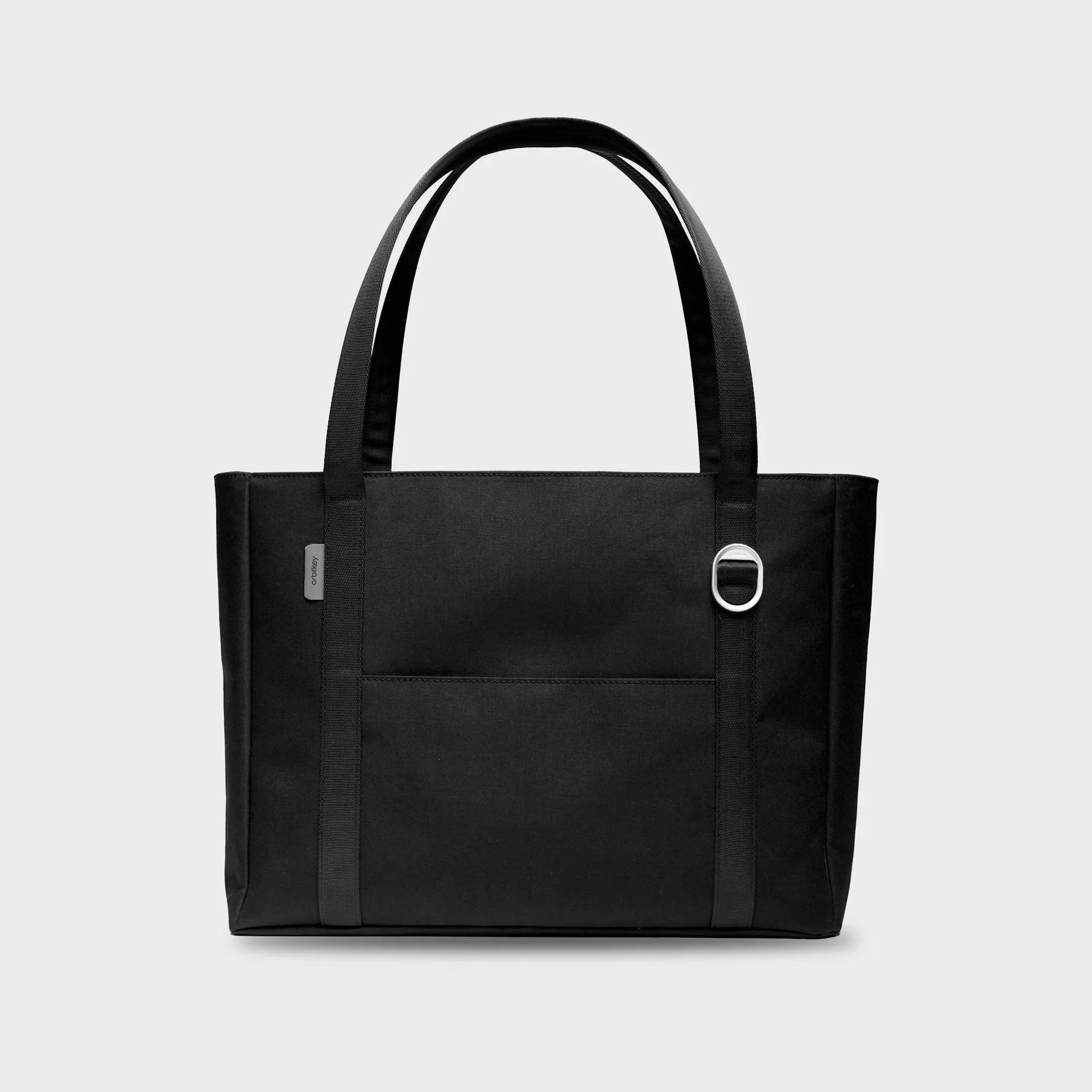
Daily Tote
- Travel hack: Keep a spare cable and a small power bank in your personal item (like a sling or crossbody) so you can charge devices during boarding or layovers without opening your main bag.
Step 6: Maintain Your System on the Road
The best travel cable management system is one that you actually use. After each charging session, take 30 seconds to re-wrap each cable and return it to its designated pocket. This habit prevents the dreaded “exploding pouch” syndrome where everything gets shoved in haphazardly.
If you find yourself accumulating cables during your trip (e.g., from hotel rooms or borrowed chargers), set aside a small “miscellaneous” pocket in your pouch. At the end of each day, sort through that pocket and decide what to keep or discard. Regular maintenance keeps your tech cable organization system working smoothly, trip after trip.
- Bonus tip: Use a small silica gel packet in your cable pouch to absorb moisture — especially if you’re traveling to humid climates.
Traveling with tech doesn’t have to mean traveling with chaos. By auditing your devices, choosing the right cable organizer, and following these simple packing steps, you can transform your travel cable management from a headache into a seamless part of your routine. Ready to upgrade your setup? Explore the KonMari Orbitkey 2-in-1 Tech Accessory Pouch and discover how a well-designed pouch can make your next trip smoother from start to finish.