A well-organized bag can transform your workday. Instead of digging through a jumble of cables, chargers, and notebooks, you can grab exactly what you need in seconds. Whether you commute by train, bike, or car, setting up your daily carry with intention saves time, reduces stress, and protects your valuable tech.
In this guide, we'll walk through a practical system for organizing your office bag. From choosing the right compartments to packing your laptop, tablet, and accessories, you'll learn how to create a work carry that works for you. We'll also highlight a few products from WaterField Designs that make office organization effortless.
Start with the Right Bag for Your Workday
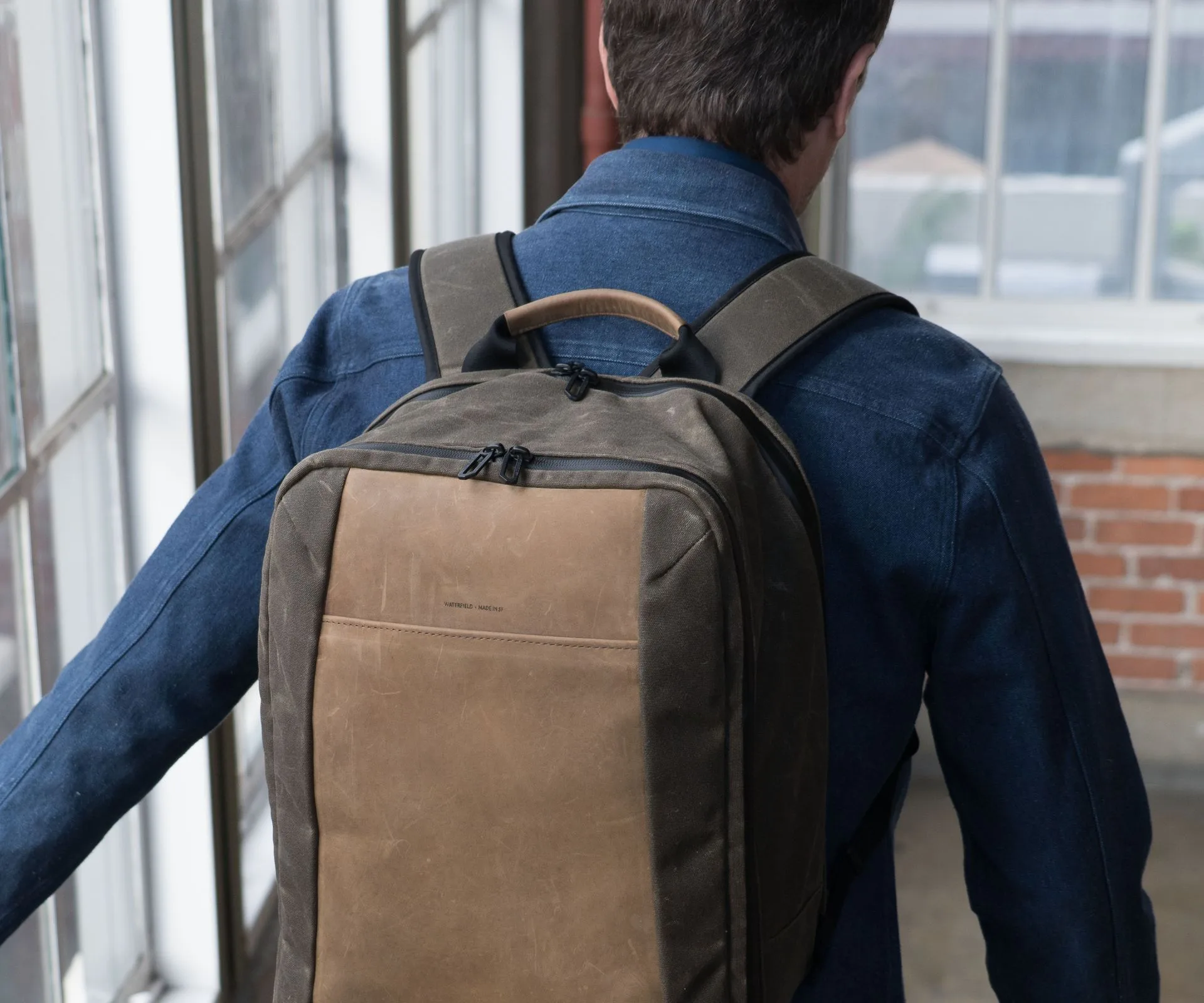
The foundation of any great office bag organization is the bag itself. A bag with dedicated compartments, padded sleeves, and easy-access pockets will save you from the chaos of a single large cavity. For a day at the office, consider a sleek messenger, a slim backpack, or a versatile duffel that can transition from commute to desk.
WaterField Designs offers several bags that excel at work carry. The Versus Gaming Sling is surprisingly office-friendly—its multiple zippered pockets and padded tablet sleeve keep your daily essentials organized without bulk. For those who prefer a larger carry, the Air Duffel Carry-On provides a spacious main compartment with internal organizers, making it perfect for days when you need to bring a change of clothes or extra gear.
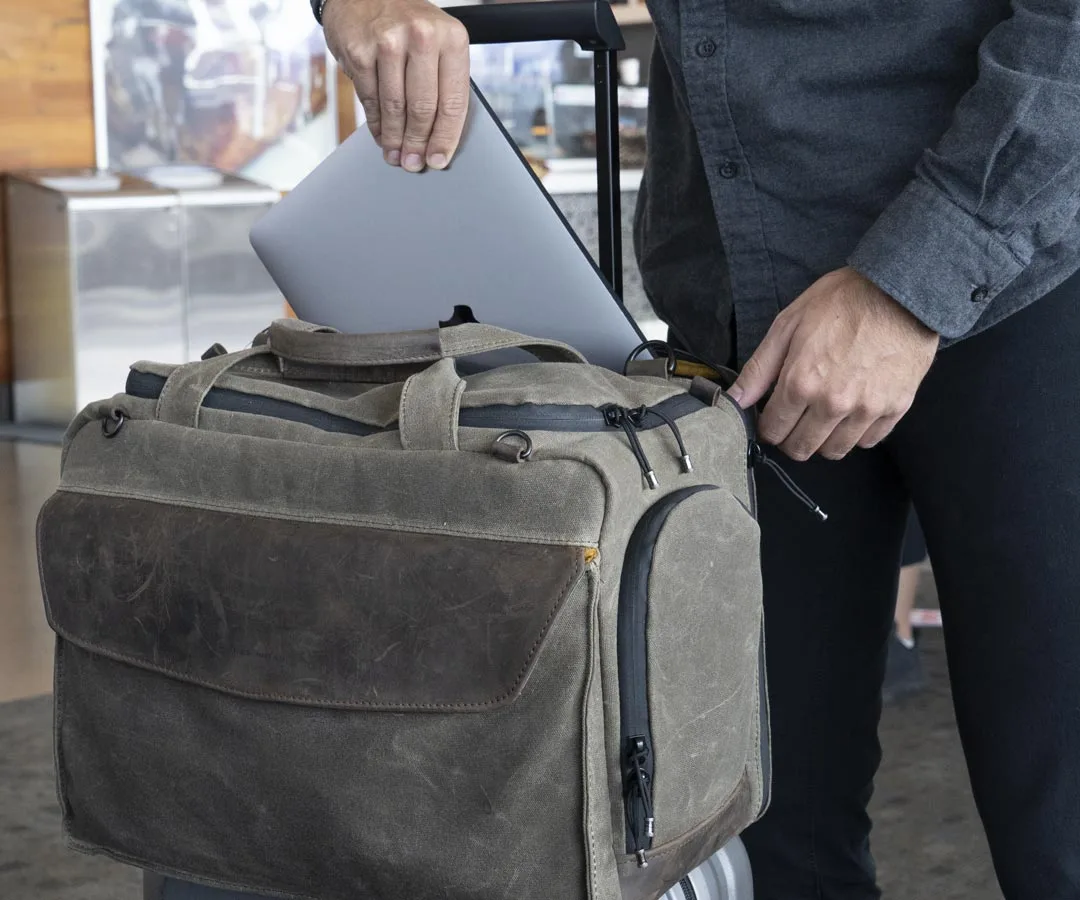
Air Duffel Carry-On
- Look for a bag with at least one padded device sleeve (laptop or tablet).
- Choose a bag with multiple external pockets for quick-access items like phone, keys, and wallet.
- Consider a bag with a luggage pass-through if you travel frequently.
Layer Your Tech: Laptop, Tablet, and Phone
Your most important daily essentials are your devices. Keep them safe by layering them in separate padded compartments. A laptop sleeve should be snug but not tight, and a tablet sleeve should be easily accessible for quick use during meetings or on the train.
WaterField's Neo Sleeve for MacBook offers premium neoprene protection that slides easily into any bag, while the iPad Pro SleeveCase provides a dedicated home for your tablet with a built-in pocket for the Apple Pencil. By using these sleeves, you not only protect your devices from bumps and scratches but also make it easy to pull out just what you need without disturbing the rest of your bag.
- Always place your laptop in the designated padded compartment, never loose in the main section.
- Keep your phone in a front zippered pocket for quick access without unzipping the main compartment.
- If you carry two devices, stack them with the heaviest (laptop) closest to your back or the bag's back panel.
Tame the Cable Chaos with Dedicated Organizers
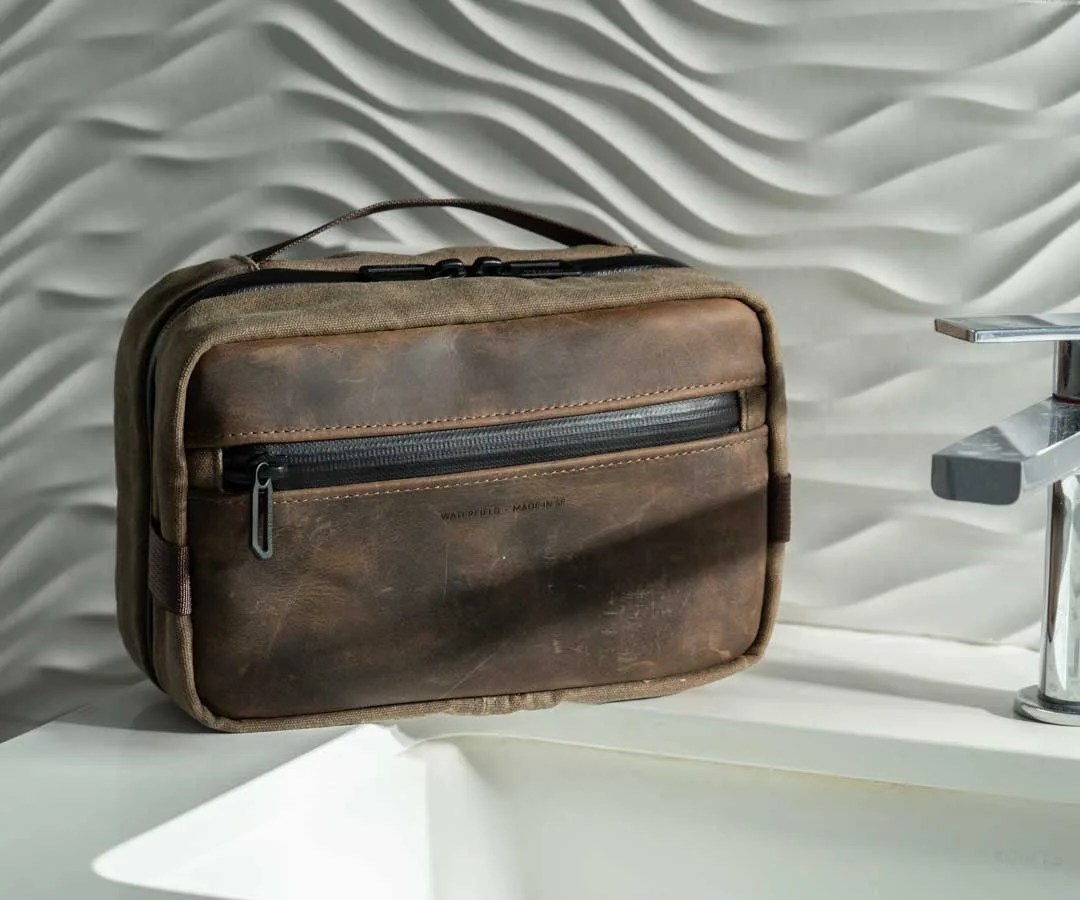
Cables and chargers are the biggest culprits of bag clutter. A tangle of cords not only looks messy but can also damage your devices if a plug scratches a screen. The solution is simple: use a dedicated cable organizer or a small pouch to keep everything in its place.
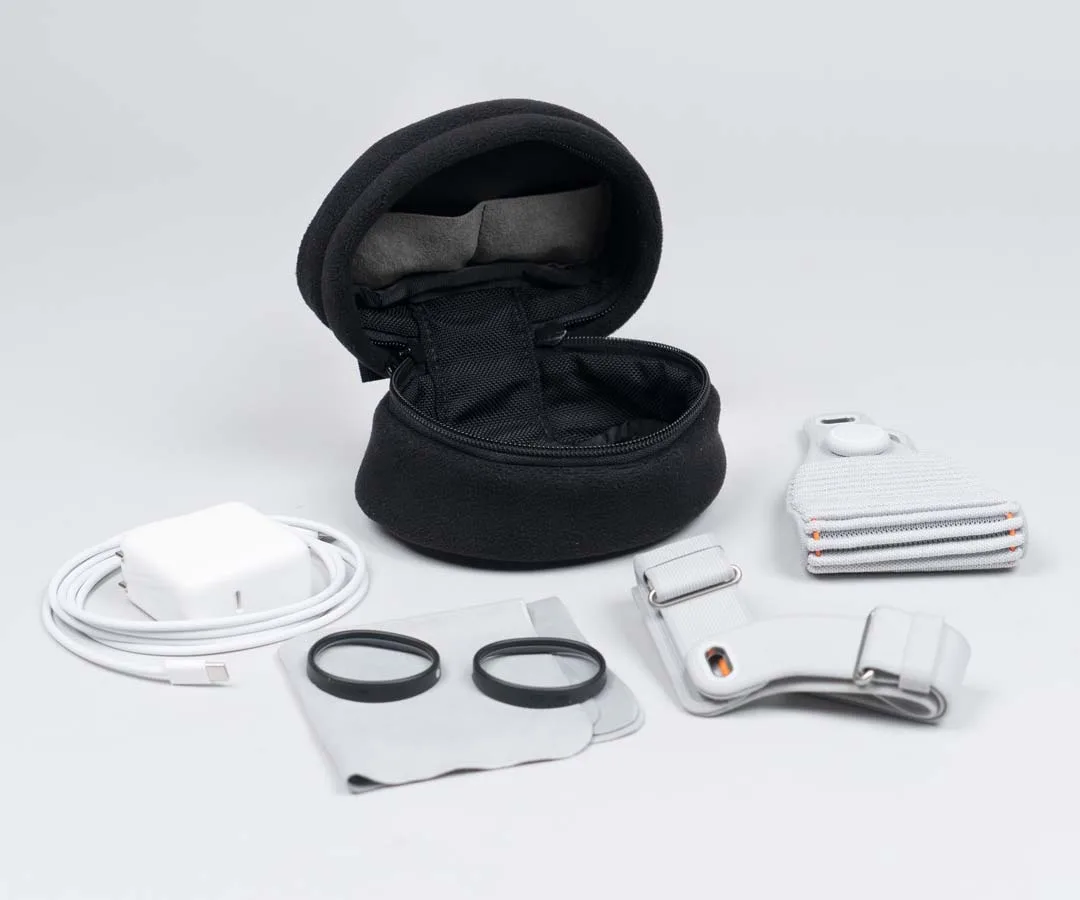
WaterField's magnetic cases double as excellent cable organizers. For instance, the ROG Ally Magnetic Case is designed for a gaming handheld but its slim profile and magnetic closure make it perfect for storing a charging brick, USB-C cables, earbuds, and a small external battery. You can toss it into your bag and never worry about tangled cords again.
- Use a small pouch or case for all cables, chargers, and adapters.
- Wrap each cable with a velcro tie or use a cable organizer with individual slots.
- Keep a backup charging cable in your bag at all times—you never know when you'll forget one at home.
Organize Your Daily Essentials: Pens, Notebooks, and More
Beyond tech, your work carry needs room for analog essentials. A notebook, a few pens, business cards, and maybe a portable hard drive all need designated spots. Without organization, these items end up at the bottom of your bag, forcing you to dig when you need them.
Use the internal slip pockets and zippered compartments of your bag to separate these items. The Versus Gaming Sling, for example, has multiple internal pockets that can hold a small notebook, a pen loop, and a key leash. This way, your daily essentials are always within reach, and you never have to empty your entire bag to find a single pen.
- Use a pen loop or a small pencil case to keep writing instruments from poking holes in your bag liner.
- Store business cards in a dedicated card holder or a small zippered pocket near the top of your bag.
- Keep a small notepad and a pen in the same external pocket for quick note-taking on the go.
Keep Comfort and Commute in Mind
A well-organized bag is only effective if it's comfortable to carry. Distribute weight evenly, keep heavy items close to your body, and use a quality shoulder strap or backpack straps to reduce strain. If you bike to the office, consider a bag that stays secure and doesn't swing.
WaterField's Cam Lock Shoulder Strap is an excellent upgrade for any bag. Its quick-adjust mechanism lets you tighten or loosen the strap with one hand, perfect for switching from walking to biking or for navigating crowded public transit. Pair it with a bag like the Versus Gaming Sling for a setup that's both organized and comfortable all day long.
- Heavy items like laptops and water bottles should be placed closest to your back or the bag's center.
- Adjust your strap so the bag sits high on your back to reduce shoulder fatigue.
- If you bike, choose a bag with a stabilizer strap or a sling that stays put when you lean forward.
Organizing your bag for a day at the office doesn't have to be complicated. By choosing the right bag, layering your devices, taming cables, and keeping daily essentials accessible, you can create a work carry that saves time and protects your gear. Explore WaterField Designs' collection of thoughtfully crafted bags and accessories to find the perfect setup for your daily commute and office routine.