Quick answer
Pack the Rotation 50L+ by placing heavy gear low and close to your back, keeping the rotating belt pack accessible, and using the main compartment for bulky items.
Why the Rotation 50L+ needs a different packing approach
The Rotation 50L+ is not a standard backpack. Its integrated belt pack rotates to the front for quick camera access, so how you distribute weight and what you place in the belt pack directly affects both comfort and speed.
Because the belt pack sits at your waist, overloading it can pull the harness out of balance. Keeping the heaviest items in the main compartment near your spine helps the pack ride correctly and reduces strain on your shoulders.
Trade-offs: speed vs. capacity
The rotating belt pack gives you instant access to a camera body with a lens attached, but it takes up space that could otherwise hold lenses or accessories. If you need to carry more gear, you may need to store some items in the main compartment and rotate the belt pack only when you need quick access.
The 50L+ is a large pack, so it can handle a full kit, but it will be heavier than a smaller daypack. Plan to carry only what you need for the shoot to avoid overloading yourself.
Step-by-step packing guide
- 1. Load the rotating belt pack first: Place your camera body with a lens attached in the belt pack. Keep it snug but not overstuffed so the rotation mechanism moves freely. Check that the belt pack rotates smoothly and locks back into place before you continue.
- 2. Put heavy gear low and close to your back: In the main compartment, place heavy lenses or a tripod near the bottom and against the back panel. This keeps the center of gravity close to your body. Lift the pack after loading to feel if it balances; adjust if it tips backward.
- 3. Use the main compartment for bulky items: Store clothing, a drone, or larger accessories in the main area, using dividers to prevent shifting. Compress soft items to create extra space for gear.
- 4. Distribute small accessories in outer pockets: Keep batteries, memory cards, and filters in accessible pockets, but avoid overloading the front or side pockets so the pack stays streamlined. Zip all pockets fully to prevent items from falling out during transit.
- 5. Adjust the harness and hip belt: Tighten the shoulder straps and hip belt so the weight rests on your hips, not your shoulders. The Rotation 50L+ is designed for comfortable carrying when adjusted correctly. Walk a few steps to test the fit; adjust the load lifters if needed.
Gear to consider
-
Think Tank Photo Rotation 50L+: The Rotation 50L+ uses Rotation180® technology, letting you rotate the integrated belt pack to the front for camera access without taking off the backpack. This means you can keep the pack on while grabbing your camera, which is ideal for fast-moving shoots or travel photography.
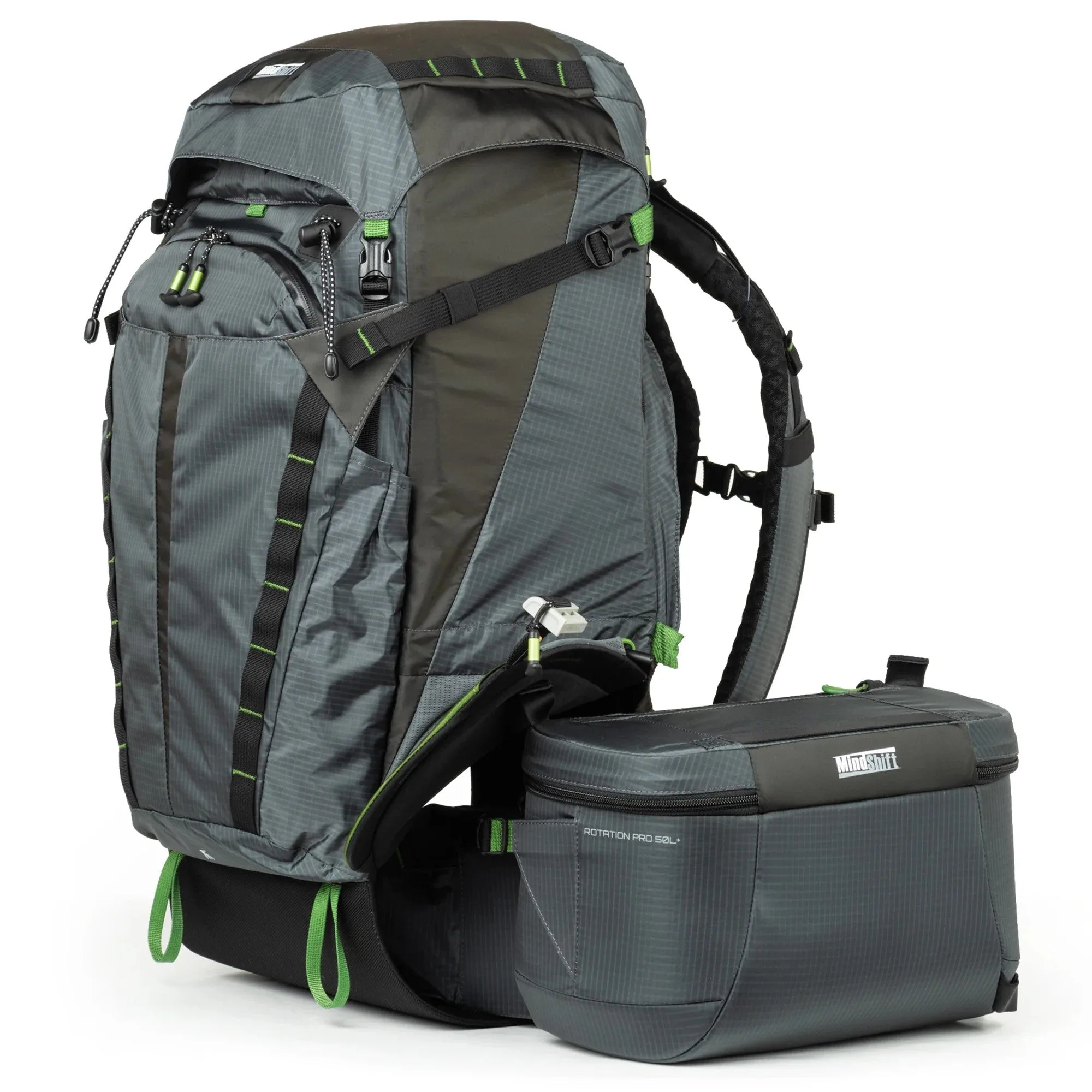
Think Tank Photo Rotation 50L+