Quick Answer
To pair your Noble wireless IEM with a phone, first ensure the IEM is charged and in pairing mode (usually by holding the multifunction button until the LED flashes). Then, open your phone's Bluetooth settings, select the Noble device from the list, and confirm the connection. If the device doesn't appear, restart both the IEM and phone, and try again.
Before You Start: What You Need
Make sure your Noble wireless IEM is fully charged. A low battery can prevent the device from entering pairing mode or cause intermittent disconnections. Also, ensure your phone's Bluetooth is turned on and that you have the latest system updates installed. Some older phones may have limited Bluetooth codec support, which can affect audio quality but not pairing itself.
Step-by-Step Pairing Guide
- Step 1: Put Your Noble IEM in Pairing Mode: Turn off the IEM if it's on. Then press and hold the multifunction button (or the designated pairing button) for about 5-10 seconds until the LED indicator starts flashing rapidly, usually in alternating blue and red. This signals that the IEM is discoverable. Common mistake: Holding the button too briefly will only turn the device on or off, not enter pairing mode. Wait for the rapid flashing.
- Step 2: Open Phone Bluetooth Settings: On your phone, go to Settings > Bluetooth (or Connections > Bluetooth on some Android phones). Ensure Bluetooth is toggled on. Your phone will start scanning for nearby devices. Checkpoint: If your phone has previously connected to other Bluetooth devices, it may automatically reconnect to one of them. Disconnect or forget those devices temporarily to avoid interference.
- Step 3: Select Your Noble IEM: From the list of available devices, tap on the name that matches your Noble wireless IEM (e.g., 'Noble Audio IEM' or a model-specific name). Your phone will attempt to pair and connect. You may hear a confirmation tone or see a 'Connected' status. If the IEM doesn't appear, move the phone closer to the IEM and ensure no other active Bluetooth connections are interfering. Restart both devices if needed.
- Step 4: Confirm and Test: Once connected, play a short audio track to verify sound is coming through both earpieces. Adjust volume from your phone to ensure the IEM responds correctly. If only one side plays, check that the IEM is properly seated in your ears and that the eartips create a good seal. Common issue: If audio is distorted or cuts out, your phone may be using a lower-quality Bluetooth codec. Check your phone's developer options (Android) or Bluetooth settings to prioritize aptX or AAC if supported.
Related Products
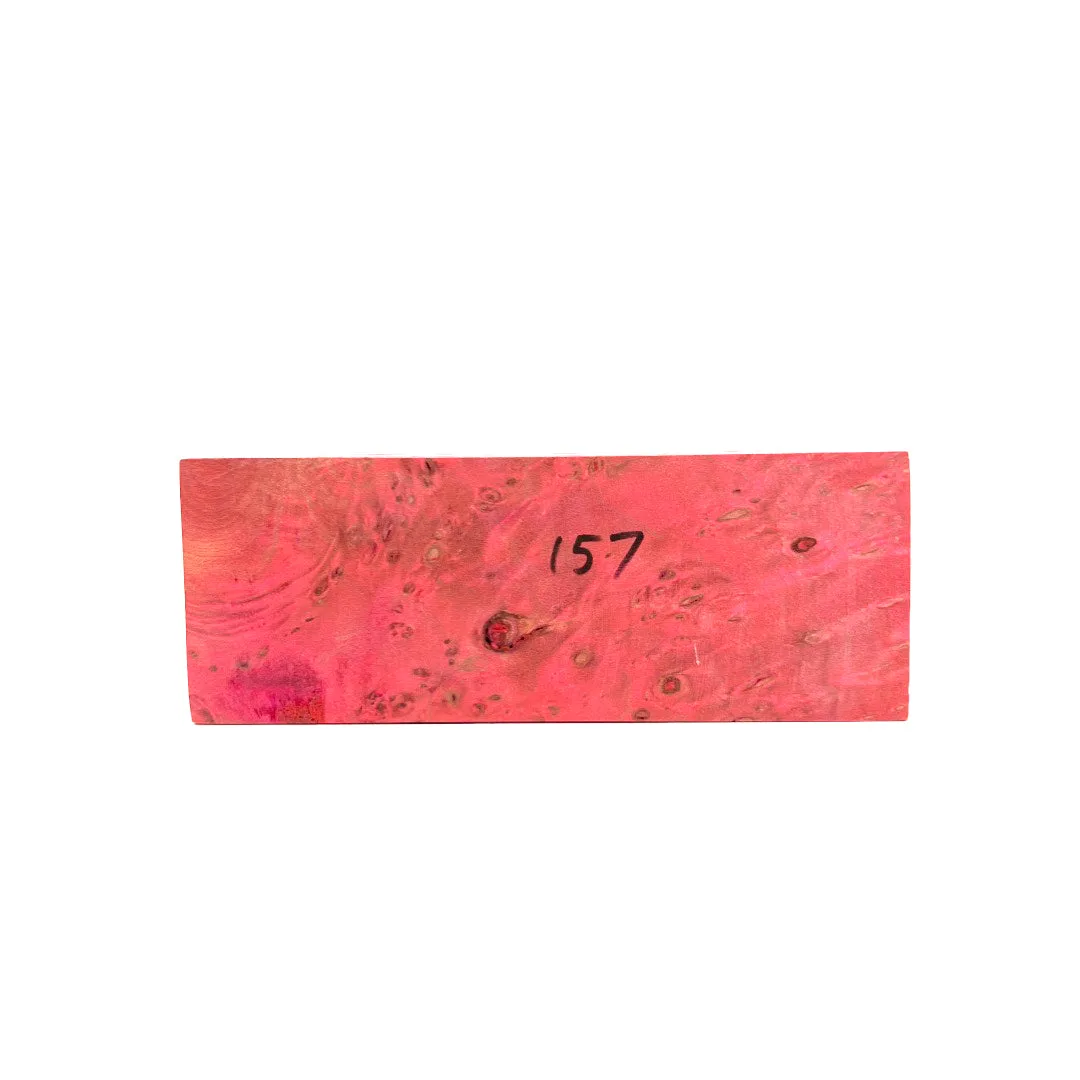
- Build Your Own Prestige - Block 157: Build Your Own Prestige - Block 157: Custom IEM block with vibrant lacquer colors. Typical build time 6-8 weeks. If the block fails during production, you can choose another block or cancel your order. While this guide focuses on wireless IEMs, the Build Your Own Prestige program offers a custom-fit alternative for those who prefer wired IEMs with a personalized aesthetic and fit.