Losing your wallet, keys, or bag can turn a good day into a stressful scramble. That is why smart trackers have become an essential part of modern everyday carry. The SmartCard Lite, designed to work seamlessly with Apple Find My, offers a slim and powerful way to keep tabs on your most important items. In this guide, we will walk you through the entire pairing process, show you how to use the Find My app for lost item recovery, and share tips to get the most out of your Bluetooth tracker.
Whether you are new to smart tracking or upgrading from an older device, setting up the SmartCard Lite is quick and intuitive. By the end of this article, you will know exactly how to pair it, how to interpret the location data, and how to leverage its features to never lose your valuables again.
Unboxing and Preparing Your SmartCard Lite
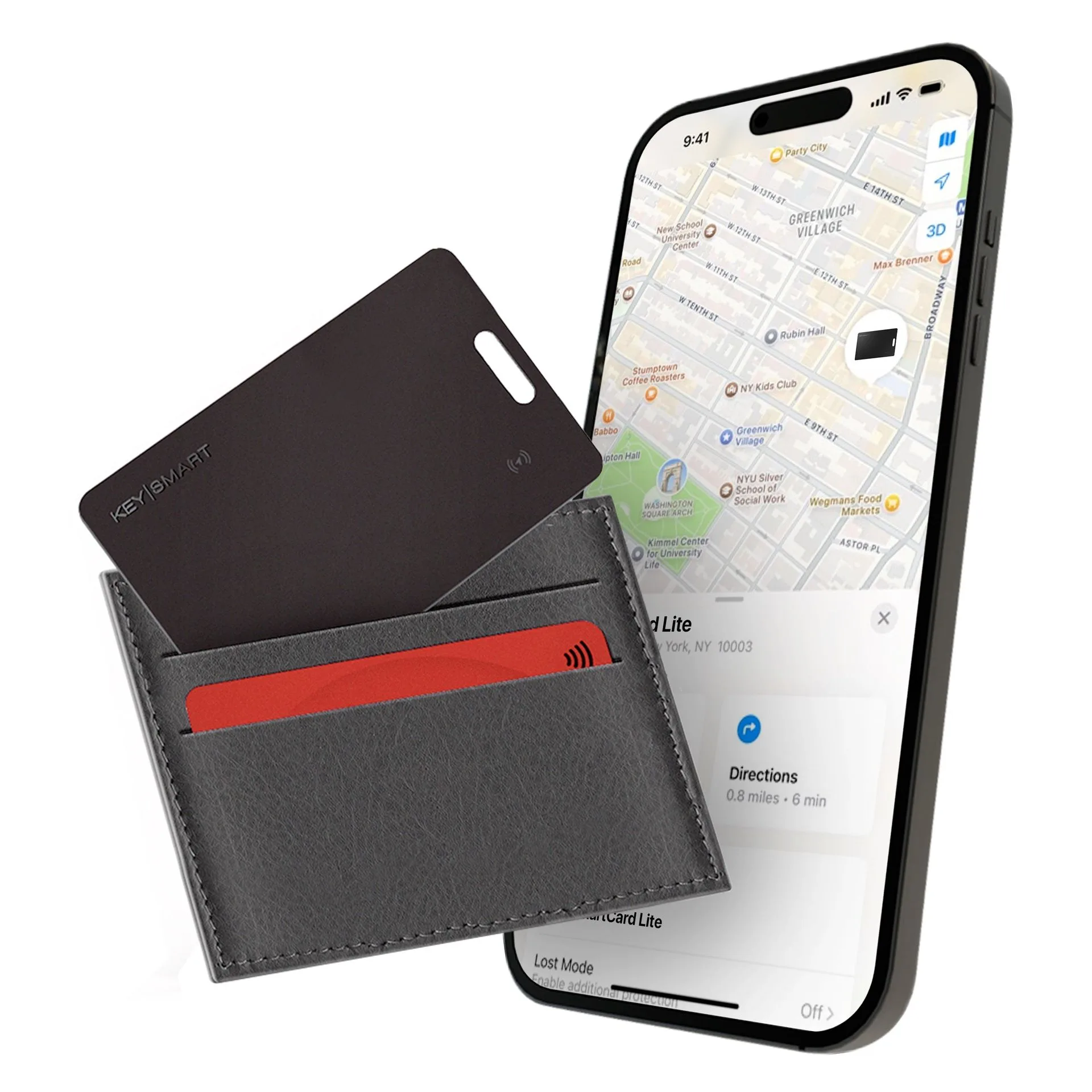
Before you can start tracking, you need to ensure your SmartCard Lite is ready for setup. Inside the box, you will find the tracker card itself, a quick-start guide, and a CR2032 battery (pre-installed). The card is about the size of a credit card, making it easy to slip into a wallet, passport holder, or even a slim card slot in your key organizer. To begin, pull the plastic tab from the battery compartment to activate the device. You should hear a short chime or see a small LED flash, confirming power is on.
Next, download the Find My app from the App Store if you have not already. The SmartCard Lite is Apple Find My certified, meaning it does not require a separate app or subscription. All tracking happens natively within the Apple ecosystem. Make sure your iPhone is running iOS 14.5 or later for full compatibility. Also, keep the tracker within a few feet of your phone during the initial pairing to ensure a stable Bluetooth connection.
- Remove the battery tab and listen for the activation chime.
- Ensure your iPhone is updated to iOS 14.5 or newer.
- Keep the SmartCard Lite close to your phone during setup.
Step-by-Step Pairing with Apple Find My
Pairing the SmartCard Lite is straightforward and takes less than a minute. Open the Find My app on your iPhone and tap the Items tab at the bottom of the screen. Then tap the Add (+) button and select Add Other Item. The app will begin scanning for nearby Bluetooth devices. When you see SmartCard Lite appear on the list, tap it to initiate pairing. You may be asked to press the side button on the tracker card once to confirm the connection. After a few seconds, a success message will appear, and your tracker will be listed under Items.
Once paired, you can assign a name and an emoji to the tracker to help identify it later. For example, you might name it My Wallet or Work Bag. The Find My app will then display the last known location on a map, and you can enable notifications for when the item is left behind. This step is crucial for proactive lost item recovery because the app will alert you if you walk away from your wallet or keys without them.
- Tap the Items tab in Find My, then tap Add (+) and choose Add Other Item.
- Select SmartCard Lite from the detected devices and press the side button to confirm.
- Customize the name and emoji for easy identification.
Using Find My to Locate Your Lost Item
If you misplace your wallet or bag, the Find My app becomes your best ally. Open the app and go to the Items tab. You will see a list of all your paired trackers, each showing its last known location and a timestamp. Tap on your SmartCard Lite to view a map with a pin. If the item is within Bluetooth range (roughly 30-50 feet), you can tap the Play Sound button to make the tracker emit a loud chime, helping you locate it by ear. This is especially useful when your wallet is buried in a couch cushion or lost in a cluttered room.
For items that are out of Bluetooth range, the Find My network kicks in. Millions of Apple devices around the world anonymously detect your SmartCard Lite via Bluetooth and relay its location to iCloud. You can then see the updated position on the map. The network is incredibly reliable for lost item recovery, even if you are miles away. If you mark the item as Lost in the app, you can also leave a contact phone number or message that will appear on the tracker if someone else finds it and taps it with their iPhone.
- Use Play Sound to hear a chime when the tracker is nearby.
- Leverage the Find My network for long-range location updates.
- Enable Lost Mode to share contact info with finders.
Maximizing Battery Life and Maintenance Tips
The SmartCard Lite uses a standard CR2032 coin cell battery that typically lasts about one year with normal use. You will receive a low-battery notification in the Find My app when it is time to replace it. To change the battery, gently slide the card open at the seam (no tools required) and swap in a fresh battery. Avoid exposing the tracker to extreme temperatures or moisture, as this can shorten battery life. If you carry the tracker in a wallet that is frequently compressed, make sure the battery compartment stays secure.
For even better organization, consider pairing your SmartCard Lite with a dedicated key organizer. Many users find that combining a slim wallet tracker with a compact key holder like the Everyday Carry Kit streamlines their daily carry and reduces clutter. The tracker fits perfectly inside a card slot, while the key organizer keeps your keys tidy and accessible. This combo ensures that both your wallet and keys are trackable, giving you peace of mind wherever you go.
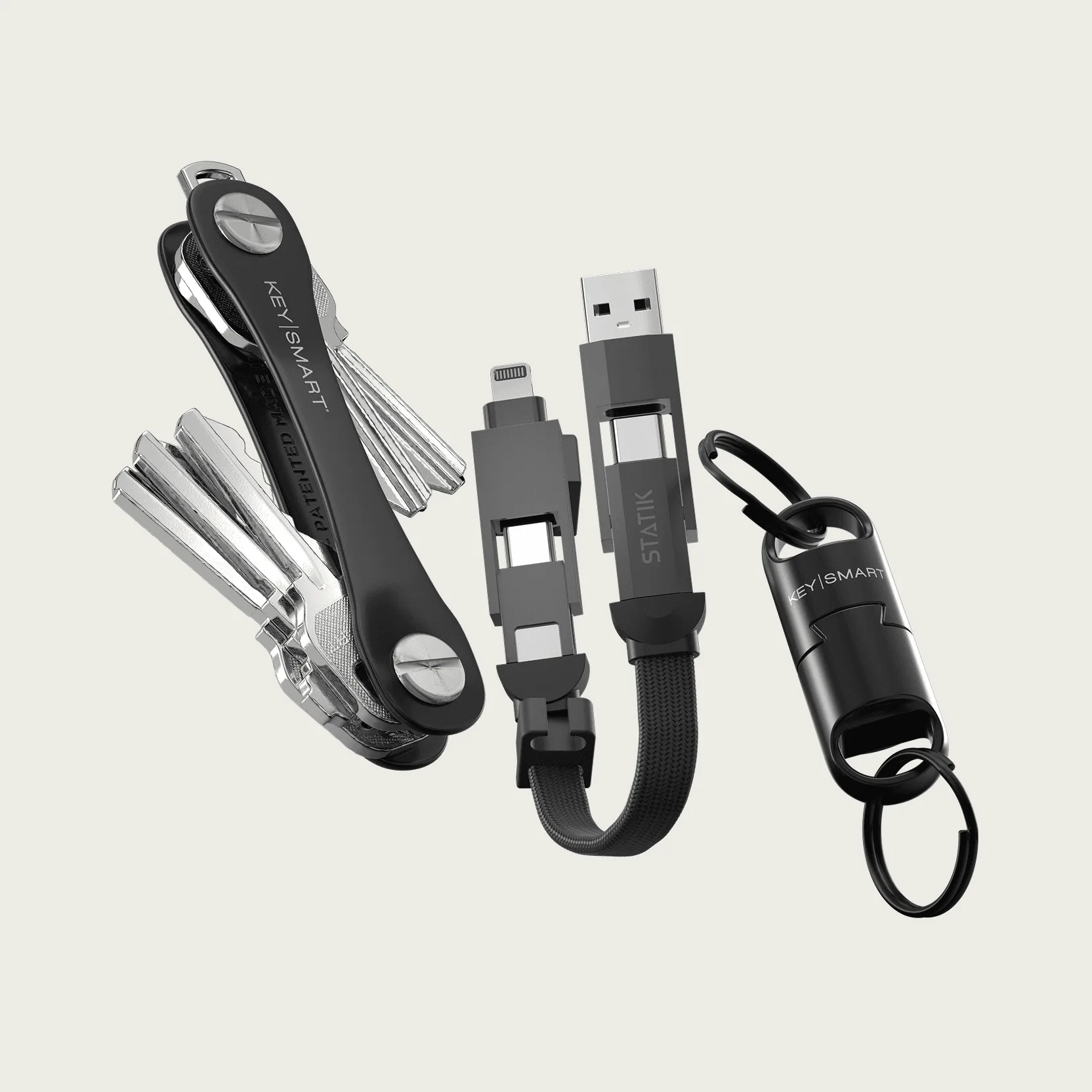
Everyday Carry Kit
- Replace the CR2032 battery annually or when notified.
- Keep the tracker dry and at moderate temperatures.
- Combine with a key organizer for a complete tracking solution.
Setting up your SmartCard Lite with Apple Find My is a simple yet powerful way to protect your everyday essentials from loss. With just a few taps, you can track your wallet, keys, or bag using the vast Find My network, play sounds to locate items nearby, and even receive leave-behind alerts. Whether you are at home, at work, or traveling, this Bluetooth tracker gives you confidence that your valuables are never far away. Ready to upgrade your EDC with reliable tracking? Explore the SmartCard Lite and other smart accessories in our store to build your perfect carry system.