Quick answer
Charge both pieces fully, power the bullet on first, then hold the remote's pairing button until the light stays solid. Keep the remote and bullet within a few feet during pairing, and treat any advertised range as a best-case number that drops through walls, water, and clothing.
Before you pair: charge and clear old connections
Most pairing failures are power problems in disguise. A bullet with a weak battery may turn on but not hold a wireless link, so charge it fully before troubleshooting anything else. If the toy has been paired to a different remote in the past, clear that old pairing first, usually by holding the remote's button for several seconds until the light flashes or changes color. Then turn the bullet off and back on to reset its radio state.
What wireless range actually means in practice
Range figures assume a clear line of sight between the remote and the toy. In real use, a body, a mattress, or a closed door will cut that distance sharply. For partner play, keep the remote in the same room and avoid putting your body directly between the remote and the bullet. If the signal drops, move the remote closer rather than pressing harder, and remember that water-submersible toys can lose signal faster once submerged because water absorbs radio waves.
Using the remote during solo and partner play
Once paired, the remote is best treated as a second set of hands. Start on the lowest speed to confirm the link is live, then step up. If your toy offers pattern modes, cycle through them slowly so you can tell a genuine pattern change from a dropped connection. For partner play, agree on a simple signal, such as two quick presses, to pause without speaking. This keeps the experience smooth and avoids fumbling in the dark.
Step-by-step pairing and use
- Charge both the bullet and the remote: Plug in the bullet and the remote until both are fully charged. A partially charged bullet is the most common reason a pairing attempt fails. Checkpoint: both indicator lights should show a full charge before you start.
- Turn the bullet on first: Press and hold the bullet's power button until it vibrates. Turning the bullet on before the remote puts it in a discoverable state. Mistake to avoid: turning on the remote first, which can cause the remote to search for a signal that is not there yet.
- Put the remote into pairing mode: Hold the remote's power or pairing button for several seconds. The light will usually blink quickly, then slow down or turn solid once the link is established. Checkpoint: a solid or slowly pulsing light means the pair succeeded.
- Test the link at close range: Keep the remote within a few feet of the bullet and press the speed button. The bullet should respond immediately with no lag. If there is a delay, turn both off, wait ten seconds, and repeat from step two.
- Move to your play position and check the range: Walk or lie down where you plan to use the toy, then press the remote again. If the bullet stops responding, move the remote closer or remove anything between the two devices. Mistake to avoid: assuming a lost signal means a broken toy. Range drops through bodies, bedding, and water.
- Explore speeds and patterns: Start on the lowest speed, then work up through the pattern modes. Pause between changes so you can tell a real pattern shift from a dropped connection. Checkpoint: if the bullet freezes on one setting, it has likely lost the link rather than changed modes.
- Power down and store correctly: Turn the bullet off first, then the remote. Store them together so the remote does not pair with a different toy next time. Mistake to avoid: leaving the bullet on standby, which drains the battery and can cause pairing problems next session.
Product facts
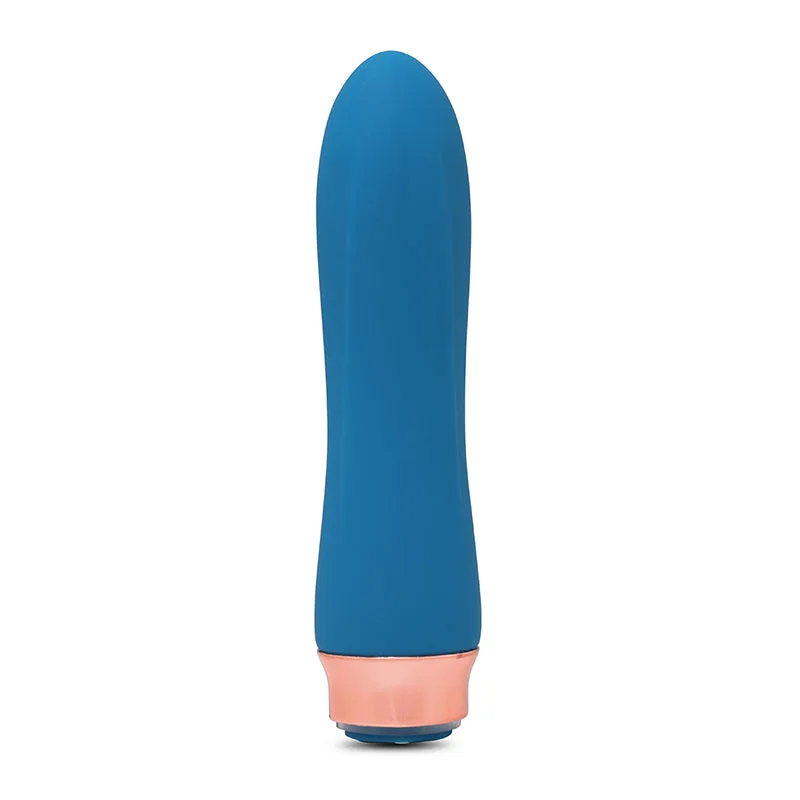
- Remote Control Petite Egg: Remote Control Petite Egg: 4 speeds and 11 pulsations, remote sync technology, power level 2 motor, Fusion Blend + Buzzy sensation, USB-rechargeable, water-submersible, body-safe. The 4 speeds and 11 pulsations give you plenty of room to test the connection at low intensity before stepping up, and the water-submersible build means you can take it into the bath or shower, though expect shorter wireless range underwater.
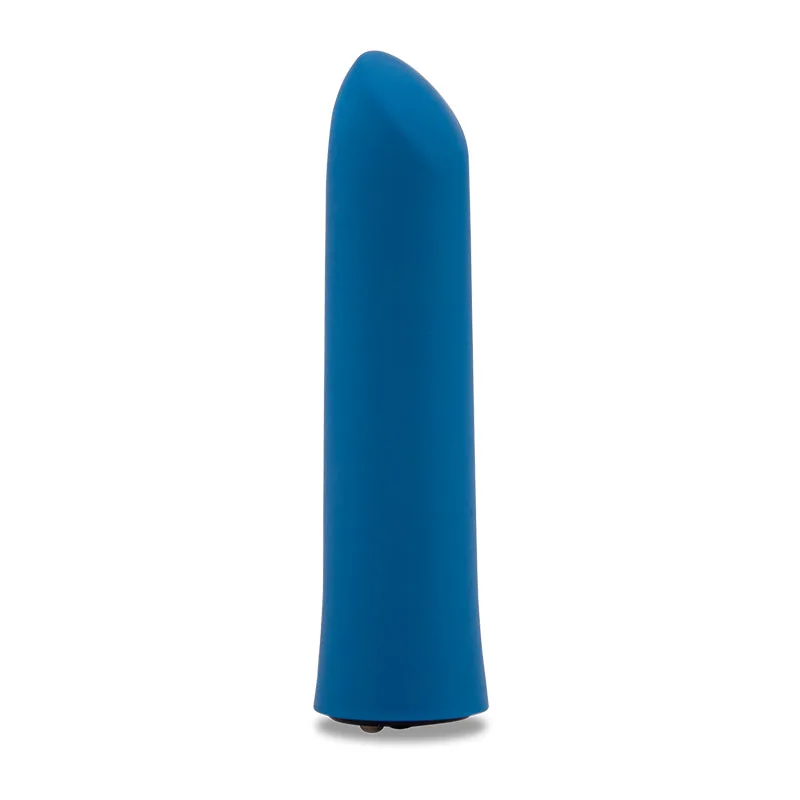
- XLR8 Bullet Envy: XLR8 Bullet Envy: 7 speeds, Nitro motor, XLR8 Turbo Boost, targets the clitoris, USB-rechargeable, water-submersible, body-safe. If you want a bullet that can also work as a standalone clitoral vibrator when you are not using the remote, the Nitro motor and Turbo Boost give you a high-power option that still charges over USB.