Quick answer
To personalize a ceramic coffee mug with your own design, use an online custom mug service that accepts image uploads. The key is preparing a high-resolution, properly sized file and following the platform's template guidelines.
Why choose a ceramic mug for your custom design?
Ceramic mugs are a classic, everyday item that makes your design visible for years. Unlike plastic or stainless steel, ceramic provides a smooth, porous surface that holds printed ink well, resulting in vibrant, durable graphics. The 11 oz. standard shape fits most hands and cupholders, making it a practical gift or promotional item.
Trade-offs to consider
While ceramic mugs are dishwasher-safe, hand washing is recommended to preserve the print quality over time. Also, the printing method used by most services (sublimation or pad printing) works best with solid colors and simple designs; very fine details or gradients may not reproduce perfectly.
Step-by-step guide: Upload your design to a custom mug
- Prepare your design file: Create or choose your design in a high-resolution format (300 DPI recommended). Use a square or rectangular canvas that matches the mug's printable area. Save as a PNG or JPEG with a transparent background if your design has a shape. Common mistake: Using a low-resolution image (72 DPI) from the web will result in a blurry print. Always start with a vector or high-res source.
- Check the template and bleed area: Download the mug template from the printing service. It will show the exact printable area and a bleed zone (usually 0.125 inch extra on each side). Place your design within the safe zone so no important elements are cut off. Checkpoint: If your design has text or a logo, keep it at least 0.25 inch from the edge to avoid it wrapping around the curve.
- Upload and preview your design: Use the service's upload tool to submit your file. Most platforms show a live preview of how the design will look on the mug. Rotate or resize if needed, but avoid stretching the image. Common mistake: Ignoring the preview and assuming it will look right. Always zoom in to check for pixelation or misalignment.
- Choose your mug style and quantity: Select the mug size (11 oz. is standard) and whether you want a single mug or a set. Some services offer different colors, but white provides the best contrast for most designs. Checkpoint: Double-check that your design is centered and not rotated upside down before placing the order.
- Place your order and review proof: Before finalizing, review the digital proof provided by the service. Confirm the design placement, colors, and any text. Once approved, the mug will be printed and shipped. Common mistake: Skipping the proof step can lead to surprises. Colors on screen may differ slightly from print, so ask for a physical sample if possible.
Product spotlight
-
Custom Printed 11 oz. White Ceramic Coffee Mug for Event or Gift - Upload Your Own Design: The Custom Printed 11 oz. White Ceramic Coffee Mug for Event or Gift accepts your own uploaded design with no minimum order. This means you can create a single, one-of-a-kind mug for yourself or a small set for a gift without needing to buy in bulk.
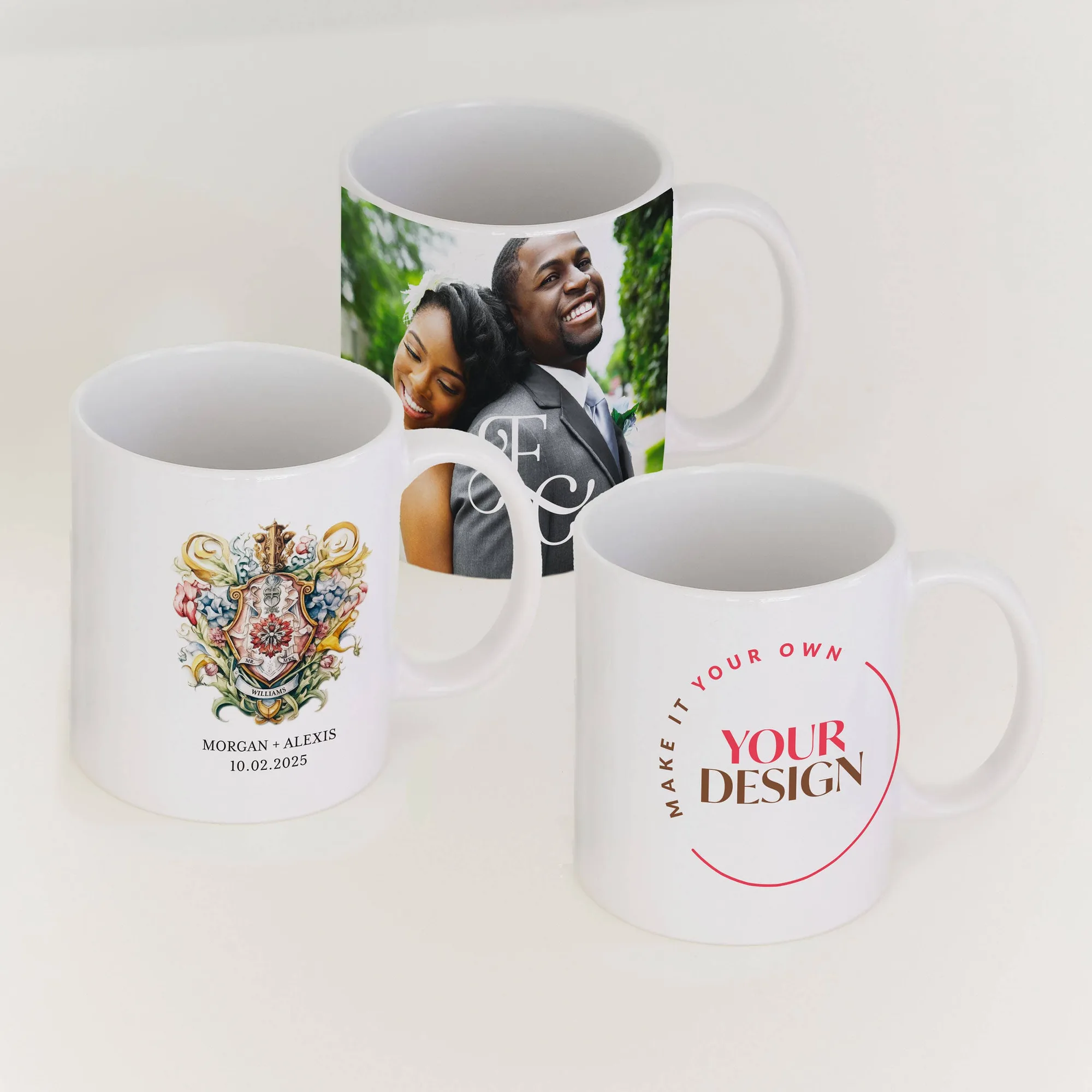
Custom Printed 11 oz. White Ceramic Coffee Mug for Event or Gift - Upload Your Own Design