Quick Answer
For most long-reach setups, pick a 3m USB-C cable with a braided jacket and the right connector for your charger—USB-C to USB-C for modern chargers, USB-A to USB-C for older ones.
Why 3m is the sweet spot for many rooms
A 3m cable gives you enough reach to move from a wall socket to a sofa, bed, or desk without stretching. It is long enough for most home setups but not so long that it becomes a tripping hazard or tangles easily.
If your charging spot is farther than 3m away, you may need a longer cable or a different arrangement—like moving the charger closer. Measure the distance from your outlet to where you usually use the device before buying.
Braided vs standard: what the jacket means for you
A braided cable has a woven outer layer that resists kinks, snags, and wear from daily bending. If the cable will be moved often, bent around corners, or used in high-traffic areas, braided is the more durable choice.
Standard PVC cables are lighter and often cheaper, but they can fray or split at the connector joints over time. For a cable that stays in one place and rarely moves, a standard cable may be fine—but braided gives you extra peace of mind for a small price difference.
USB-C to USB-C vs USB-A to USB-C: which end do you need?
The connector on the charger side matters. If your charger or laptop has a USB-C port, a USB-C to USB-C cable lets you use the same cable for charging and data sync, and it supports faster charging when paired with a compatible charger.
If your wall adapter or computer only has a USB-A port, a USB-A to USB-C cable is the practical choice. It works with older chargers and is often cheaper, but it may not deliver the same fast-charging speeds as a USB-C to USB-C cable—check your device's requirements.
Decision rules for choosing your 3m USB-C cable
- Check your charger's port: Look at the port on your wall adapter, laptop, or power bank. If it's USB-C, choose a USB-C to USB-C cable. If it's USB-A, choose a USB-A to USB-C cable. If you have both types of chargers, consider buying one of each to stay flexible.
- Decide how much durability you need: If the cable will be moved, bent, or stepped on, choose a braided cable. If it will stay plugged in one spot, a standard cable may be enough. Braided cables cost a bit more but last longer in active use.
- Measure the distance: Measure from your outlet to where you usually use the device. If it's more than 3m, consider a longer cable or moving the charger closer. A 3m cable covers most rooms, but don't guess—measure first.
Cables to consider
-
Juice USB Type-C to USB Type-C Braided Charging Cable 3m: This 3m braided cable uses USB-C on both ends and is designed for faster charging and syncing via USB-C. If your charger has a USB-C port, this cable gives you the durability of braided construction and the speed potential of a full USB-C connection.
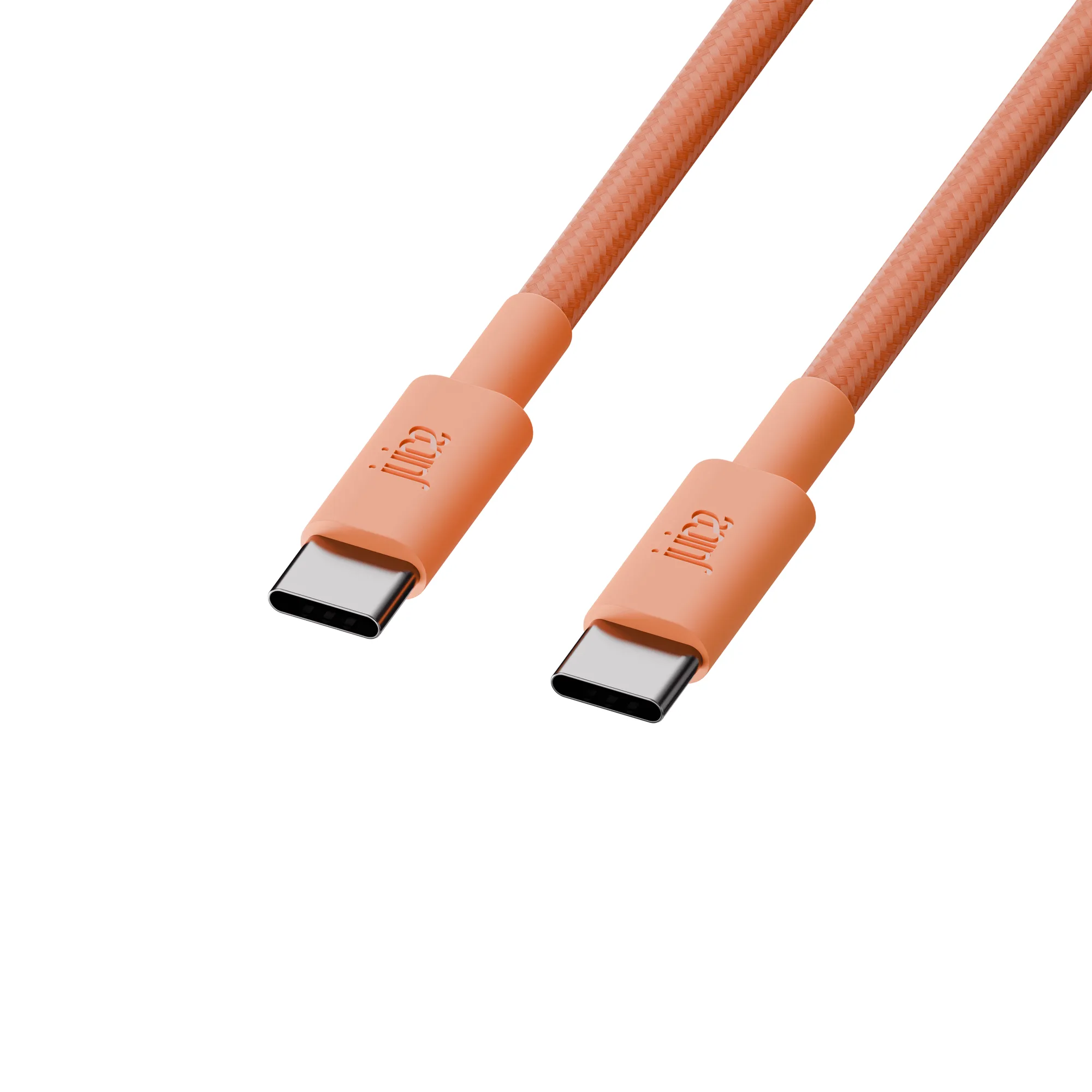
Juice USB Type-C to USB Type-C Braided Charging Cable 3m
-
Juice USB Type-C Charging Cable 3m: This 3m cable has a USB-A connector on one end and USB-C on the other, and is available in multiple colours. It's the right choice when your existing charger or computer only has a USB-A port, and the colour options help you keep cables organised.
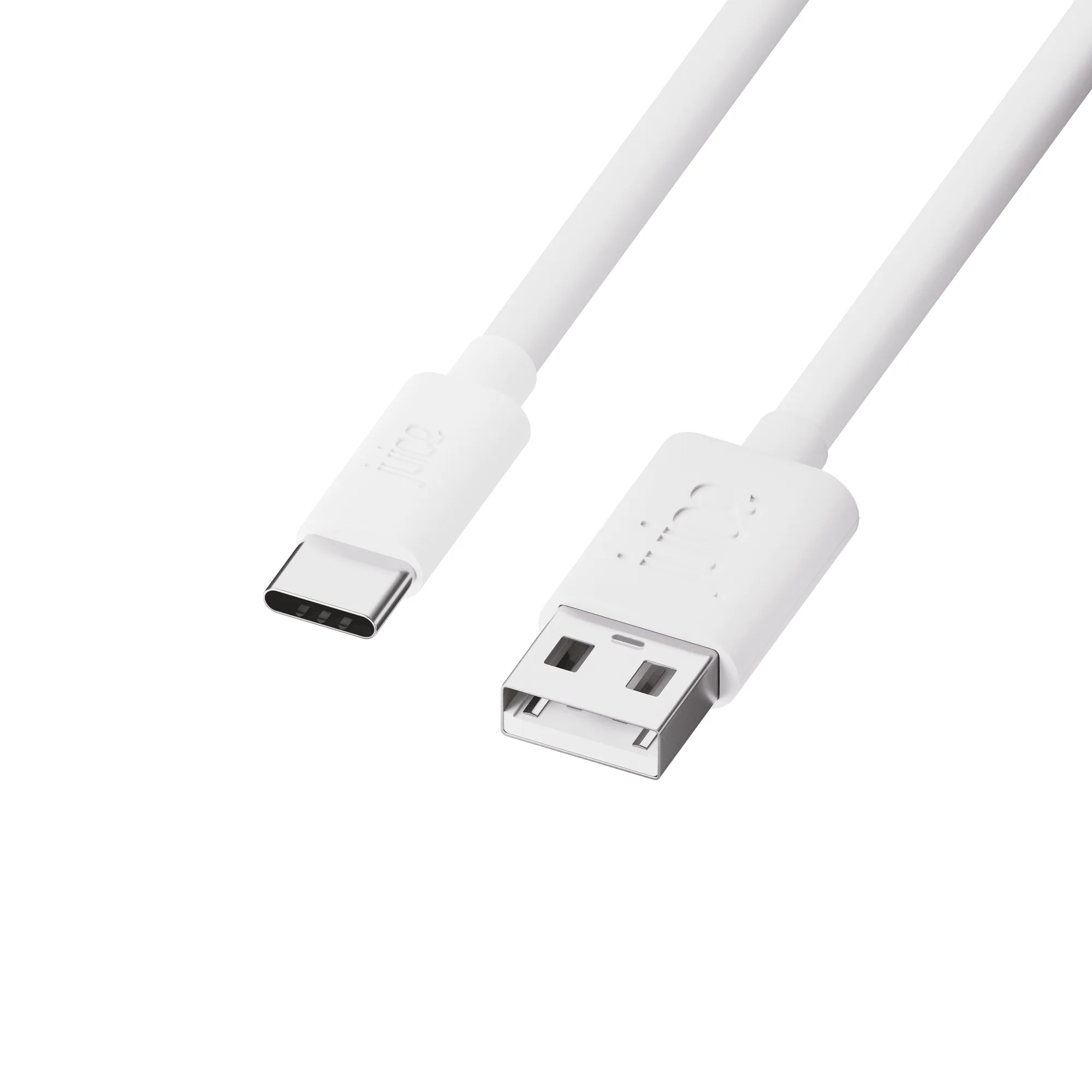
Juice USB Type-C Charging Cable 3m
Who should choose which cable
Best for
- People with a USB-C charger who want a durable, fast-charging cable for long reach
- People who need a USB-A to USB-C cable for older chargers and want colour options
Not for
- People who need a cable longer than 3m
- People who only have USB-A chargers and want to use USB-C to USB-C cables