Getting Started with the WB400P Battery
The Godox WB400P is a dedicated Li-Ion battery for the AD400Pro flash head. It delivers up to 380 full-power flashes per charge and recharges fully in about two hours. Before you start, make sure you have the correct battery: this model fits only the Godox AD400Pro Strobe Flash.
How to Install and Activate the Battery
Follow these steps to get your WB400P battery ready for use.
- 1. Insert the Battery: Slide the WB400P into the battery compartment of your AD400Pro until it clicks into place. The battery button is located next to the battery indicator.
- 2. Check the Charge Level: Press the battery button briefly to see the current charge level on the indicator. If the battery has been unused for a long time, it may enter a hibernation state to protect its performance and extend its life.
- 3. Wake from Hibernation (If Needed): If the battery does not respond or charge, press the battery button several times to activate it. This wakes the battery from hibernation so it can be charged normally.
- 4. Charge the Battery: Connect the included charger to the battery. A full charge takes about two hours. The battery can deliver up to 380 full-power flashes once fully charged.
Key Specifications at a Glance
-
Godox WB400P Li-Ion Battery for AD400Pro Flash Head: Capacity: 2600 mAh, Voltage: DC 21.6V These specs ensure the battery provides consistent power for your AD400Pro flash head during extended shoots.
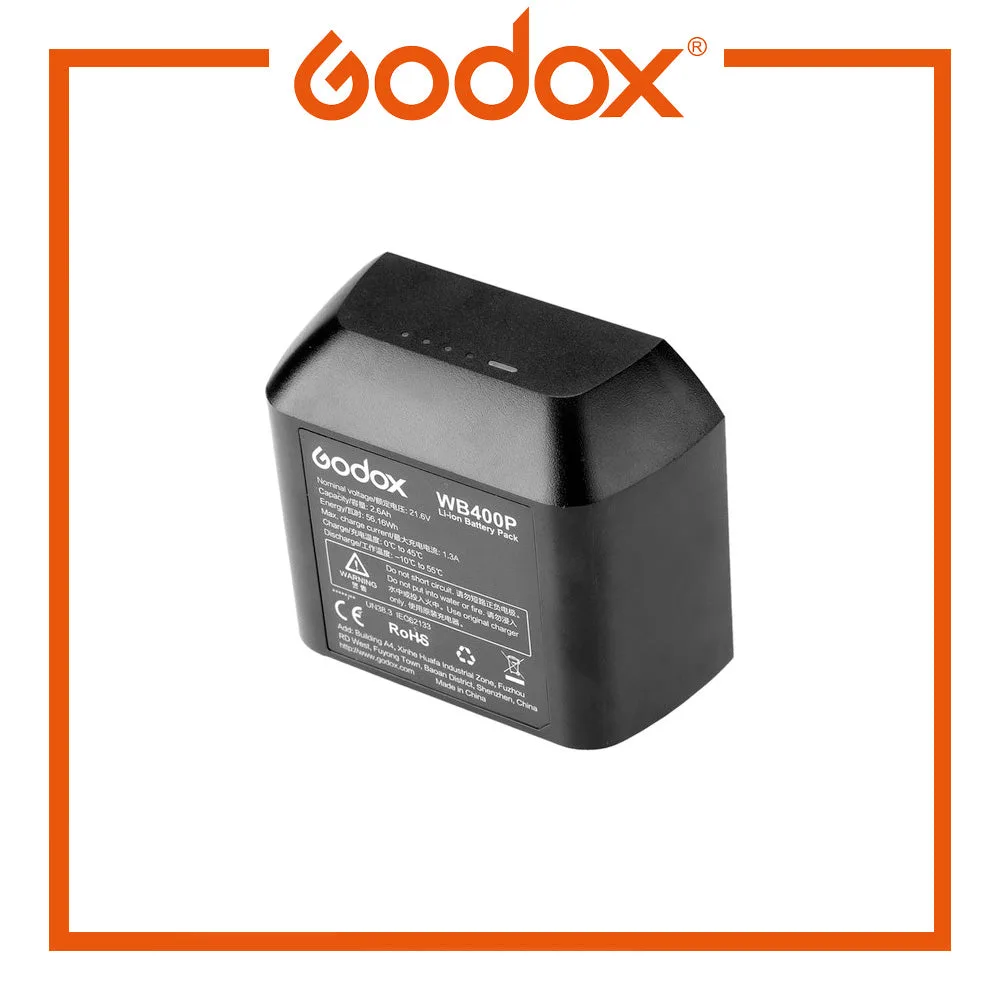
Godox WB400P Li-Ion Battery for AD400Pro Flash Head
-
Godox WB400P Li-Ion Battery for AD400Pro Flash Head: Provides 380 full-power flashes per charge This gives you plenty of flashes for a full day of studio or location work without needing a spare.
-
Godox WB400P Li-Ion Battery for AD400Pro Flash Head: Charges fully in 2 hours Fast charging means minimal downtime between sessions.
Battery Maintenance Tips
To keep your WB400P in good condition, follow these care guidelines based on the manufacturer's instructions:
If you plan to store the battery for a long time, charge it to approximately 60% before putting it away. For batteries that have not been used for over three months, give them a full recharge before use. This helps maintain battery health and ensures reliable performance when you need it.