Quick Answer
To properly store and organize your racing wheel and pedals, start by cleaning them, then choose a dedicated storage spot that protects them from dust and damage. Use cable management to keep wires tidy, and consider a wheel stand or mount for easy setup. Follow a regular maintenance routine to keep your gear in top condition.
Racing wheels and pedals are an investment in your sim racing experience. Whether you have a high-end direct drive setup or a budget-friendly wheel, proper storage and organization can extend its lifespan and keep your gaming area clutter-free. In this guide, we'll walk you through practical steps to store and organize your racing wheel and pedals, ensuring they're always ready for your next race.
We'll cover everything from cleaning and preparation to choosing the right storage solution, managing cables, and maintaining your gear. By the end, you'll have a clear plan to keep your sim racing setup tidy and functional.
Why Proper Storage Matters for Your Racing Wheel and Pedals
Racing wheels and pedals are precision instruments with sensitive electronics and moving parts. Improper storage can lead to dust buildup, cable damage, and even calibration issues. For example, leaving your wheel exposed to sunlight can cause the rubber coating to degrade, and tangled cables can become a trip hazard and wear out connectors.
Additionally, a cluttered setup can reduce your immersion and make it harder to jump into a race. By investing a little time in organizing your gear, you'll protect your equipment and enhance your overall sim racing experience.
- Dust can accumulate in the wheel's buttons and pedals' sensors, affecting performance.
- Proper cable management prevents damage and makes setup faster.
- A dedicated storage spot reduces the risk of accidental knocks and drops.
Step-by-Step Guide to Storing Your Racing Wheel and Pedals
Before storing your racing wheel and pedals, clean them thoroughly. Use a soft, dry microfiber cloth to wipe down the wheel rim, buttons, and pedal faces. For stubborn grime, slightly dampen the cloth with water or a mild cleaning solution, but avoid getting moisture into any openings. Allow everything to dry completely before storage.
Next, disconnect all cables and coils them neatly. Use Velcro ties or cable clips to keep them organized. If your wheel has a quick-release mechanism, detach it from the base for compact storage. For pedals, consider removing the pedal faces if they are detachable, but only if the manufacturer recommends it.
- Always consult your product manual for specific cleaning and storage instructions.
- Store cables separately in a labeled bag to avoid tangles.
- If you have a wheel stand, fold it down and store it in a corner.
Choosing the Right Storage Solution for Your Setup
The best storage solution depends on your available space and how often you use your racing gear. If you have a dedicated sim racing cockpit, you can leave your wheel and pedals mounted, but cover them with a dust cover when not in use. For those who need to pack up after each session, a wheel stand or a wall mount can save space and keep your gear accessible.
Consider a storage shelf or cabinet with shelves to keep your wheel and pedals off the floor. This protects them from dust and accidental kicks. If you're short on space, a wall-mounted hook for the wheel and a small shelf for pedals can work well. Ensure the storage area is dry and away from direct sunlight to prevent material degradation.
- Wall mounts are great for saving floor space and displaying your gear.
- Use a dust cover or a clean cloth to protect your wheel when not in use.
- For pedal storage, a shallow drawer or a shelf with a lip prevents them from sliding off.
Organizing Cables and Accessories
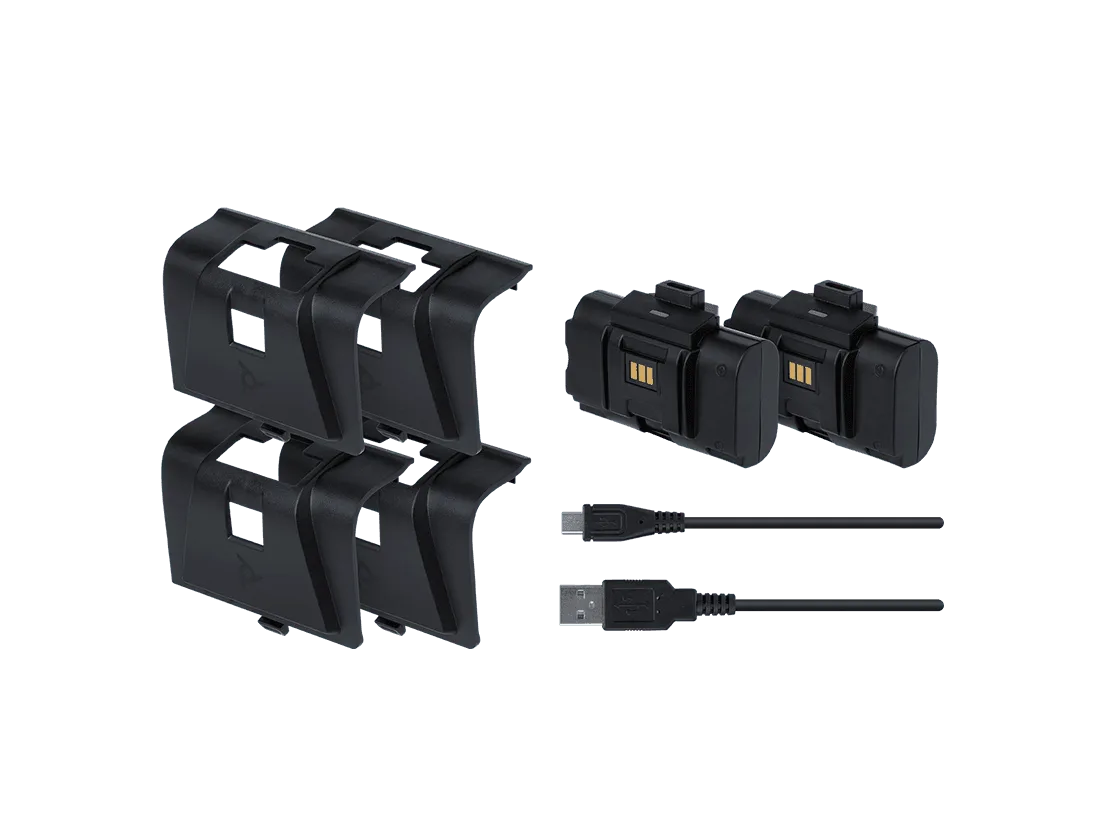
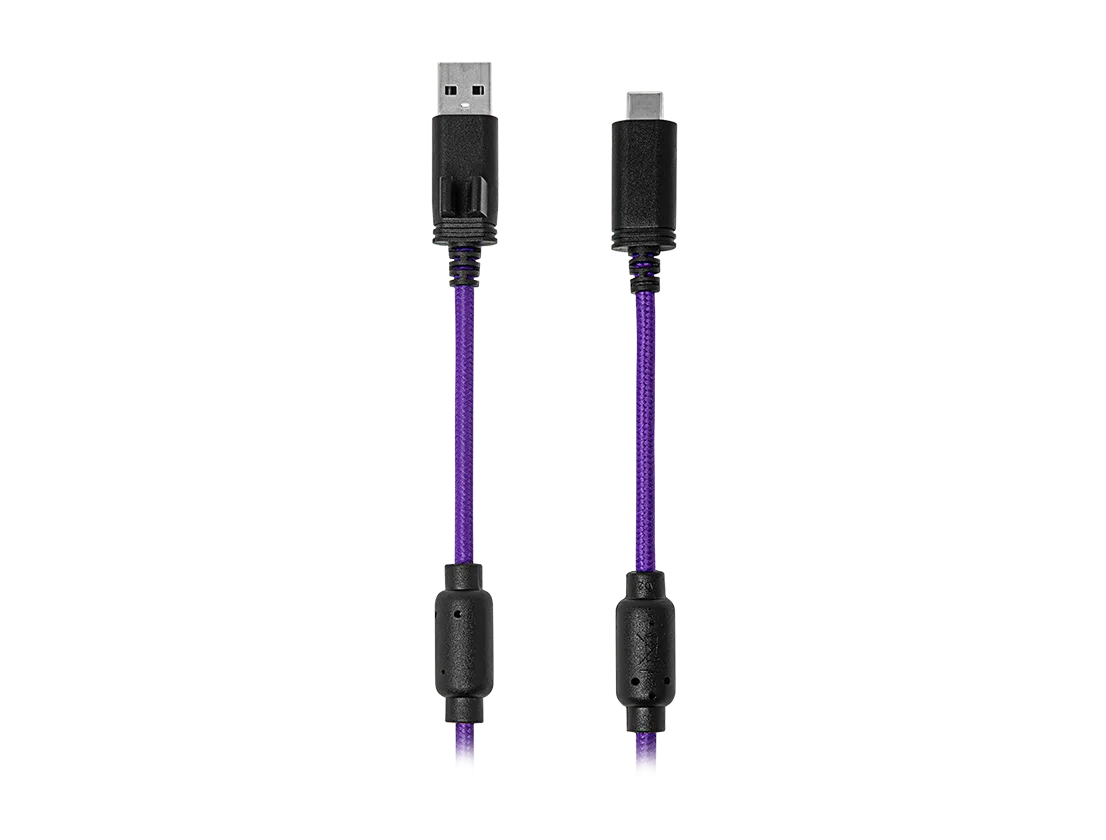
Cable management is crucial for a tidy sim racing setup. Start by identifying all cables connected to your wheel and pedals, including USB, power, and any extension cables. Use cable ties or Velcro straps to bundle them together, and label each cable with a tag if you have multiple similar ones.
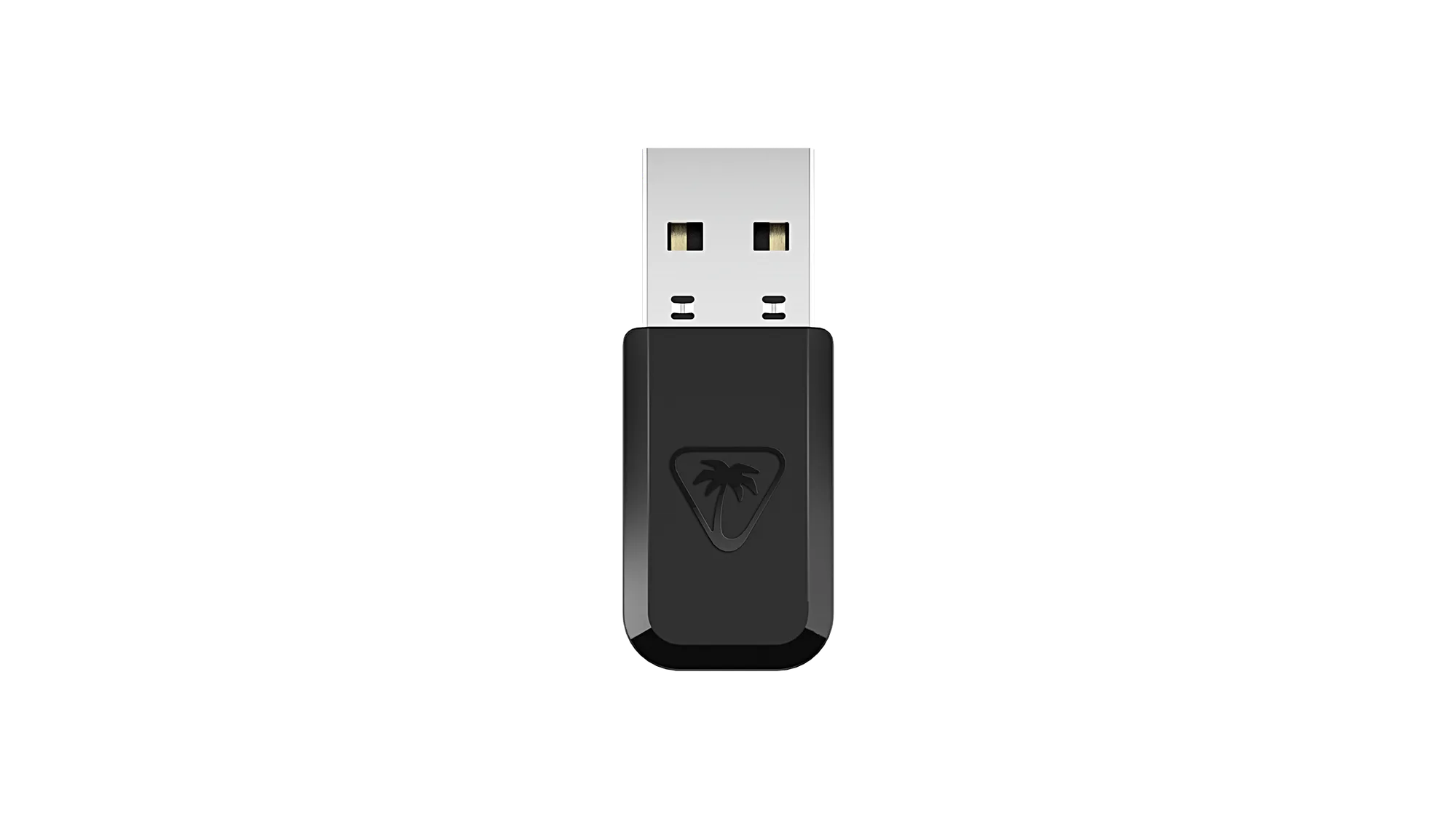
Consider using a cable management tray or clips to route cables along the underside of your desk or racing rig. This keeps them out of the way and prevents them from getting tangled. For wireless wheels, ensure the transmitter is stored in a safe place, such as a small drawer, to avoid losing it.
- Use a label maker to tag cables for quick identification.
- Cable sleeves can bundle multiple cables into one neat line.
- Store small accessories like quick-release adapters in a dedicated box.
Step-by-Step Storage and Organization Checklist
- Step 1: Clean and Dry: Wipe down your wheel and pedals with a dry microfiber cloth. Use a slightly damp cloth for stubborn dirt, but avoid moisture in openings. Let everything air dry completely. Checkpoint: Ensure no moisture remains before storing to prevent damage.
- Step 2: Disconnect and Neatly Coil Cables: Unplug all cables from the wheel, pedals, and power source. Coil them loosely and secure with Velcro ties. Label cables if you have multiple. Checkpoint: Avoid tight bends in cables to prevent internal wire damage.
- Step 3: Choose a Storage Spot: Select a dry, cool place away from direct sunlight. Options: a shelf, a cabinet, a wall mount, or a dedicated storage bin. Ensure the spot is stable and safe from accidental bumps. Checkpoint: The storage spot should be easily accessible but out of high-traffic areas.
- Step 4: Organize Accessories: Store small items like quick-release adapters, screws, and transmitters in a labeled container. Keep them together with your wheel or in a separate drawer. Checkpoint: Use a small parts organizer to avoid losing tiny components.
- Step 5: Regular Maintenance: Periodically check your wheel and pedals for dust buildup, loose screws, or cable wear. Clean them every few months and re-tighten any loose parts. Checkpoint: A quick monthly inspection can prevent bigger issues.
Product Facts: Keeping Your Gear in Top Shape
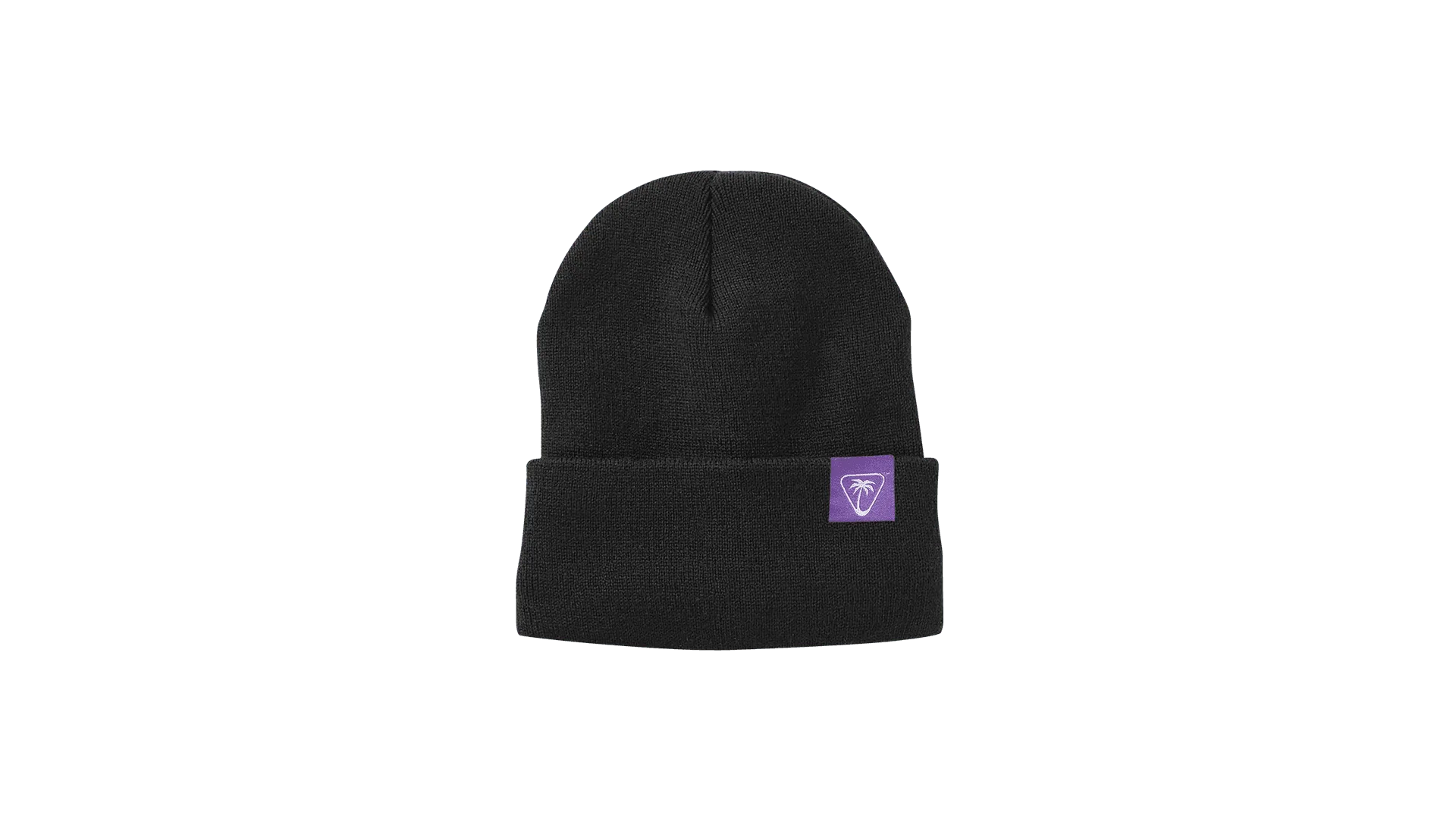
- Turtle Beach Beanie: 12" Cuffed Beanie 100% acrylic Adjustable cuff, shown as 3" Width (Laid Flat) - 7.5" X Length - 12" Unisex, one size fits most While not directly related to storage, wearing a beanie during long racing sessions can keep you comfortable and focused, and it's a great accessory to store with your racing gear for quick access.
- VelocityOne Flight Status Indicator Panel (SIP), Default Layout: The VelocityOne Flight Status Indicator Panel (SIP) in Default Layout is a dedicated component for simulation setups. As a simulation part, it adds essential status indication to your flight control system. If you also enjoy flight sims, this panel can be part of a multi-purpose sim setup. Proper storage and organization of all your sim peripherals, including this panel, ensures everything is ready for either racing or flying.
Proper storage and organization of your racing wheel and pedals not only protects your investment but also makes your sim racing setup more enjoyable. By following these steps, you'll keep your gear in top condition and ready for action. For added comfort during long races, consider the Turtle Beach Beanie to stay warm and focused. Happy racing!