Quick Answer
To replace a 2-prong TNT mount head, remove the old head by pressing the release button, then snap the new 2-prong head into place and verify it locks securely. Check compatibility first to ensure a proper fit.
Why Replace the Mount Head?
Over time, the mount head on your car mount can wear out or get damaged, especially if you frequently remove and reattach your device. A loose or broken head can cause your phone or GPS to slip, which is both annoying and unsafe while driving.
Replacing just the head is a cost-effective alternative to buying a whole new mount. The ToughTested 2-Prong TNT Replacement Head is designed for compatible ToughTested mounts, so you can restore full functionality without replacing the entire system.
Compatibility Check First
Before ordering a replacement, verify that your mount uses a 2-prong head. The TNT replacement head is not compatible with 4-prong or other mounting systems. Check the base of your existing head or the mount arm to confirm the connection type.
If you're unsure, consult the product description or contact ToughTested support. Using an incompatible head can lead to a loose fit and potential device damage.
Step-by-Step Replacement Guide
- Confirm the 2-prong connection: Check that your existing mount head has two prongs and that the replacement head is the same type. If you have a 4-prong head, this replacement won't fit. Order the correct head the first time to avoid returns.
- Remove the old mount head: Press the release button on the current head and gently pull it away from the mount arm. If it's stuck, wiggle it slightly while pressing the button. Do not force it, as this could damage the arm. If the head doesn't release easily, check for debris or damage.
- Align the new head: Position the new 2-prong head so the prongs align with the slots on the mount arm. Make sure the release button faces the same direction as before for easy access. Misalignment can prevent a secure fit.
- Snap the new head into place: Push the new head firmly onto the mount arm until you hear a click. The snap-in design ensures a secure connection. Test the connection by gently pulling on the head. A clear click indicates the head is locked in place.
- Test with your device: Attach your phone, GPS, or tablet to the new head and ensure it grips firmly. Use the Off-Road Lock if you need extra stability. Adjust the mount angle as needed. If the device slips, double-check that the head is fully seated.
Product Facts
-
ToughTested 2-Prong TNT Replacement Head: The ToughTested 2-Prong TNT Replacement Head features a snap-in design for quick installation and an Off-Road Lock for added device stability. This makes swapping the head a fast, tool-free process, and the Off-Road Lock helps keep your device secure even on bumpy terrain.
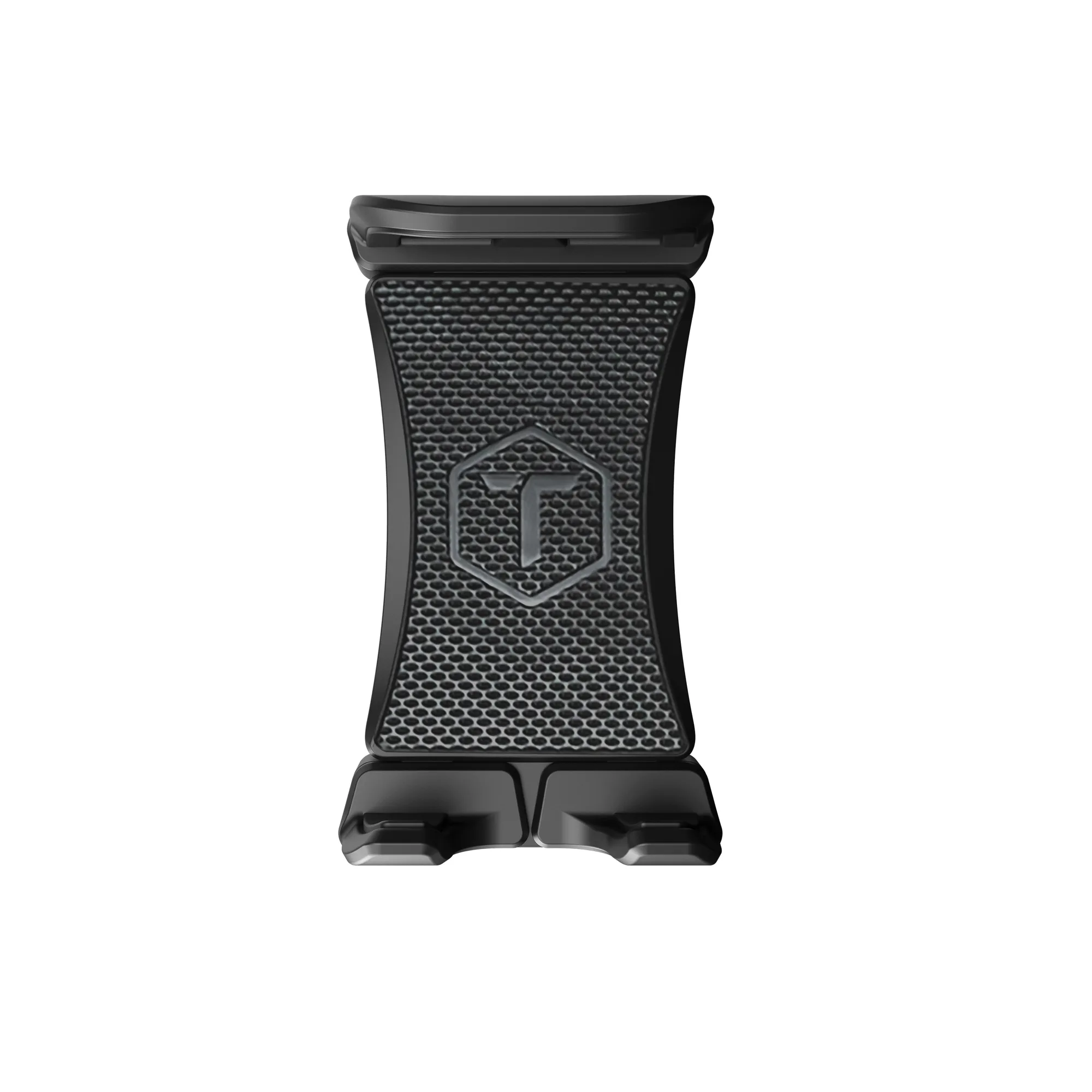
ToughTested 2-Prong TNT Replacement Head