Quick answer
To replace a 64 Audio cable safely, power down your source, support the IEM shell with one hand, and pull the connector straight out by the plug housing, never by the wire. For 2-pin models, align the angled plug with the socket and press until seated; for IPX, line up the 45-degree housing and push until it clicks. Avoid twisting, leverage, or pulling on the cable itself.
Know which connector you have before you pull
64 Audio IEMs use either a classic angled 2-Pin or an IPX connection. The removal motion is the same, but the IPX housing adds water resistance and a specific 45-degree angle, so it needs a firm, straight pull rather than a wiggle. Check your current cable's plug: if it has a small rectangular two-pin block, it is 2-Pin; if it has a round, threaded-looking collar, it is IPX.
Work on a clean, soft surface with good light
Lay a microfiber cloth on a table and keep a small tray for screws or ear tips. Good overhead light helps you see the connector seam. Never swap cables over a hard floor or carpet where a dropped IEM can bounce or pick up lint. If you wear long sleeves, roll them up so fabric does not catch the cable.
Remove the old cable without stressing the socket
Hold the IEM shell firmly between your thumb and index finger. With your other hand, grip the plug housing, not the braided wire. Pull straight away from the shell with steady pressure. If it resists, do not twist; check for a locking collar on IPX or a tight 2-Pin fit, then pull again. A slight rocking motion along the plug's long axis is acceptable, but side-to-side leverage can crack the socket.
Inspect both sides before installing the new cable
Look at the IEM socket for dust, bent pins, or a loose collar. Look at the new cable's plug for straight pins and a clean housing. If you see debris, blow it out with a camera blower or use a dry, soft brush. Do not insert a cable with bent pins; it can deform the socket. This is also the moment to confirm left and right markings on the new cable match your IEMs.
Install the new cable with a straight, firm push
For 2-Pin, align the angled connector so the pins enter the socket squarely, then press until the housing meets the shell with no gap. For IPX, align the 45-degree angled housing and push until it seats; you should feel a soft click or a firm stop. Do not force it. If it will not seat, pull it out and recheck alignment. After both sides are connected, give a gentle tug on the plug housing to confirm it is secure.
Test and store so the next swap is easier
Plug into your source at low volume and check that both channels play. If one side is silent, power down and reseat that connector. When you store the IEMs, coil the cable loosely at a diameter of about three fingers and use the cable cinch to hold the loop. Avoid tight coils around the IEMs, which can fatigue the wire near the plug. For a spare or travel cable, keep it in a separate pouch so the connectors do not rub against hard objects.
Step-by-step cable swap
- Power down and prep your surface: Turn off your source and unplug the old cable. Work over a microfiber cloth with a tray for small parts. Checkpoint: no power and no clutter before you touch the connectors.
- Identify 2-Pin or IPX: Look at the plug: a rectangular two-pin block is 2-Pin; a round collar with a 45-degree angle is IPX. Mistake to avoid: assuming all 64 Audio cables use the same connector.
- Pull the plug, not the wire: Grip the plug housing and pull straight away from the shell. Do not twist or lever sideways. Checkpoint: if it resists, stop and check for a locking collar or debris.
- Inspect the socket and new plug: Remove dust, check for bent pins, and confirm left/right markings match your IEMs. Mistake to avoid: inserting a cable with bent pins, which can damage the socket.
- Seat the new connector squarely: Align the angled plug with the socket and push straight until it stops. For IPX, push until it clicks or seats firmly. Checkpoint: no gap between housing and shell, and a gentle tug does not pull it loose.
- Test both channels, then store loose: Play at low volume and confirm left and right. Coil the cable loosely and use the cinch. Mistake to avoid: tight coiling around the IEMs, which stresses the wire near the plug.
Cables that match these steps
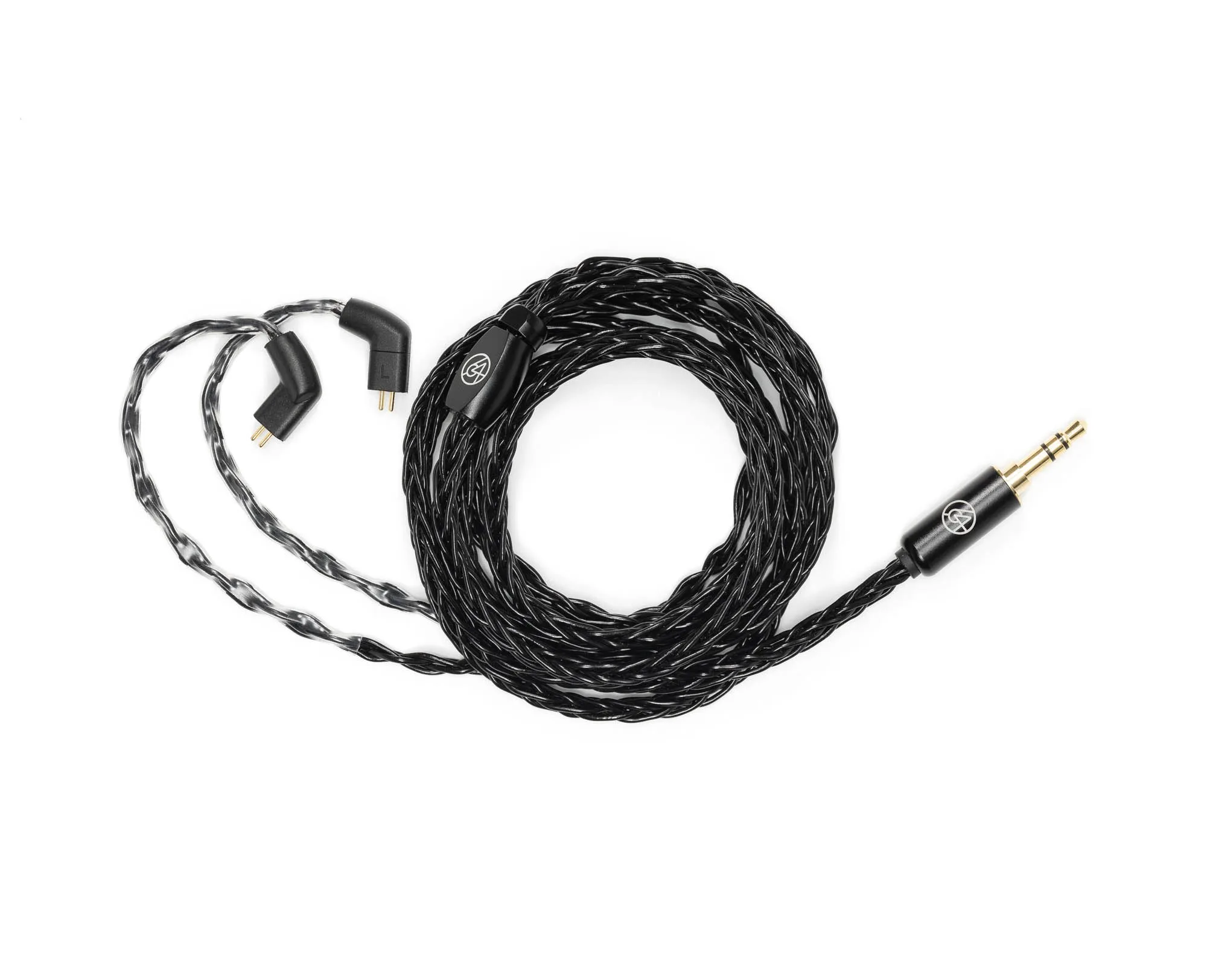
- Black Eight-Braid Cable: Black Eight-Braid Cable: 23 x 25 AWG silver-plated copper, eight-braid construction, 0.26Ω impedance, available with 3.5mm single-ended or balanced 4.4mm connectors, angled 2-Pin. The low impedance and silver-plated copper suit transparent sources, and the 2-Pin plug follows the straight-pull removal steps above.
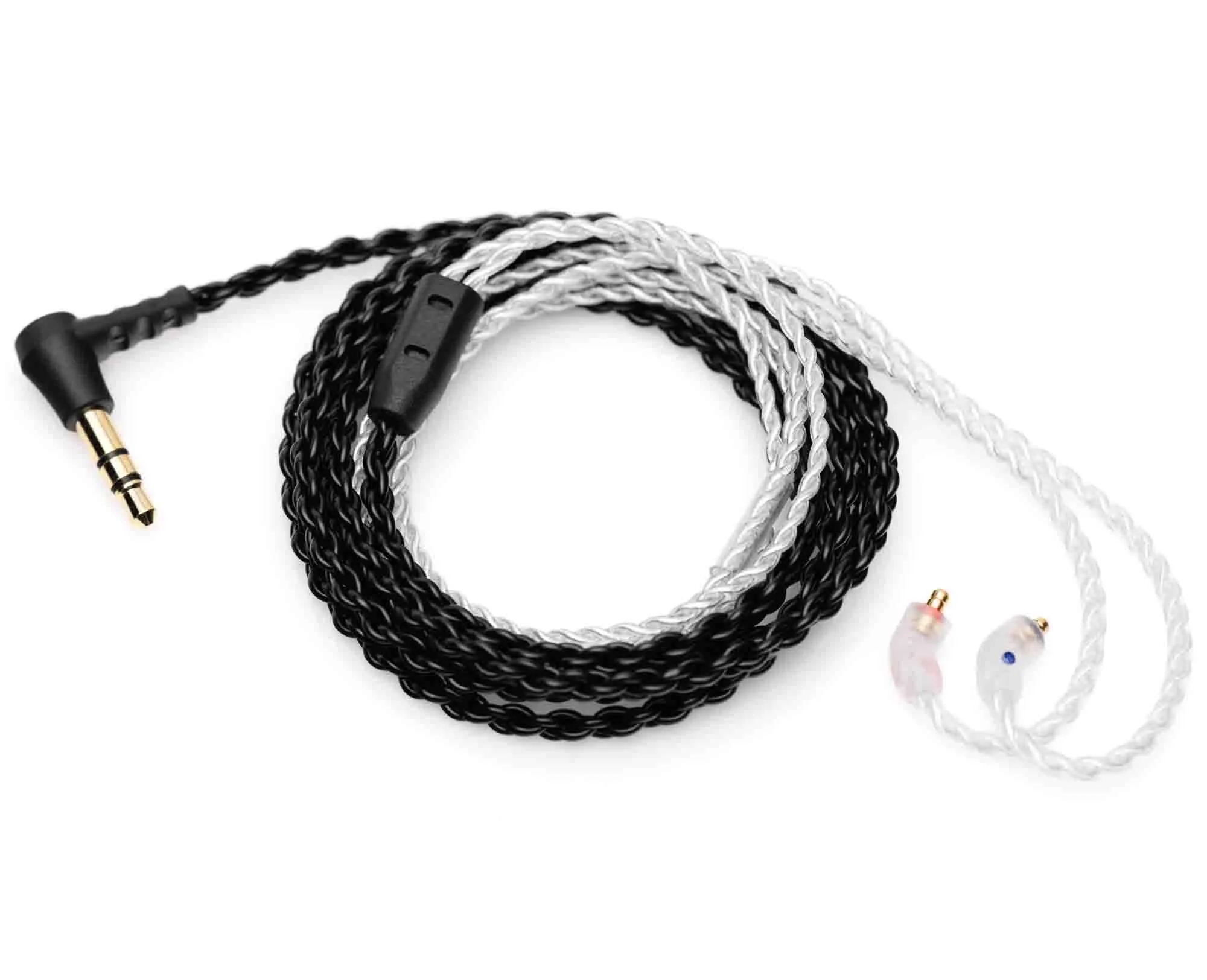
- Tuxedo Cable: Tuxedo Cable: 48-inch IPX Professional Cable, black below the bifurcation and pearl white above, IPX connection system for humid environments, 45-degree angled housing. If you need water resistance or play in humid conditions, the IPX system seats with a straight push and should not be twisted during removal.
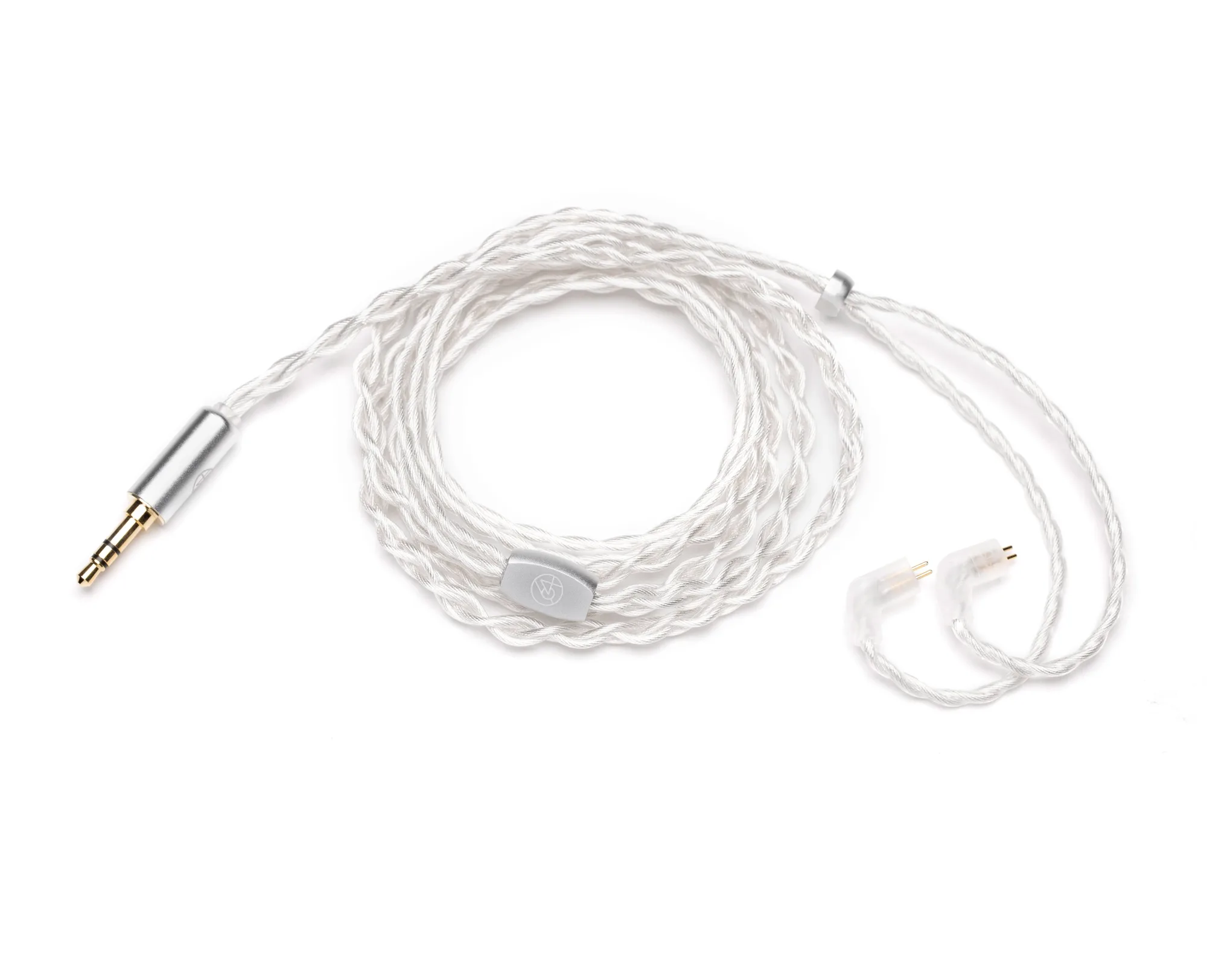
- Premium Cable: Premium Cable: extremely low resistance, ships standard with almost all UIEMs, available in Black, Pearl, and Graphite with three termination options, branded straight metal jack, metal synch, branded metal bifurcation, angled 2-Pin connectors. A direct replacement if you want the stock-style fit and a choice of color and termination without changing connector type.