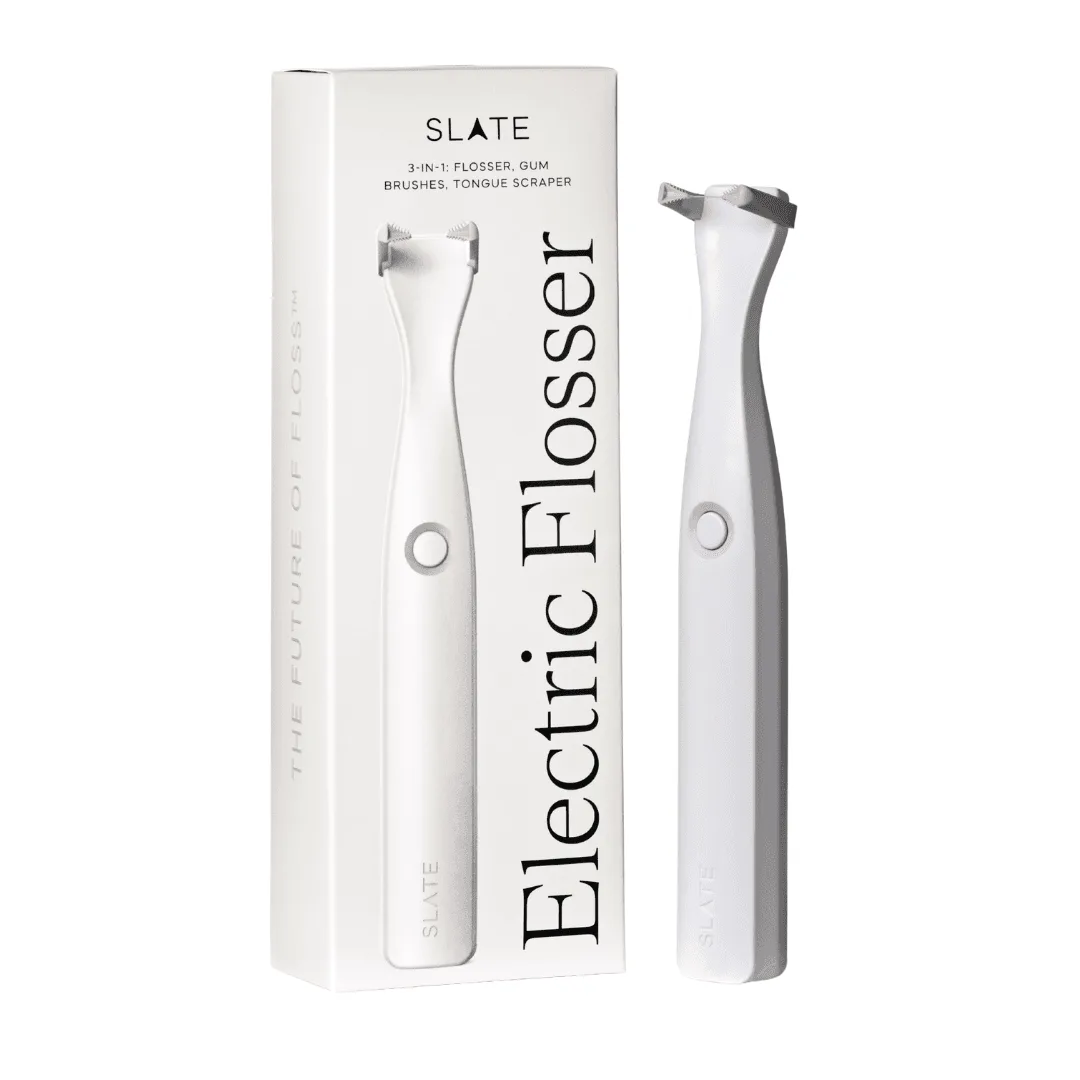
Your Slate electric flosser is a reliable companion for daily oral care, but like all rechargeable devices, its battery will eventually need attention. Whether you're noticing shorter usage times or the device won't hold a charge, knowing how to replace the battery can save you time and money. In this guide, we'll walk you through the process, from identifying signs of battery wear to performing the replacement safely.
Before you start, it's important to understand that the Slate electric flosser is designed for durability, but the battery is a consumable part. With the right tools and a little patience, you can extend the life of your flosser and keep your smile bright. Let's dive in.
Signs Your Slate Flosser Battery Needs Replacement
How do you know when it's time to replace the battery in your Slate flosser? The most obvious sign is a significant drop in battery life. If your flosser used to last a week on a single charge but now dies after a day or two, the battery is likely degrading. Another indicator is if the device takes much longer to charge than usual or doesn't charge at all, even when connected to the charger.
Additionally, if you notice the flosser turning off unexpectedly during use or the charging indicator light flashing erratically, these are clear signals that the battery is failing. Ignoring these signs can lead to complete battery failure, leaving you without a functional flosser. Addressing the issue early can prevent more extensive damage.
- Battery life drops significantly (e.g., from a week to a day).
- Charging takes much longer than the usual time.
- The flosser powers off unexpectedly during use.
- The charging indicator light behaves abnormally.
Tools and Preparation for Battery Replacement
Before you begin, gather the necessary tools. You'll need a small Phillips-head screwdriver, a plastic opening tool (or a flathead screwdriver wrapped in tape), and a replacement battery compatible with your Slate flosser model. It's also wise to have a clean, well-lit workspace to avoid losing small screws.
Make sure your flosser is turned off and disconnected from the charger. Place it on a soft cloth to prevent scratches. If your flosser is still under warranty, check the warranty terms before opening the device, as self-repair may void it. For most users, though, battery replacement is straightforward and safe.
- Small Phillips-head screwdriver
- Plastic opening tool or taped flathead screwdriver
- Replacement battery (check compatibility with your model)
- Clean, well-lit workspace with a soft cloth
Step-by-Step Battery Replacement Process
Start by locating the screws on your Slate flosser. On most models, they are at the base or along the seam of the handle. Use the screwdriver to carefully remove them and set them aside. Gently pry open the casing using the plastic tool, working around the edges to avoid cracking the plastic.
Once the casing is open, you'll see the internal components. Identify the battery, which is typically a small, rectangular lithium-ion cell. Carefully disconnect the battery connector from the circuit board. Note the orientation and connector type so you can install the new battery correctly. Remove the old battery and replace it with the new one, ensuring the connector is firmly attached.
After installing the new battery, reassemble the casing by aligning the halves and pressing them together until they snap. Replace the screws and tighten them gently. Charge your flosser fully before the first use after replacement.
- Remove screws and open the casing carefully.
- Disconnect the old battery from the circuit board.
- Install the new battery, matching the connector orientation.
- Reassemble the casing and tighten screws.
- Charge fully before first use.
Maintenance Tips to Extend Battery Life
To maximize the lifespan of your new battery, adopt good charging habits. Avoid letting the battery drain completely before recharging; instead, charge it when it reaches around 20-30%. Overcharging can also degrade the battery, so unplug it once it's fully charged.
Store your flosser in a cool, dry place when not in use, as extreme temperatures can harm battery health. If you're traveling, consider using a protective case like the Flosser Travel Case - Blue or Flosser Travel Case - Mint to keep your device safe and maintain optimal battery performance. Regular cleaning of the charging contacts also ensures efficient charging.
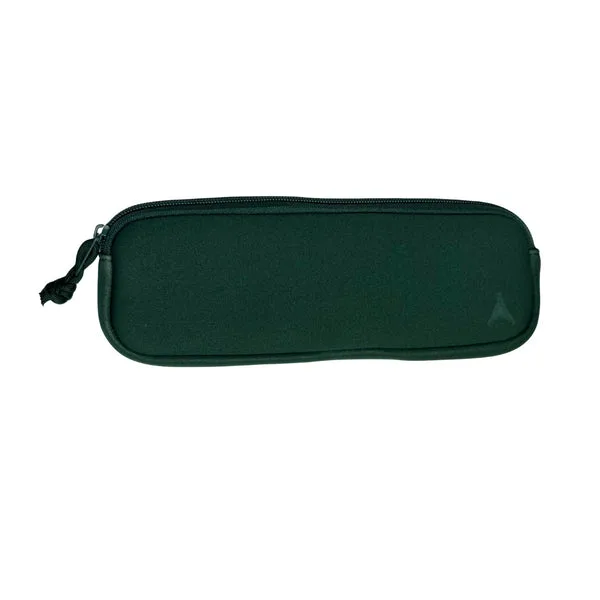
Flosser Travel Case - Mint
- Charge when battery is at 20-30%, not fully drained.
- Unplug once fully charged to avoid overcharging.
- Store in a cool, dry place.
- Clean charging contacts periodically.
When to Seek Professional Help
While battery replacement is a DIY-friendly task, there are times when professional assistance is advisable. If you're uncomfortable opening the device, or if you encounter resistance during disassembly, it's best to stop and consult a professional. Additionally, if your flosser is still under warranty, having the battery replaced by an authorized service center can preserve your warranty.
For those who prefer a hassle-free solution, consider upgrading to a newer model. The https://slateflosserkxd.com/products/slate-origin-electric-flosser-307585https://slateflosserkxd.com/products/slate-origin-electric-flosser-307595Slate Origin Electric Flosser and Slate Mini Flosser offer improved battery life and performance. If you're looking for a complete oral care package, The Full Collection includes everything you need for a fresh start.
- If you're not comfortable with DIY repair, seek professional help.
- Check warranty before attempting self-repair.
- Consider upgrading to a newer Slate model for better battery life.
Replacing the battery in your Slate electric flosser is a manageable task that can extend the life of your device and save you money. By following this guide, you can keep your flosser running efficiently. For those who prefer a new device, explore the latest Slate models to enjoy enhanced features and battery performance.