Quick answer
To replace your FoKus Prestige Encore charging case, order the case-only accessory, verify it matches your model and color, then pair your earbuds with the new case following the steps below.
Why a case-only replacement makes sense
If your original case is lost, damaged, or simply worn out, buying a replacement case-only is a cost-effective way to keep your existing Prestige Encore earbuds working. The FoKus Prestige Encore Charging Case is designed specifically for the Prestige Encore true wireless model, so you don't need to replace the earbuds themselves.
This accessory is available in Black and Blue, so you can match your original style or switch things up. Just remember: it's case only—earbuds are not included.
Compatibility checks before you buy
Before ordering, confirm that your earbuds are the FoKus Prestige Encore model. This charging case is compatible only with that specific true wireless model, not with other Noble Audio wireless IEMs. Using a case meant for a different model could lead to poor fit or charging issues.
Also, check the color option you prefer, as the case comes in Black and Blue. This is a simple way to personalize your setup, but make sure you select the right one when checking out.
Steps to replace your charging case
- Verify your model and order the right case: Check that your earbuds are the FoKus Prestige Encore. Then order the FoKus Prestige Encore Charging Case (case only) in your preferred color: Black or Blue. A common mistake is assuming the case works with other Noble wireless models—it doesn't. Double-check the model name on your earbuds or original packaging before ordering.
- Unbox and inspect the new case: When the case arrives, open the box and confirm the case is intact, the charging contacts are clean, and the color matches your order. If anything looks off, contact support before using it. Inspect the case for damage before attempting to pair.
- Place your earbuds in the new case: Insert your Prestige Encore earbuds into the new case. Ensure they sit correctly in the charging slots and the lid closes firmly. A common mistake is forcing the earbuds in the wrong orientation, which can prevent charging. The earbuds should fit snugly without excessive pressure.
- Connect the case to power and charge: Plug the case into a power source using a compatible USB cable. The case will begin charging the earbuds. Watch for the LED indicator to confirm charging status. If no light appears, reseat the earbuds and check the cable connection. Allow a full charge cycle before using the earbuds wirelessly.
- Pair your earbuds with your device: After the earbuds are charged, remove them from the case and put them in your ears. They should enter pairing mode automatically if they were previously paired. If not, follow the manual pairing steps: place both earbuds in the case, close the lid for 5 seconds, then take them out and search for them in your device's Bluetooth settings. Ensure your phone's Bluetooth is on and the earbuds are discoverable before searching.
- Test charging and audio: Play audio to confirm both earbuds work, and then return them to the case to verify the charging contacts engage. Check that the case battery holds a charge over the next few days. If you notice any issues, consult the user manual or contact support. Regularly check the case battery level to avoid unexpected shutdowns.
Product facts
-
FoKus Prestige Encore Charging Case (Case Only): This is a replacement charging case for the FoKus Prestige Encore true wireless model, available in Black and Blue. You can restore full charging functionality without buying new earbuds, and the color choice lets you keep your original look or change it up.
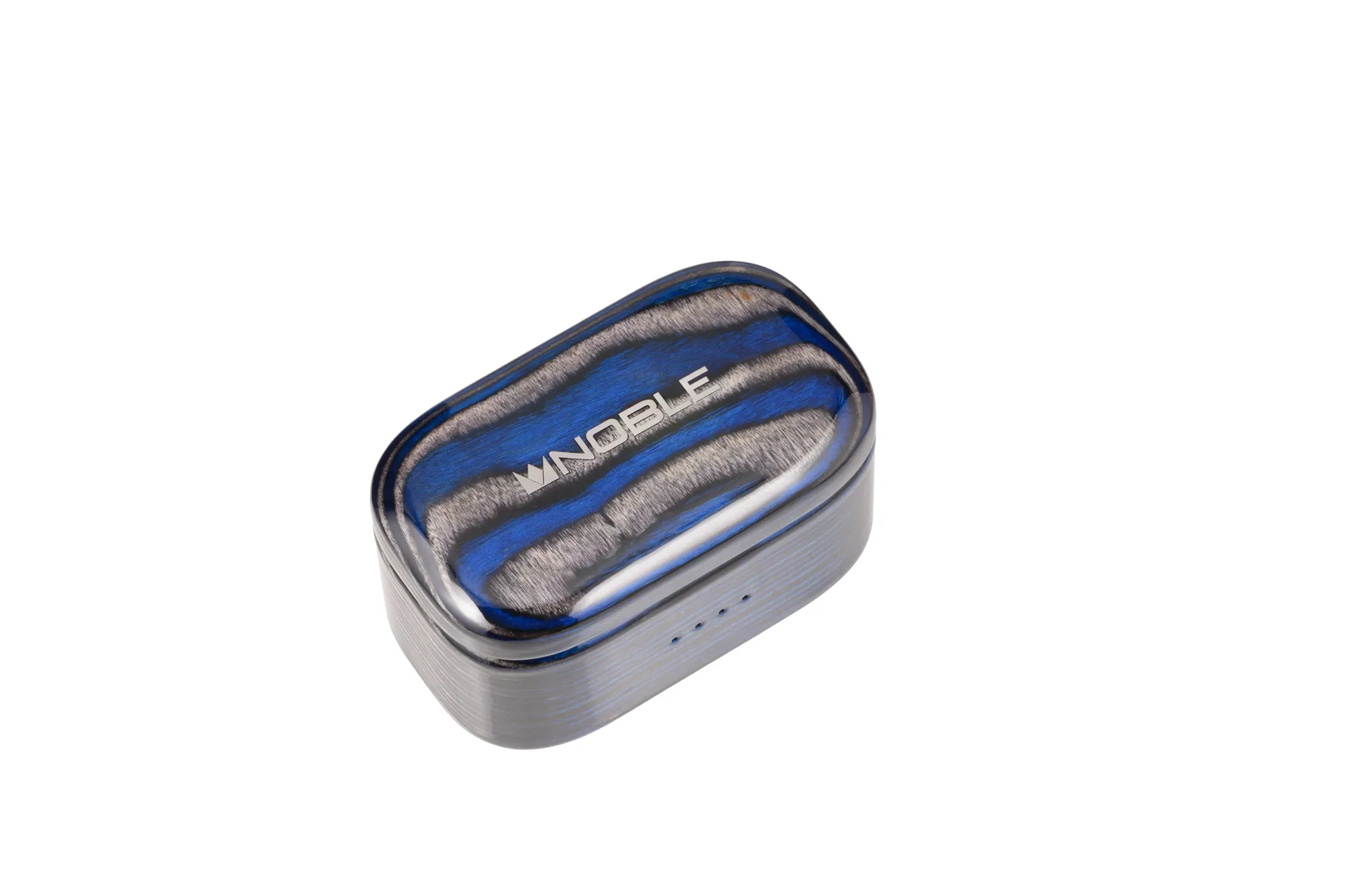
FoKus Prestige Encore Charging Case (Case Only)