Quick Answer
To replace a lost bag key tether, purchase a genuine Peak Design Bag Key Tether Replacement and attach it to the same anchor point on your Everyday Backpack or Tote. The process takes less than a minute and requires no tools.
Why Use the Genuine Replacement?
The Bag Key Tether Replacement is the same tether that comes on the Everyday Backpack and Tote, so it matches the original fit and function. Using a third-party tether may not have the same durability or attachment mechanism, which could lead to losing your keys again.
The tether is designed to hold your keys and more, making it a versatile accessory. If you've lost the original, replacing it with the genuine part ensures your keys stay securely attached.
Step-by-Step Replacement Guide
- Locate the anchor point: Find the small loop or clip inside your Everyday Backpack or Tote where the original tether was attached. It's usually in a pocket or on a webbing loop. Check that the anchor point is intact before proceeding—if it's damaged, the tether won't stay secure.
- Attach the new tether: Take the Bag Key Tether Replacement and clip its hook onto the anchor point. Ensure the hook fully engages and doesn't slip off when pulled. Give it a firm tug to test the connection—if it comes off, re-engage the hook properly.
- Add your keys: Slide your keys onto the tether's ring or clip. Make sure the ring is closed securely to prevent keys from sliding off during use. If the ring feels loose, use pliers to gently squeeze it shut, but avoid over-tightening to prevent damage.
Product Facts
-
Bag Key Tether Replacement: The Bag Key Tether Replacement is the same tether on the Everyday Backpack and Tote. This ensures a perfect match for the original attachment point, so your keys stay secure without any modification.
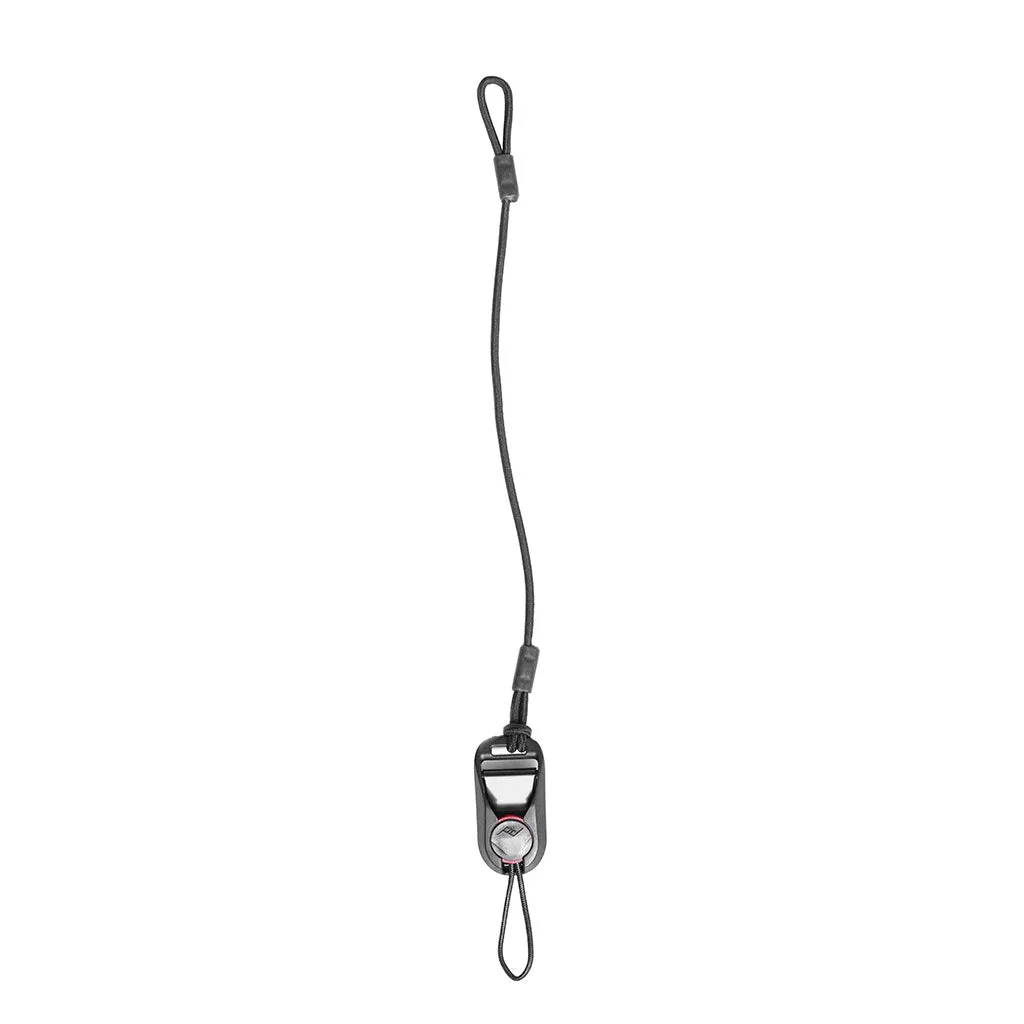
Bag Key Tether Replacement