What You Need to Know Before You Start
This guide covers replacing the rear grille on Maxx Air 18 in. exhaust fans. The grille is designed for fan models beginning with IF18 and is not compatible with other sizes or brands. Before starting, confirm your fan model number to ensure the grille will fit.
The replacement grille is powder-coated in black for durability and can be swapped using common household tools. No special skills are required, but you should review the compatibility notes below to avoid ordering the wrong parts.
Rear Grille for 18 In. Exhaust Fans – Key Details
-
Rear Grille for 18 In. Exhaust Fans: This rear grille is powder-coated in a black finish for durability and is easily swapped with your old grille using common household tools. The black powder coating resists rust and wear, and the simple swap means you can replace the grille yourself without hiring a professional.
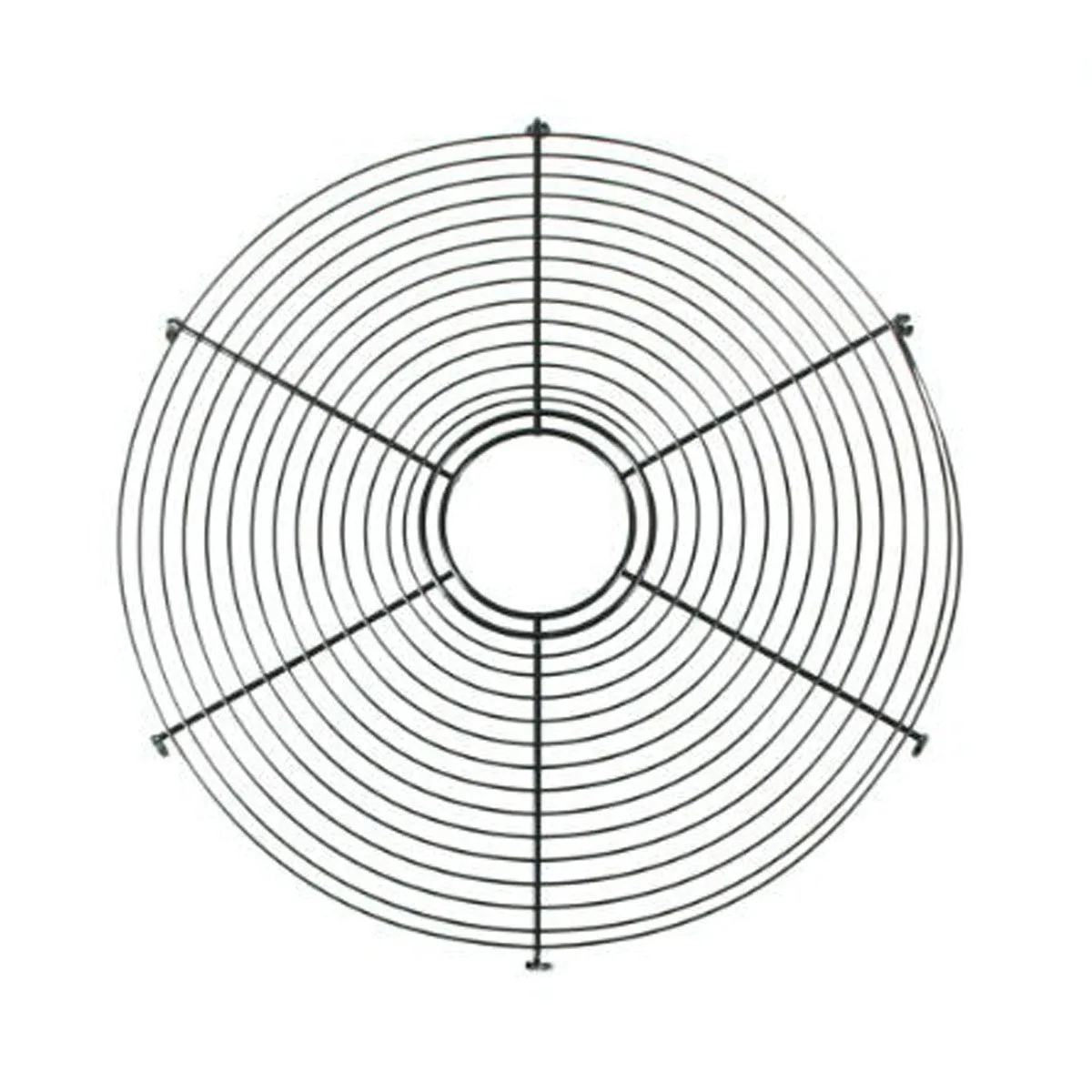
Rear Grille for 18 In. Exhaust Fans
-
Rear Grille for 18 In. Exhaust Fans: For use only with Maxx Air 18 in. exhaust fans. Compatible with fan models beginning with IF18. Ensuring compatibility avoids wasted time and money. Check your fan's model number before purchasing.
-
Rear Grille for 18 In. Exhaust Fans: IMPORTANT: You must order both this grille and motor IRE 418 if seeking a replacement for discontinued motor IRE 441. Motor IRE 441 is not compatible with this grille setup. If your fan uses the discontinued IRE 441 motor, you cannot simply replace the grille alone. You will need to order the grille and the IRE 418 motor together to maintain proper fit and function.
Step-by-Step Rear Grille Replacement
Follow these steps to remove the old grille and install the new one. Work in a safe area and disconnect power to the fan before starting.
- Disconnect power and remove the fan from its mounting: Turn off the fan at the circuit breaker or unplug it. Remove the fan from its window or wall mount so you can access the rear grille. Set the fan on a clean, flat surface.
- Remove the old rear grille: Using a screwdriver or the appropriate tool, unscrew the fasteners holding the old grille in place. Carefully lift the grille away from the fan housing. Keep the screws or clips for reuse.
- Inspect the fan and motor compatibility: Check the motor model number. If you have motor IRE 441, the new grille is not compatible. You must order both the grille and motor IRE 418. If you have a different compatible motor, proceed.
- Install the new rear grille: Position the new grille over the fan housing, aligning the screw holes. Insert the screws or clips and tighten them securely with common household tools. Do not overtighten.
- Reinstall the fan and test operation: Mount the fan back in its window or wall opening. Restore power and turn on the fan briefly to confirm the grille is secure and the fan operates quietly.
Compatibility and Motor Notes
The supplied information confirms that the rear grille works only with Maxx Air 18 in. exhaust fans that have model numbers beginning with IF18. If your fan uses the discontinued IRE 441 motor, the grille alone will not fit. In that case, order both the grille and the IRE 418 motor to complete the replacement.
Always verify your fan's model and motor numbers before purchasing. This simple check saves time and ensures a successful repair.