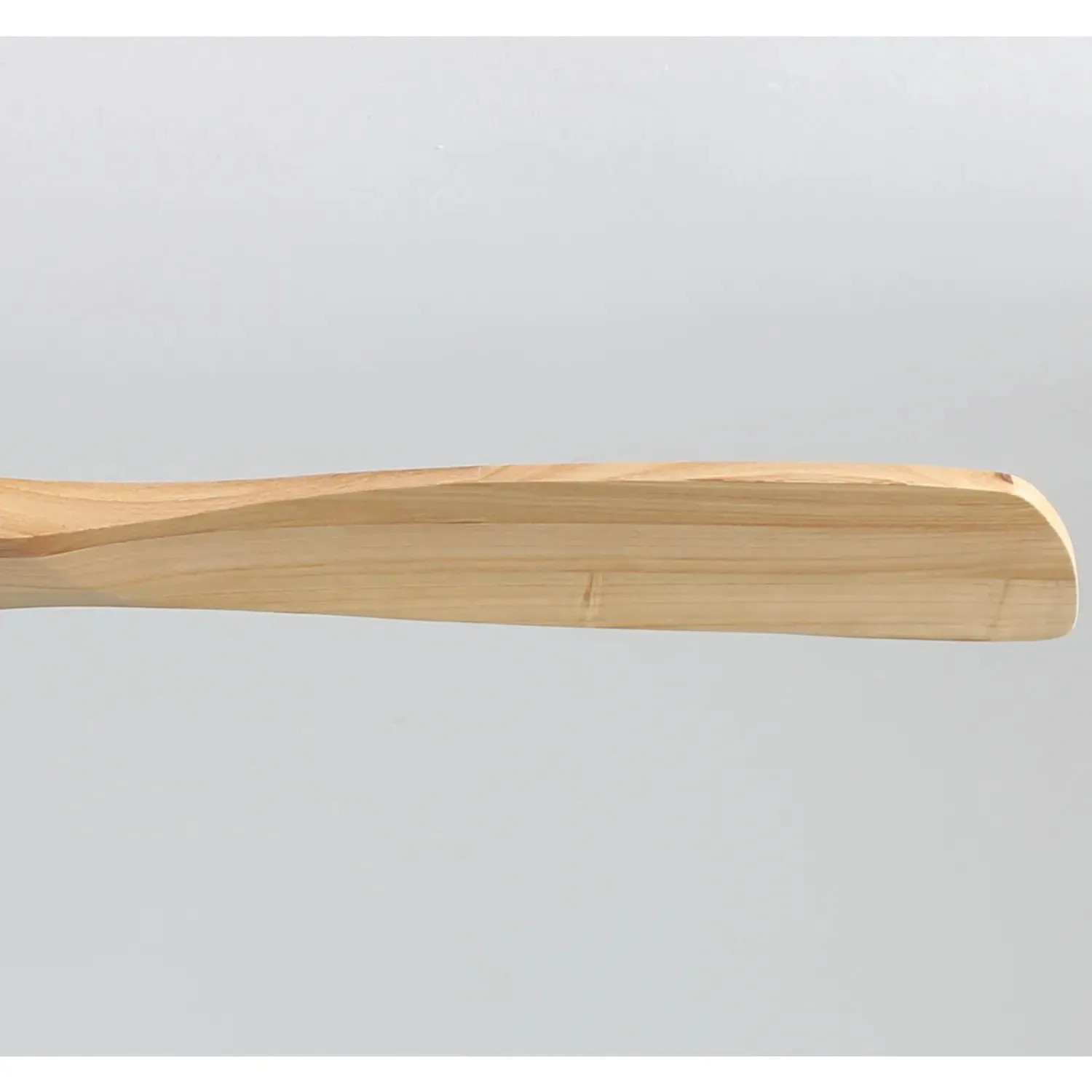
Quick Answer
To replace Sofucor ceiling fan blades, first turn off power, then remove the old blades by unscrewing the bracket screws, attach the new blades using the same hardware, and balance the fan before restoring power.
Why Blade Replacement Matters
Over time, ceiling fan blades can warp, crack, or become unbalanced due to humidity, wear, or accidental damage. Replacing them restores quiet operation, improves airflow, and keeps your fan looking its best.
Sofucor offers genuine wood replacement blades that match the original finish and dimensions, so you can maintain the fan's appearance and performance without buying a whole new unit.
Choosing the Right Replacement Blades
Before ordering, check your fan's model number—usually found on a sticker on the motor housing or the underside of the canopy. Sofucor blades are model-specific: for example, the KBS-5247-HTM fan uses blades sold under SKU Blade-5247-52144-52143-HTM, while the KBS-5247-YM fan uses blades under SKU Blade-5247-52144-52143-YM. The Sofucor KBS-52K012 Fan Blades in Walnut are a separate set designed for the KBS-52K012 model.
Ordering the correct set ensures the screw holes align and the blade pitch matches your fan's motor. Using mismatched blades can cause wobbling, noise, and reduced efficiency.
Step-by-Step Blade Replacement Process
- Step 1: Turn Off Power and Prepare: Switch off the fan using the wall switch and the circuit breaker. Place a ladder directly under the fan and lay down a drop cloth to catch any dropped screws. Have a screwdriver (usually Phillips-head) and the new blades ready. Never rely on the pull chain alone to disconnect power; always use the breaker.
- Step 2: Remove the Old Blades: Locate the screws attaching each blade to the fan's blade brackets. Unscrew them one blade at a time, holding the blade steady so it doesn't fall. Set the old blades aside. Keep the screws—they are often reused with the new blades. Work on one blade at a time to avoid mixing up screw lengths or losing hardware.
- Step 3: Attach the New Blades: Align the screw holes on the new blade with the holes on the bracket. Insert and tighten the screws firmly but not so tight that you strip the wood or bracket. Repeat for all blades, ensuring each is seated flush against the bracket. If the screw holes don't line up, double-check that you have the correct model-specific blades.
- Step 4: Check Balance and Test: Restore power and run the fan at low speed. If you notice wobbling, turn off the fan and use a balancing kit (or a small weight) on the top of the blade that seems off. Run the fan again at medium and high speeds to confirm smooth operation. A slight wobble after installation is normal; fix it with a balancing kit rather than over-tightening screws.
Replacement Blade Options
-
Sofucor KBS-52K012 Fan Blades Walnut: The Sofucor KBS-52K012 Fan Blades in Walnut are a replacement blade set from the Sofucor Fan Official Store, identified by SKU Blade-52K012-HTM. If you own a KBS-52K012 fan, this walnut blade set is a direct-fit replacement that preserves the original look and balance.
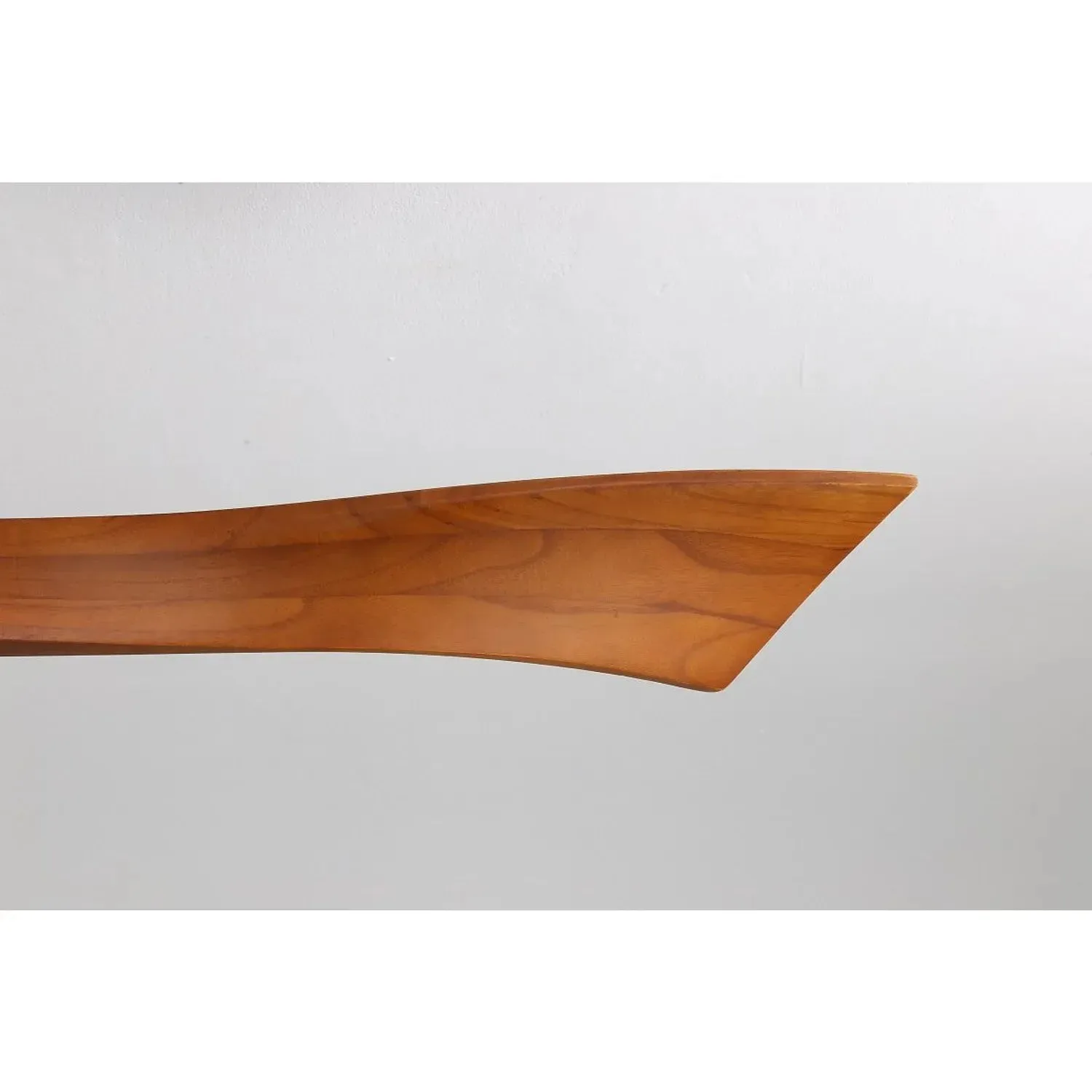
Sofucor KBS-52K012 Fan Blades Walnut
-
Blades For KBS-5247-HTM: Blades For KBS-5247-HTM are 100% handmade wood replacement blades designed specifically for the KBS-5247-HTM ceiling fan. Handmade wood construction gives each blade a unique grain pattern, and the model-specific design ensures proper alignment and quiet operation.
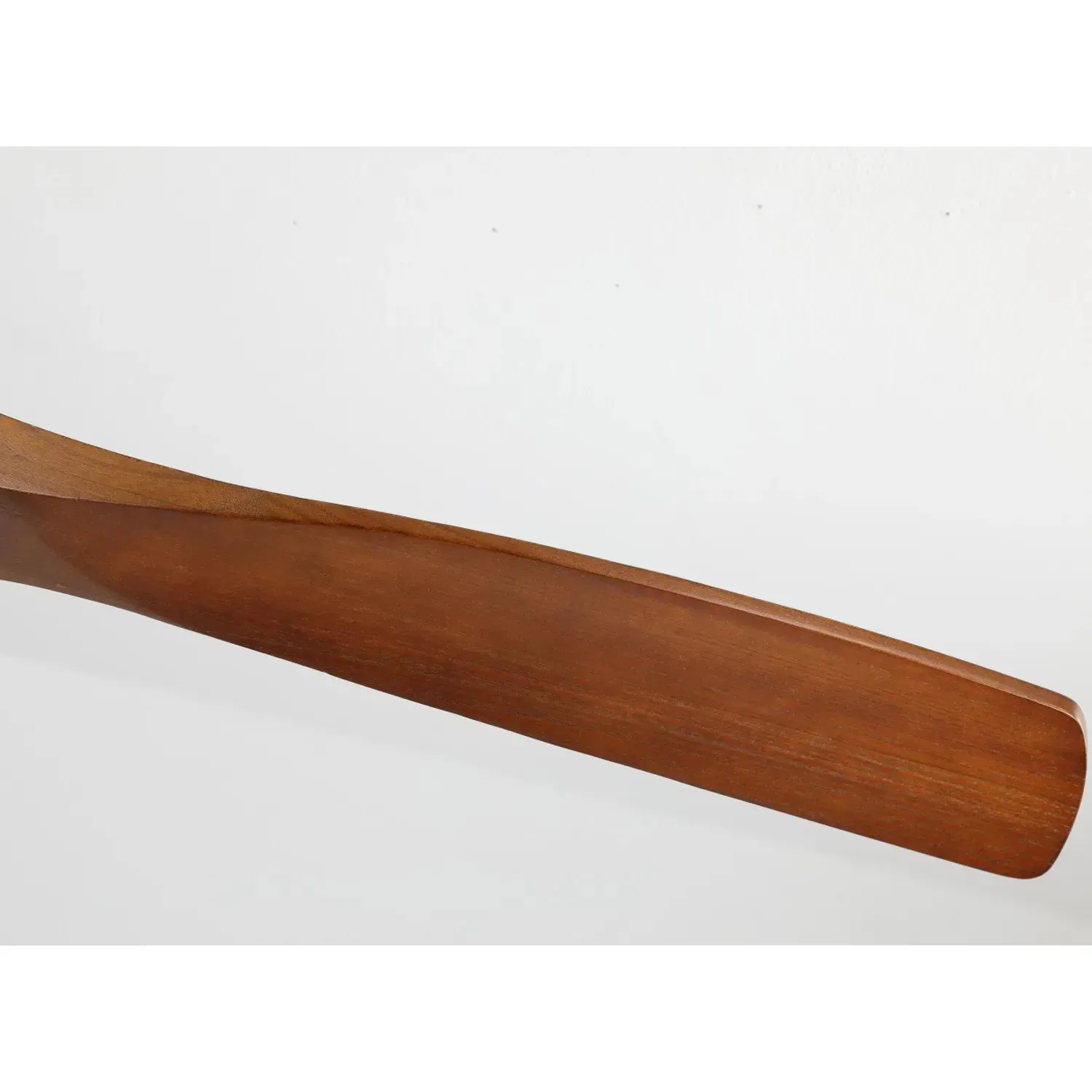
Blades For KBS-5247-HTM
-
Blades For KBS-5247-YM: Blades For KBS-5247-YM are replacement blades for the Sofucor KBS-5247-YM fan, sold under SKU Blade-5247-52144-52143-YM. Confirming your fan model matches KBS-5247-YM before ordering avoids returns and installation headaches.