When to Replace the Jump Mat and Enclosure Net
Over time, trampoline jump mats and enclosure nets can show wear from sun exposure and regular use. If you notice fraying, tears, or sagging in the mat or net, it's time for a replacement. The 55" Monkey Jump Mat and Enclosure Net Combo with Sound is a genuine Skywalker component designed to restore safety and performance to your trampoline.
What the Genuine Replacement Offers
-
55" Monkey Jump Mat and Enclosure Net Combo with Sound: This jump mat is made of UV-protected polypropylene with attached enclosure net, woven to prevent slipping. UV protection helps the mat resist sun damage, extending its life outdoors. The non-slip weave keeps jumpers stable.
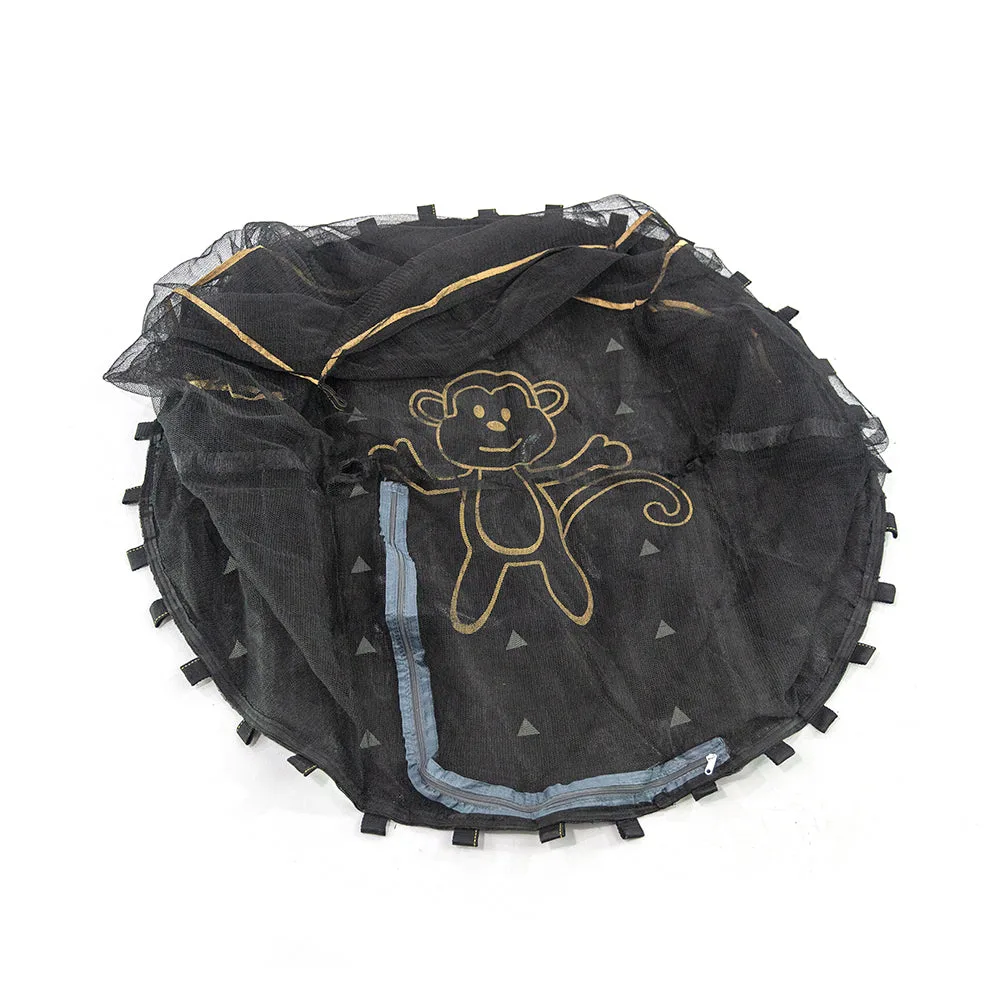
55" Monkey Jump Mat and Enclosure Net Combo with Sound
-
55" Monkey Jump Mat and Enclosure Net Combo with Sound: The reinforced loops make for easy attachment to the trampoline frame. Reinforced loops simplify installation and reduce the chance of tearing at connection points.
-
55" Monkey Jump Mat and Enclosure Net Combo with Sound: All our products are tested for safety and durability to meet or exceed all ASTM standards. ASTM compliance means the part meets recognized safety benchmarks for backyard trampolines.
-
55" Monkey Jump Mat and Enclosure Net Combo with Sound: Genuine Skywalker Trampoline component, one year limited warranty. Using a genuine part ensures fit and coverage under warranty, avoiding compatibility issues.
How to Replace the 55" Monkey Jump Mat and Enclosure Net Combo
Before starting, confirm you have the correct size. Check your trampoline's model number on the white tag under the existing jump mat, the enclosure net tag, or the spring pad tag. This combo is designed for 55" frames.
- Remove the old mat and net: Detach the enclosure net from the poles, then unhook the jump mat springs from the frame. Set the old assembly aside.
- Position the new combo: Lay the new 55" Monkey Jump Mat and Enclosure Net Combo over the trampoline frame. The attached net should face outward.
- Attach the jump mat: Use the reinforced loops to hook the mat onto the frame. Reattach the springs evenly around the perimeter, stretching the mat taut.
- Secure the enclosure net: Attach the net to the enclosure poles using the supplied ties or clips. Ensure the net hangs evenly and the bottom is snug against the mat.
- Inspect your work: Check that all springs are properly seated and the net is free of gaps. The mat should be tight without wrinkles.
Compatibility and Fit Notes
This replacement is a genuine Skywalker part, so it is built to fit Skywalker trampolines with a 55" jumping surface. Always verify your model number before purchasing. The catalog notes: "Make sure you are buying the right size Genuine Component for your trampoline!" and "Check your model compatibility." If your model number is not listed, contact customer support for confirmation.