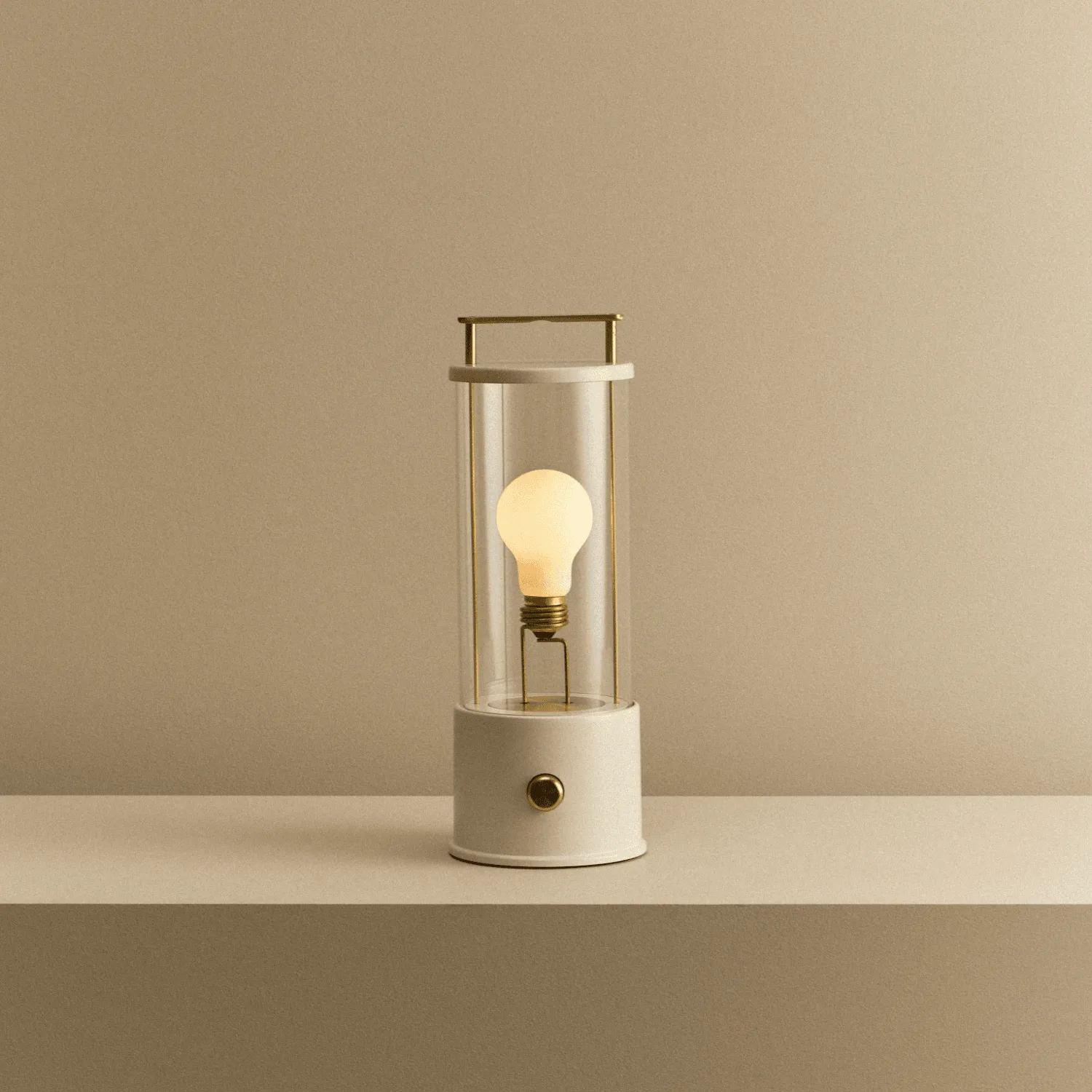
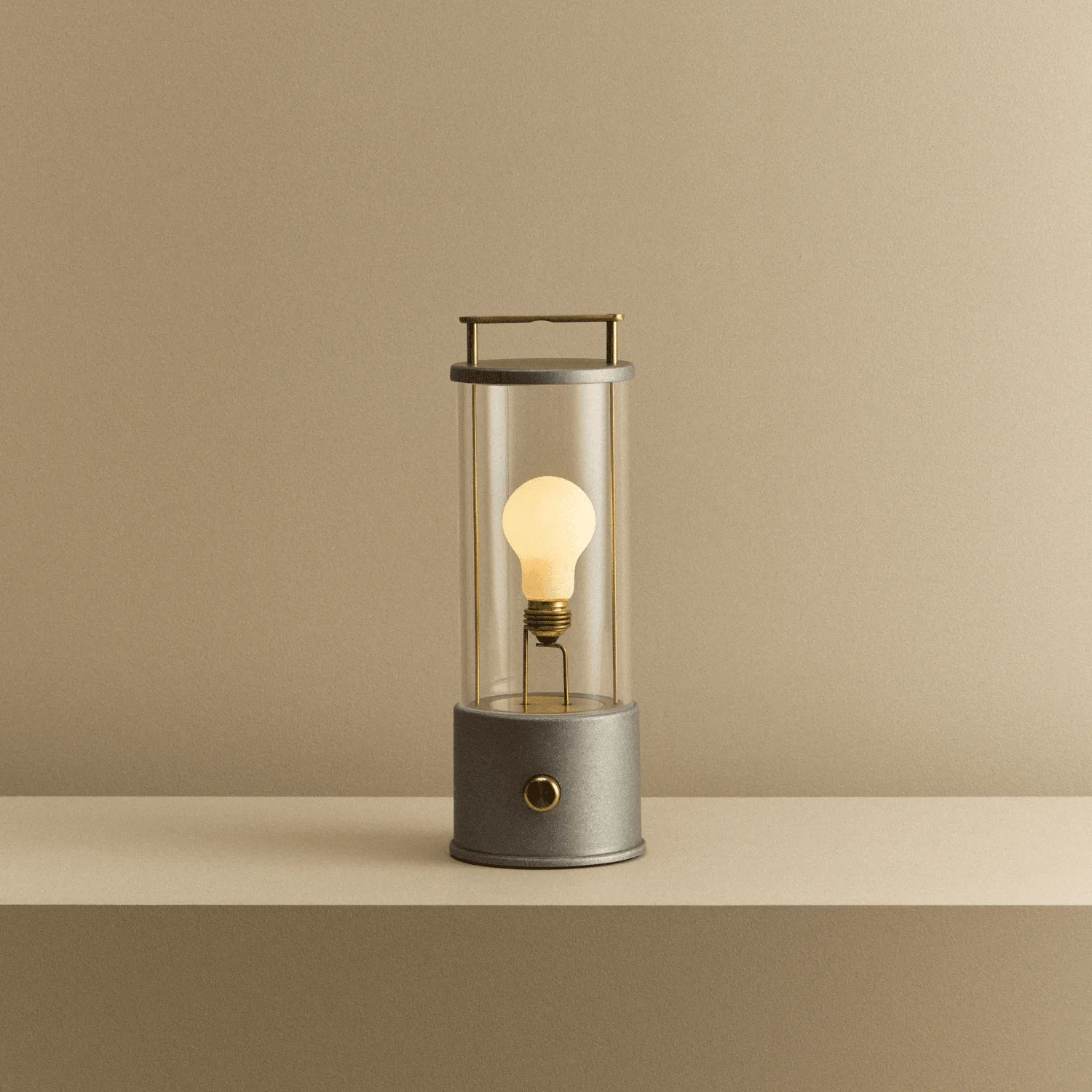
When to Replace the Battery
The Muse Portable Lamp relies on a built-in rechargeable battery. Over time, the battery may no longer hold a charge or may fail to power the lamp. When that happens, you can replace it with The Muse Replacement Battery — a 50Wh 3.7V 1s6p unit with connector, designed specifically for this lamp.
What You Need
-
The Muse Replacement Battery: The Muse Replacement Battery is a 50Wh 3.7V 1s6p with connector, available for purchase to replace a broken or expired battery for The Muse Portable Lamp. Using the correct replacement ensures electrical compatibility and safe operation.
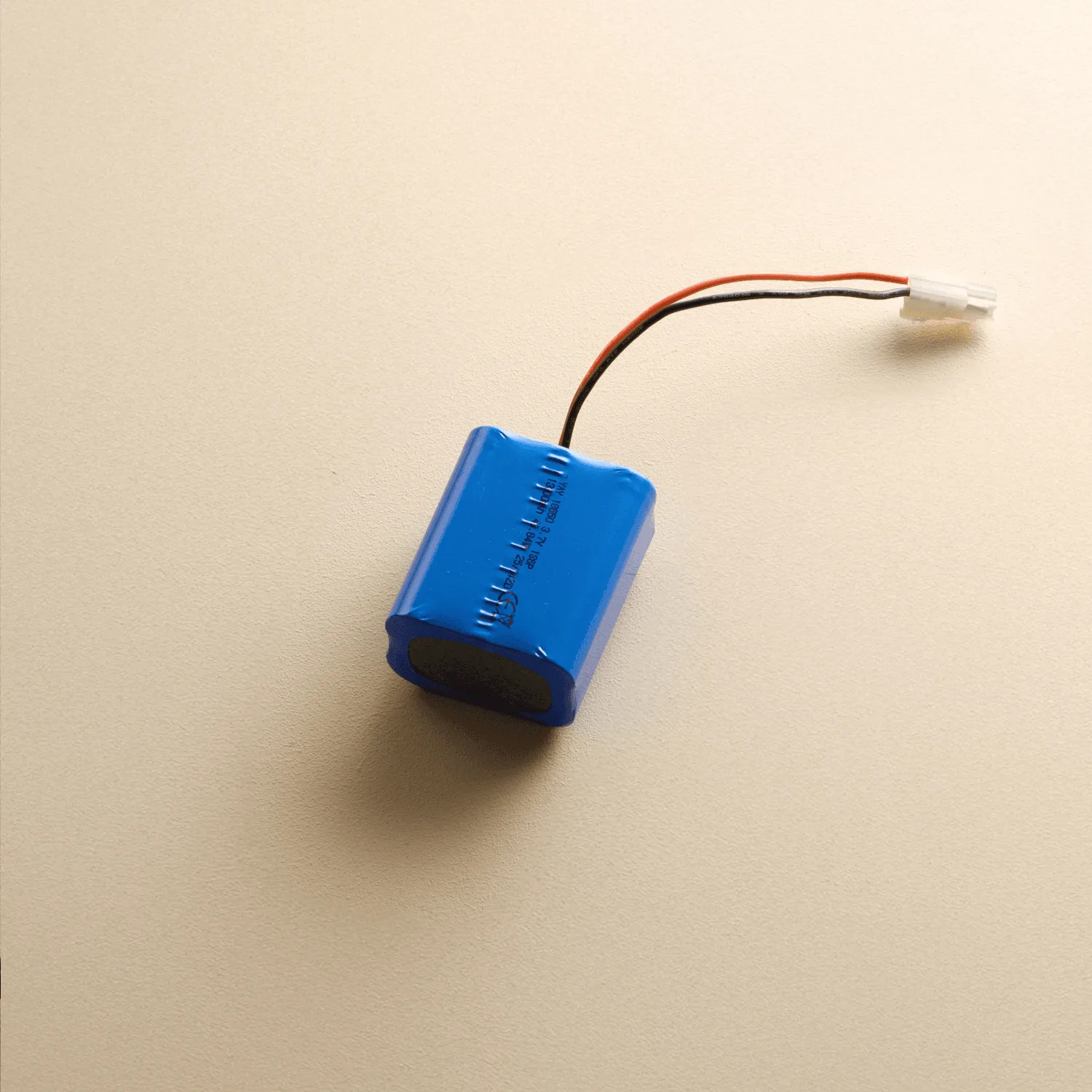
The Muse Replacement Battery
How to Swap the Battery
Follow these steps carefully. The manufacturer provides instruction guides for download — refer to them before starting.
- Download the instructions: Before handling the battery, download the official instruction guides from Tala. These contain specific steps for your lamp model.
- Prepare your workspace: Work on a clean, dry, non-conductive surface. Ensure the lamp is off and disconnected from any power source.
- Open the battery compartment: Access the compartment according to the guide. Take care not to damage the housing or any internal components.
- Disconnect the old battery: Gently unplug the connector from the lamp's circuit board. Do not pull on the wires.
- Install the replacement battery: Connect the new battery's connector firmly into the same port. Ensure the connector is fully seated.
- Close and test: Secure the compartment cover. Charge the lamp fully before first use.
Important Safety Notes
Take extra care when replacing the battery. The guide emphasizes following the instruction guides exactly. Do not use tools that could short-circuit the battery terminals. If you are unsure about any step, consult a qualified technician.