Traveling with expensive tech—laptops, tablets, gaming consoles, and accessories—makes you a potential target for thieves. Whether you're navigating a crowded airport, exploring a new city, or commuting on public transit, bag security should be a top priority. A moment of distraction can lead to a costly loss, but with the right strategies and gear, you can dramatically reduce your risk.
This guide covers practical anti-theft techniques, lock recommendations, and product features that enhance security without sacrificing convenience. From choosing a bag with hidden pockets to using cable locks and RFID protection, you'll learn how to keep your belongings safe so you can focus on enjoying your journey.
Choose a Bag with Anti-Theft Design Features
The first line of defense is the bag itself. Look for designs that prioritize security without looking like a safe. Features like lockable zippers, hidden compartments, and slash-resistant materials can deter opportunistic thieves. Many modern tech bags include a dedicated pocket against your back or body, making it much harder for pickpockets to access your wallet or phone.
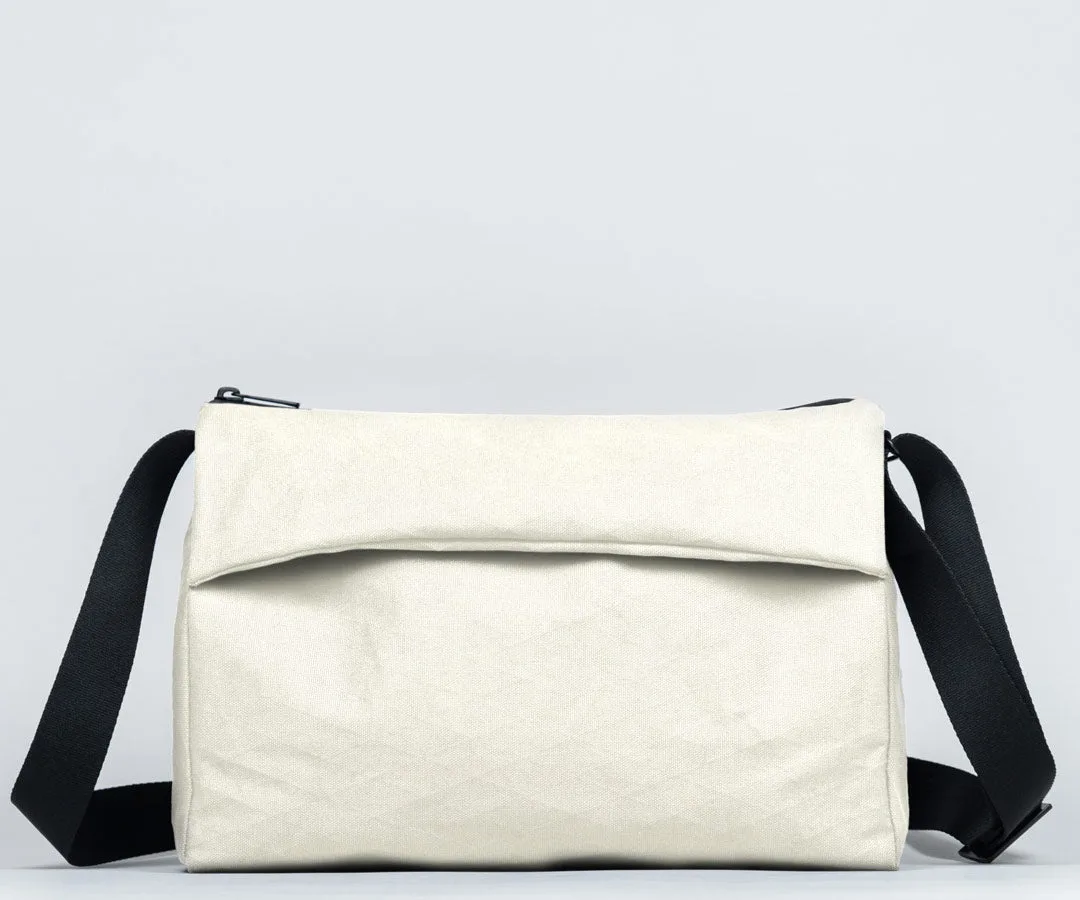
A crossbody bag, for instance, keeps your valuables in front of you and is harder to snatch than a backpack. The Hudson Leather Crossbody combines elegant full-grain leather with a secure, low-profile silhouette that sits close to your body. Its multiple internal organizers let you stash your phone, passport, and cards in separate compartments, so you're not fumbling in public—a behavior thieves often watch for.
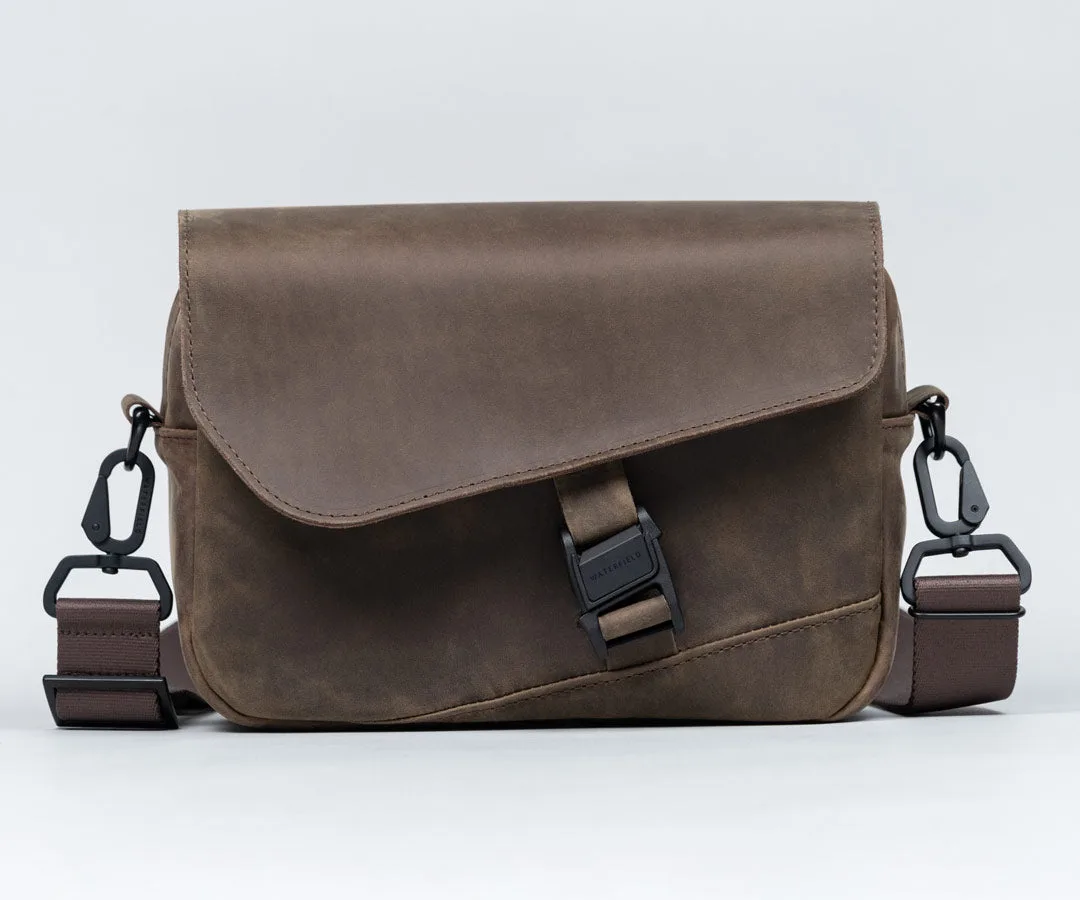
Hudson Leather Crossbody
- Always wear your crossbody bag with the zipper facing your body, not outward.
- Consider a bag with a lockable main compartment for extra peace of mind.
Use Locks and Cable Locks for Added Protection
Even the best bag can be unzipped in a crowd. Adding a small lock to your main zipper pulls is a simple, visible deterrent. Many tech bags come with lockable zipper sliders, or you can use a lightweight padlock or combination lock. For hostels or when you need to leave your bag unattended, a cable lock can secure your bag to a fixed object like a chair or luggage rack.
If your bag doesn't have lockable zippers, consider adding a small carabiner or a dedicated locking mechanism. The Cam Lock Shoulder Strap is a clever accessory that not only provides a quick-release function but also includes a locking feature to prevent strap cutting. Pair it with a bag that has reinforced stitching and you'll make a thief's job much harder.
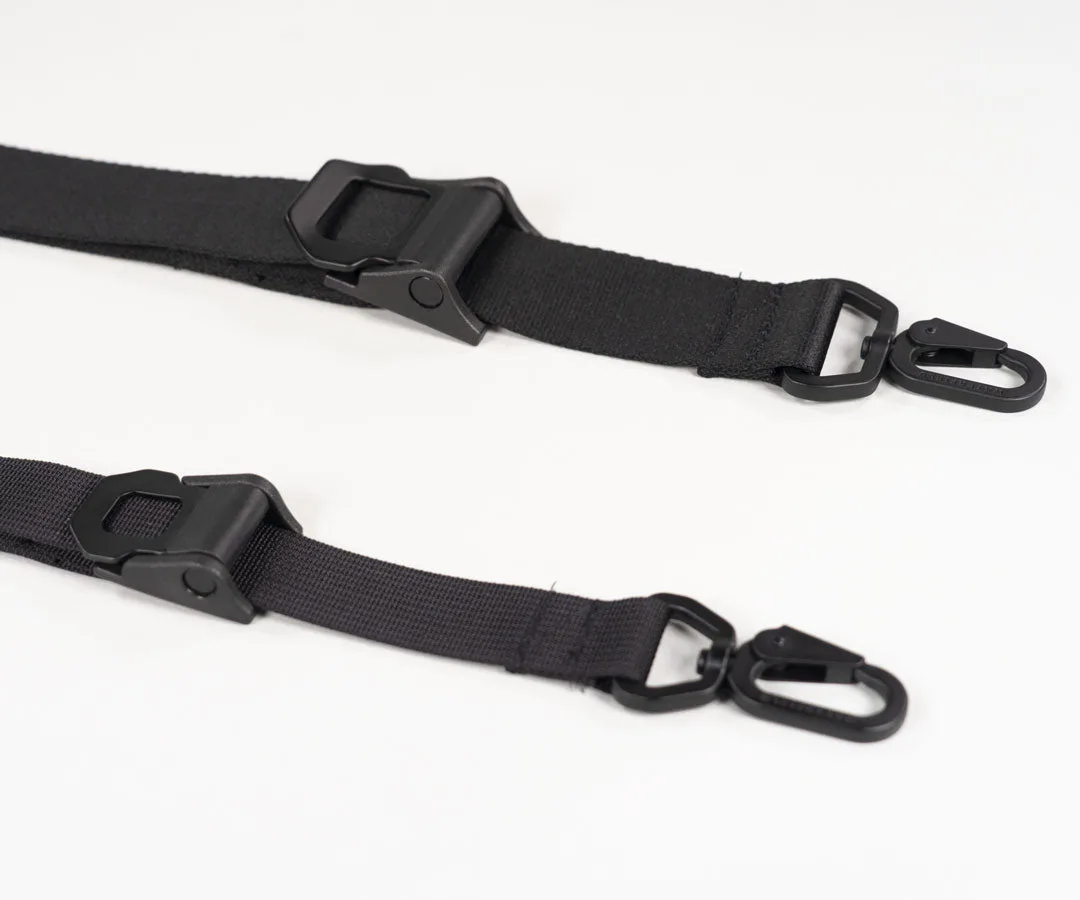
Cam Lock Shoulder Strap
- Use TSA-approved locks if you're flying internationally.
- Keep a small cable lock in your bag for hostel or café use.
Keep Your Tech Organised and Hidden
A cluttered bag is a thief's best friend. When your laptop, tablet, and cables are all visible or easy to grab, a quick snatch-and-run becomes simple. Instead, use padded sleeves and organizers that keep your devices protected and out of sight. A sleeve case also adds a layer of cushioning against drops and bumps.
The MacBook SleeveCase is an excellent choice for travelers who want both protection and discretion. Its slim profile fits inside any bag, and the padded interior secures your laptop while the exterior blends in with your other belongings. When you're in transit, slide the sleeve into a main compartment with a zipper—thieves won't even know it's there.
- Never leave your laptop or tablet in an outer, unzipped pocket.
- Use a padded sleeve even when your laptop is inside a backpack.
Master the Art of Situational Awareness
No lock or bag can replace good old-fashioned awareness. Stay alert in crowded spaces like subway cars, tourist attractions, and busy sidewalks. Avoid placing your bag on the floor or on the back of a chair where you can't see it. When dining, loop a strap around your leg or chair arm to prevent a grab-and-go.
If you're wearing a backpack in a crowd, consider wearing it on your front or using a bag with a back-entry zipper. Practice the 'hand-on-bag' habit when passing through tight spaces. Thieves often work in teams—one distracts while the other lifts your bag. By keeping your hand on your zipper or strap, you signal that you're alert.
- Keep your bag zipped and closed at all times in public.
- Use a bag with a hidden pocket for your passport and backup credit card.
Leverage Technology: Trackers and RFID Protection
Modern travel security goes beyond locks. Consider adding a Bluetooth tracker like an Apple AirTag to your bag. Tuck it into a hidden seam or a dedicated AirTag pocket—many bags now include one. If your bag goes missing, you can track its location via your phone. Just be aware that trackers are a recovery tool, not a prevention tool.
RFID-blocking pockets are another smart feature. They prevent thieves from scanning your passport or credit card chips without your knowledge. Some bags, like the Hudson Leather Crossbody, include RFID-blocking card slots. Combine this with a slim wallet like the Aero Bifold Wallet, which also offers RFID protection, and you've created a layered security system for your most sensitive items.
- Place your AirTag in a spot that's not obvious—like inside a small pouch.
- Test your RFID-blocking pockets with a card reader app before you travel.
Traveling with your tech doesn't have to mean constant worry. By choosing a bag with smart security features, using locks and trackers, and staying aware of your surroundings, you can protect your gear and enjoy your trip. Start with a secure, well-designed bag like the Hudson Leather Crossbody, and build your anti-theft kit from there. Your peace of mind is worth the investment.