Quick Answer
To set up a phono preamplifier for vinyl, connect the turntable's RCA cables to the phono input, ground the turntable, then connect the preamp's output to an amplifier's line-level input. Set the gain and cartridge loading correctly for your cartridge type.
Why a phono preamp matters
A turntable's cartridge produces a very low-level signal that also needs equalization (RIAA curve) to sound correct through your amplifier. A phono preamp (or phono stage) boosts this signal to line level and applies the necessary EQ. Many modern amplifiers lack a dedicated phono input, so a separate phono preamp is often required.
Choosing between a built-in phono stage and a standalone unit depends on your system. A separate phono preamp like the Octave Phono EQ.2 or Naim StageLine can offer better sound quality and more flexibility, especially for serious vinyl listeners.
Step-by-Step Phono Preamp Setup
- Connect the turntable to the phono preamp: Use the RCA cables from your turntable to connect to the phono input on the preamp. Ensure the left and right channels are matched correctly. Double-check that the turntable's output is connected to the PHONO input, not a line input.
- Ground the turntable: Connect the ground wire from the turntable to the ground terminal on the phono preamp. This prevents hum and buzz. If you hear a hum, check the ground connection first.
- Connect the phono preamp to the amplifier: Use RCA cables to connect the preamp's output to an available line-level input (AUX, CD, etc.) on your amplifier or receiver. Do not use the phono input on the amplifier if it has one, as this would add extra gain and EQ. If your amplifier has a phono input, you must use a line input instead.
- Set the gain and cartridge loading: Adjust the gain (or sensitivity) switch on the phono preamp to match your cartridge type: moving magnet (MM) or moving coil (MC). If your preamp has adjustable capacitance or resistance, set it according to your cartridge's specifications. Incorrect gain can cause distortion or low volume; check your cartridge's output specs.
- Power on and test: Turn on your system and play a record. Start with the volume low and gradually increase. Listen for any hum, buzz, or distortion. If you hear distortion, reduce the gain or check the cartridge alignment.
Phono Preamp Options
-
Naim StageLine Phonostage: The Naim StageLine phonostage is available in moving coil or moving magnet versions and can be powered from a Naim NAIT XS 2 amplifier or a dedicated power supply like the FlatCap XS. This means you can match the phono stage to your cartridge type and choose a power source that fits your system, which can affect noise and dynamics.
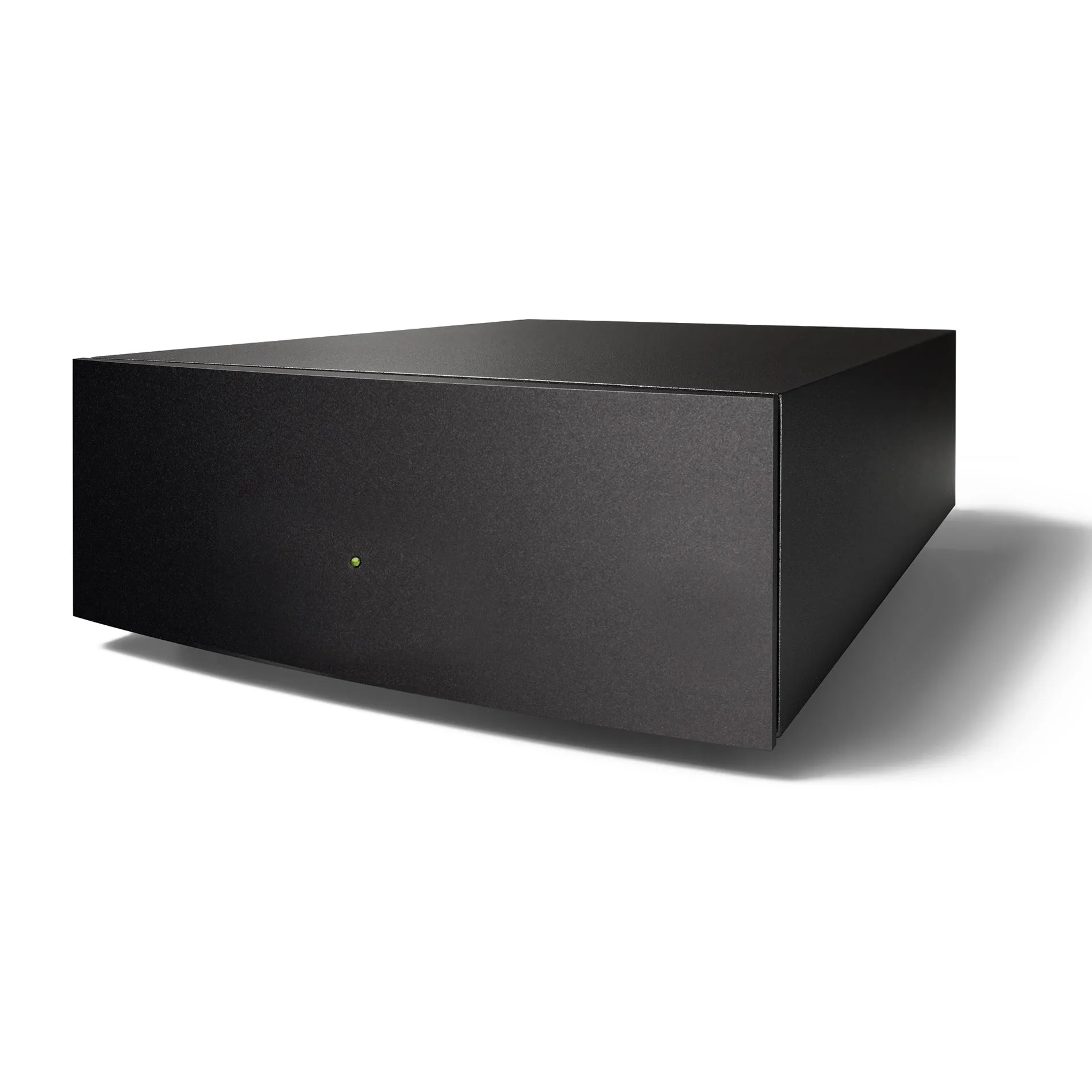
Naim StageLine Phonostage
-
Octave Phono EQ.2 RIAA Phono Preamplifier: The Octave Phono EQ.2 RIAA phono preamplifier addresses the common issue of inadequate phono inputs on many pre- and integrated amplifiers, offering high-quality phono reproduction. If your amplifier's phono input is an afterthought, a dedicated phono preamp like this can significantly improve vinyl playback fidelity.
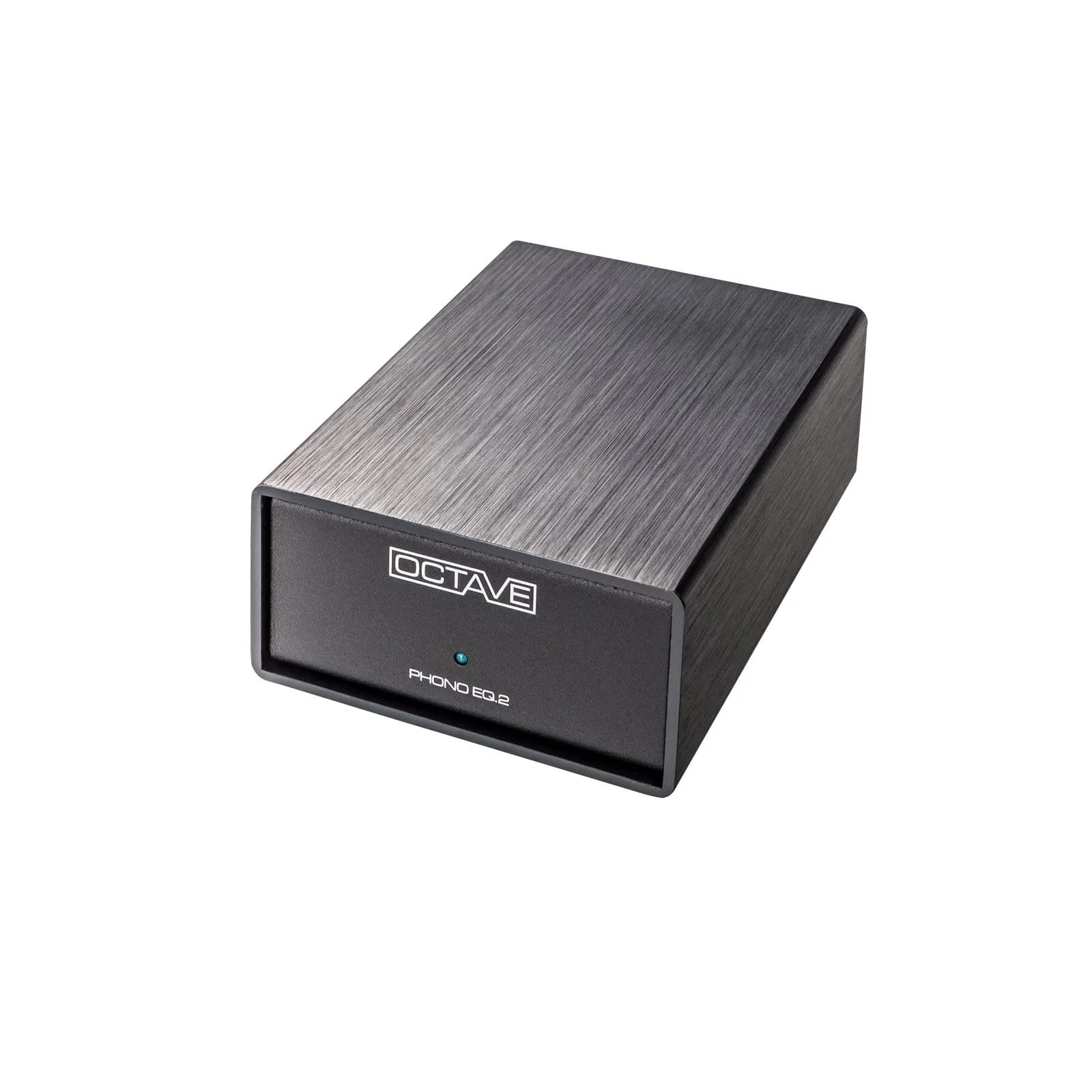
Octave Phono EQ.2 RIAA Phono Preamplifier