What the Wyze Garage Door Controller Does
The Wyze Garage Door Controller is a smart device that lets you remotely control your garage door and see what's happening inside. It combines a garage door opener with a Wyze Cam v3, offering 1080p HD clarity and award-winning color night vision. This guide walks you through the setup and daily use.
Setup Steps
Setting up the Wyze Garage Door Controller is straightforward. The exact steps depend on your chosen variant, but the core process remains the same.
- Choose your variant: The controller is available as a standalone unit or bundled with a Wyze Cam v3 and optionally a 32GB MicroSD card. Pick the bundle that matches your needs.
- Install the hardware: Mount the controller near your garage door opener. If you chose the bundle with a Wyze Cam v3, position the camera for a clear view of the garage interior.
- Connect to power and Wi-Fi: Plug in the controller and follow the Wyze app instructions to connect it to your home Wi-Fi network. The app will guide you through the pairing process.
- Test the door control: Use the Wyze app to open and close your garage door. Verify that the door responds correctly and that the camera feed is live.
What's Included and What It Offers
-
Wyze Garage Door Controller: The world's first AI vision-sensing, smart garage door controller. Remotely control your garage and see what's going on in 1080p HD clarity with the award-winning, color night vision of Wyze Cam v3. This means you can both operate your garage door and visually confirm its status from anywhere, even in low light.
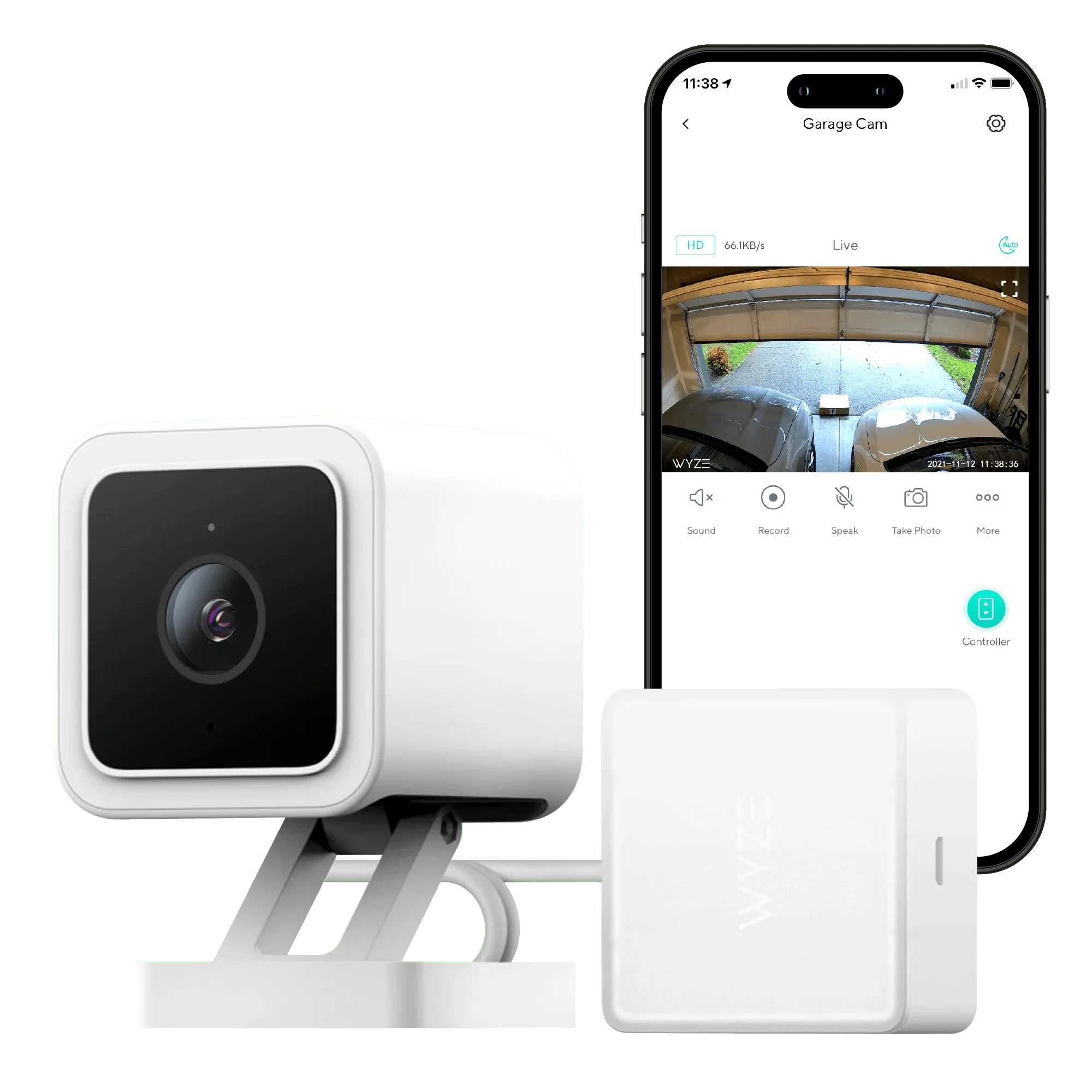
Wyze Garage Door Controller
Using the Controller Day to Day
Once set up, you can open or close your garage door from the Wyze app. The live camera feed gives you a clear view of the garage, so you can check if it's safe to open or if anything is in the way. The AI vision sensing can detect motion and send alerts, adding an extra layer of security.
The controller works with other Wyze smart home devices, allowing you to create routines or trigger actions based on garage door status. For example, you could have the lights turn on when the door opens.
What the Supplied Information Does Not Cover
The provided details do not specify exact installation steps, compatibility with specific garage door openers, or battery life. These factors depend on your existing setup and the variant you choose. For precise guidance, refer to the official Wyze app and documentation included with your purchase.