Quick Answer
Unbox the M36 HE, connect the C01 ULTRA LED cable to a USB port, install any required drivers if prompted, and configure the key layout in your game or software.
Why the M36 HE is Different from a Full-Size Keyboard
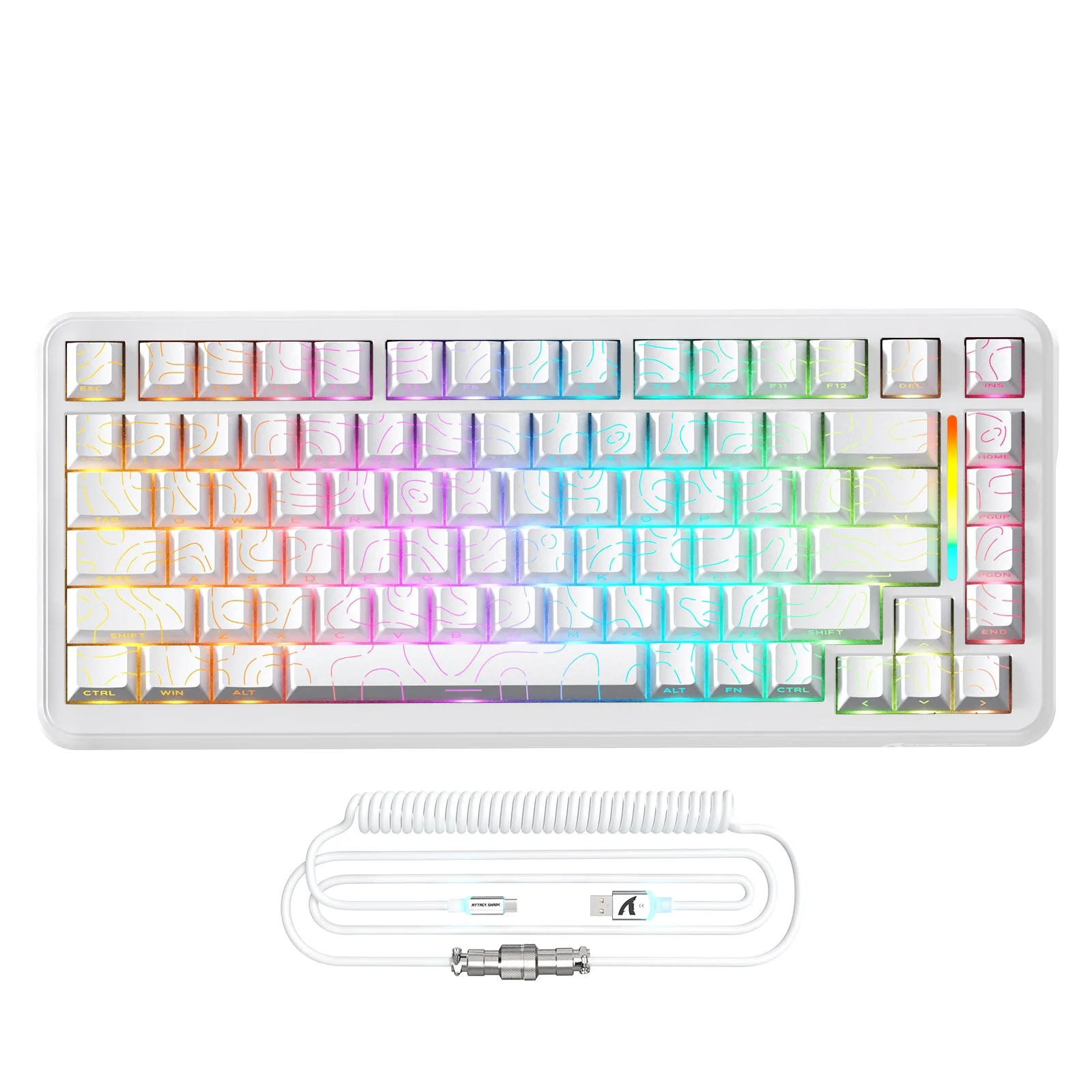
The M36 HE is a one-handed magnetic switch keyboard with a 34% smaller footprint than standard gaming keyboards. This design saves desk space for mouse movement and makes it portable for LAN events. Because it lacks a full number row and function keys, you will need to remap certain actions in games or use the default layout.
Setup Steps
- Unbox and Inspect: Remove the M36 HE keyboard and C01 ULTRA LED cable from the packaging. Check that the cable is not damaged and that the keyboard has no visible defects. Do not connect the cable if the keyboard or cable appears damaged.
- Connect the Cable: Plug the C01 ULTRA LED cable into the keyboard's USB-C port (or the provided connector) and the other end into a free USB port on your computer. The LED strip on the cable should light up to indicate power. Use a USB 3.0 port for best performance; avoid USB hubs if possible.
- Install Drivers (if needed): Windows and macOS typically recognize the M36 HE as a standard keyboard. If the system prompts you to install drivers, follow the on-screen instructions. No additional software is required for basic typing. If the keyboard is not detected, try a different USB port or restart your computer.
- Configure Key Layout in Games: Open your game's key binding settings. Since the M36 HE has a one-handed layout (no number row or function keys), remap actions like weapon switch or inventory to the available keys. Common practice: assign secondary actions to the top row of letter keys. Test key assignments in a practice round before competitive play.
- Adjust Lighting (Optional): If the C01 ULTRA LED cable supports lighting modes, press the button on the cable (if present) to cycle through colors or patterns. The keyboard itself does not have per-key RGB control. The lighting is controlled via the cable, not software.
Product Facts
-
ATTACK SHARK M36 HE One-Handed Magnetic Switch Keyboard & C01 ULTRA LED Aviator Cable: Ultra‑Compact 34% Gaming Keyboard — Space Saving & Portable Designed with a smaller footprint for maximum desk space, the M36 HE saves room for mouse movement and enhances portability — perfect for gaming setups, LAN events. The compact size means you should plan your desk layout to keep the mouse close, and be ready to adjust key bindings since the layout differs from a standard keyboard.
ATTACK SHARK M36 HE One-Handed Magnetic Switch Keyboard & C01 ULTRA LED Aviator Cable
ATTACK SHARK M36 HE One-Handed Magnetic Switch Keyboard & C01 ULTRA LED Aviator Cable