Quick answer
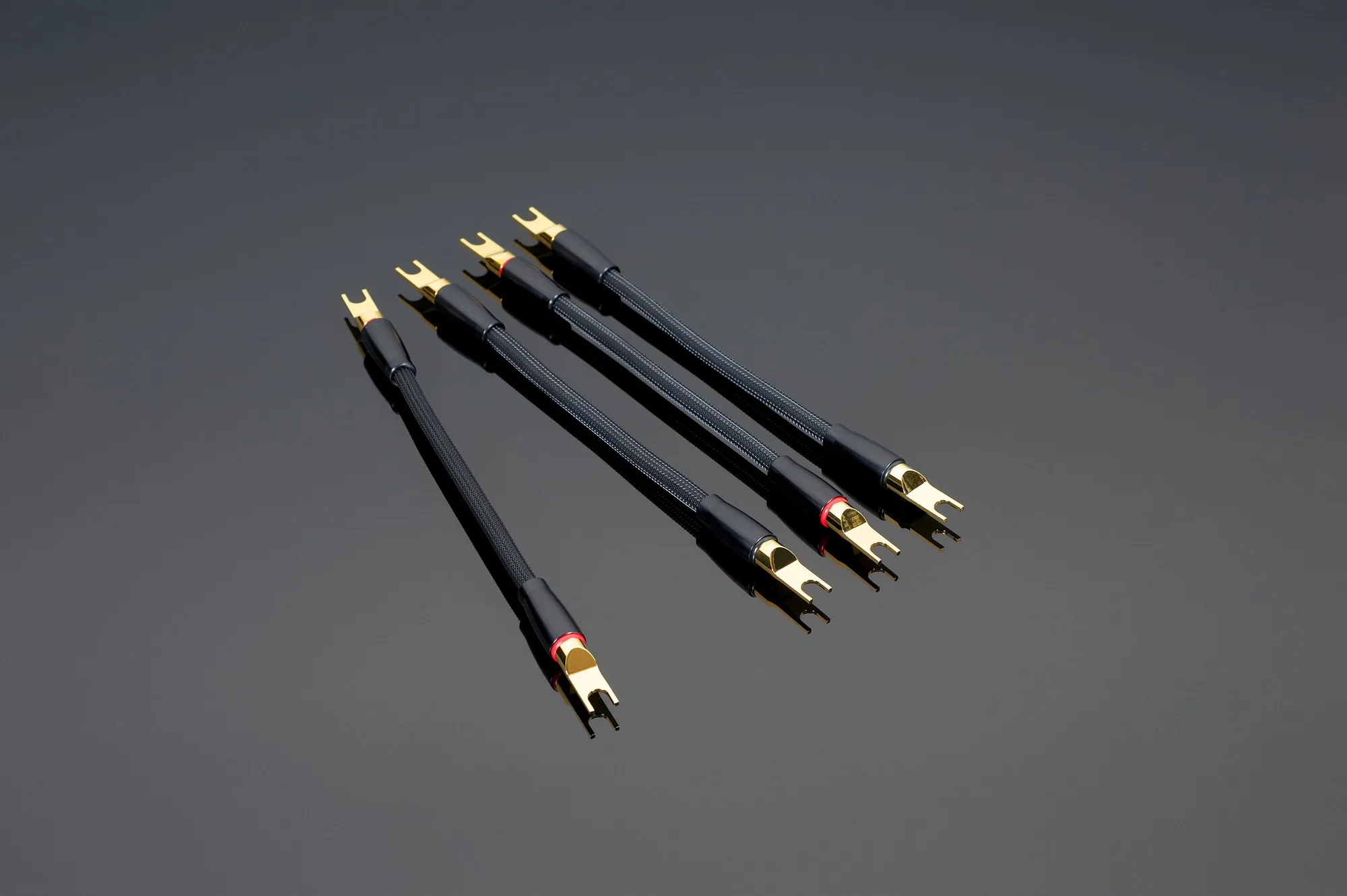
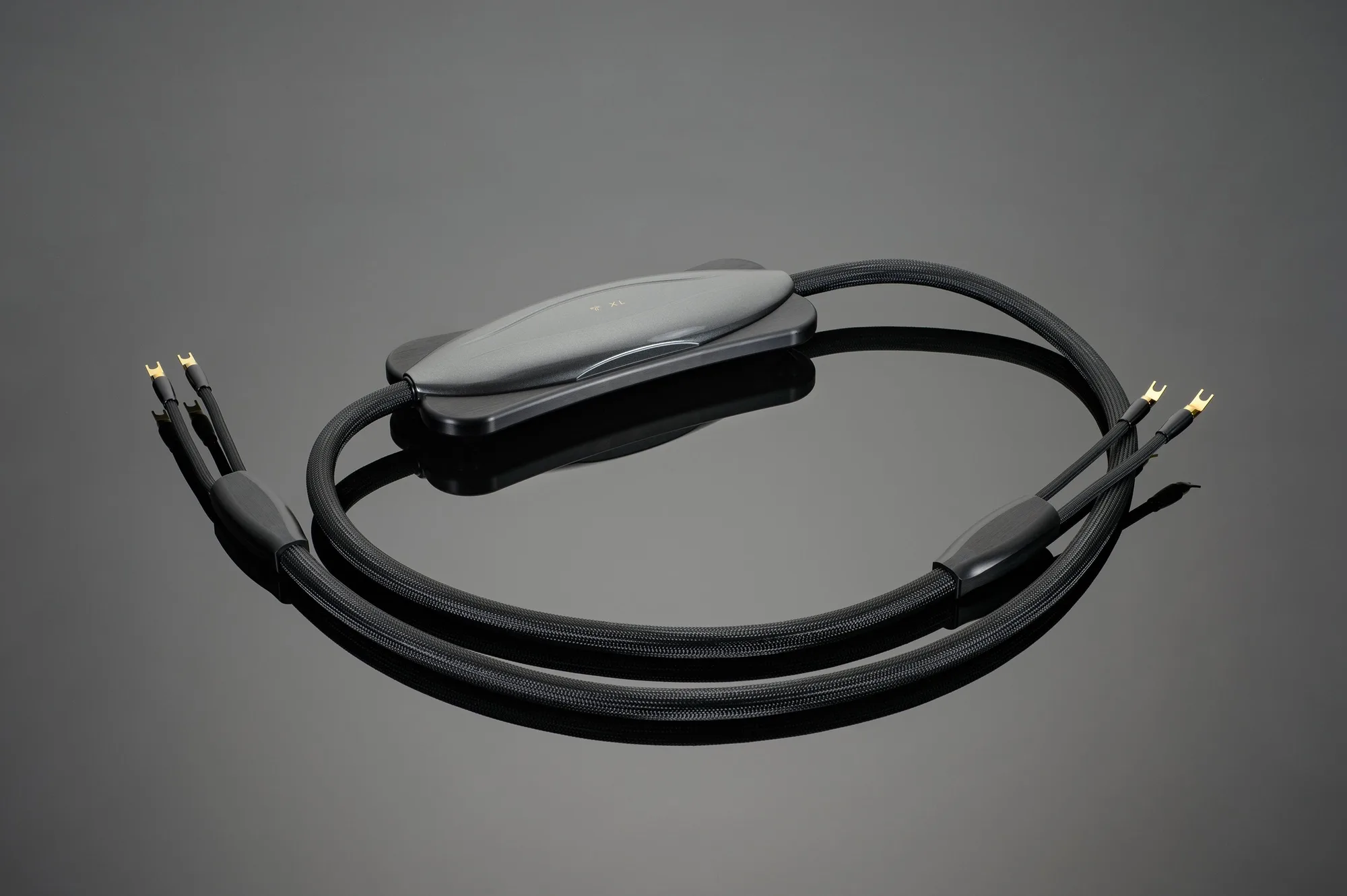
To set up a biwire speaker system with Transparent cables, use a single pair of Reference or XL Speaker Cables at the amplifier end and Transparent Reference or XL Biwire Speaker Adapters at the speaker end. The adapters split each channel into separate high- and low-frequency runs, replacing the flat metal bridge plates on your speakers. This preserves the cable's designed electrical characteristics and gives each driver section a dedicated path.
Check your speaker's binding posts and remove the bridge plates
Before you connect anything, confirm that your speakers have two pairs of binding posts (four total per speaker) and that the metal bridge plates or jumpers are removable. These plates connect the high- and low-frequency sections when you use a single cable run. For biwiring, you must remove them completely so the two sections remain electrically separate. If the plates are not removable, your speaker is not designed for biwiring and you should not proceed.
- Common mistake: Leaving the bridge plates in place. This shorts the two sections together and defeats the purpose of biwiring.
- Checkpoint: With the plates removed, the two pairs of posts should show no continuity between them when tested with a multimeter.
Connect the amplifier end with a single pair of Reference or XL Speaker Cables
Run one pair of Transparent Reference or XL Speaker Cables from your amplifier to each speaker location. At the amplifier, connect the positive and negative leads to the corresponding channel outputs as you normally would. The adapters work at the speaker end, so the amplifier connection stays the same as a standard single-wire setup. Keep the cable runs roughly equal in length to maintain consistent electrical characteristics between channels.
- Common mistake: Assuming you need two separate cable runs per channel at the amplifier. The adapters are designed to work with a single pair of cables per channel.
- Checkpoint: Verify that the amplifier end is secure and that no stray strands of wire can touch adjacent terminals.
Attach the Transparent Biwire Speaker Adapters at the speaker end
At each speaker, connect the Reference or XL Biwire Speaker Adapter to the single pair of cable leads coming from the amplifier. The adapter then splits the signal into two sets of outputs: one for the high-frequency binding posts and one for the low-frequency binding posts. Transparent's artisans make these adapters by hand using the same cable and spades found in Transparent XL Speaker Cable, so the adapter maintains the same conductor quality and termination standard as the rest of the run. Use the adapter's spades to connect to the speaker's binding posts, matching positive to positive and negative to negative for each section.
- Common mistake: Reversing the high and low sections. While some speakers are forgiving, swapping them can cause a phase issue that dulls imaging and bass definition.
- Checkpoint: Tug gently on each spade connection to confirm it is tight and fully seated.
Confirm the biwire speaker cable configuration and test the system
Once all connections are made, visually trace each channel from amplifier output to adapter input, then from adapter outputs to the correct high and low binding posts. Power on the system at low volume and listen for any obvious imbalance or distortion. If something sounds wrong, power down immediately and recheck the connections. A correctly configured biwire setup should sound at least as balanced as your previous single-wire arrangement, with the potential for improved clarity in the high frequencies and tighter low-frequency control depending on your speakers and room.
- Common mistake: Skipping the visual trace and relying only on listening. A miswire can sometimes sound subtle until you play demanding material.
- Checkpoint: Play a familiar track with wide frequency range and confirm that both speakers produce sound from both the tweeter and woofer sections.
Step-by-step biwire setup checklist
- 1. Verify biwire capability and remove bridge plates: Confirm your speakers have two pairs of binding posts and that the metal bridge plates are removable. Remove them completely before connecting anything. Checkpoint: No continuity between the two pairs of posts after removal.
- 2. Run one pair of Reference or XL Speaker Cables per channel: Connect a single pair of Transparent Reference or XL Speaker Cables from each amplifier channel to the corresponding speaker location. Keep runs roughly equal in length. Checkpoint: Secure amplifier connections with no stray strands.
- 3. Attach the Reference or XL Biwire Speaker Adapters at the speaker: Connect the adapter to the single pair of cable leads, then use its spades to connect to the high- and low-frequency binding posts separately. Match positive and negative for each section. Checkpoint: Gently tug each spade to confirm a tight fit.
- 4. Trace the full path and test at low volume: Visually trace each channel from amplifier to adapter to the correct posts. Power on at low volume and listen for imbalance or distortion. Checkpoint: Both tweeter and woofer sections produce sound from each speaker.
Product facts
- Reference or XL Biwire Speaker Adapters: Transparent's artisans make these biwire adapters by hand, incorporating the same cable and spades used in Transparent XL Speaker Cable. The adapter maintains the same conductor and termination quality as the rest of your XL or Reference cable run, so you are not introducing a lower-grade link at the speaker end.
- XL Speaker Cable: XL Speaker Cable is a great addition to any well-established Connoisseur Level music or film system and works well with other ULTIMATE Transparent System Companions. If you already run XL Speaker Cable, adding the matching biwire adapters keeps the entire path consistent from amplifier to speaker.