Quick Answer
To set up your Echelon EX3 or EX5 bike, follow the official instruction manual step by step, starting with unboxing and ending with a safety check. Keep the manual handy for maintenance and troubleshooting.
Why the Official Manual Matters
The EX3 and EX5 are different models, and their assembly steps are not interchangeable. Using the correct manual for your model ensures you don't miss model-specific torque specs or cable routing details.
Both the EX3 and EX5 manuals cover setup, operation, safety, and maintenance. They are designed for all color variants of each model, so you don't need a separate manual based on color.
Common Setup Mistakes to Avoid
One frequent error is over-tightening bolts, which can strip threads or damage frame components. Follow the torque values in the manual, not just what feels tight.
Another mistake is skipping the leveling adjustment. An uneven bike can wobble during rides and cause unnecessary stress on the frame. Always check the stabilizer feet after assembly.
Finally, don't rush the cable and wiring connections. Misrouted cables can pinch or fray, leading to display issues later. Take your time and route cables exactly as shown in the manual.
Step-by-Step Setup for Echelon EX3 and EX5
- Unbox and Inventory: Open the box carefully and lay out all parts. Compare the parts list in your manual (EX3 or EX5) against what you have. Check for any shipping damage. Take photos of any missing or damaged parts before contacting support.
- Assemble the Stabilizers: Attach the front and rear stabilizers to the frame using the provided bolts. Tighten them to the torque specified in the manual. Do not fully tighten until both are attached. Keep the bike on a soft surface to avoid scratching the frame during assembly.
- Install the Seat and Handlebars: Slide the seat post into the frame and secure it at the correct height. Attach the handlebars and adjust them to your preferred position. Ensure all quick-release levers are locked. Check that the seat and handlebars are aligned straight before tightening.
- Connect the Pedals and Cables: Attach the pedals, noting the left and right markings. Route any sensor or display cables along the frame, avoiding pinching. Plug in the display if applicable. Use the cable clips provided to keep wires secure and out of the way.
- Level the Bike and Test: Adjust the stabilizer feet until the bike is level and does not rock. Test the pedals, resistance knob, and display. Check for any unusual noises. If the bike rocks, re-adjust the feet; do not ride until stable.
- Perform a Final Safety Check: Go through the manual's safety checklist: verify all bolts are tight, quick releases are locked, and the bike is stable. Confirm the resistance and brake functions work properly. Keep the manual accessible for future maintenance and troubleshooting.
Product Facts
-
Instruction Manual, EX3: This instruction manual provides comprehensive guidance for your Echelon EX3 bike, covering all color variants. Having the EX3-specific manual ensures you follow the correct assembly and maintenance steps for your model.
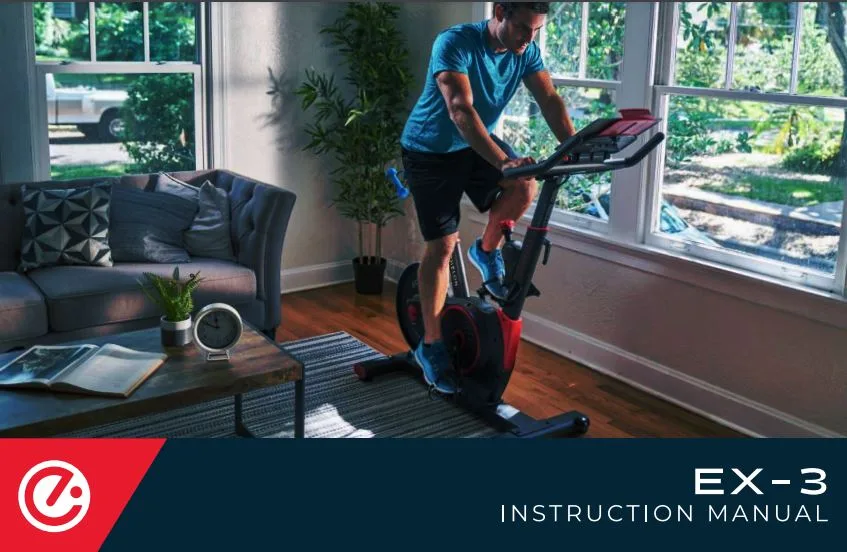
Instruction Manual, EX3
-
Instruction Manual, EX5: This is the official instruction manual set for the Echelon EX5 fitness bike, including step-by-step assembly instructions. The EX5 manual gives you model-specific guidance to avoid guesswork and ensure safe, correct setup.

Instruction Manual, EX5