Quick answer
Place the REFERENCE PowerIsolator close to your source components, connect it to a dedicated AC outlet, then plug your preamp, DAC, or source into its outlets. Avoid daisy-chaining with other power conditioners.
Why placement matters for noise rejection
The REFERENCE PowerIsolator uses custom-built feet to resist vibrations and common-mode noise rejection circuitry. Placing it on a stable, low-vibration surface—away from large transformers or motorized equipment—lets those features work as designed. A nearby subwoofer amplifier or a wall-wart power supply can inject hum that the isolator then has to filter out.
What the REFERENCE PowerIsolator does not do
The RPI provides surge-spike protection and power conditioning, but it is not a voltage regulator or a battery backup. If your home voltage fluctuates outside a normal range, you may still need a separate voltage stabilizer. Also, the RPI works best with ULTIMATE Companions for component isolation, but those are sold separately.
Setup steps
- Choose a location: Place the RPI on a rigid, level shelf or rack near your source components. Keep at least 4 inches of clearance around the unit for ventilation. Avoid stacking other gear on top. Common mistake: placing it on a carpet or soft surface can block airflow and reduce vibration isolation.
- Connect the AC power cord: Use the supplied high-current power cord to connect the RPI’s IEC inlet to a dedicated wall outlet. Do not use a power strip or extension cord—this can introduce noise that the isolator must then filter. Checkpoint: verify the wall outlet is grounded. A missing ground defeats the noise rejection circuitry.
- Attach source components: Plug your preamplifier, DAC, CD transport, or network streamer into the RPI’s rear outlets. Leave power amplifiers connected directly to the wall or to a separate high-current outlet—the RPI is optimized for low-current source gear. Common mistake: plugging a power amplifier into the RPI can overload its internal filtering and degrade dynamics.
- Power on and verify: Turn on the RPI using its front-panel switch (if equipped). Then power on each connected component one at a time. Listen for any new hum or buzz—if present, check that all connections are tight and that no other device shares the same outlet circuit. Checkpoint: a faint mechanical hum from the unit itself is normal; audible hum through speakers indicates a ground loop or poor connection.
Product facts
-
REFERENCE PowerIsolator: REFERENCE PowerIsolator (RPI) uses robust power factor correction and custom-designed common-mode noise rejection. This means it actively cleans the AC line before it reaches your sensitive audio components, reducing audible hum and hash.
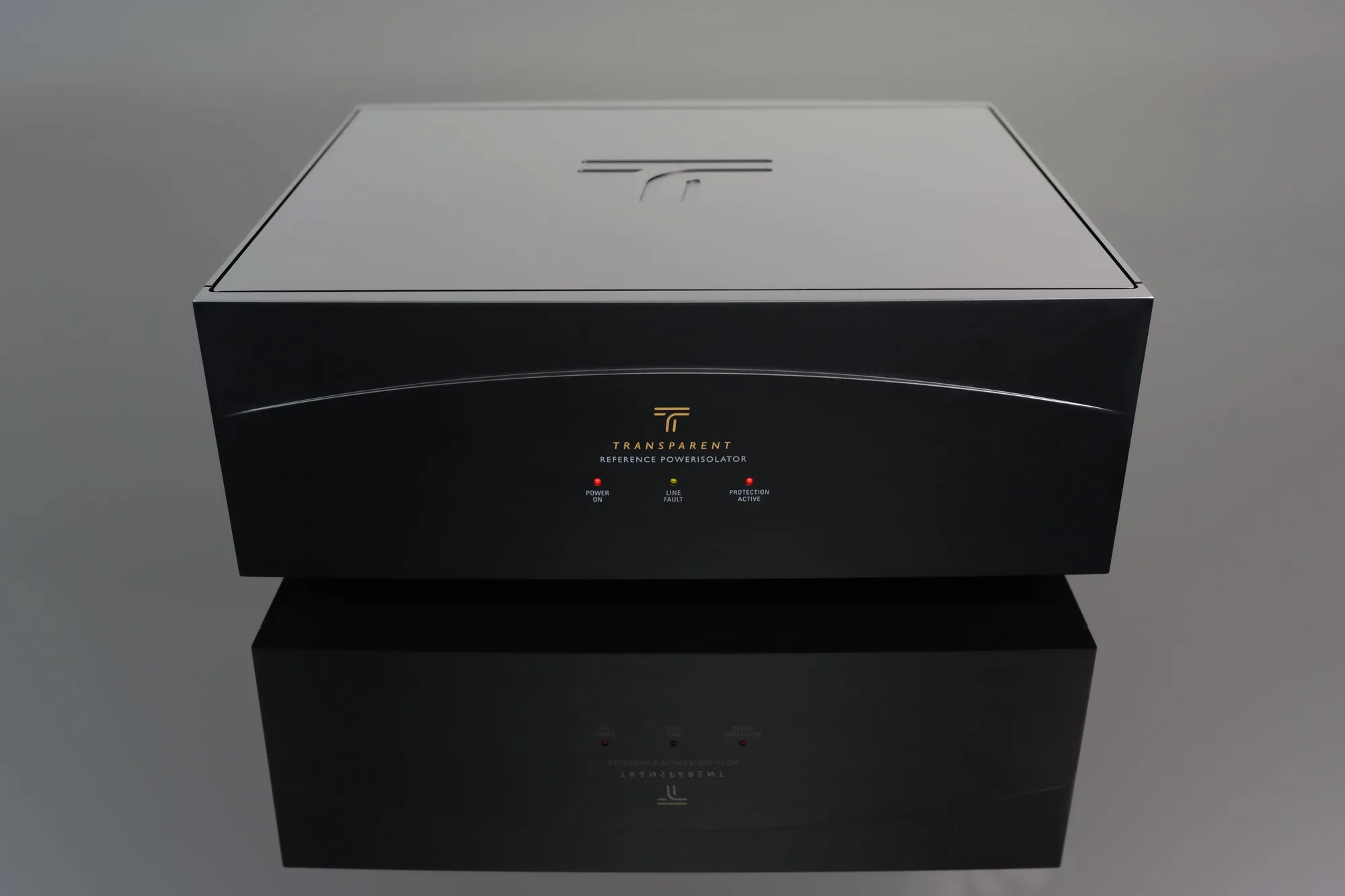
REFERENCE PowerIsolator