What You Need to Know Before Starting
Upgrading to Wi-Fi 6 doesn't require a new computer. A USB Wi-Fi 6 adapter like the Plugable USB 3.0 Wi-Fi 6 AX1800 Wireless Adapter (USB-WIFIAX) can add faster, more stable wireless connectivity to an existing Windows desktop or laptop. This guide walks through the setup steps and key compatibility details.
Step-by-Step Setup
- Check Compatibility: The Plugable USB-WIFIAX is compatible with Windows 10 and newer. It is not compatible with macOS or Linux. Ensure your computer has a USB 3.0 or USB-C port (a USB-A to USB-C adapter is included).
- Download the Driver: A driver download is required. Visit the Plugable support page for the USB-WIFIAX and download the appropriate driver for your Windows version. Install the driver before connecting the adapter.
- Connect the Adapter: Plug the adapter directly into a USB port on your computer, or use the included 45-inch (115 cm) extension cable to position the adapter for the best signal. The extension cable is especially useful if interference is an issue.
- Connect to Your Wi-Fi Network: Once the driver is installed and the adapter is connected, use the Windows network settings to scan for and connect to your Wi-Fi 6 network. For best performance, connect to a 5 GHz network (speeds up to 1,201 Mbps). On 2.4 GHz, you can expect up to 573.5 Mbps.
Key Specifications
-
Plugable USB 3.0 Wi-Fi 6 AX1800 Wireless Adapter: Speeds up to 1,201 Mbps on 5 GHz and 573.5 Mbps on 2.4 GHz. Provides a significant speed boost over standard Wi-Fi 5 adapters, suitable for streaming, gaming, and large file transfers.
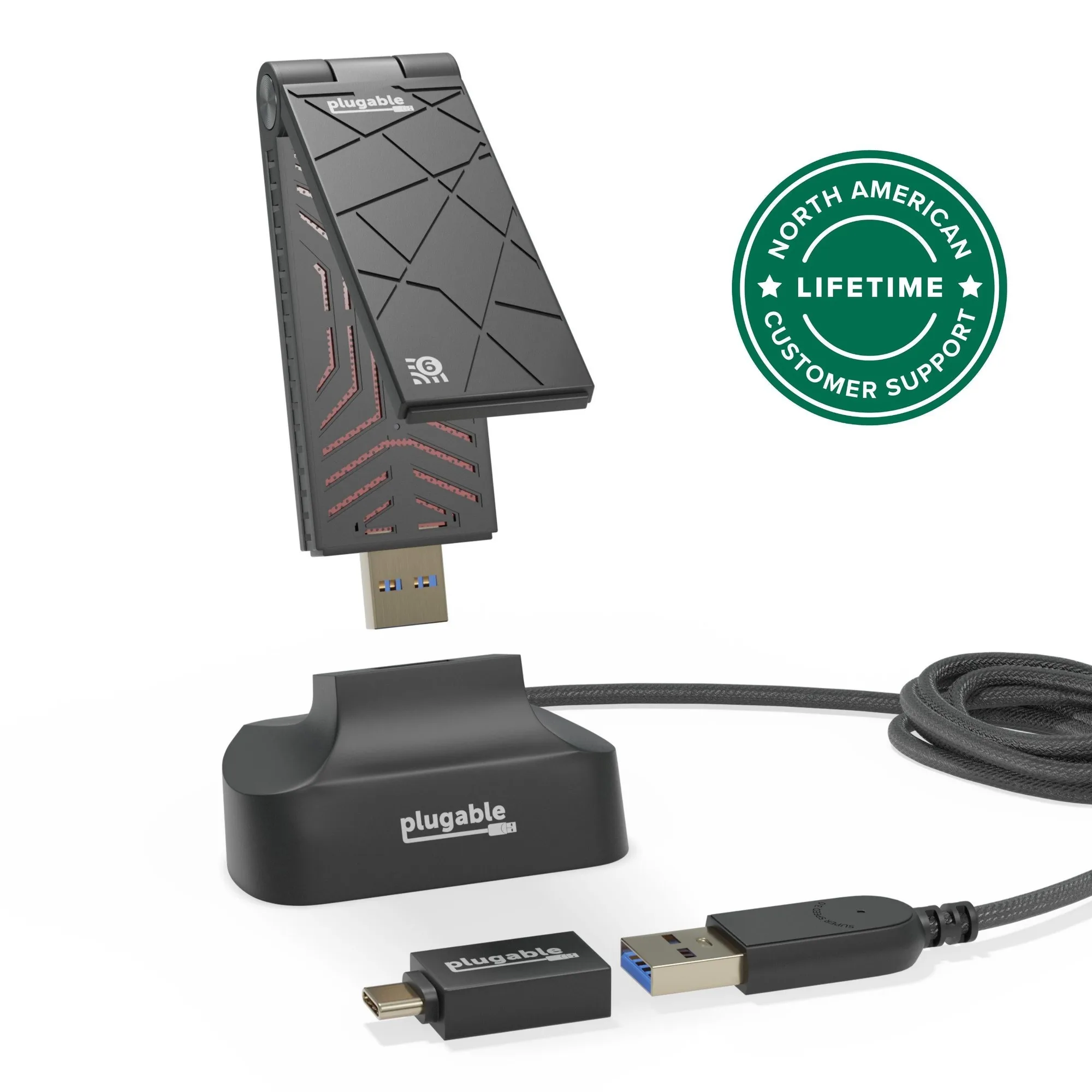
Plugable USB 3.0 Wi-Fi 6 AX1800 Wireless Adapter
-
Plugable USB 3.0 Wi-Fi 6 AX1800 Wireless Adapter: Includes a 45-inch (115 cm) extension cable. Lets you move the adapter to a location with a stronger signal, reducing interference.
-
Plugable USB 3.0 Wi-Fi 6 AX1800 Wireless Adapter: Compatible with Windows 10 and newer only. If you use macOS or Linux, this adapter will not work. Check your OS before purchasing.
Performance and Limitations
Actual speeds depend on environmental factors, your host system, and your router. The adapter supports both 5 GHz and 2.4 GHz networks, but a Wi-Fi 6 router is recommended for full benefit. The adapter folds flat for portability, making it easy to take on the go. Note that a driver download is required—there is no plug-and-play support out of the box.