Quick Answer
For clean, safe soldering on PCBs, use anti-static precision tweezers to hold components and a mini wire cutter to trim leads flush after soldering. These tools give you the control needed for tight spaces and delicate parts.
Why Precision Tools Matter for Soldering
Precision tweezers and mini wire cutters are not just smaller versions of regular tools. They are designed for the fine motor control required when working on circuit boards. Standard tweezers can be too bulky and may slip, while regular cutters can leave jagged edges that damage solder joints.
Anti-static tweezers are especially important when handling sensitive components like ICs and MOSFETs. Static discharge can damage these parts without visible signs, leading to intermittent failures later. Using anti-static tools reduces this risk.
A mini wire cutter allows you to trim component leads close to the solder joint without disturbing neighboring components. This is essential for rework and repair where space is limited.
Choosing the Right Tools
When selecting precision tweezers, consider the tip shape. Straight, pointed tips are versatile for most tasks, while curved tips help reach components in awkward angles. The anti-static feature is a must for working on sensitive electronics.
For wire cutters, look for a flush-cut design. This allows you to cut leads cleanly right at the solder joint, leaving a flat surface that is less likely to cause shorts. A mini size is preferable for accessing tight areas on a PCB.
Both tools should feel comfortable in your hand. Since soldering involves repetitive motions, ergonomic handles reduce fatigue and improve precision.
Step-by-Step Soldering with Precision Tweezers and Mini Wire Cutters
- Prepare Your Workspace: Ensure your work area is clean, well-lit, and grounded. Use an anti-static mat if available. Gather your soldering iron, solder, precision tweezers, mini wire cutter, and the PCB. A tidy workspace prevents accidents and makes it easier to find small components.
- Position the Component with Tweezers: Pick up the component using the precision tweezers. Place it on the PCB pads, aligning the leads with the holes. Hold it steady with the tweezers while you apply solder to the joint. If the component moves while soldering, you may need to use a helping hand tool or tape it down temporarily.
- Solder the Joint: Touch the soldering iron tip to the pad and component lead simultaneously, then feed solder into the joint. Remove the iron and let the joint cool without moving the component. Do not apply too much solder; a concave fillet shape is ideal. If you see a ball of solder, you've used too much.
- Trim the Lead with the Mini Wire Cutter: After the solder has cooled, use the mini wire cutter to snip the excess lead flush with the solder joint. Position the cutter flat against the joint to get a clean cut. Avoid cutting while the solder is still hot, as this can deform the joint and cause cracks.
- Inspect and Clean Up: Check each joint under good lighting for smooth, shiny solder. Remove any solder bridges or debris with the tweezers. Clean the board with isopropyl alcohol if needed. If a joint looks dull or cracked, reheat it and add a small amount of fresh solder.
Tools We Recommend
-
6pcs Tweezers Set Precision Anti-static Stainless Steel: 6pcs Tweezers Set Precision Anti-static Stainless Steel This set gives you multiple tip shapes for different soldering tasks, and the anti-static stainless steel construction protects sensitive components from static damage.
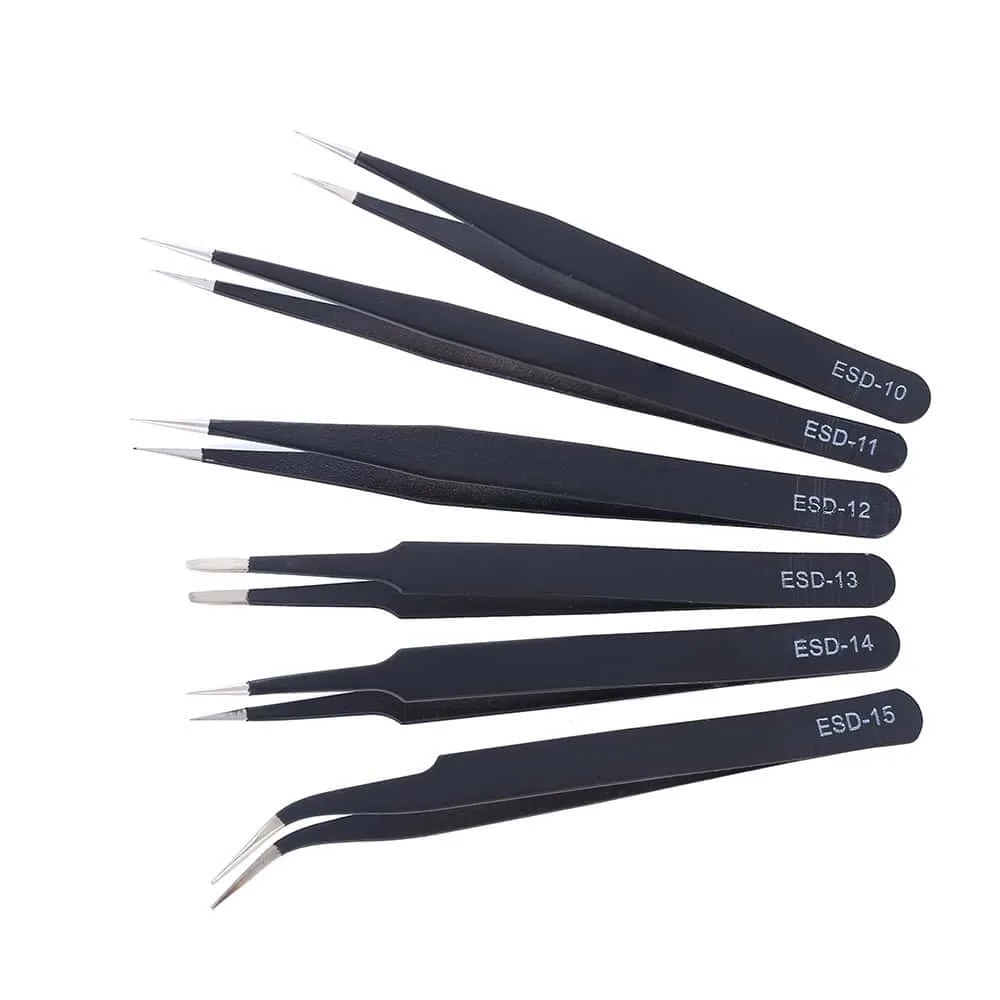
6pcs Tweezers Set Precision Anti-static Stainless Steel
-
Mini Electrical Wire Cable Cutter: Mini Electrical Wire Cable Cutter with flush pliers and diagonal cut design The flush cut design lets you trim leads cleanly at the solder joint, reducing the risk of shorts and making your PCB repair look professional.
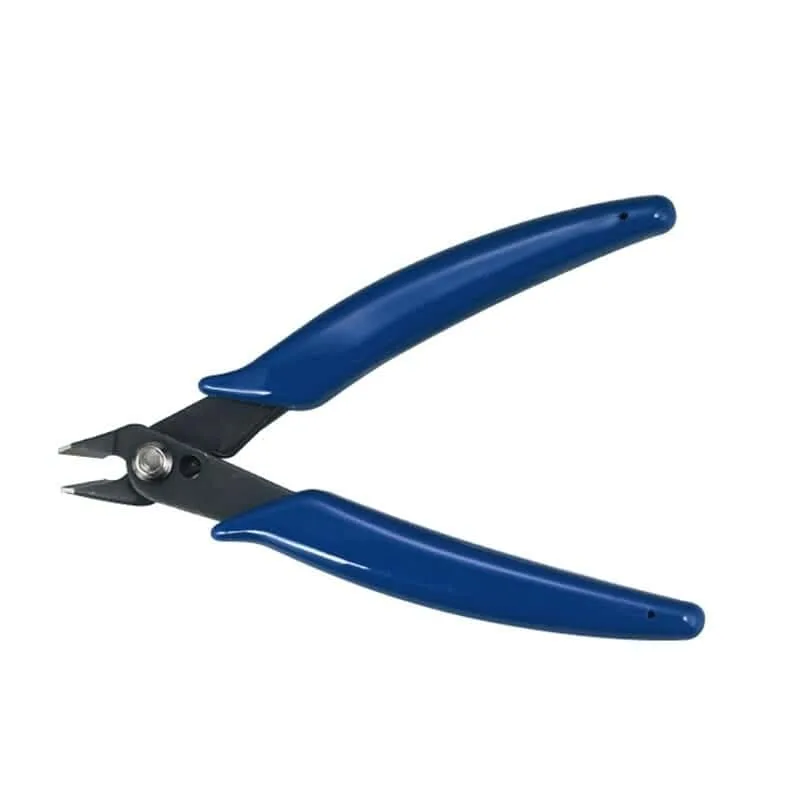
Mini Electrical Wire Cable Cutter