Quick answer
Use a 3.5mm to RCA Y splitter cable to send stereo audio from your phone, tablet, or laptop to a home stereo receiver or amplifier.
Why a 3.5mm to RCA cable works for home stereo
Most home stereo receivers and amplifiers use RCA inputs (red and white jacks) for analog audio. A 3.5mm to RCA cable splits the left and right channels from a single headphone jack into two separate signals, so your receiver gets proper stereo separation.
This connection is simple and requires no adapters or power. It works with any device that has a standard 3.5mm headphone output.
What to check before buying
Not all 3.5mm to RCA cables are the same. A coiled cable like the 3.5mm Male to 2 RCA Male Stereo Audio Y Splitter Cable stays tidy when not in use but extends to reach your gear. Check the cable length and connector quality—gold-plated plugs resist corrosion better over time.
If your device has a TRRS headset jack (common on smartphones), a standard TRS 3.5mm to RCA cable will still work for audio output. You just won't get microphone input through the RCA connection.
How to connect 3.5mm audio to RCA in 4 steps
- 1. Identify the correct ports on your stereo: Look for a pair of RCA jacks labeled AUX, CD, Tape, or Line In. They are usually red (right channel) and white or black (left channel). Do not plug into Phono or Mic inputs—they use a different signal level and may sound distorted or too quiet.
- 2. Plug the RCA ends into the stereo: Match the red plug to the red jack and the white plug to the white or black jack. Pushing firmly until the collar clicks ensures a solid connection. A loose RCA connection can cause buzzing or intermittent sound. Check that both RCA plugs are fully seated—partial insertion is the most common cause of a missing channel.
- 3. Connect the 3.5mm end to your device: Insert the 3.5mm plug into your phone, tablet, or laptop headphone jack. If your device has a case, make sure the plug fits past the case opening—some thick cases block the connection.
- 4. Select the correct input on your receiver: Press the Input or Source button on your stereo until it shows the label matching the RCA jacks you used (e.g., AUX or CD). If you hear no sound, try a different input label—many receivers have multiple sets of RCA inputs. Turn the volume on your source device to about 70% first, then adjust the stereo volume. Starting too low can make you think the connection isn't working.
Recommended cable
-
3.5mm Male to 2 RCA Male Stereo Audio Y Splitter Cable: Coiled cable design keeps it compact while extending when needed, making it ideal for both home and portable use. A coiled cable reduces clutter near your stereo and stretches to the distance you actually need, so you aren't left with excess slack.
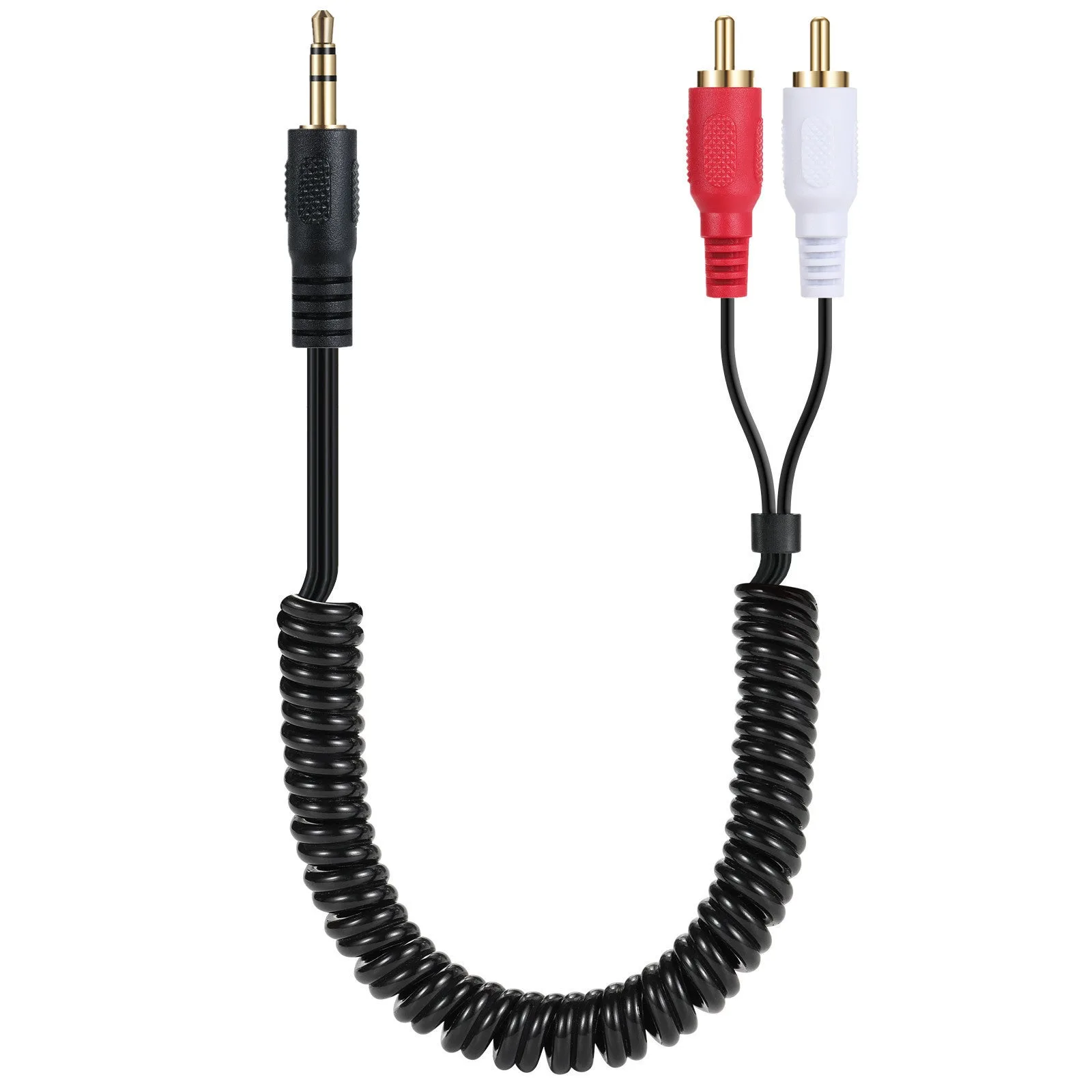
3.5mm Male to 2 RCA Male Stereo Audio Y Splitter Cable