Quick answer
Plug the 3.5mm TRRS male end of the splitter into your PC's combo jack, then connect your headset's audio plug to the green port and the mic plug to the pink port.
Why you need a splitter
Many laptops and newer PCs combine headphone and microphone functions into a single 3.5mm jack (TRRS). If your headset has separate audio and mic plugs, a 3.5mm splitter cable converts that single combo port into two separate female ports. This lets you use standard two-plug headsets without buying a USB adapter or a new headset.
What to look for in a splitter
Not all 3.5mm splitters are the same. A TRRS-to-dual-3.5mm splitter is designed specifically for headsets: it routes the mic signal to the pink (or red) port and the audio signal to the green port. A standard stereo splitter (TRS) won't work because it lacks the extra ring needed for mic input. Stick with a dedicated headset splitter cable to avoid silent mics or missing audio channels.
Steps to set up your splitter
- Identify your PC's combo jack: Look for a single 3.5mm port near the headphone icon or labeled with a headset symbol. If your PC has separate green (audio) and pink (mic) ports, you don't need a splitter. Using a splitter on separate ports can cause feedback or no sound.
- Plug the splitter into the combo jack: Insert the single TRRS male end of the cable into the PC's combo jack. Push gently until it clicks into place. A loose connection can cause intermittent audio or mic dropout.
- Connect your headset cables: Insert the headset's audio plug (usually green) into the green female port on the splitter. Then insert the mic plug (usually pink) into the pink female port. Swapping the plugs will either mute the mic or route audio to the wrong channel.
- Test the audio and mic: Play a short sound and record a quick voice memo. If only one side works, check the plug colors and reseat them. If the mic is silent, your PC may need a sound driver update for combo jacks.
Product facts
-
3.5mm TRRS Headset Splitter Cable Male to Dual Female Mic Audio Adapter (Black White): This 3.5mm TRRS splitter cable has a 4-pole male connector that splits into dual 3.5mm female ports for headphone and microphone. It ensures your headset's microphone and audio channels stay separate, so you can use a standard two-plug headset with a single combo jack PC.
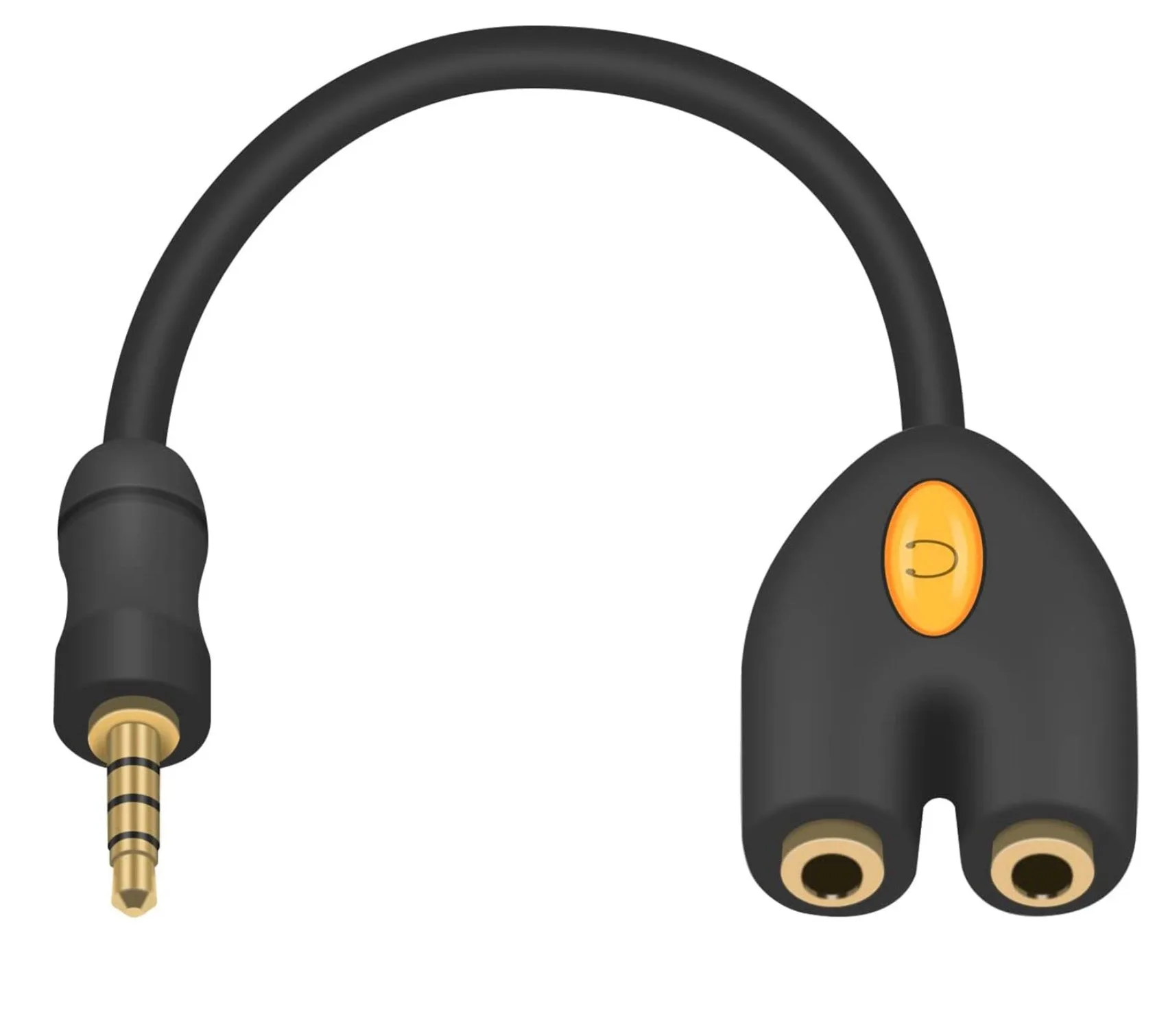
3.5mm TRRS Headset Splitter Cable Male to Dual Female Mic Audio Adapter (Black White)