Quick answer
Most eitech wobble comes from three places: an axle that is not fully seated or tightened, a wheel that is not square to the frame, or a long unsupported span that flexes under load. Fix the axle first, check wheel alignment second, and add a brace or a stiffer axle only if the wobble survives both. If a part is bent or stripped, replace it rather than over-tightening.
A wobbling eitech model is rarely a mystery. Metal building sets are rigid by design, so when a finished truck, excavator, or crane starts to rock, the movement is usually coming from one of a few mechanical joints rather than the whole frame.
This guide walks through the diagnosis in the order that saves the most time: axle seating, wheel alignment, and frame bracing. You will also see which eitech accessories solve each problem and when adjusting stops being the right answer.
Start with the axle, not the wheel
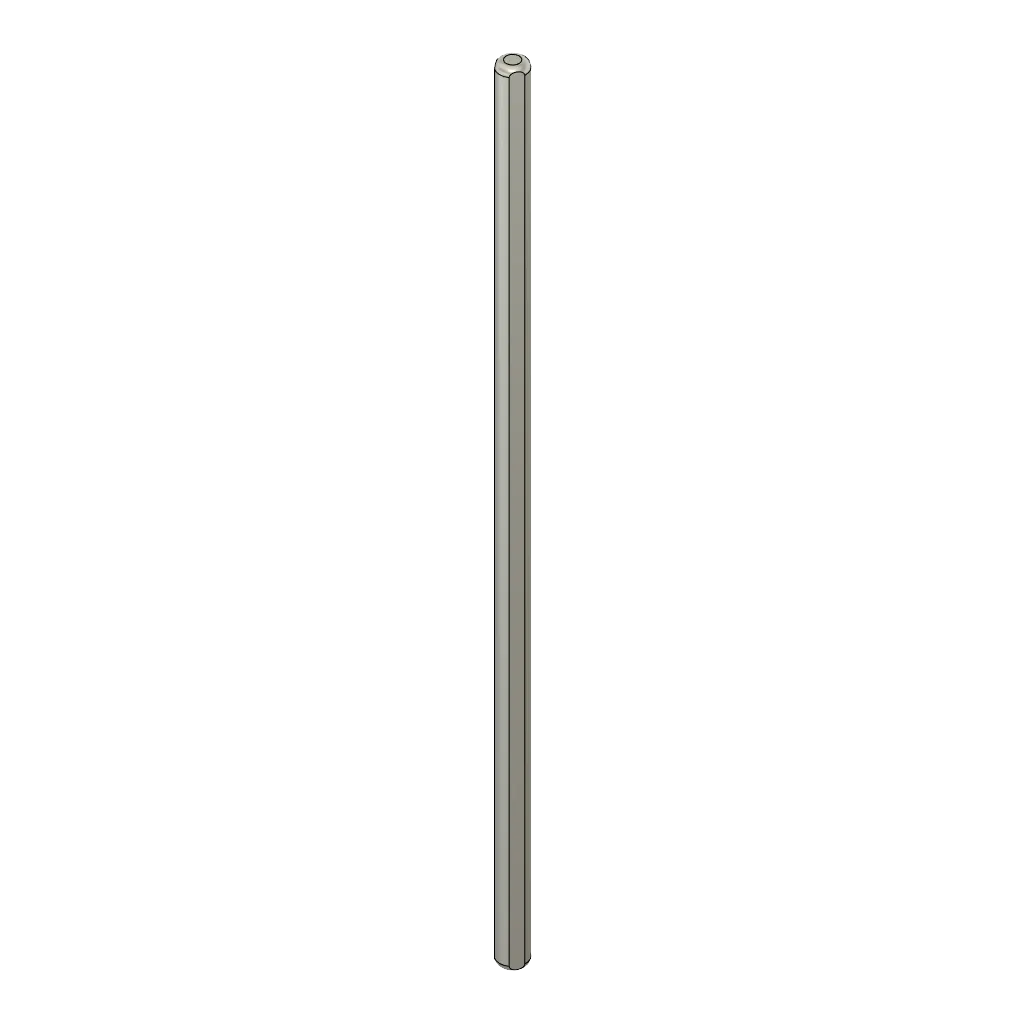
Before you touch the wheels, check every axle for end play. A galvanized axle such as the eitech Axle 4x120 mm profile can slide slightly in its mounting holes if the retaining screws are not fully tightened. Push the model gently side to side and watch the axle ends. If one end moves while the other stays put, that axle is the source.
Tighten the screws that clamp the axle in place, but stop as soon as the axle stops moving. Over-tightening flattens the thread and makes future adjustments harder. If the axle still shifts after tightening, the mounting hole may be worn, and a fresh axle is the cleaner fix.
- Test one axle at a time so you know which fix worked.
- A wobble that disappears when you press down on the model usually points to axle end play, not a bent frame.
Check wheel alignment before adding parts
Loose wheels and misaligned wheels feel similar but need different fixes. Spin each wheel slowly and watch the gap between the tire and the frame. If the gap changes as the wheel turns, the wheel is not square on the axle. If the gap stays even but the whole wheel rocks, the axle is moving instead.
For a wheel that is not square, loosen the hub screw, press the wheel flat against the frame, and re-tighten. Do this with the model resting on a flat surface so you are not fighting gravity. If the wheel still sits at an angle, the axle itself may be slightly bent and should be replaced.
- Roll the model across a table. A model that curves to one side has a wheel alignment problem, not a weight problem.
- Check both sides of the same axle before deciding the wheel is at fault.
When the frame, not the axle, is flexing
If the axles and wheels are tight but the model still rocks, the flex is coming from a long unsupported span in the frame. This is common on wide trucks and loaders where two side plates are connected only at the ends. The plates twist under the weight of the model, and the wobble shows up at the wheels.
Add a cross brace between the two side plates near the middle of the span. A flat bar or an angled plate bolted across the frame removes most of the twist. You do not need to rebuild the model; one well-placed brace often changes how the whole chassis behaves.
- Press down on the center of the frame. If it flexes, the wobble is structural.
- Brace the frame before you replace any axle, because a flexing frame can make a good axle look loose.
Tools and parts that make the fix easier
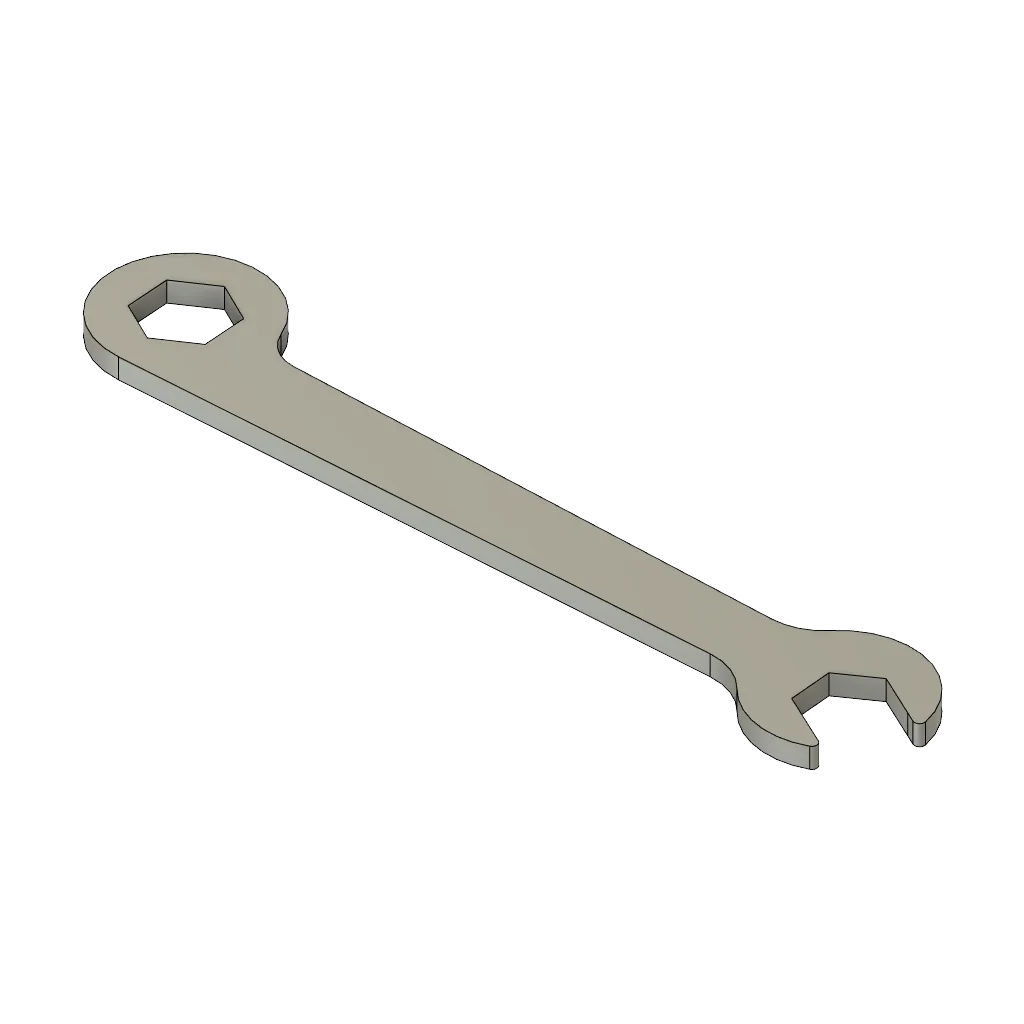
A compact socket wrench reaches the axle nuts that a regular screwdriver cannot. The eitech M4 socket wrench is listed with a 7 mm size (SW 7mm) and is part of the Manufaktur line, which makes it a practical tool for tightening axle hardware without stripping the head.
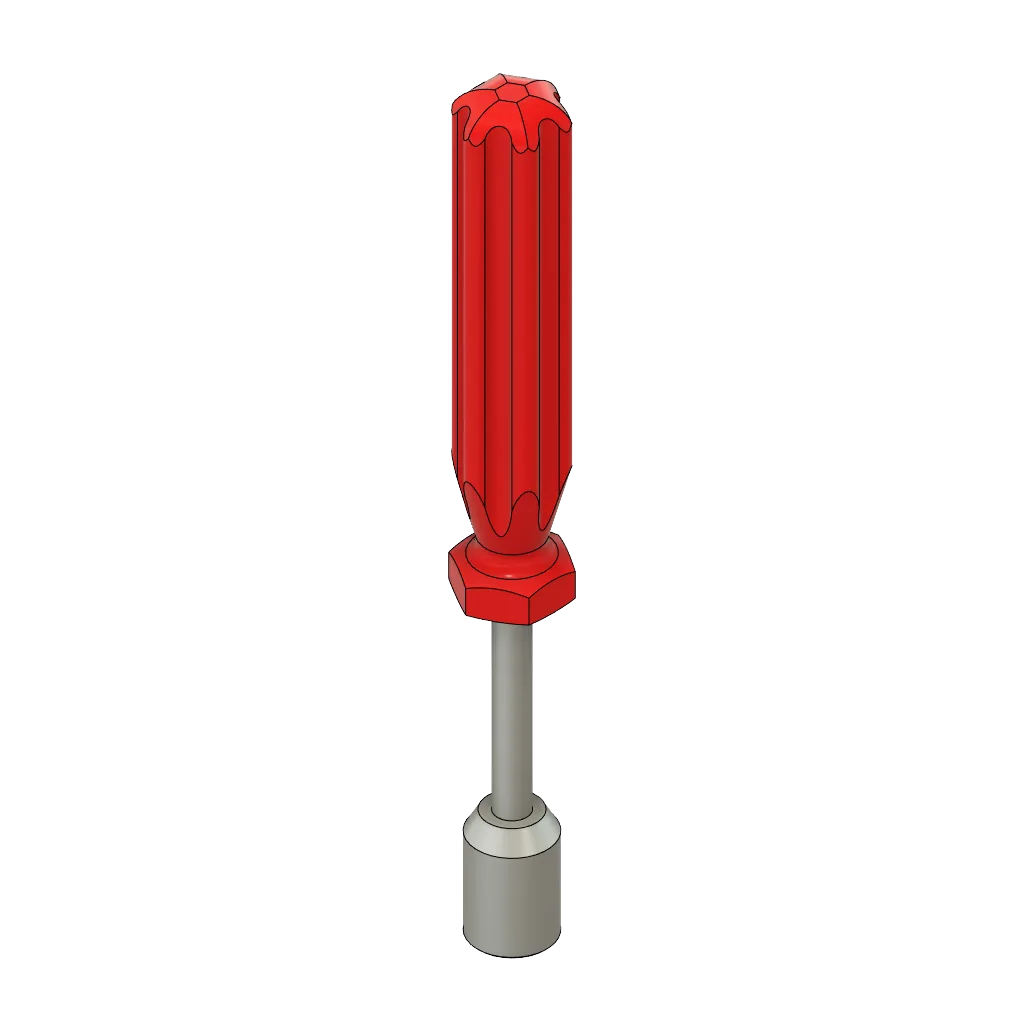
M4 socket wrench
Keep a small stock of replacement axles on hand. The eitech Axle 4x120 mm profile is a galvanized accessory from the eitech Manufaktur range, supplied under SKU 01357P in a Standard variant. Having a spare means you can swap a bent axle immediately instead of trying to straighten it.
- Use the correct size wrench; an adjustable wrench can round off small axle nuts.
- Store spare axles flat so they do not take a set before you install them.
When to stop adjusting and change the build
There is a point where tightening and bracing stop helping. If you have tightened the axle, squared the wheel, and braced the frame, and the model still wobbles, the problem is likely the design itself. A very heavy or very tall model on a narrow wheelbase will always flex under its own weight.
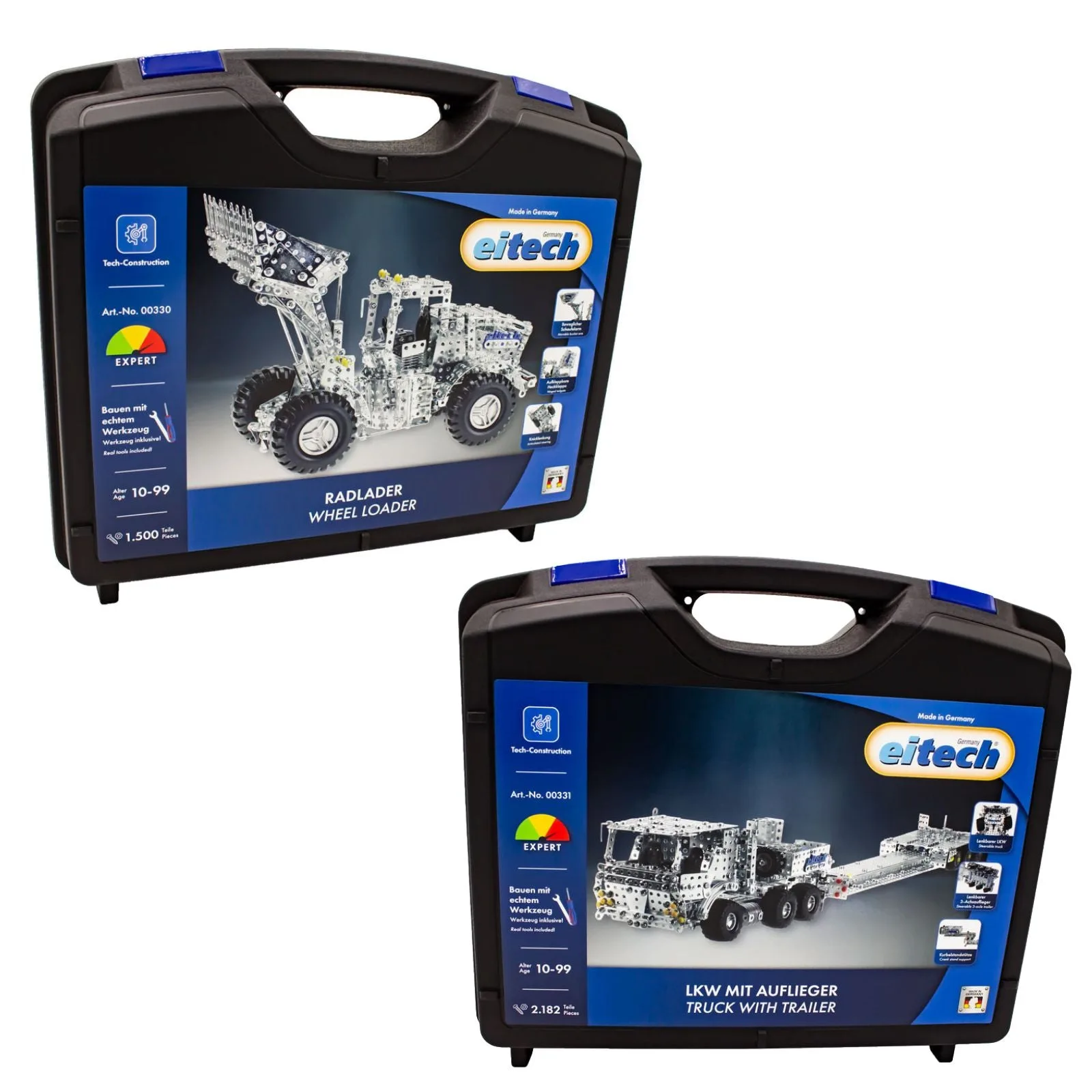
At that point, choose a different option: widen the wheelbase, move weight toward the center, or accept the wobble as part of a display model rather than a running one. For large projects, a bundle such as the Low Loader Truck + XL Wheel Loader gives you 3,680 metal parts to work with, so you can reinforce the chassis from the start instead of patching it later.
- If the model is for display, a small amount of flex is normal and does not need fixing.
- If the model is for play, prioritize a wider stance over more tightening.
Wobble diagnosis: symptom, cause, fix, and stop point
- Axle slides side to side: The axle is not fully seated or the retaining screws are loose. Tighten the screws that clamp the axle, then test again. If the axle still moves after tightening, replace it with a straight spare such as the eitech Axle 4x120 mm profile.
- Wheel rocks but axle is tight: The wheel is not square on the axle. Loosen the hub screw, press the wheel flat against the frame, and re-tighten with the model on a flat surface. If the wheel still sits at an angle, the axle is likely bent and should be replaced rather than forced straight.
- Frame flexes in the middle: A long unsupported span is twisting under load. Add a cross brace between the side plates near the center of the span. If bracing does not remove the wobble, the model is too heavy or too tall for its wheelbase. Widen the stance or accept it as a display model.
Parts that solve specific wobble problems
- Axle 4x120 mm profile, galvanized: The eitech Axle 4x120 mm profile is a galvanized accessory component from the eitech Manufaktur range, supplied under SKU 01357P in a Standard variant. A fresh, straight axle removes end play and bent-axle wobble without rebuilding the model.
- M4 socket wrench: The eitech M4 socket wrench is a compact hand tool listed with a 7 mm size (SW 7mm), offered under the eitech brand as part of the Manufaktur line. It reaches axle nuts that a screwdriver cannot and helps you tighten without damaging the head.
- Low Loader Truck + XL Wheel Loader: This bundle combines two massive construction kits with a total of 3,680 metal parts, intended for teens and adults. Large builds need extra bracing from the start; this bundle gives you the parts to reinforce a wide chassis.
Wobble in an eitech model is a mechanical message, not a failure. Tighten the axle, square the wheel, and brace the frame in that order, and most models settle down. When they do not, the honest answer is to change the build or the part, not to keep tightening.