Quick answer
Store each protective case flat or standing on its own in a cool, dry, dust-free spot, never under heavy objects or in direct sun. Before putting a case away, wipe it with a dry microfiber cloth, let it air completely, and keep the pieces separated so the finish does not press against itself. That routine is the core of GeekShare case care and takes about two minutes per case.
Pick a storage spot that matches how often you swap cases
The right home for a case depends on how often it leaves the console. If you rotate cases weekly, a shallow drawer with a soft liner keeps them visible and reachable. If a case is seasonal, a lidded storage bin in a closet works better because it blocks dust and light. Either way, avoid garages, attics, and windowsills, where heat swings and UV exposure can dull a printed pattern over time.
Keep cases away from rubber bands, cables, and loose Joy-Con straps. Those small items press lines into the surface and are the most common cause of marks that will not wipe off.
Clean before you store, not after
Finger oils and skin flakes are what make a stored case look grimy months later. Wipe the outside with a dry microfiber cloth first, then use a slightly damp cloth only if a spot needs it, and dry immediately. Never soak a case, and never use alcohol, acetone, or household spray cleaners, which can haze a soft-touch finish or lift printed artwork.
Pay attention to the cutouts around buttons, joysticks, and the game card slot. Dust collects there first and can transfer to the console the next time you install the case.
Store separable pieces apart, not stacked
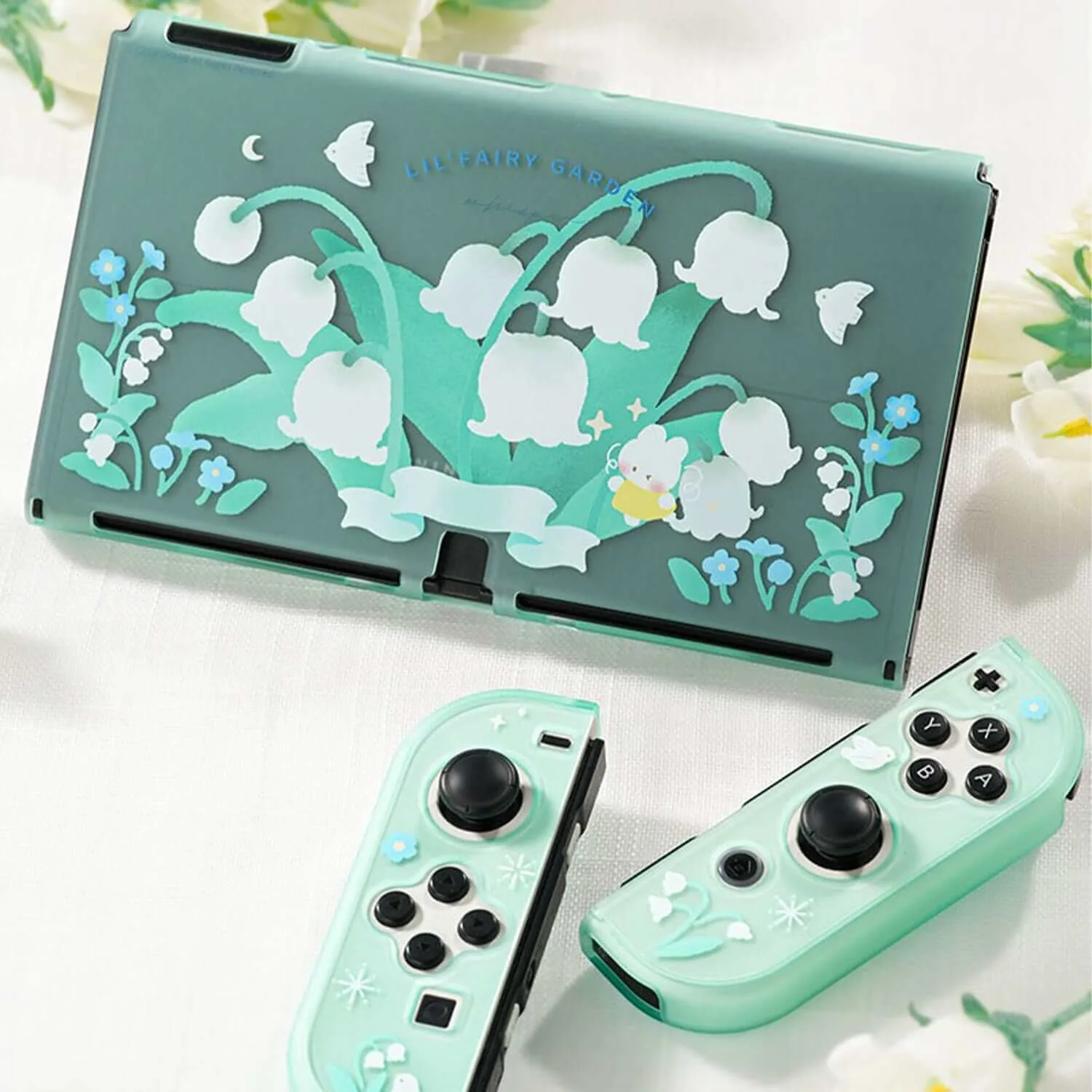
Many cases ship as several pieces, and stacking them face-to-face traps grit between the surfaces. Lay the pieces side by side, or nest them with a thin cloth between each layer. This matters most for floral or illustrated designs, where a trapped particle can leave a visible scuff on the pattern.
If you keep the original box, use it. It is sized for the pieces and keeps them from sliding against each other.
Control humidity and weight
A dry environment protects both the case and the console inside it. In humid rooms, add a small silica packet to the storage bin and replace it every few months. Do not pile books, consoles, or other cases on top of a stored case; long-term pressure can warp thin PC shells and distort the fit around the Joy-Con rails.
For long-term storage, place the case on its back or stand it upright with nothing touching the front face.
Do a quick check before reinstalling
Before snapping a case back on, flex it gently and look for hairline cracks near the corners and cutouts. A cracked shell can scratch the console it is meant to protect. Wipe the inside once more, confirm the Joy-Con rails are clear, then install as usual.
If a case has developed a sticky or cloudy surface that will not wipe clean, that is a material breakdown rather than dirt, and it is time to replace it.
Five-step storage routine
- Empty and separate: Remove the case from the console and split any separable pieces, such as the console shell and Joy-Con covers, so nothing presses together. Checkpoint: if a piece will not separate easily, stop and check for a missed clip instead of forcing it.
- Dry-wipe every surface: Use a clean, dry microfiber cloth on the outside and inside, working around button cutouts, joystick openings, and the game card slot. Mistake to avoid: using a wet wipe and storing the case damp, which traps moisture against the finish.
- Air it out fully: Leave the pieces in a shaded, ventilated spot for about an hour before storage so any residual moisture escapes. Checkpoint: the surface should feel completely dry and cool before it goes into storage.
- Store flat or upright, unstacked: Place pieces side by side in a drawer or bin, or nest them with a cloth between layers, and keep heavy items off the top. Mistake to avoid: piling multiple cases on one another, which warps thin shells over time.
- Recheck before reinstalling: Flex the case gently, inspect corners and cutouts for cracks or cloudiness, and wipe the inside once more before snapping it back on. Next step: replace any case with a sticky or cloudy finish, since that is material breakdown rather than dirt.
Cases that fit this routine
- GeekShare Lily of the Valley Protective Case: 5-Piece Separable Design – separate protective pieces are easy to install and remove while fitting the console and Joy-Con controllers closely. Separable pieces are the easiest type to store flat without stacking, so they pick up fewer scuffs between uses.
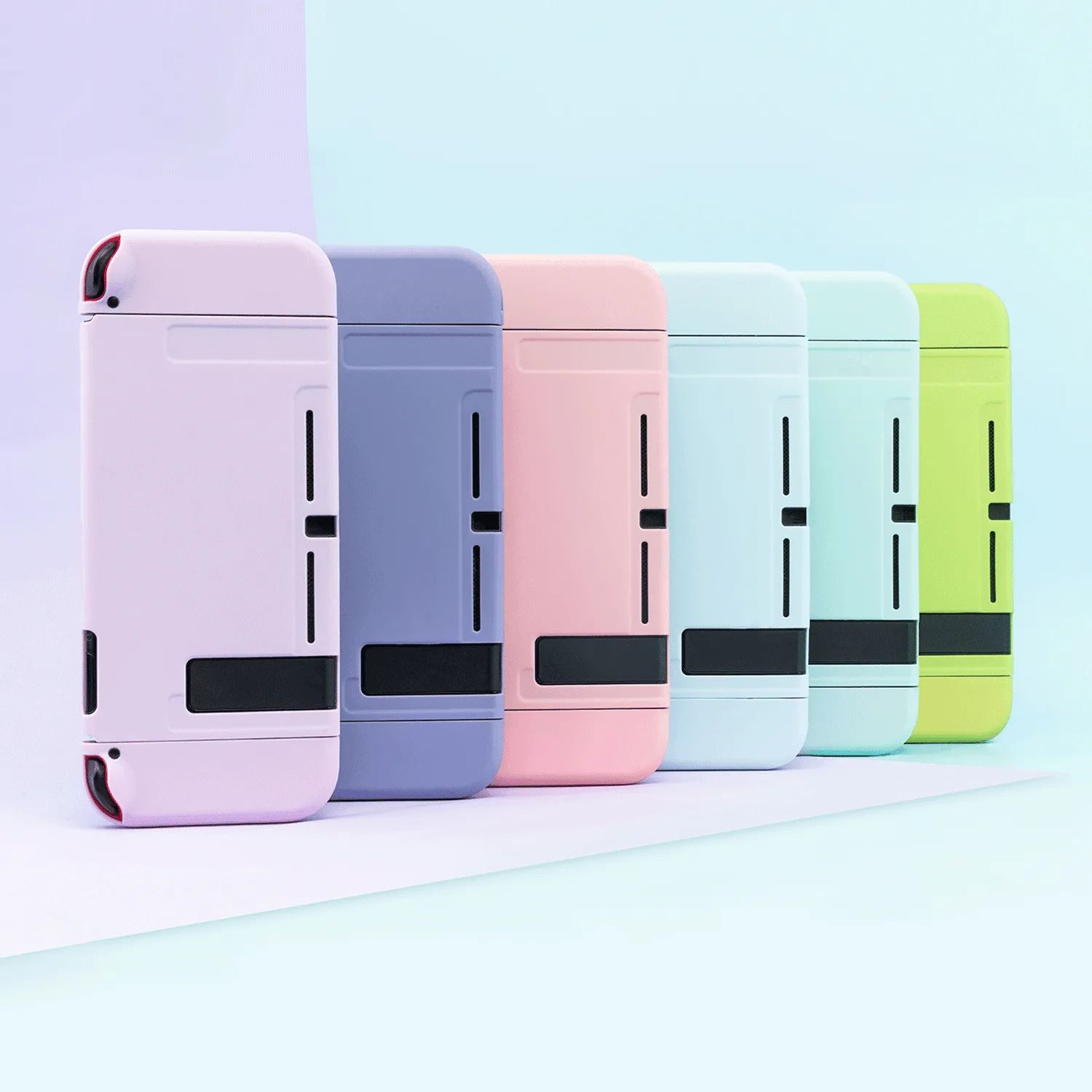
- GeekShare Solid Color Protective Case: Easy Joy-Con Access – Joy-Con controllers can slide in and out without removing the protective case. If you leave the case on the console between sessions, this cutout design reduces how often you need to take it off and store it.
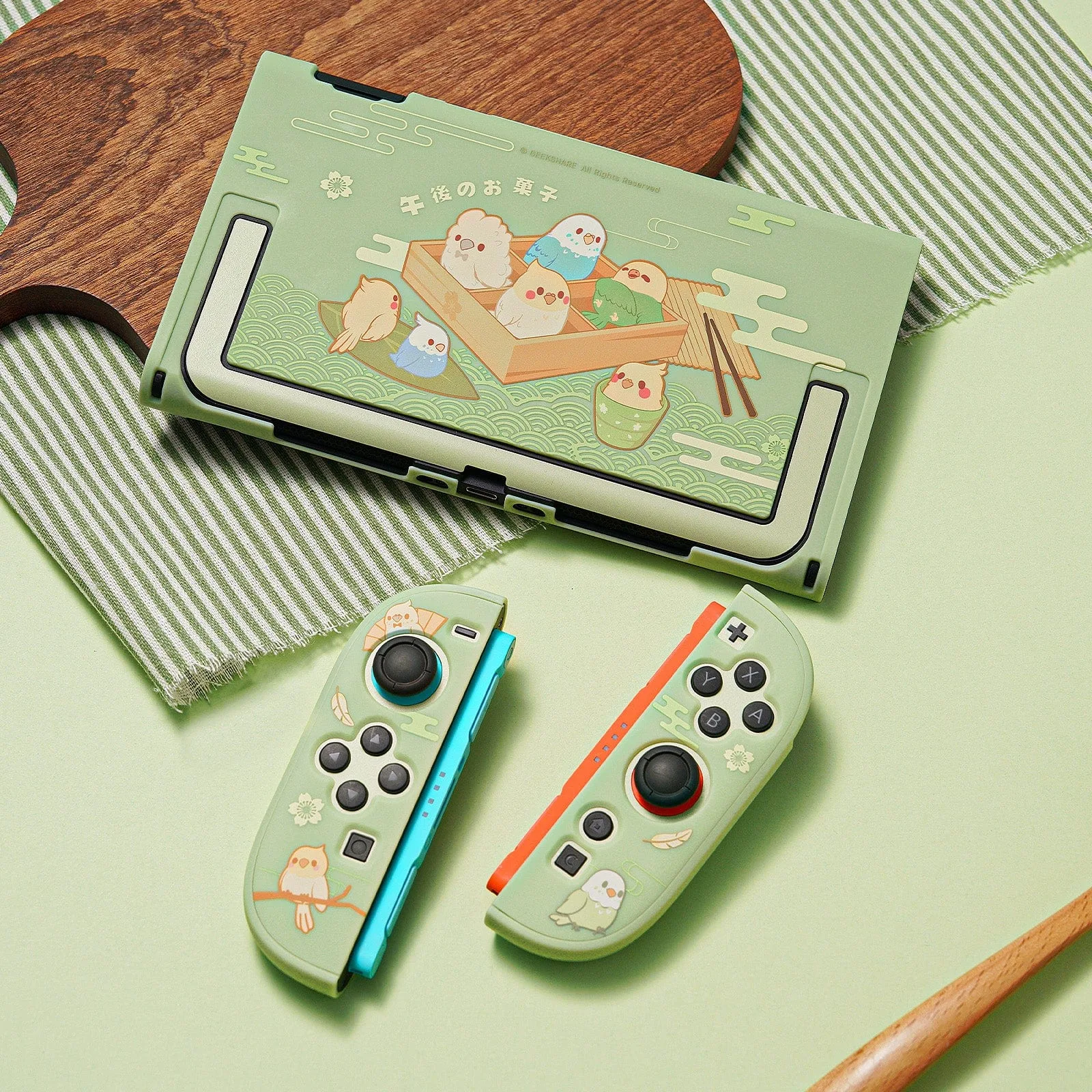
- GeekShare Little Parrots Protective Case with Stand: Built-In Kickstand – integrated rear stand makes tabletop gaming and hands-free viewing more convenient. A rear stand adds a protruding part, so store this case face-up or on its side rather than under anything that could press on the hinge.