Why Charger Storage Matters
Your Jasion ebike battery charger is a straightforward piece of equipment, but how you store it between rides can affect its lifespan and reliability. A charger that's kept in a damp garage, tangled around sharp objects, or mixed with incompatible bike models can cause charging issues or even safety hazards. This guide covers practical storage habits—no guesswork, just what the supplied information supports.
Start With the Right Charger for Your Bike
Before you think about storage, make sure you have the correct charger for your specific Jasion model. The Jasion Battery Charger uses a DC2.5 connector and is available in multiple versions, each labeled with the corresponding model name. Compatible models include the X-Hunter ST, RetroVolt Pro, RetroVolt Max, Patrol, Thunder Pro, Thunder Pro ST, Thunder, EB5R ST, and EB7. Using the wrong version can lead to improper charging or damage, so store only the charger that matches your bike.
Jasion Battery Charger Compatibility at a Glance
-
Jasion Battery Charger: The Jasion Battery Charger features a DC2.5 connector and is available in versions labeled for specific models: X-Hunter ST, RetroVolt Pro, RetroVolt Max, Patrol, Thunder Pro, Thunder Pro ST, Thunder, EB5R ST, and EB7. Storing a charger that isn't matched to your bike means you risk using the wrong voltage or connector—so check the label before putting it away.
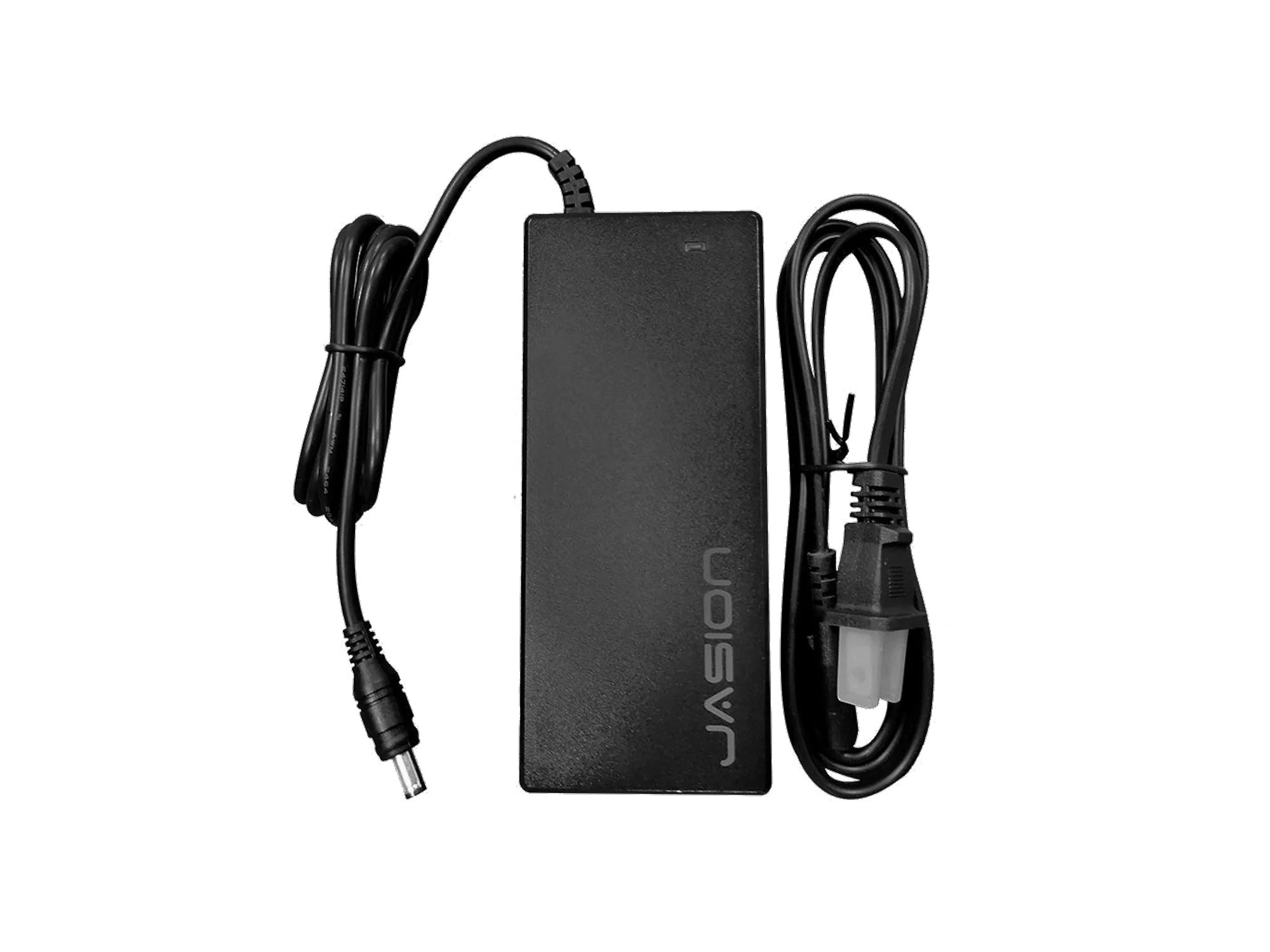
Jasion Battery Charger
Steps to Store Your Jasion Charger Safely
- Keep it dry and at room temperature: Moisture can damage the charger's internal electronics. Store it in a dry, indoor location away from direct sunlight, radiators, or freezing temperatures. A shelf in a closet or a dry workshop works well.
- Coil the cable loosely without kinks: Avoid wrapping the cord tightly around the charger body or bending it at sharp angles. A loose coil reduces strain on the wires and the DC2.5 connector, which is the only connection point mentioned in the catalog.
- Keep the connector clean and protected: The DC2.5 plug should stay free of dust and debris. A small plastic cap or a dry cloth cover works fine. Do not insert anything into the connector.
- Store away from metal objects and liquids: Metal tools, water bottles, or cleaning fluids near the charger can cause short circuits or corrosion. A dedicated drawer or a plastic bin keeps it separate.
- Label the charger if you own multiple Jasion bikes: If you have more than one Jasion model, store each charger with its matching bike or in a clearly marked bag. The charger label already shows the model name—use that to avoid mix-ups.
What the Supplied Information Does Not Cover
The catalog does not specify a recommended storage temperature range, charge frequency, or how long the charger can be left unplugged. It also doesn't mention whether the charger should be stored plugged into the wall or disconnected. For general electronics safety, unplug the charger when not in use and store it in a cool, dry place. If you need more specific guidance, refer to the manual that came with your bike or contact Jasion support.