Spending long hours at a desk can take a toll on your body, but alternating between sitting and standing is one of the best ways to stay energized and reduce discomfort. However, many people struggle with the transition—either standing too long at first or not knowing when to switch. This guide will walk you through a simple, science-backed approach to building a sustainable sit-stand routine.
Whether you own a standing desk or are considering one, the key is to start slowly and listen to your body. With the right posture, timing, and accessories, you can make the shift feel natural and beneficial. Let's explore how to transition smoothly from sitting to standing throughout your workday.
Why a Gradual Transition Matters
Jumping straight into standing for hours can lead to fatigue, lower back pain, and even poor circulation. Your body needs time to adapt to the new demands on your legs, core, and feet. Experts recommend starting with short standing intervals—just 15 to 30 minutes at a time—and gradually increasing duration over a few weeks.
A well-planned transition also helps you maintain productivity. When you switch positions without discomfort, you stay focused on your work instead of shifting your weight or adjusting your posture. The goal is to create a rhythm that feels effortless, not forced.
- Start with 1-2 standing sessions per day, each lasting 15-30 minutes.
- Increase standing time by 5-10 minutes every few days as your body adapts.
Finding the Right Sit-Stand Ratio
Research suggests an ideal sit-stand ratio of 1:1 or 2:1 (sitting to standing) over an 8-hour workday. For example, you might sit for 45 minutes, then stand for 20 minutes. Listen to your body—if your legs feel tired, sit down. If your back feels stiff, stand up.
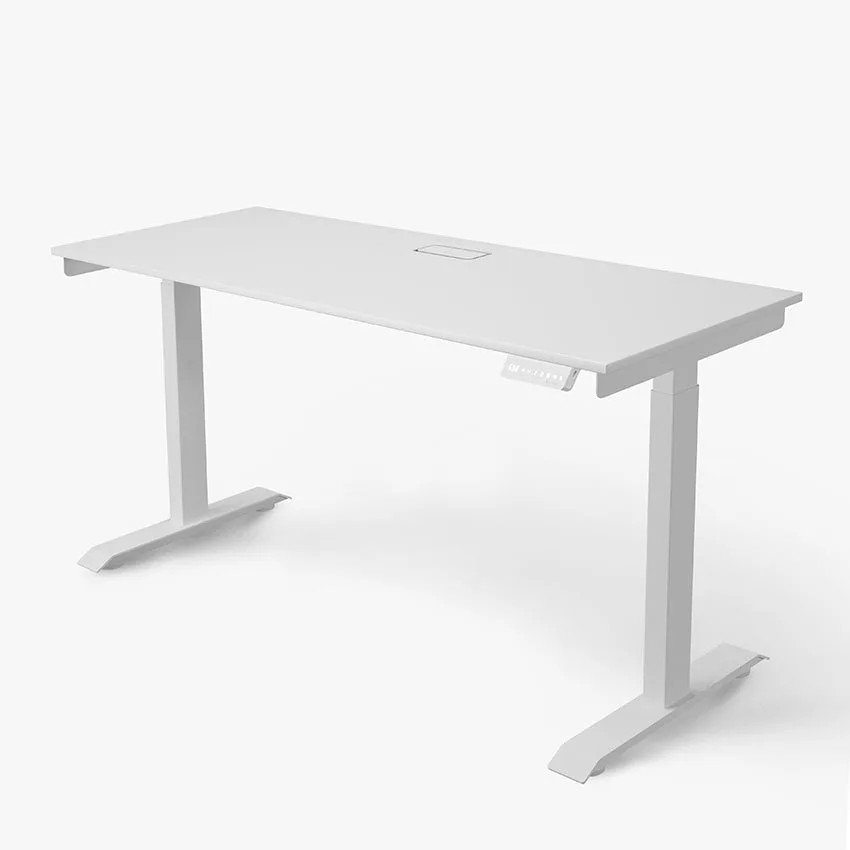
Using a timer or a smart desk can help you stick to a schedule. Many standing desks come with programmable height presets, making it easy to switch between sitting and standing heights with a single button. This removes the guesswork and keeps your routine consistent.
- Try a 45-minute sit / 20-minute stand cycle to start.
- Adjust the ratio based on your comfort and energy levels throughout the day.
Essential Ergonomics for Sitting and Standing
Proper desk ergonomics are crucial whether you're sitting or standing. When sitting, your feet should be flat on the floor, knees at a 90-degree angle, and elbows close to your body with wrists straight. When standing, your desk height should allow your elbows to remain at 90 degrees, with your monitor at eye level.
Don't forget your feet. Standing on a hard surface for long periods can be uncomfortable. A quality anti-fatigue mat can reduce pressure on your joints and encourage subtle movement. The Atlas Max Anti Fatigue Mat & Floor Protector is designed to cushion your feet while protecting your floor, making standing sessions more comfortable.
- Keep your monitor at arm's length and the top of the screen at eye level.
- Use a footrest or anti-fatigue mat to reduce strain on your lower body.
Incorporating Movement Into Your Routine
Simply standing still isn't enough. To truly benefit from a sit-stand desk, you need to incorporate micro-movements throughout the day. Shift your weight from foot to foot, do gentle calf raises, or take a few steps away from your desk every 30 minutes. These small actions improve blood flow and prevent stiffness.
You can also use standing time to perform simple stretches or walk in place. If you have a desk riser like the Zen Desk Riser, you can easily create a standing workspace even on a fixed-height desk. This flexibility allows you to move more freely without disrupting your workflow.
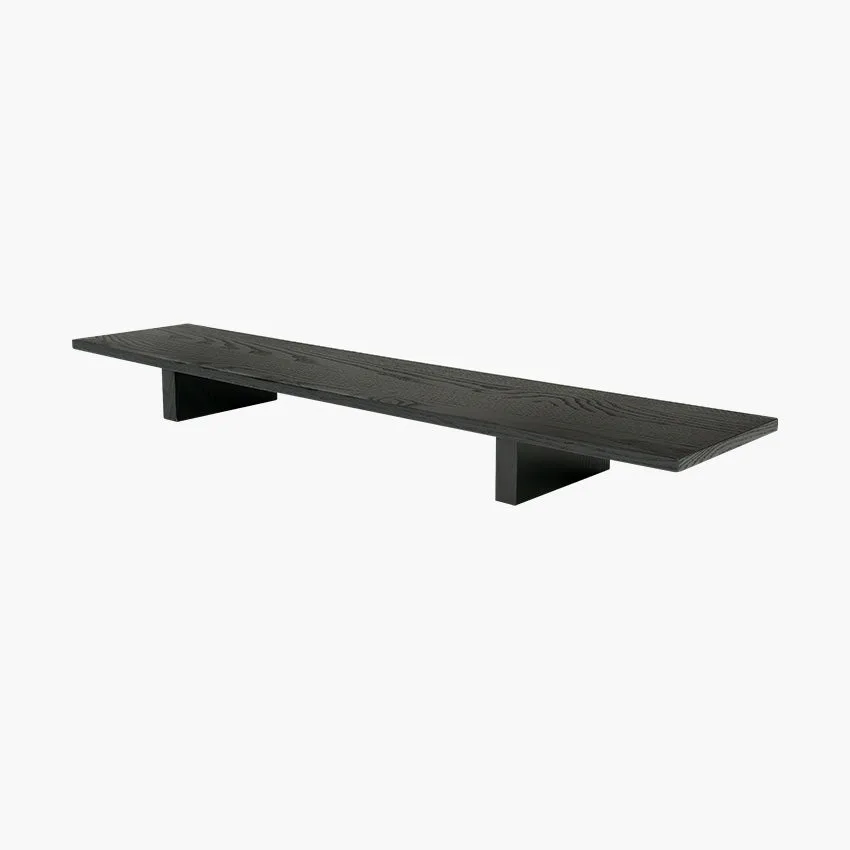
Zen Desk Riser
- Set a reminder to shift your weight every 5-10 minutes while standing.
- Do a quick shoulder roll or neck stretch every time you switch positions.
Using Accessories to Enhance Your Transition
The right accessories can make your sit-stand experience much more comfortable. A monitor arm or laptop mount helps you adjust screen height quickly, while a cable management system keeps your workspace tidy and safe. For example, the Laptop Mount allows you to raise your laptop to eye level, preventing neck strain when standing.
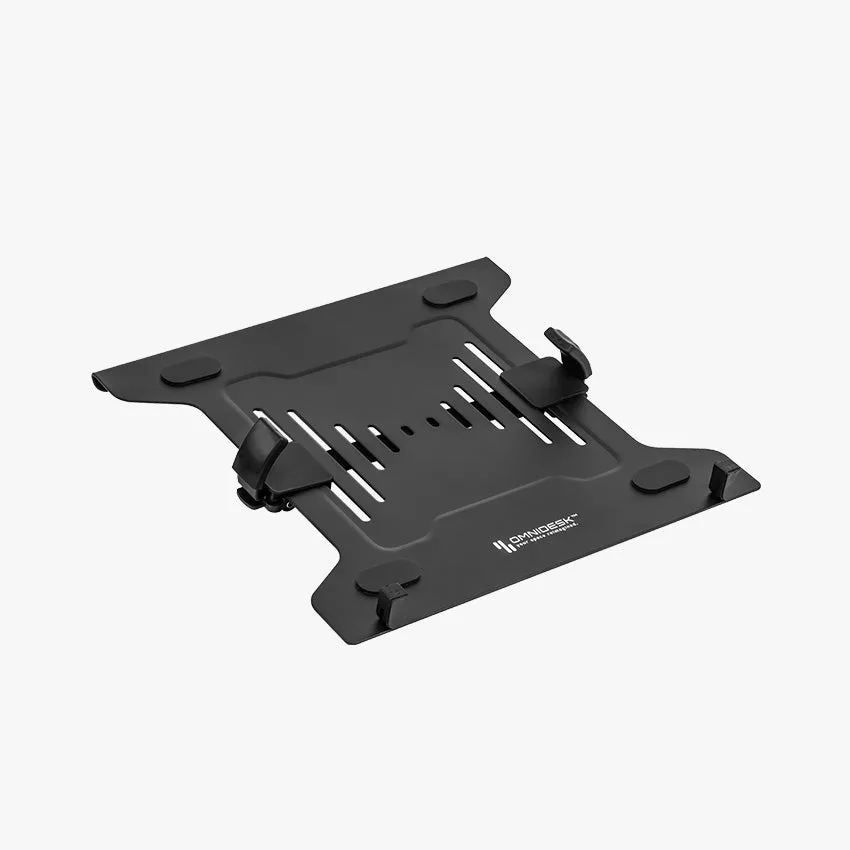
laptop mount
Consider adding a supportive chair with good lumbar support for your sitting periods. The Omnidesk Ichi Collection offers ergonomic seating that complements your standing desk setup. Pair it with a wireless mouse like the Razer Deathadder V2 X Hyperspeed to reduce clutter and improve your range of motion.
- Use a laptop stand or monitor arm to keep your screen at the correct height.
- Keep frequently used items within easy reach to avoid twisting or reaching.
Common Mistakes to Avoid
One of the biggest mistakes people make is standing for too long too soon. This can lead to varicose veins, joint pain, and fatigue. Another common error is wearing uncomfortable shoes—opt for supportive footwear or stand barefoot on a mat for better stability.
Also, don't forget to adjust your keyboard and mouse height when you switch positions. If your desk is too high or too low while standing, you may develop wrist or shoulder strain. Always double-check your posture after every transition.
- Avoid standing for more than 1 hour without sitting down.
- Wear comfortable shoes or use an anti-fatigue mat for support.
Building a Long-Term Habit
Consistency is more important than intensity. Aim to use your sit-stand desk at least once per day, and gradually increase the frequency. Over time, your body will adapt, and you'll naturally feel when it's time to switch. Many users find that alternating every 30-45 minutes becomes second nature after a few weeks.
Track your progress with a simple log or app. Note how you feel after each session—less back pain, more energy, better focus. These positive feedback loops will motivate you to stick with the routine. Remember, the goal is not to stand all day, but to move more and sit less.
- Set a daily goal of at least 2-3 standing sessions.
- Celebrate small wins, like completing a full week of consistent transitions.
Transitioning from sitting to standing during the workday doesn't have to be complicated. Start slow, listen to your body, and use the right tools to support your journey. To make your setup even more comfortable, explore the Atlas Max Anti Fatigue Mat & Floor Protector—it's a simple addition that can transform your standing experience. Your body will thank you.