Quick Answer
Use the E-Blox 1x1 Block as a spacer, support, or color marker in Circuit Blox builds. It helps align components, fill gaps, and keep structures stable.
Why the 1x1 Block Matters in Circuit Blox
Even though it's the smallest piece in the system, the 1x1 Block solves common build problems. Its compact size lets you fine-tune spacing between larger components, which is especially useful when a circuit needs a precise gap or when you want to raise a part slightly off the base.
The 1x1 Block is also a color-coding tool. With seven color options, including conductive tin, you can mark different sections of a project or identify connection points at a glance. This is handy for complex builds where wires and blocks start to look alike.
Step-by-Step: Using a 1x1 Block in Your Build
- Identify the Gap: Look for spots in your Circuit Blox project where two components are too close or where you need a small separation. The 1x1 Block is perfect for filling these narrow spaces. Check that the block fits snugly without forcing it—loose fits can cause unstable connections.
- Use as a Spacer: Insert the 1x1 Block between components to create a consistent gap. This is especially useful when you need to align parts that are slightly offset or when you want to raise a component off the base plate. If the block is used near a conductive area, consider the tin option for better electrical continuity.
- Add Support: Place 1x1 Blocks under overhanging parts or at the base of a tall structure. They provide extra stability without adding bulk, helping your build stay upright. Test stability by gently pressing on the structure—if it wobbles, add another block for support.
- Color-Code Your Build: Use different colored 1x1 Blocks to mark specific sections of your project. For example, use red for power connections and blue for ground, making it easier to troubleshoot later. Keep a small inventory of each color so you always have the right marker on hand.
- Inspect the Connection: After placing the 1x1 Block, check that it clicks securely into place and that adjacent components are not misaligned. A well-seated block ensures reliable performance. If the block feels loose, try a different orientation or check for debris in the connector.
Product Facts
-
1x1 Block: The E-Blox 1x1 Block is a single-piece building block available in seven colors, including conductive tin. The color variety lets you use the block as a visual marker, while the conductive tin option can be used in circuits that need a conductive spacer.
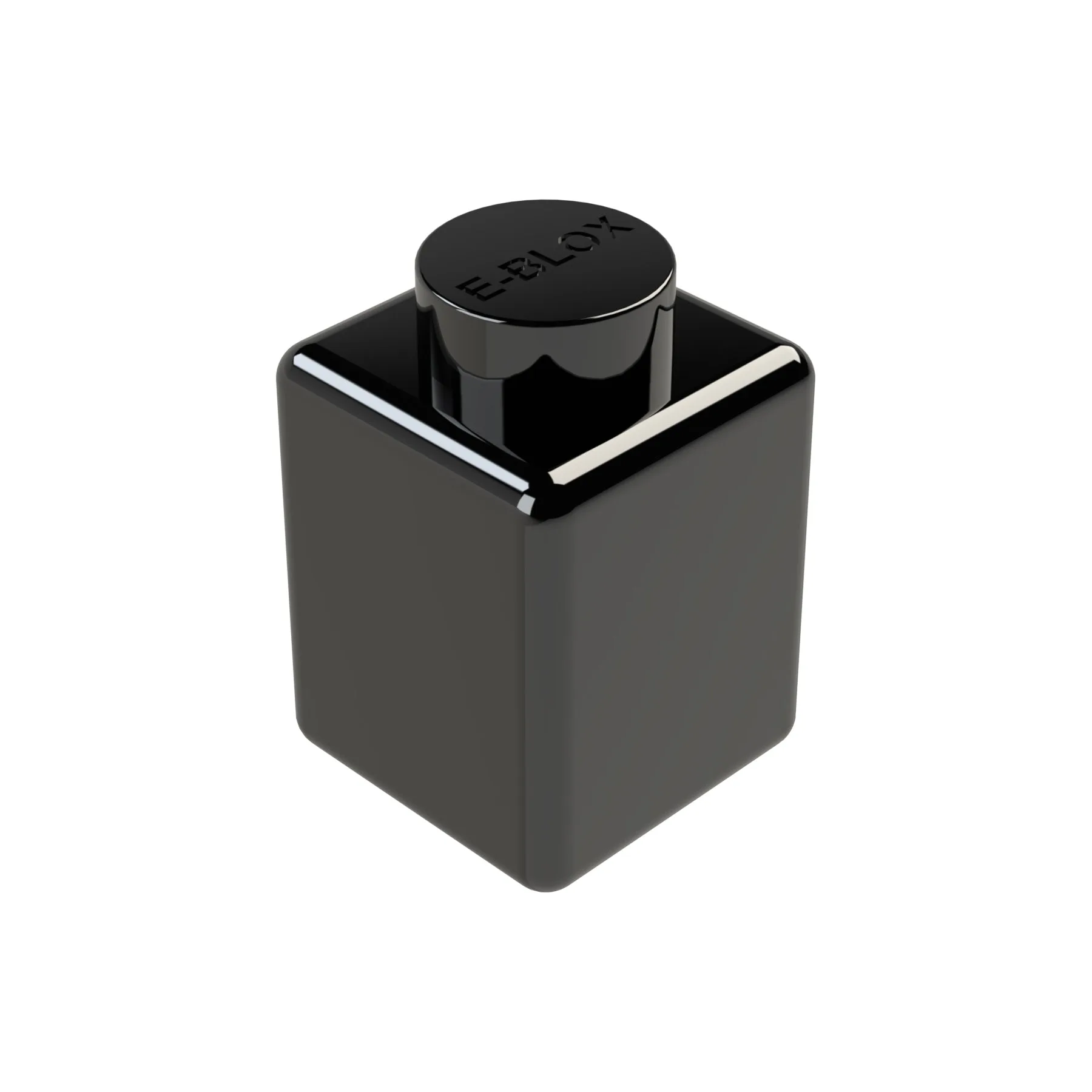
1x1 Block