Quick answer
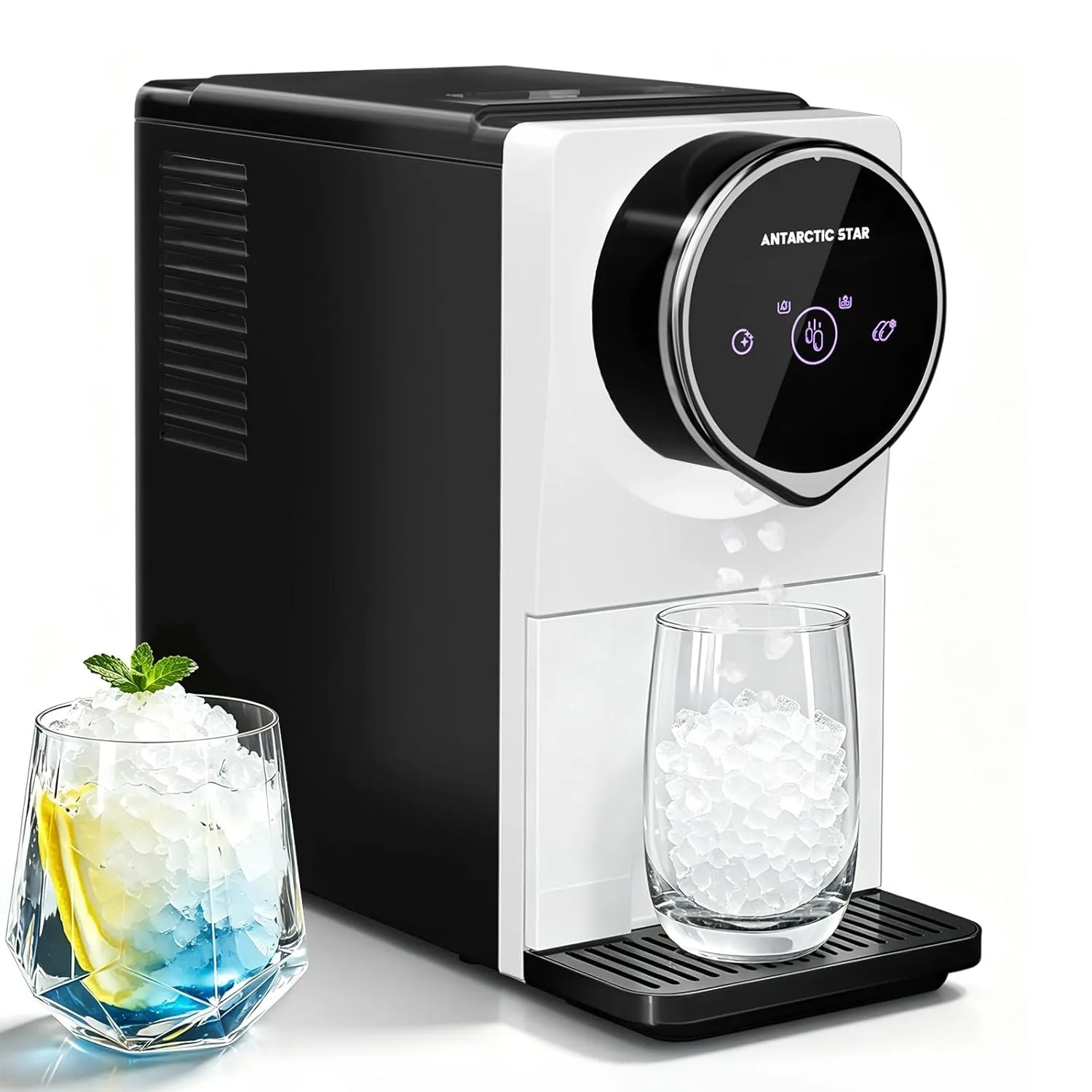
On an Antarctic Star ice maker, the 24H timer is a start-and-stop schedule: press the Timer button, set the hours you want the machine to run, and confirm. The machine then starts and stops on that cycle until you cancel it. The most common mistake is scheduling production during the hours you plan to run self-cleaning, so set the cleaning cycle first, then the timer.
What the 24H timer actually controls
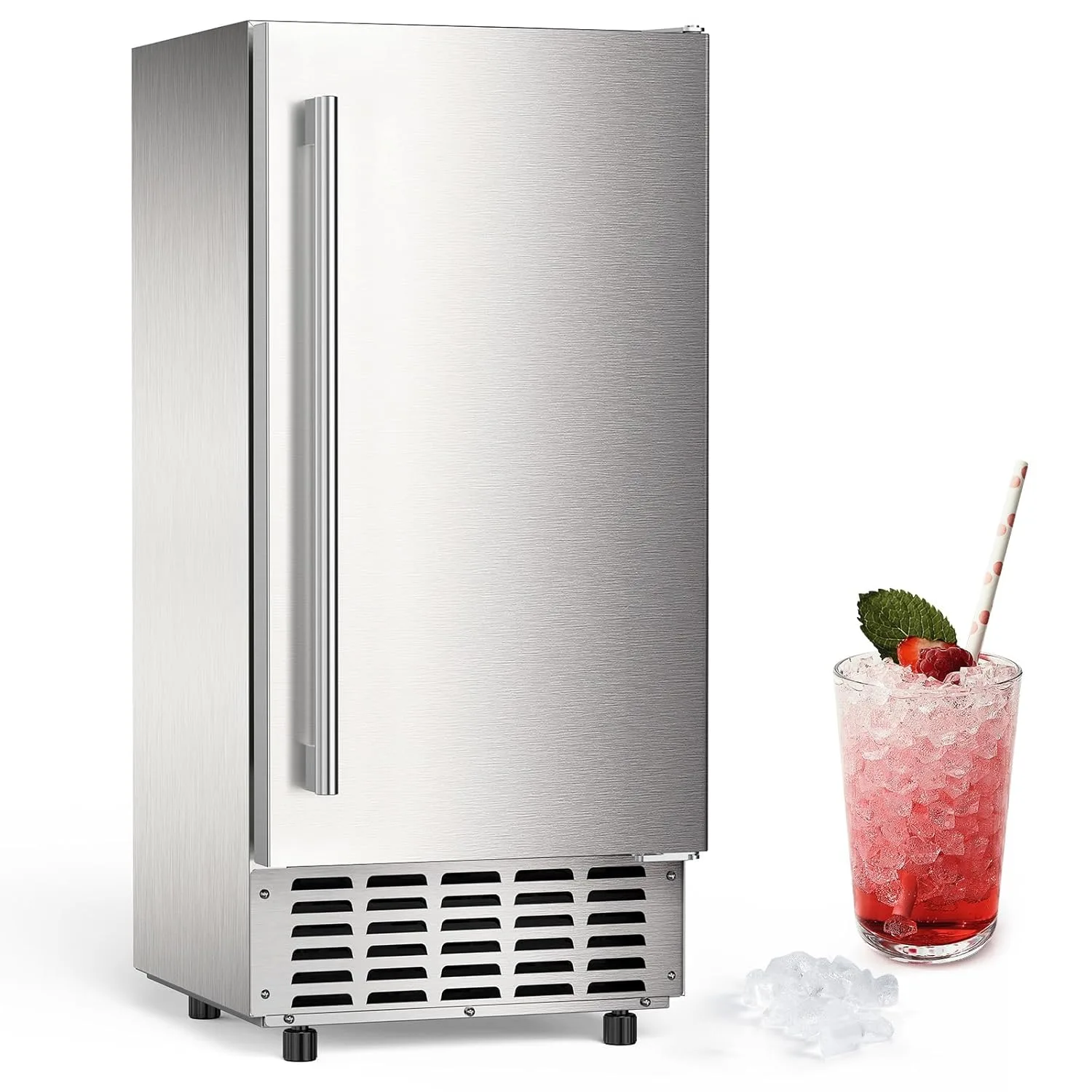
The 24H timer is a scheduling function, not a countdown to a single batch. It tells the machine when to begin producing ice and when to stop, which is useful if you want fresh ice waiting at opening time instead of running the compressor all night. On the Antarctic Star 68Lbs/Day Ice Maker with Double Ice Baskets, the 24H Timer & Self-Cleaning feature is listed as part of the control set, so the timer and cleaning functions live on the same panel and need to be sequenced rather than used at the same time.
Timing the schedule around your ice use
Work backwards from when you need ice. If you host at 6 p.m., start the timer two to three hours earlier so the first batch has time to drop and the machine has a head start on refilling. For a bar or cafe, schedule production to finish shortly before service rather than running continuously through closed hours. The double ice basket design on the 68 lbs/day model means one basket can hold finished ice while the machine keeps producing, so a shorter, well-timed run can still leave you with a full reserve.
Timer, self-cleaning, and nugget ice in the same routine
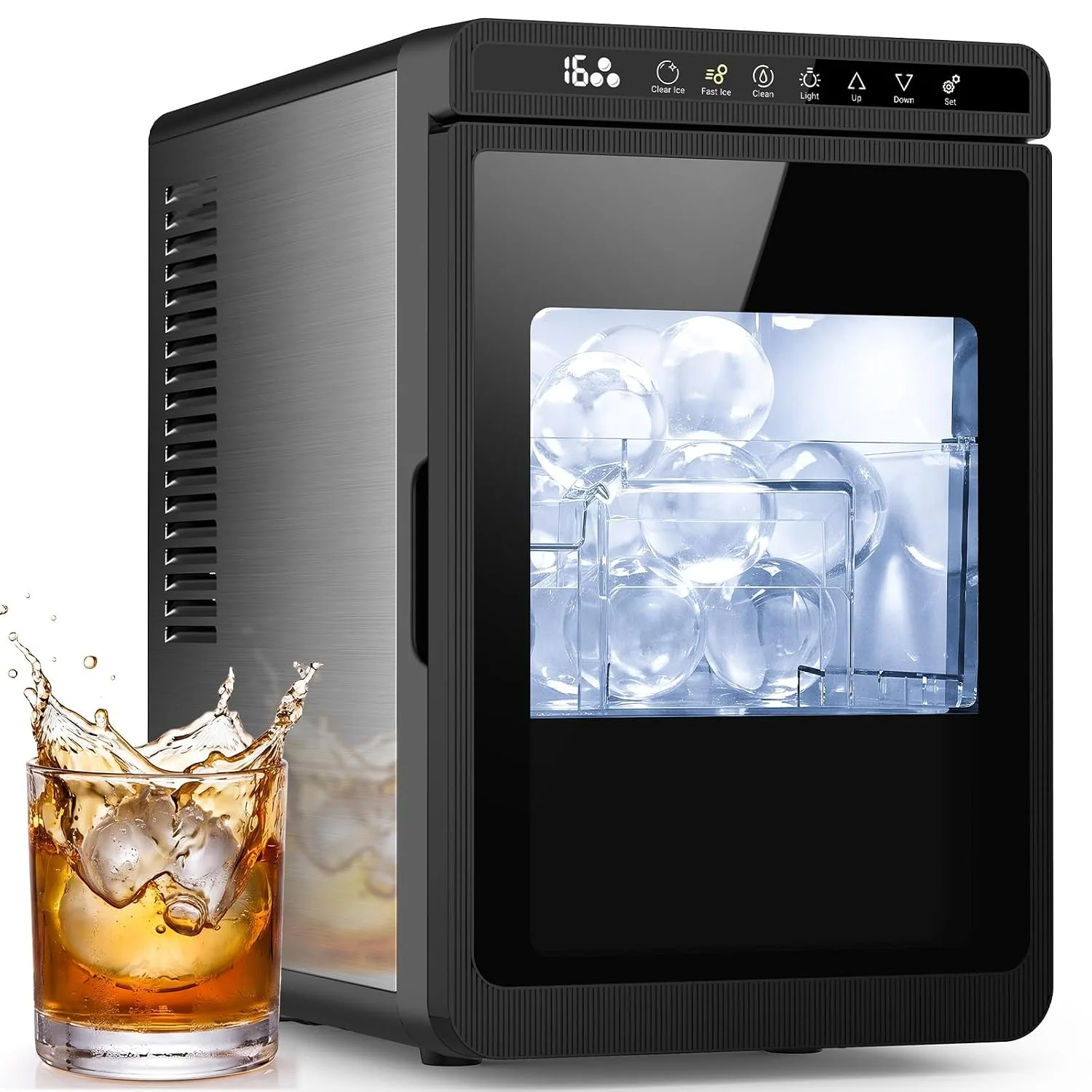
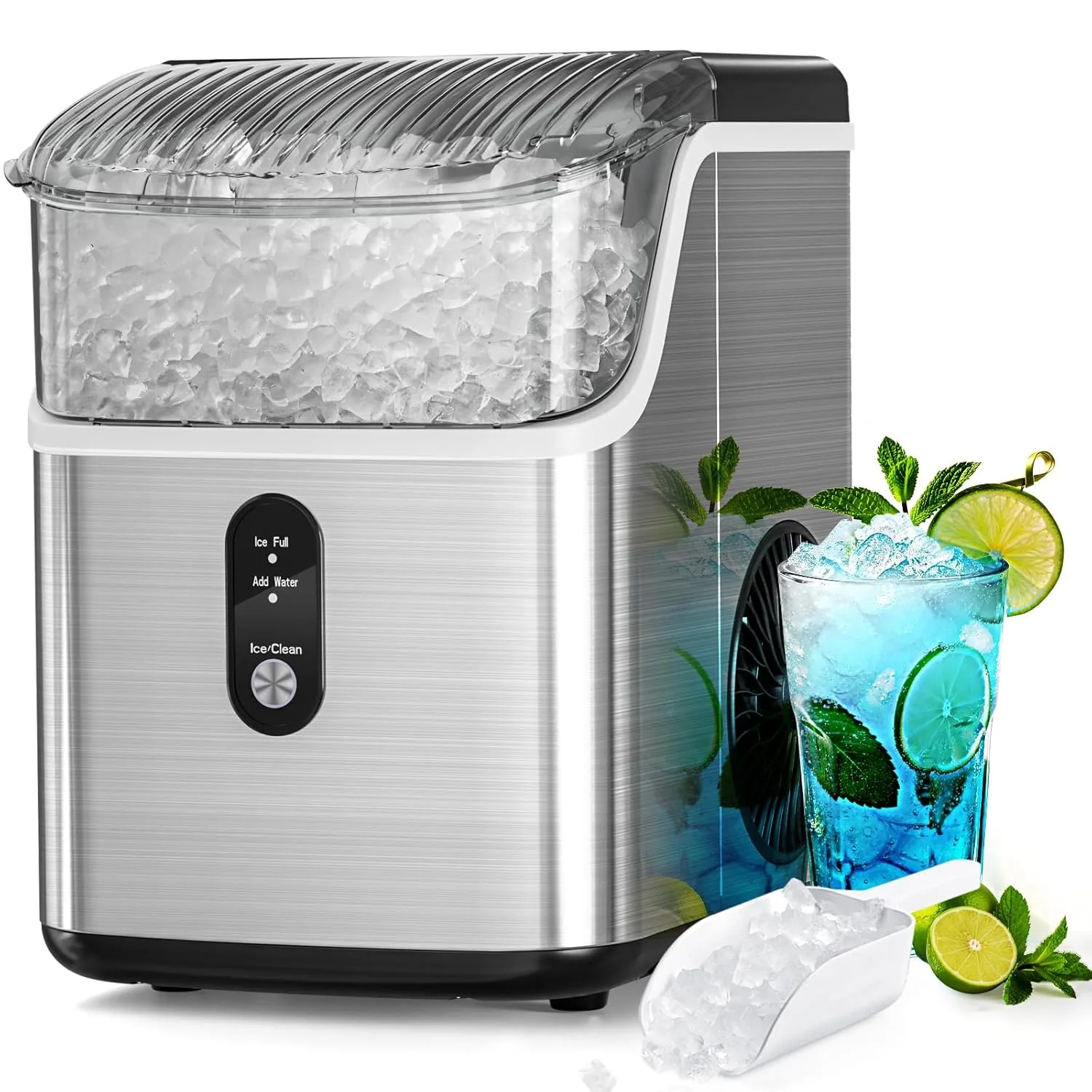
Self-cleaning and ice production should not compete for the same window. Run self-cleaning during a gap in your schedule, let the machine drain and dry, then set the timer for the next production block. If you own the Antarctic Star Nugget Ice Maker with Soft Chewable Pellet Ice 34lbs/24H, keep the same logic: clean first, produce second. Nugget and pellet ice also benefits from a shorter timer window because it is best served fresh, while the 2.17-inch clear ice spheres from the Antarctic Star Clear Ice Ball Maker Countertop are designed to melt slowly and can be made further ahead.
Step-by-step: setting the 24H timer
- 1. Fill the reservoir and confirm the machine is level: Add water to the reservoir or confirm the water line is connected, then check that the unit sits level. A tilted machine can trip a water-level sensor and make the timer appear broken. Checkpoint: the machine should be able to run a normal batch before you schedule anything.
- 2. Run self-cleaning before you schedule production: Start the self-cleaning cycle and let it finish completely, then drain and let the interior dry. Cleaning after you set the timer will interrupt the schedule and can leave water in the basket. Common mistake: setting the timer first, then cleaning, which cancels or overlaps the production window.
- 3. Press the Timer button to enter scheduling mode: On the control panel, press the Timer button once. The timer indicator should light or flash, which means the machine is ready to accept a start time or run duration. Checkpoint: if the indicator does not respond, the machine is likely still in a cleaning or standby state.
- 4. Set the hours you want the machine to run: Use the plus and minus controls to choose the run window, then press Timer again to confirm. Match the window to your serving time rather than leaving it at the maximum by default. Common mistake: accepting the longest setting, which runs the compressor through hours when you do not need ice.
- 5. Confirm the timer is active and watch the first batch: Once confirmed, the machine will start and stop on schedule. Stay nearby for the first cycle so you can hear whether the compressor and fan are running normally. Checkpoint: the first batch should drop within the normal production time for your model.
- 6. Cancel or adjust the timer when your plans change: Press and hold the Timer button or press it again to exit the schedule, depending on your panel. If you need ice outside the window, run a manual batch instead of reprogramming the whole schedule. Next step: keep a simple note of your run window so you can repeat it without rechecking the panel.
Product facts that affect timer setup
- Antarctic Star 68Lbs/Day Ice Maker with Double Ice Baskets, Bulit-in Freestanding Ice Machine, 24H Timer & Self-Cleaning, for Commercial & Home Use(Silver): 68 lbs of ice per day with a double-layer ice box and 24H timer and self-cleaning controls; 265 watts; 17.72"D x 14.96"W x 32.28"H. A higher daily output means a shorter timer window can still fill the double basket, and the shared control panel is why cleaning and timing need to be scheduled separately.
- Antarctic Star 2.17" Clear Ice Ball Maker Countertop, Sphere Ice Maker Machine: Makes two 2.17-inch crystal-clear ice spheres in as little as 40 minutes; 2-liter capacity; 250 watts. Because clear spheres melt more slowly, you can schedule them earlier in the day without the quality loss that affects smaller cubes.
- Antarctic Star Nugget Ice Maker with Soft Chewable Pellet Ice 34lbs/24H: Produces up to 34 lbs of pellet ice in 24 hours. A lower daily output than the 68 lbs model means the timer window should be set closer to serving time so the ice stays fresh.