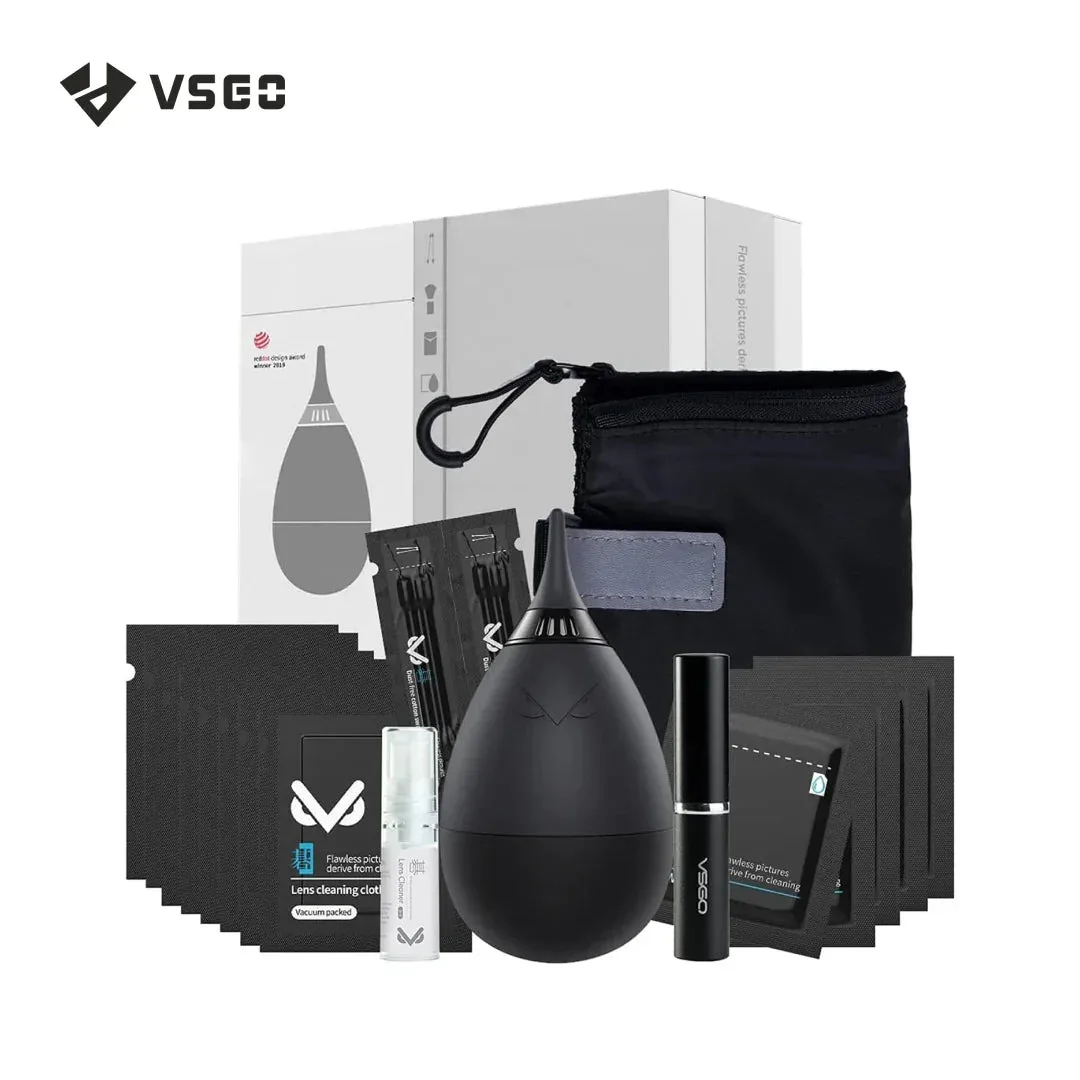
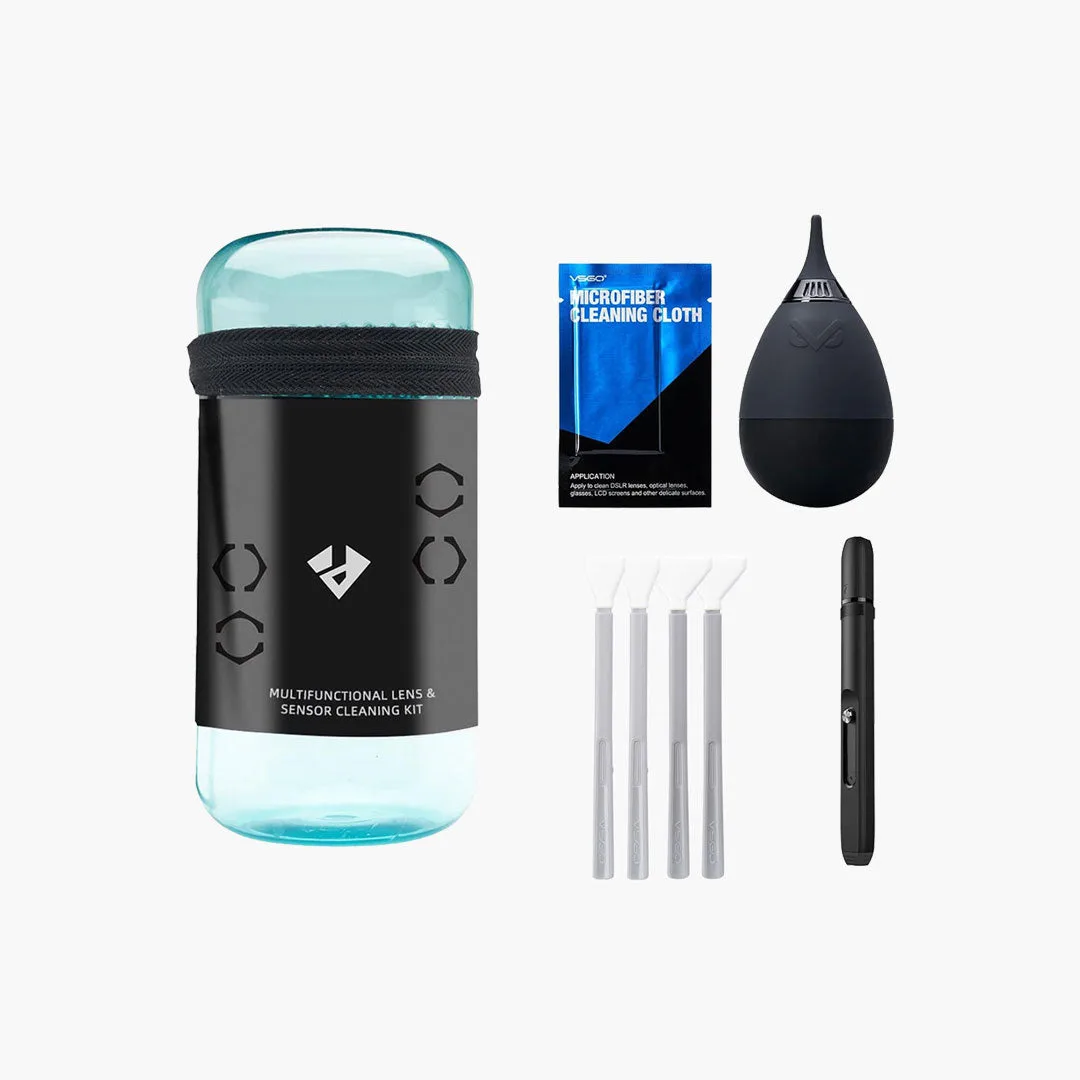
What the 69-in-1 Kit Includes
The VSGO 69-in-1 Camera Cleaning Kit DKL-20 is designed to keep full-frame and APS-C camera gear spotless at home or on the go. The kit comes in two variants: one for APS-C cameras and one for full-frame cameras. Inside the portable dust-free case you will find a high-volume mini air blower with a soft rubber nozzle, a lens pen, a sensor cleaning pen, reusable microfiber cloths, and an eco-friendly lens cleaner.
This all-in-one set covers the essentials for removing dust, fingerprints, and oil from lenses and sensors, helping you achieve crystal-clear shots without carrying multiple separate tools.
Step-by-Step: Clean a Camera Lens
Start with the blower to remove loose dust and debris from the lens surface. Hold the camera with the lens pointing downward so particles fall away. Squeeze the mini air blower to direct a gentle stream of air across the glass. Avoid touching the nozzle to the lens.
- Blow off loose dust: Use the high-volume mini air blower with its soft rubber nozzle to dislodge dust and grit. This first step reduces the risk of scratching the lens coating when wiping.
- Apply lens cleaner (if needed): For fingerprints or oil, apply a small drop of the eco-friendly lens cleaner to a reusable microfiber cloth. Do not apply liquid directly to the lens.
- Wipe with the lens pen: Use the lens pen to gently buff the lens in a circular motion. The pen tip is designed for safe, scratch-free cleaning and can handle smudges that the blower cannot remove.
- Final polish with microfiber cloth: Use a clean section of the reusable microfiber cloth to remove any residue. Store the cloth in the dust-free case after use.
Step-by-Step: Clean a Camera Sensor
Sensor cleaning requires extra care. The kit includes a dedicated sensor cleaning pen for this task. Only clean the sensor when visible dust spots appear in your images.
- Prepare the camera: Set the camera to sensor cleaning mode (refer to your camera manual). This locks the mirror or shutter open.
- Use the blower first: Gently blow air across the sensor surface with the mini air blower to remove loose particles. Keep the nozzle a safe distance away.
- Clean with the sensor pen: Lightly touch the sensor cleaning pen tip to the sensor surface and sweep across in one smooth motion. Do not press hard or reuse the same tip area.
- Inspect and repeat if needed: Check the sensor for remaining dust using a sensor loupe or by taking a test shot at a small aperture. Repeat the process if necessary.
Kit Features at a Glance
-
69-in-1 Camera Cleaning Kit DKL-20: The kit includes a high-volume mini air blower with soft rubber nozzle, lens pen, sensor cleaning pen, reusable microfiber cloths, and eco-friendly lens cleaner, all housed in a portable dust-free case. This all-in-one set covers both lens and sensor cleaning needs, making it easy to carry and use in the field without extra accessories.
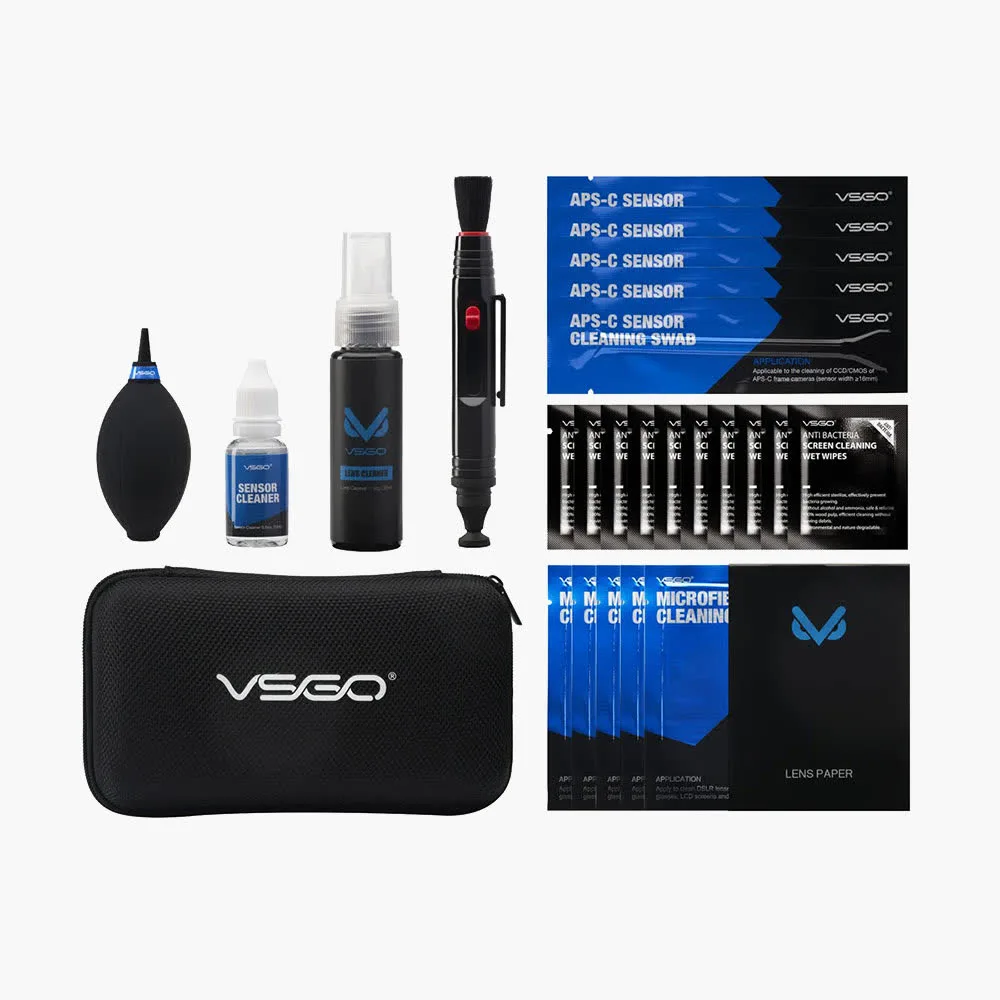
69-in-1 Camera Cleaning Kit DKL-20
-
69-in-1 Camera Cleaning Kit DKL-20: VSGO has designed and produced professional, dust-free camera cleaning solutions since 2004. The brand's long experience in camera cleaning adds confidence that the tools are designed for safe, scratch-free use on sensitive optics.
-
69-in-1 Camera Cleaning Kit DKL-20: The kit is available in two variants: one for APS-C cameras and one for full-frame cameras. Choosing the correct variant ensures the sensor cleaning pen tip size matches your camera's sensor format, reducing the risk of incomplete cleaning or accidental contact.
What the Catalog Does Not Confirm
The supplied product information does not include specific operating steps, cleaning intervals, or numerical measurements such as pressure or fluid volume. For detailed instructions on using the lens cleaner or pen refills, refer to the documentation included with the kit. The absence of these details from the catalog does not mean the product lacks them.