Quick answer
To use a Bluetooth FM transmitter, plug it into your car's 12V outlet, tune both the transmitter and your car radio to the same unused FM frequency, then pair your phone via Bluetooth.
Why you might need a Bluetooth FM transmitter
If your car lacks built-in Bluetooth or an auxiliary input, a Bluetooth FM transmitter is the simplest way to add wireless audio streaming and hands-free calling. It works with any car that has a 12V power outlet and an FM radio. The ToughTested Bluetooth FM Transmitter with Bass Boost and Dual USB Charging goes a step further by also charging your devices and enhancing audio with its Bass Boost mode.
Common mistakes to avoid
The most frequent issue is choosing a frequency already occupied by a local radio station, which causes static or interference. Another mistake is not fully inserting the transmitter into the power outlet, leading to intermittent power loss. Also, some users forget to switch their phone's audio output to Bluetooth after pairing, so music still plays from the phone speaker.
How to set up your Bluetooth FM transmitter
- Plug in the transmitter: Insert the ToughTested Bluetooth FM Transmitter into your car's 12V power outlet (cigarette lighter). Ensure it is fully seated to maintain a stable power connection. A loose connection can cause the transmitter to reset or disconnect.
- Find an unused FM frequency: Tune your car radio to an FM frequency with no active station. A good way to check is to scan through frequencies until you hear only static. Common choices are 88.1, 88.3, or 107.9, but this varies by location. Avoid frequencies near strong local stations to prevent interference.
- Set the transmitter to the same frequency: Press the 'CH' or 'Tune' button on the transmitter until the display matches the frequency you selected on your car radio. Some models, like the ToughTested unit, use up/down buttons for fine-tuning. If you hear static, try a different frequency and repeat the process.
- Pair your phone via Bluetooth: Enable Bluetooth on your phone and search for devices. Select the transmitter from the list (it may appear as 'ToughTested' or a generic name). Confirm pairing if prompted. Once connected, audio from your phone will play through your car speakers. If pairing fails, turn off Bluetooth on your phone and try again after 10 seconds.
- Adjust volume and sound settings: Start playing music or a podcast from your phone. Adjust the volume on both your phone and car stereo to a comfortable level. If available, enable Bass Boost mode on the transmitter for fuller sound. Maxing out your phone volume can cause distortion; keep it around 75-80% for best clarity.
- Test hands-free calling: Make a test call to a friend or voicemail. Speak clearly toward the built-in microphone on the transmitter. The person on the other end should hear you without echo. If they report issues, reduce your car stereo volume slightly. Wind noise from open windows can reduce call quality; close windows if possible.
Product facts
-
ToughTested Bluetooth FM Transmitter with Bass Boost and Dual USB Charging: Bluetooth streaming for music and calls through your FM radio Lets you play music and take calls wirelessly in older cars without built-in Bluetooth.
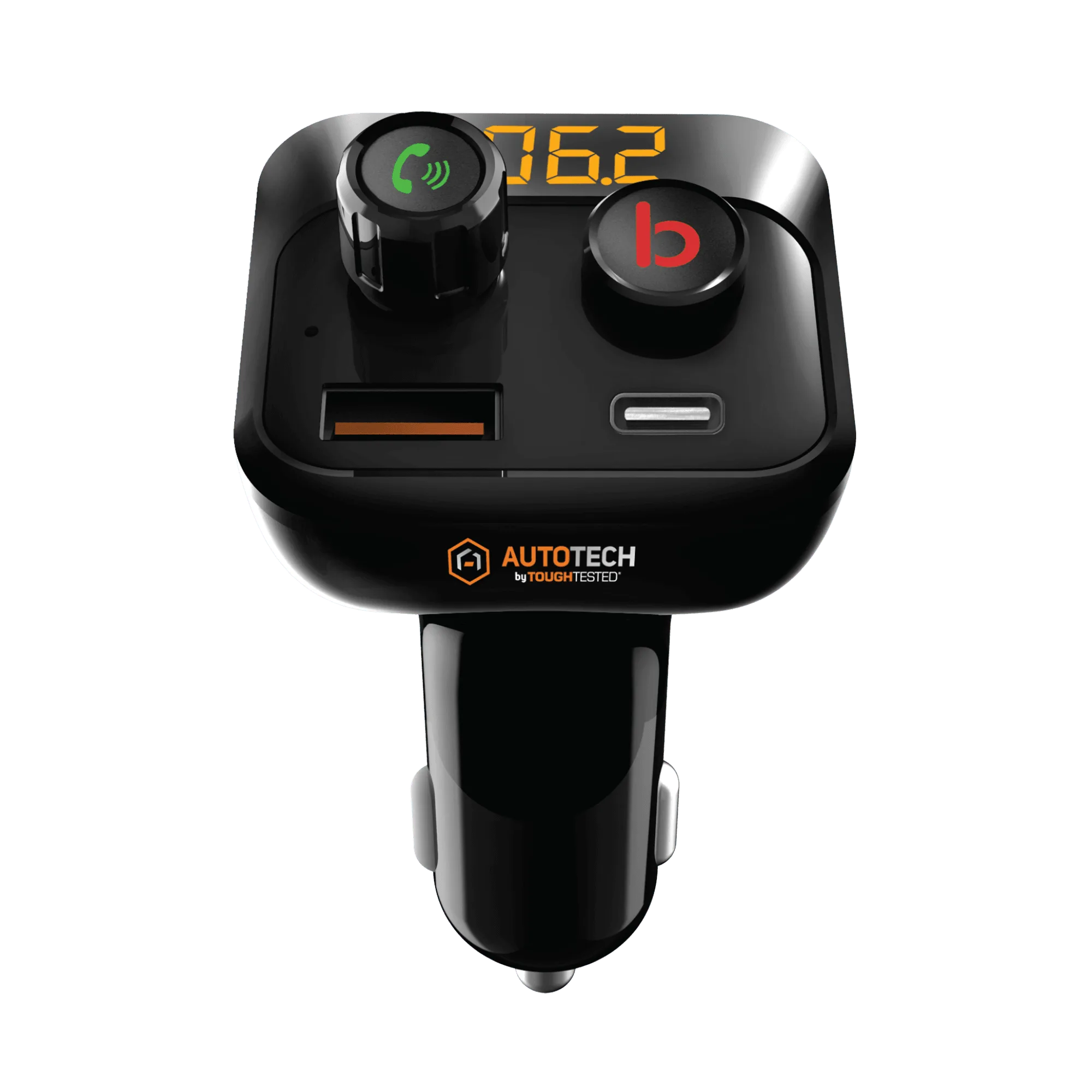
ToughTested Bluetooth FM Transmitter with Bass Boost and Dual USB Charging
-
ToughTested Bluetooth FM Transmitter with Bass Boost and Dual USB Charging: Enhanced Bass mode for fuller in-car audio Improves sound quality for bass-heavy music, making it feel more like a modern audio system.
-
ToughTested Bluetooth FM Transmitter with Bass Boost and Dual USB Charging: Dual USB charging ports for device charging Keeps your phone and a second device charged during long drives without needing an extra charger.